
The week
See the collision before it happens
- Work down one column, home down the other, every day of the week
- Every overlap named underneath the day, in plain language
- Print the week, or open it as a day, week or month calendar
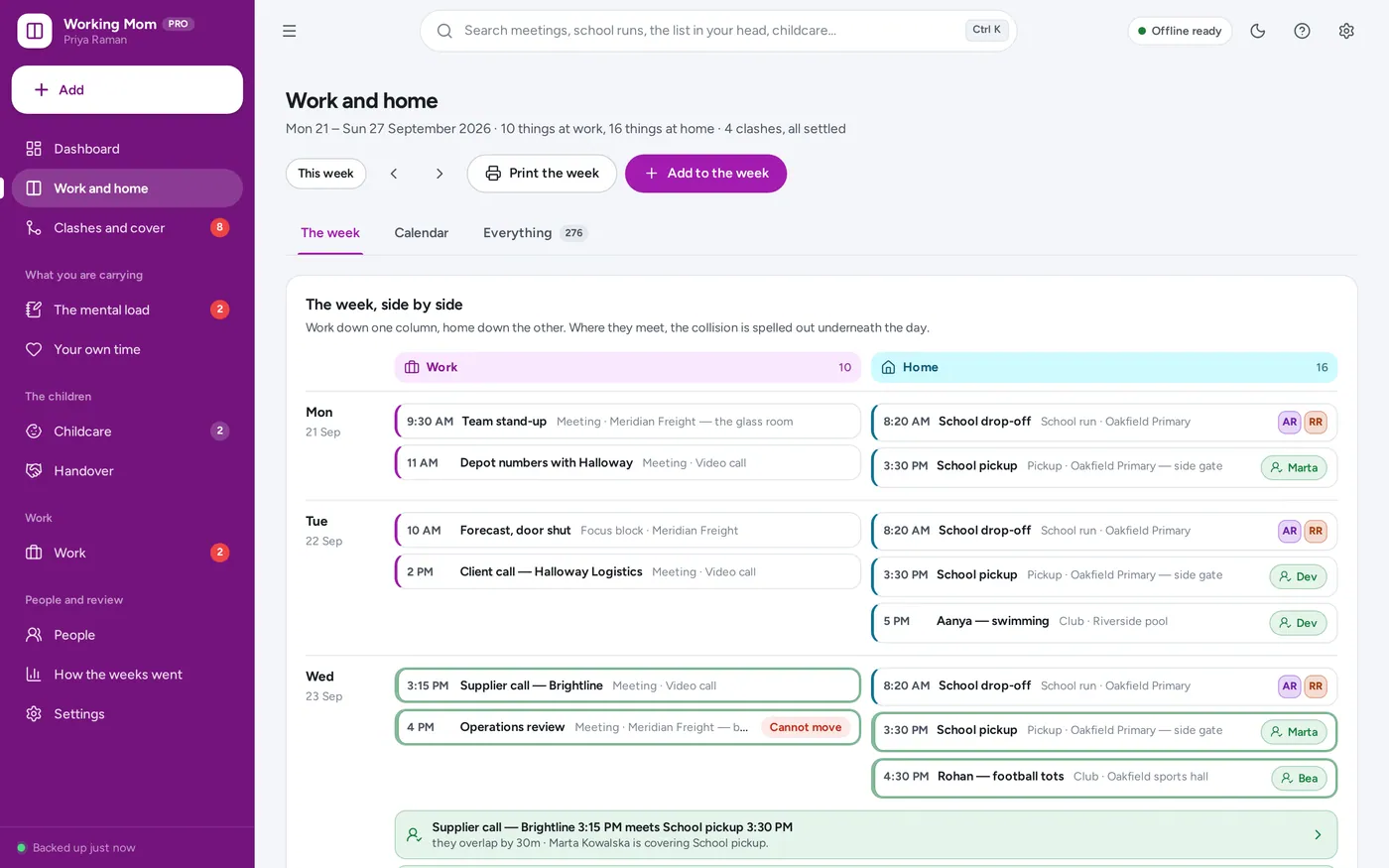
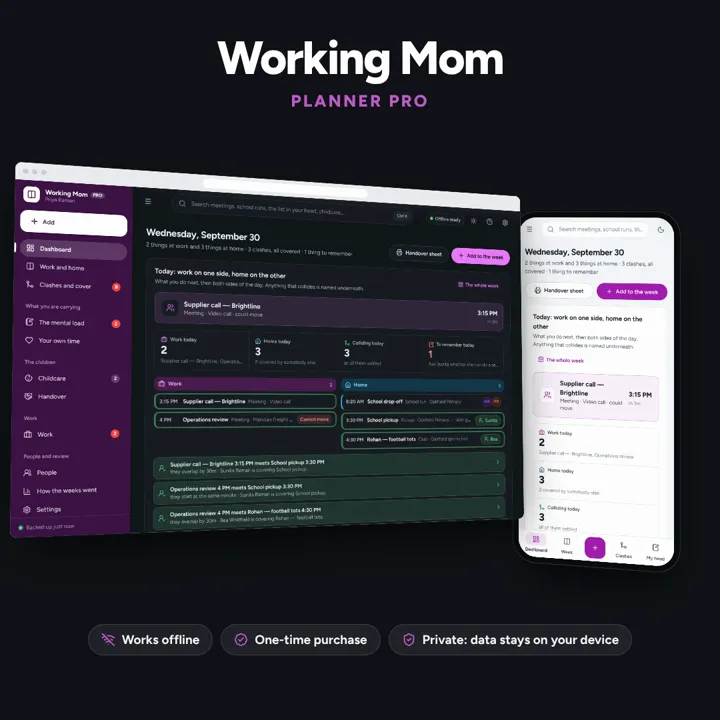
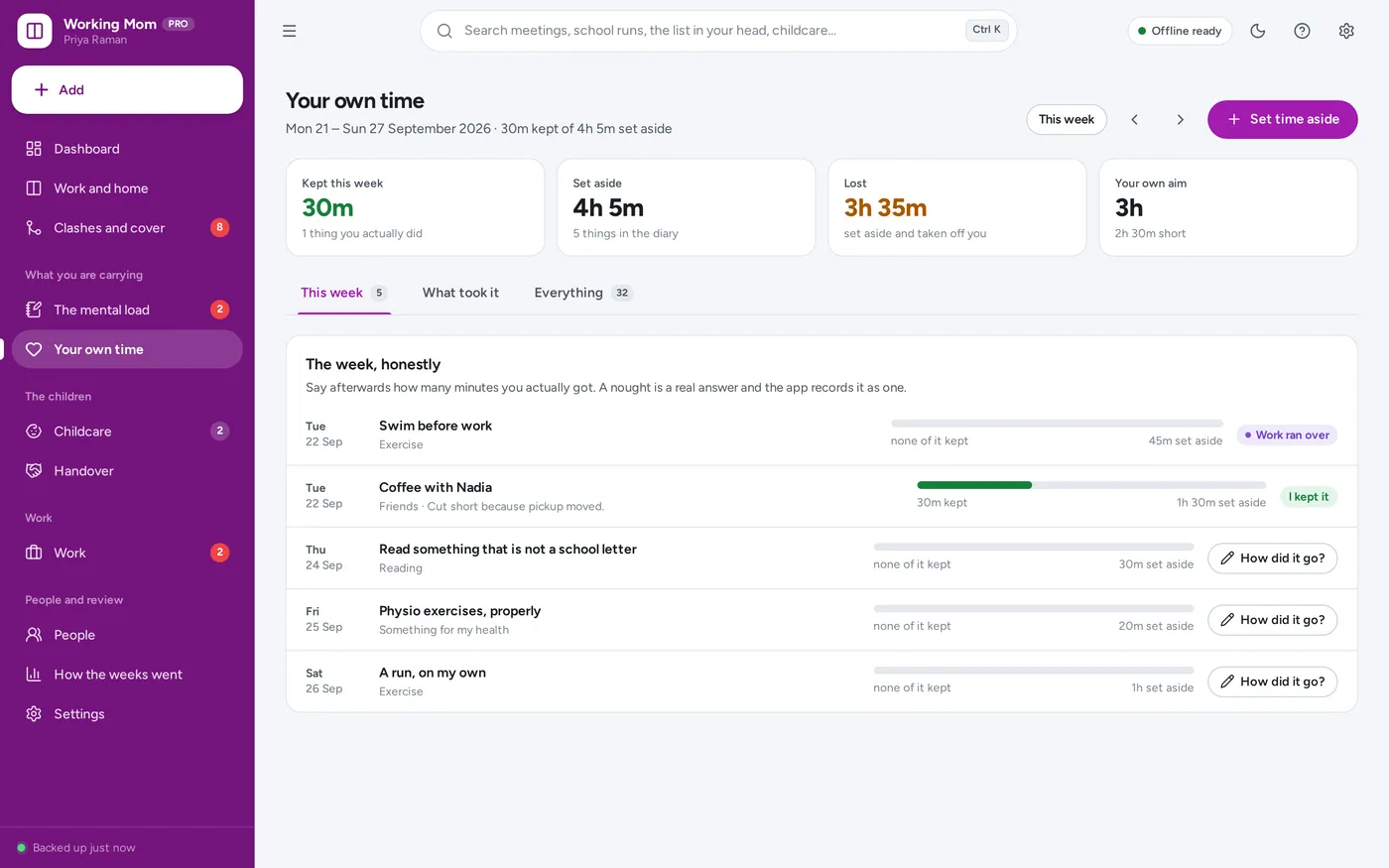
Put your job and your household on one screen, name every collision, and see what your own time actually cost you — offline, on your own device.
No subscription. Pay once and keep it.
Checkout by Paddle. Tax is added where it applies, and you download straight after paying.
Made for Employed mothers and any working parent holding down a job and a household at once — anyone tired of a work calendar and a home calendar that never talk to each other
The week
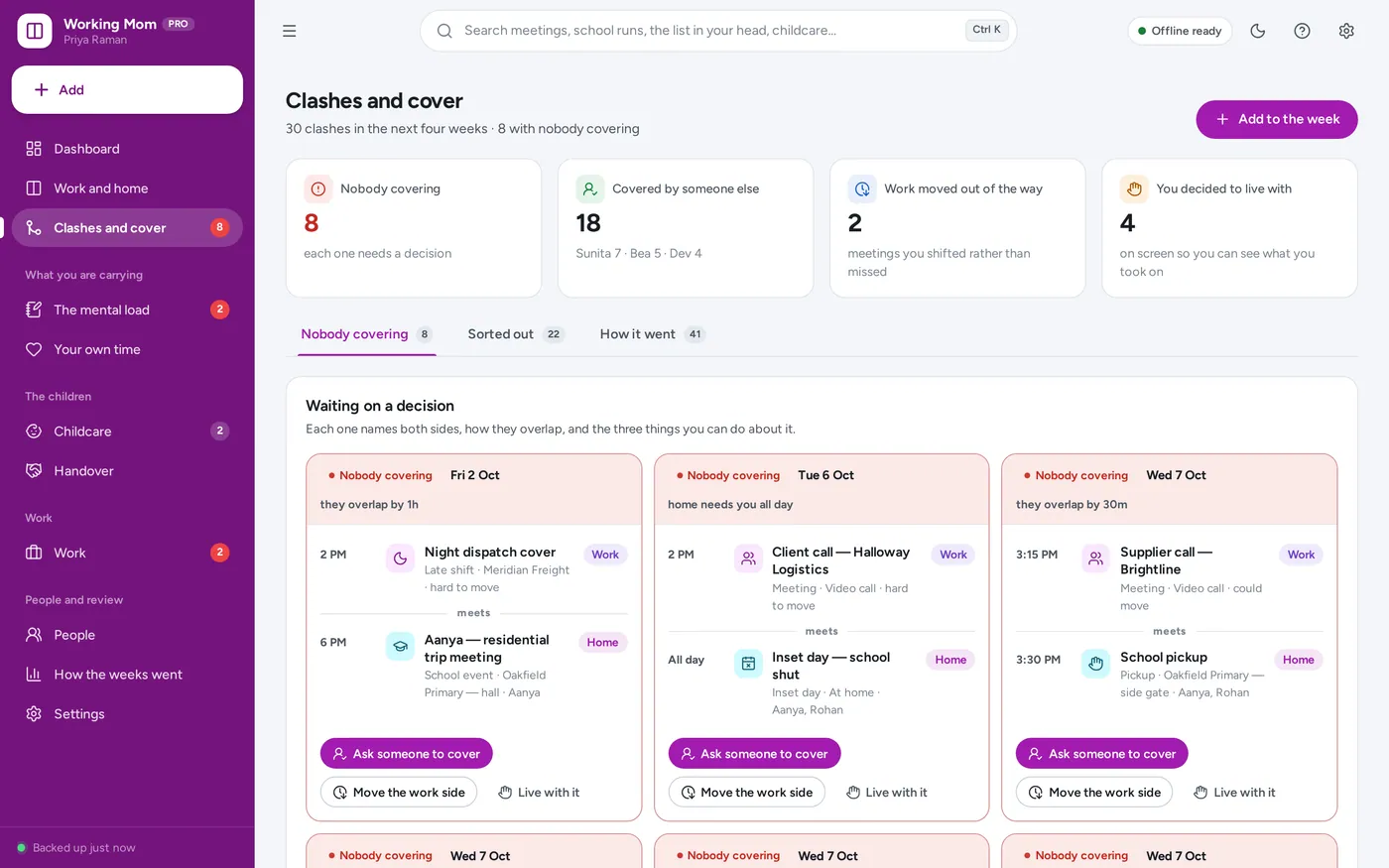
Clashes & cover
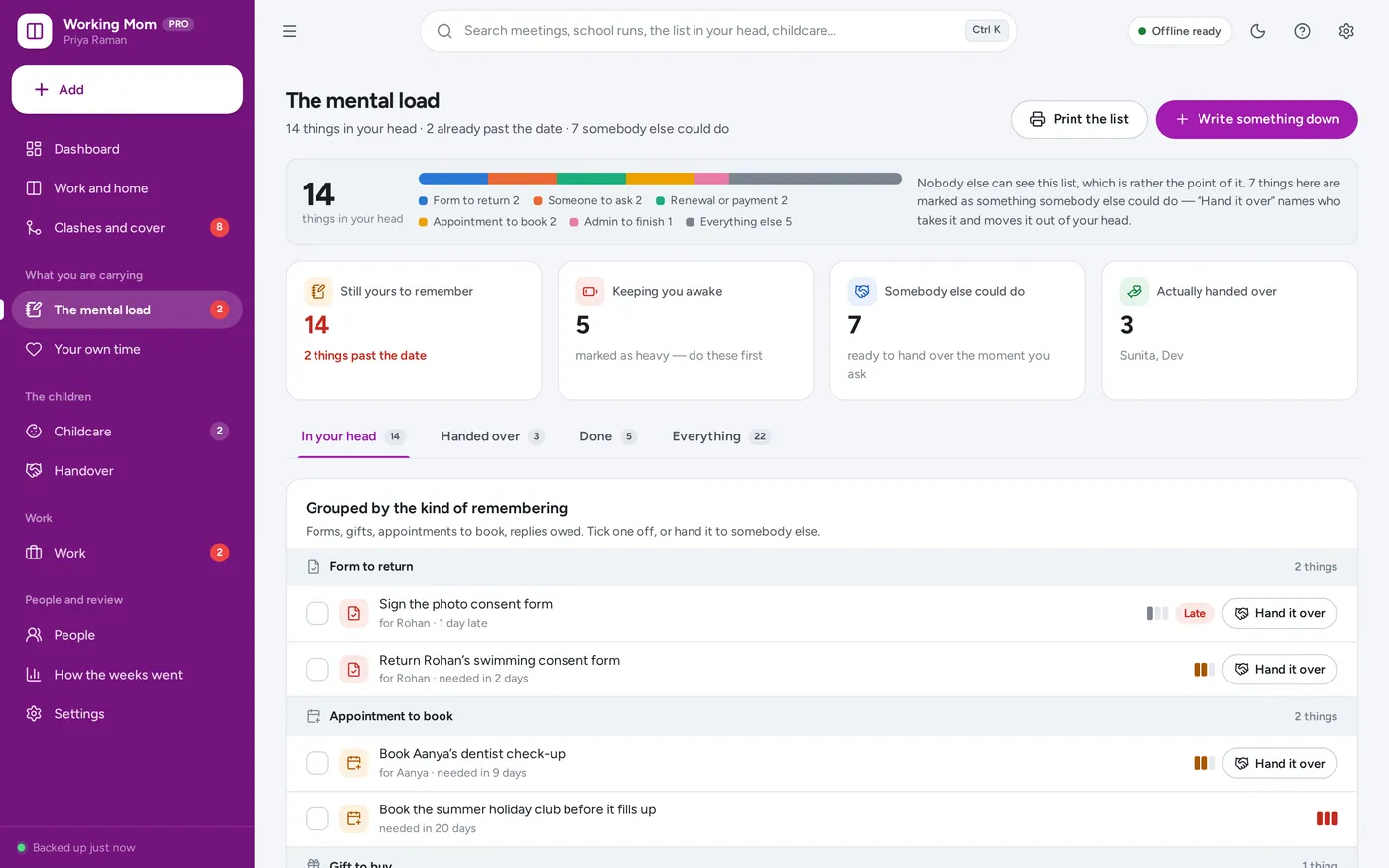
The mental load
Your own time
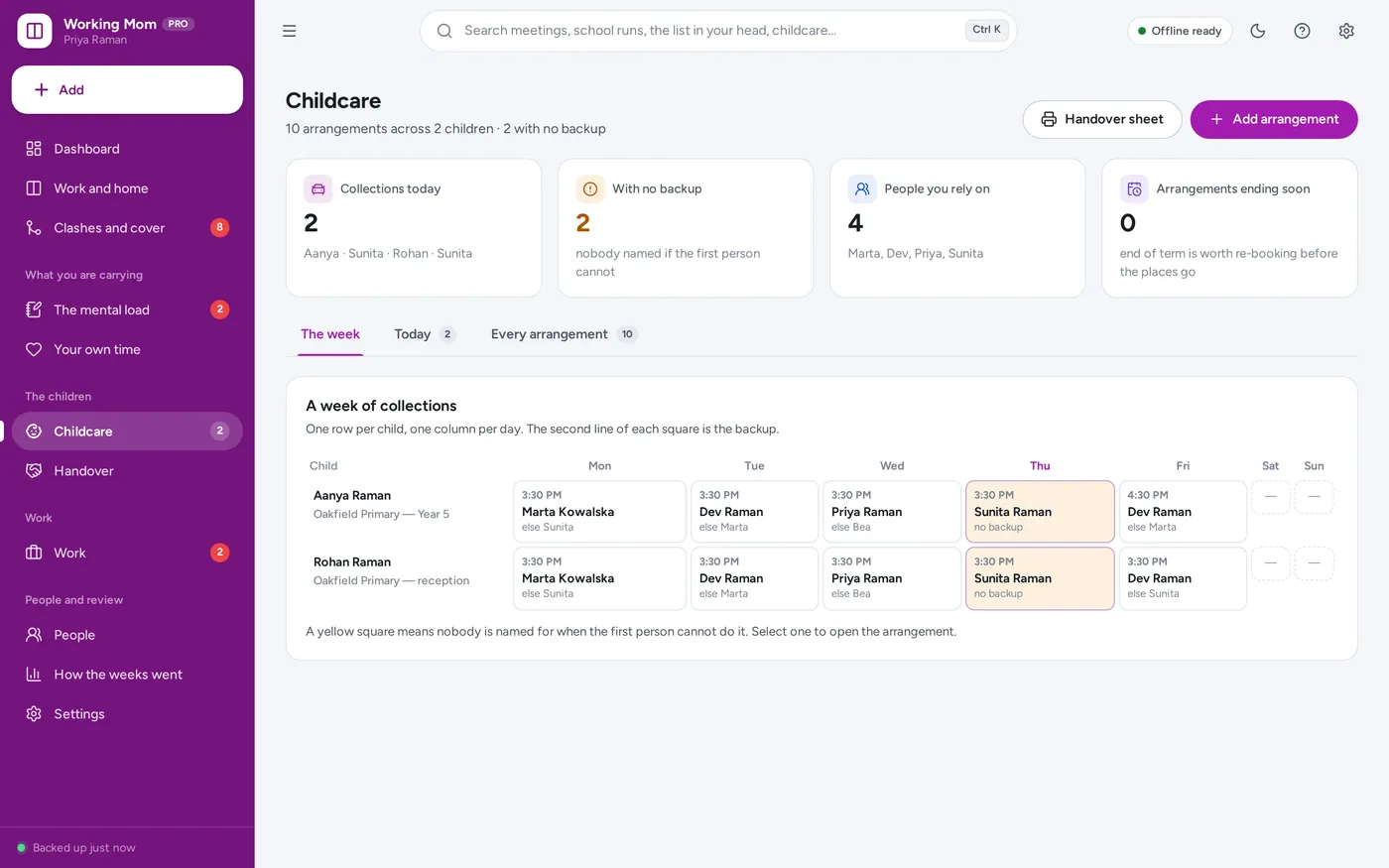
Childcare
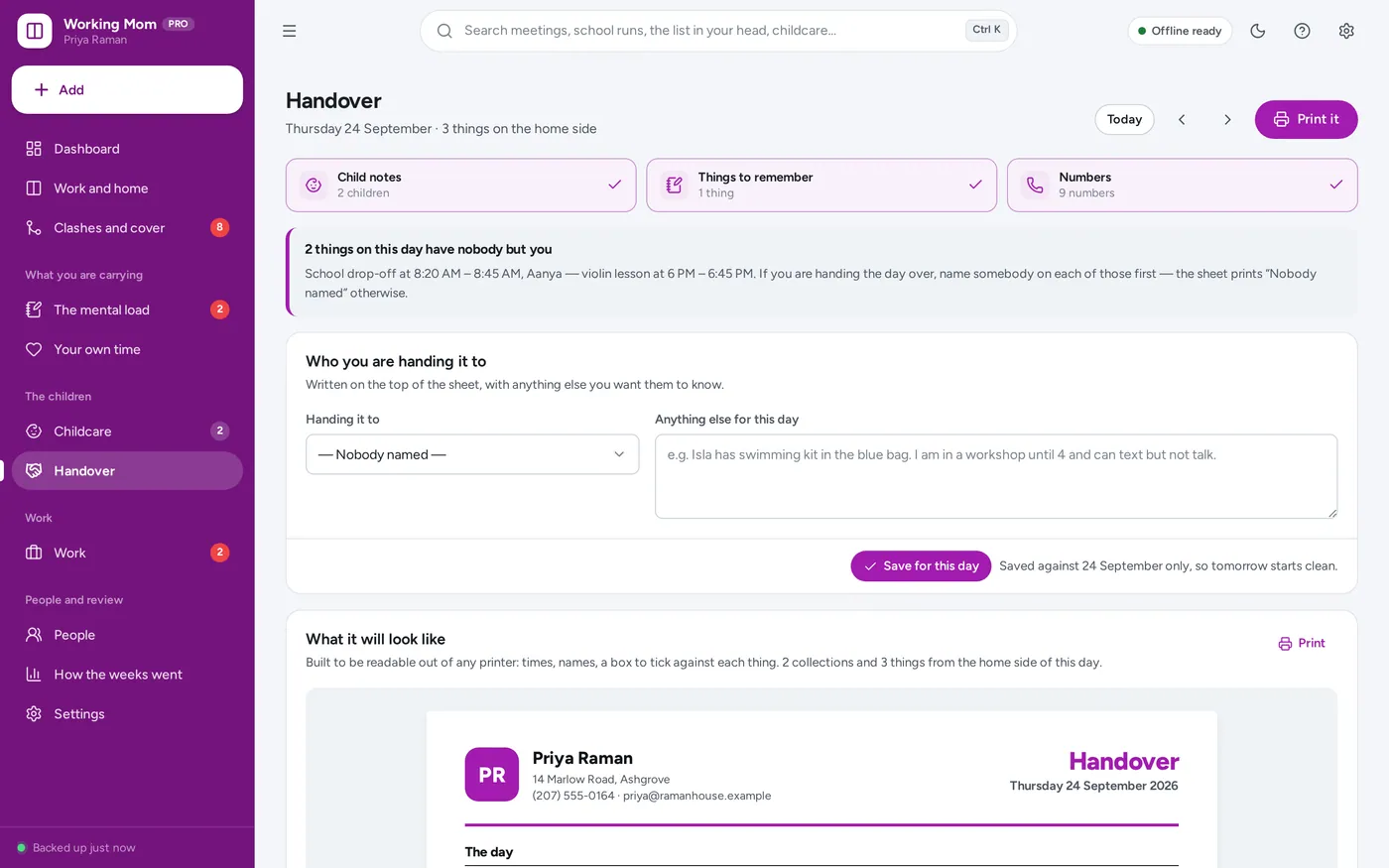
The handover sheet
For working mothers and any working parent holding a job and a household at the same time, where a meeting and a school run keep colliding.
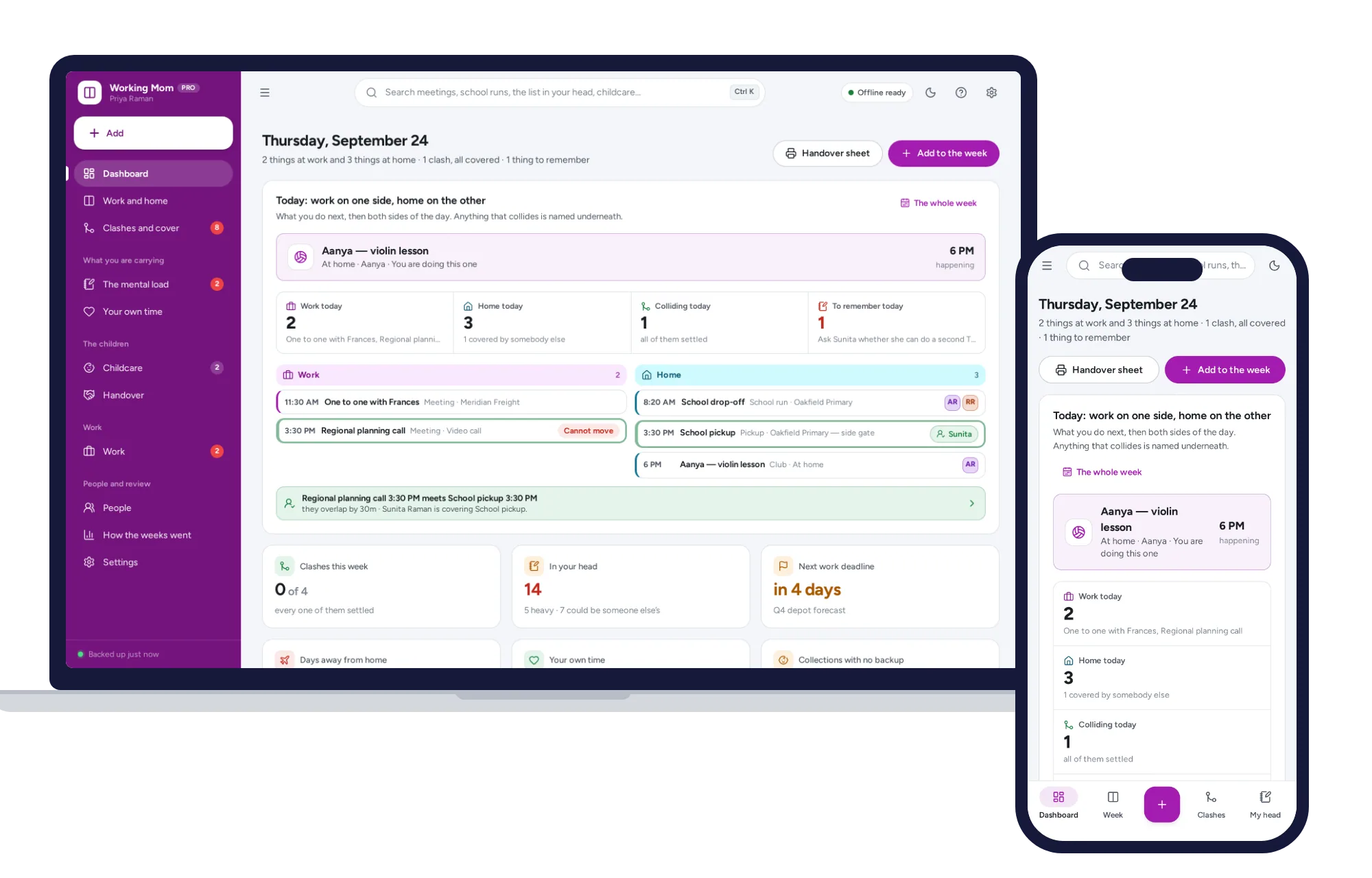
Light and dark mode. Install it like an app. Your week stays in the browser on your own device — no account, no subscription, nothing uploaded.
What it needs, and what it does not do.
Working Mom Planner is an offline app from ColadoSystems that runs in your web browser from a folder on your own device. It costs $24.99 once, with no subscription and no account, and includes 10 tools, sample data to explore and a PDF guide. Your records stay on your device and are never uploaded.
Something else? Email us and we'll answer before you buy.
Everything is saved inside your browser on this device. Nothing is uploaded and there is no account, so no company holds a copy of your week and household records. They are not encrypted, though: anyone who can use this device and browser can open them, so keep the device locked. Download a backup regularly (Settings → Data & backup → Back up now) and keep it somewhere as safe as the records themselves.
Yes. Open index.html and it runs fully offline. You can also host the folder on any website and choose “Install app” in Chrome or Edge to get a desktop or phone icon that works offline.
Yes. The layout adapts to phones and tablets with a bottom navigation bar. Each device keeps its own data, so use Back up / Restore to move records between devices.
Go to Settings → Data & backup → Erase records. Your business profile and settings are kept; all sample records are removed.
A work commitment and a home commitment clash when they fall within a number of minutes you set under Settings → My week — fifteen by default. Set it to nought and they only clash if they actually overlap; fifteen or more allows time to get from one to the other. An all-day item, like a deadline or an inset day, clashes with anything on the home side that needs a body in the room that date.
Only work kinds you mark as taking you out of the house for the whole day — Travel day and On site, by default. Each one is checked against what home needs that day, and if nobody is covering it, it is flagged as “away with home uncovered” on the dashboard and on the Work page.
No. Each device keeps its own copy of the records and there is no live sync between phones. Most people run one copy on a laptop or tablet and print the handover sheet for whoever else needs the day. Back up and Restore move the records between devices when you want to.
Only what you choose to type into a child’s allergies, medicines and notes on the People page, so it can be printed onto a handover sheet for whoever has them that day. It is not a medical record system and does no checking of any kind. Like everything else in the app, it is not encrypted and lives in this browser on this device only.
No — each answers a different question. Family Organizer is a whole household’s chores, calendar and bills, shared between everyone in it. Mom Life Organizer is one parent’s own day-to-day routines and budget. Working Mom Planner is narrower and specific: does your job collide with your household this week, who is covering it, what are you carrying in your head, and what did you actually keep for yourself. Plenty of people buy this alongside one of the others and use it for a different job.
No. It is made for one person on one device, and records do not sync between devices. To move to another device, save a backup and restore it there.
Organizing family life? These systems are close cousins. Here is who each one is for.
The whole household: shared calendar, fair chore rota, meals and bills.
A mom's everyday planner: calendar, meals, chores, kids and budget.
Work and home side by side: clashes, childcare cover and the mental load.
The family & parenting bundle has every system in this category for one price.
Calendars, routines and records for busy families and big life events.
$79.99for 5 systems, $124.95 if bought one by one
You save $44
Family & parenting
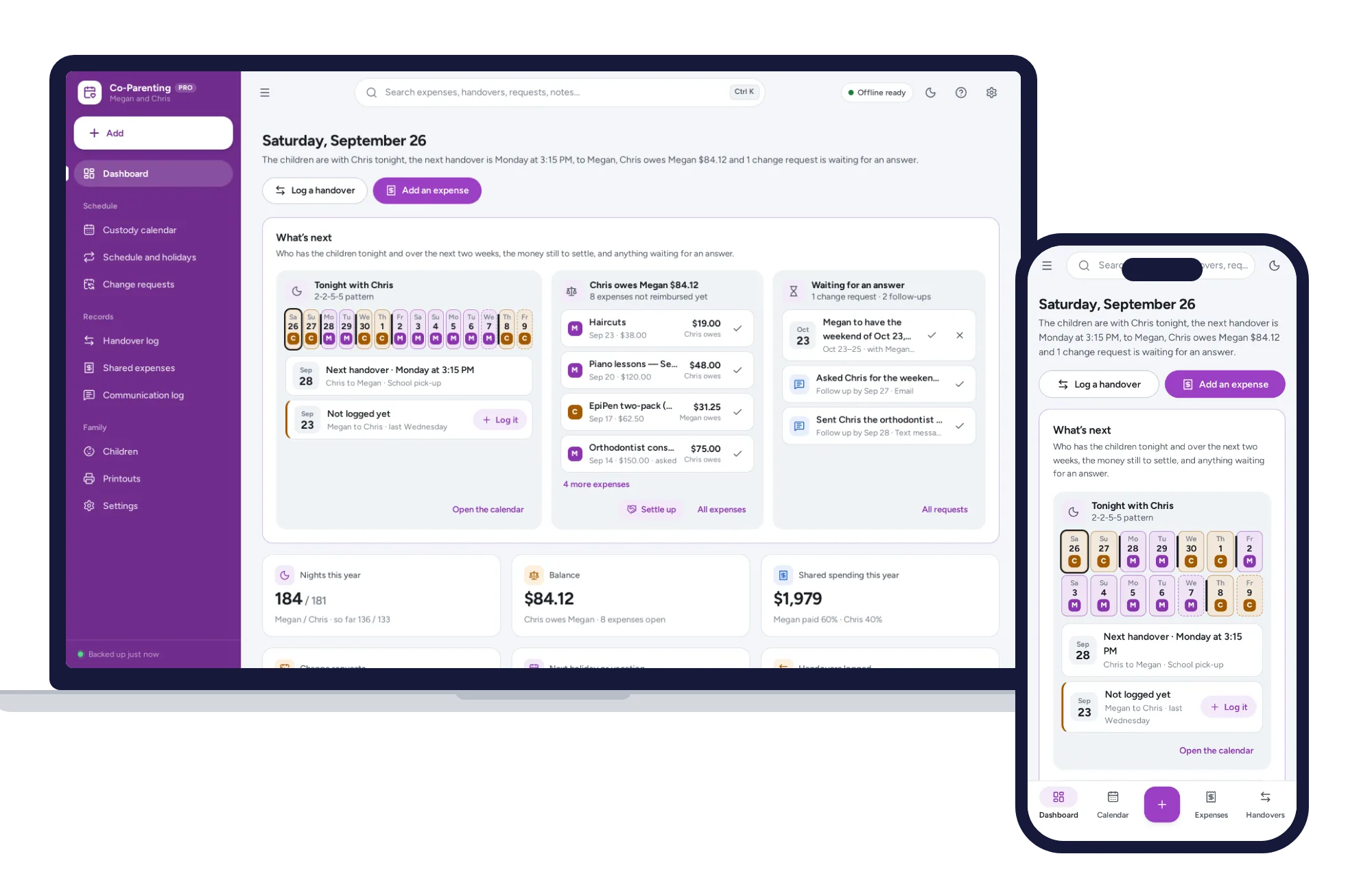
A custody calendar built from your pattern, overnight counts and a running expense balance on one dashboard. No formulas to break, no subscription.
$24.99one-time
Family & parenting
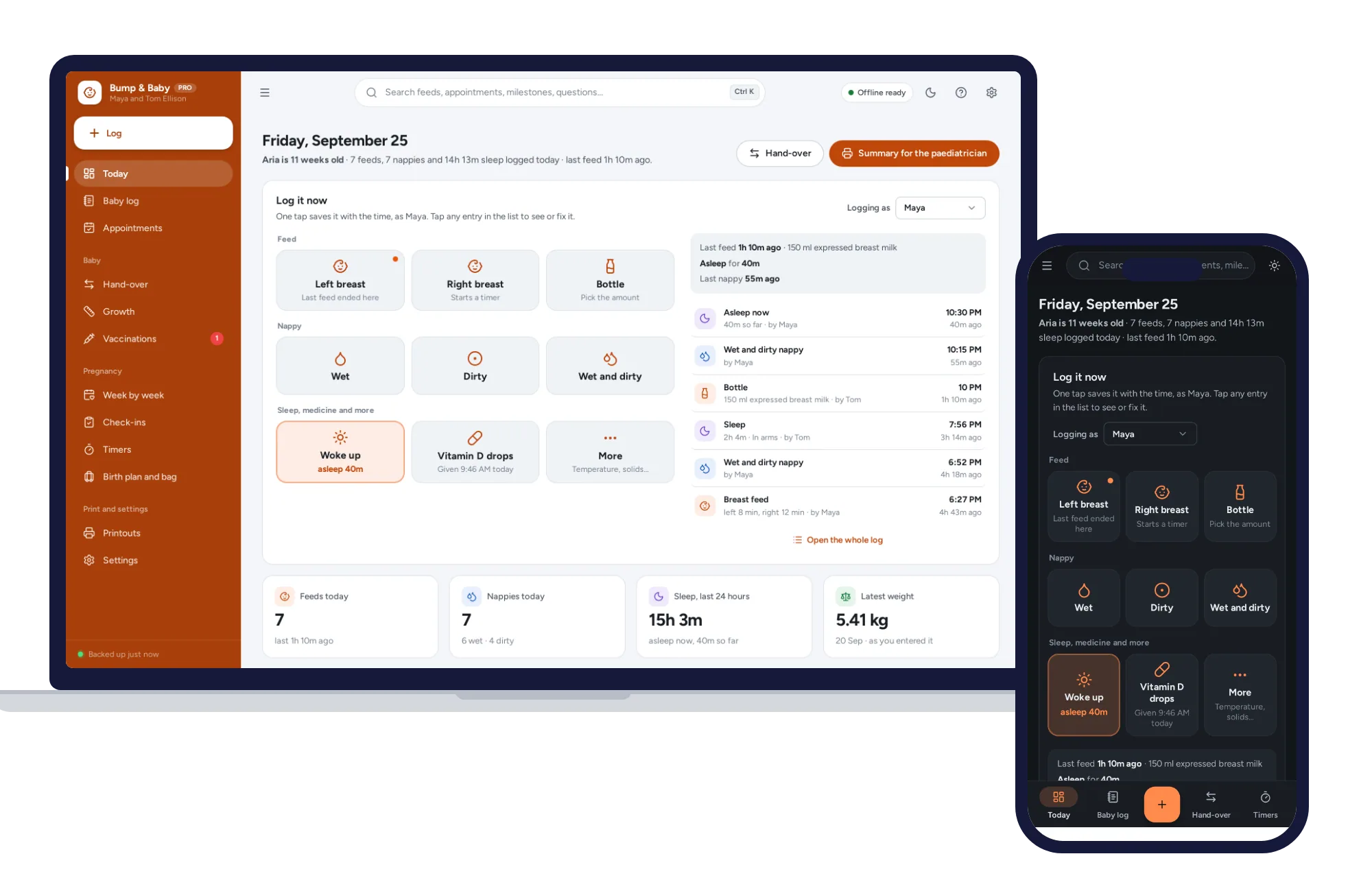
One-tap feed, sleep and nappy log, a week-by-week journal, kick counter and contraction timer. Offline, no subscription.
$24.99one-time