
Chore rota
Settle whose turn it is, once
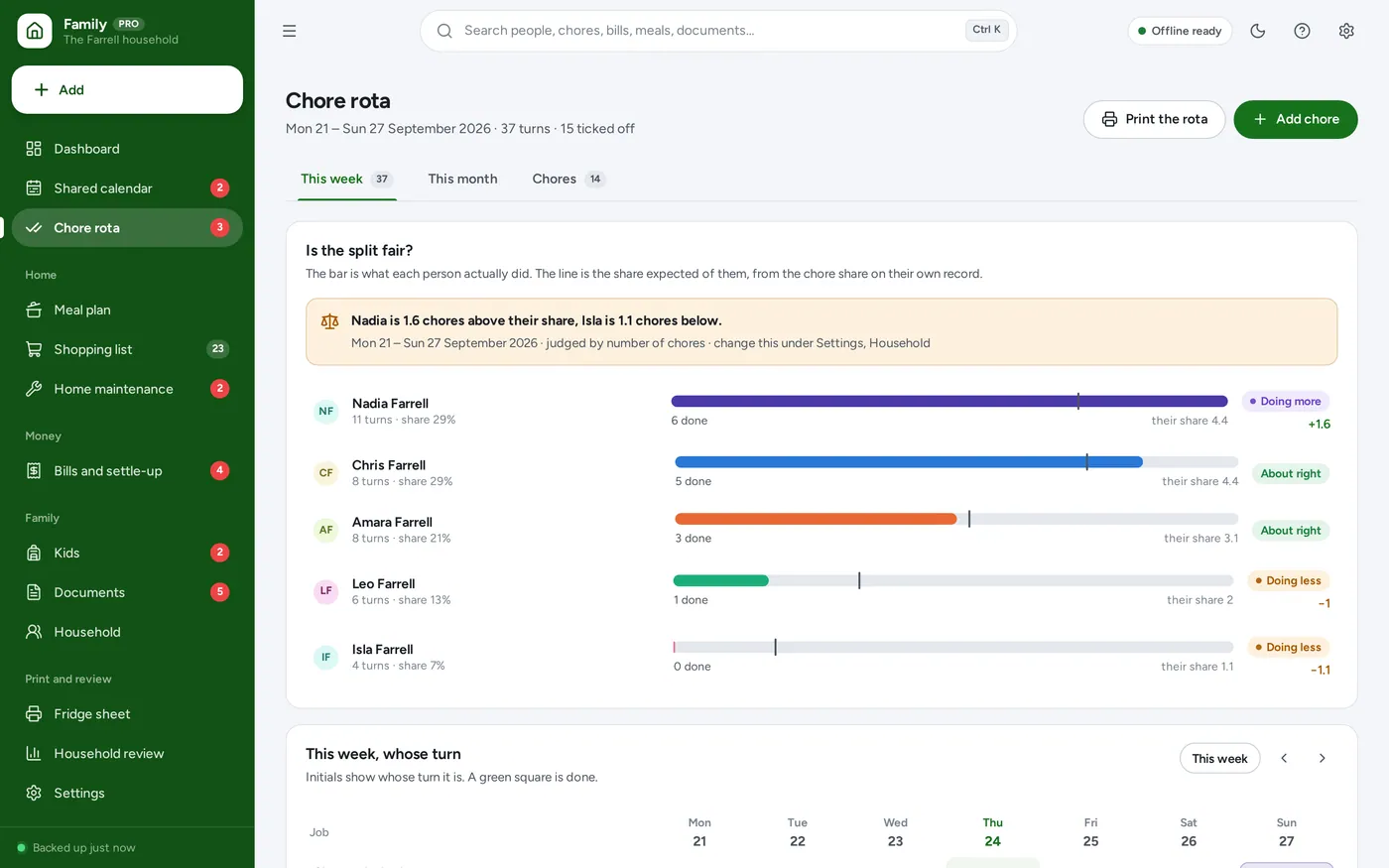
- Jobs rotate down a list you set, daily to monthly
- A bar for what each person did, a line for their share
- Tick a square to mark it done, or hand that turn on
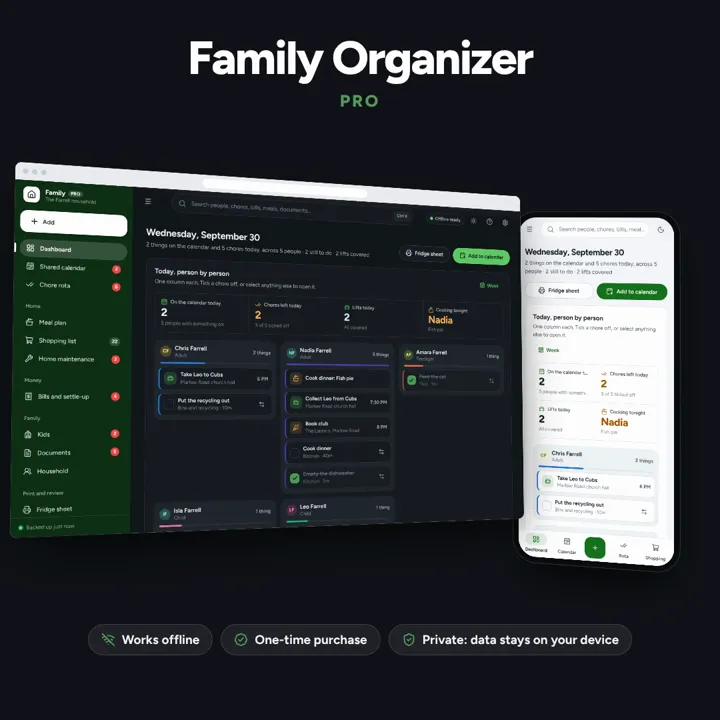
Whose turn it is, who is driving, who owes whom — one shared household, offline, on your own device.
No subscription. Pay once and keep it.
Checkout by Paddle. Tax is added where it applies, and you download straight after paying.
Made for Households where more than one person is running the place: couples, co-parents, blended families, multi-generational homes and house shares
Chore rota
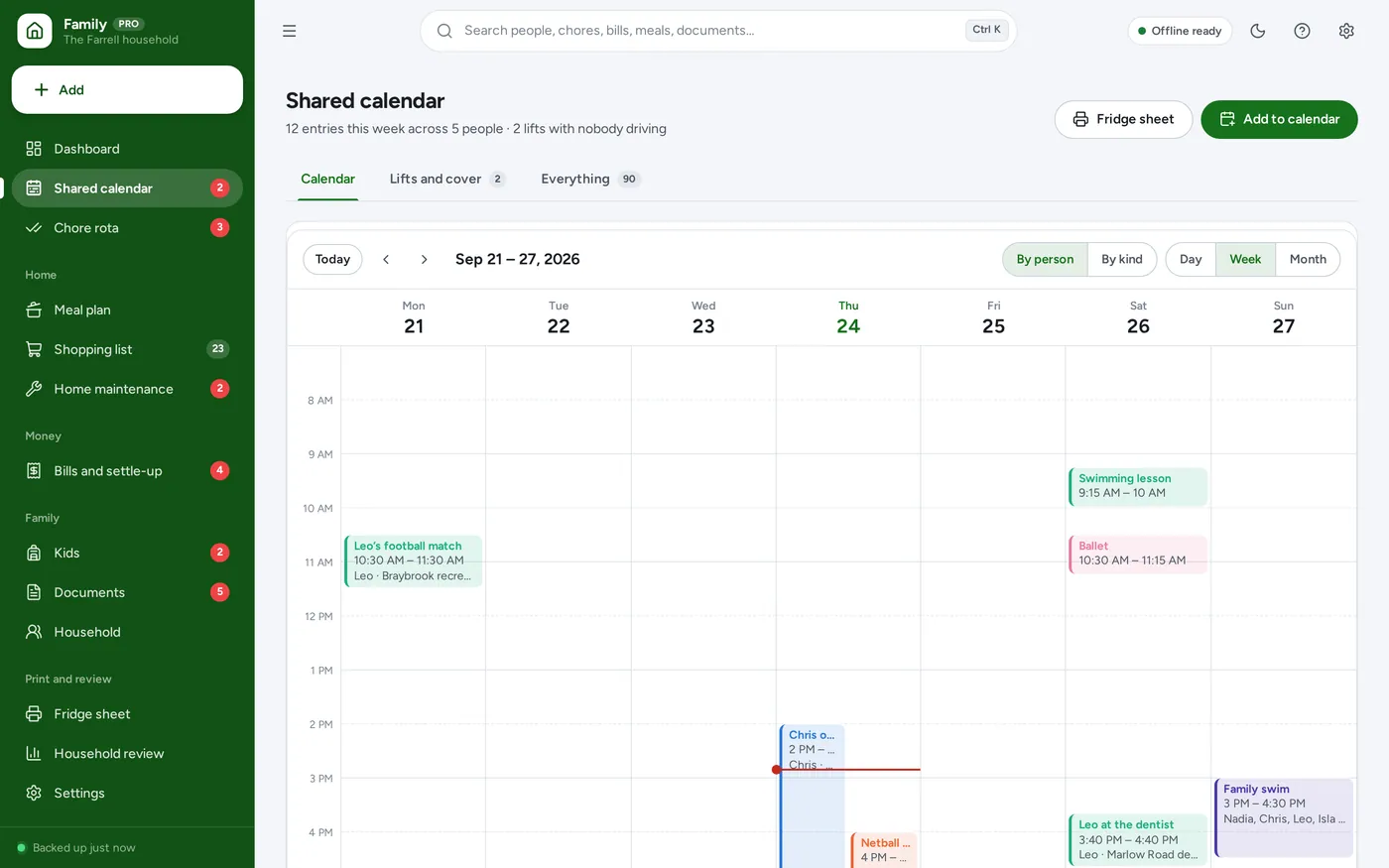
Shared calendar
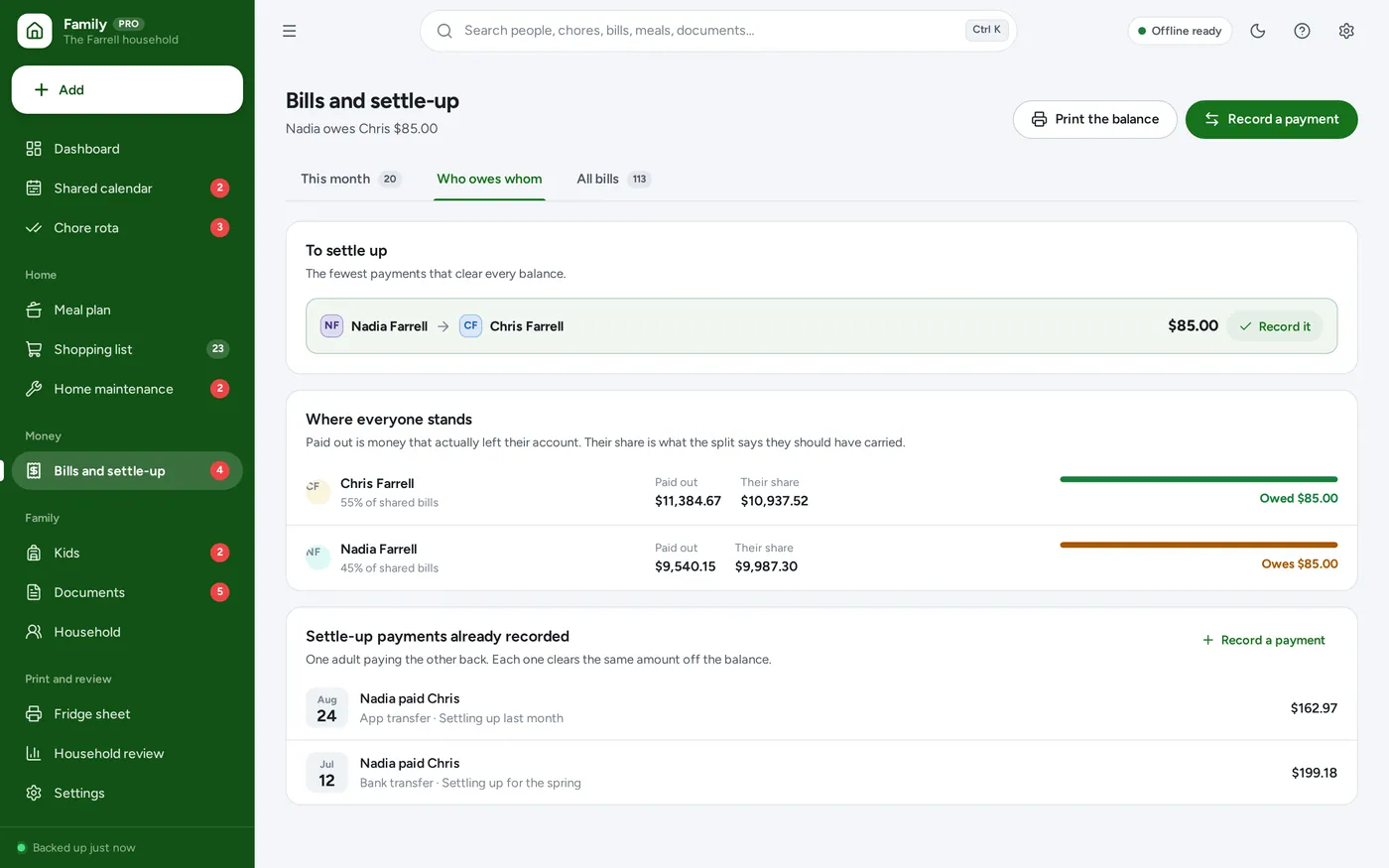
Bills and settle-up
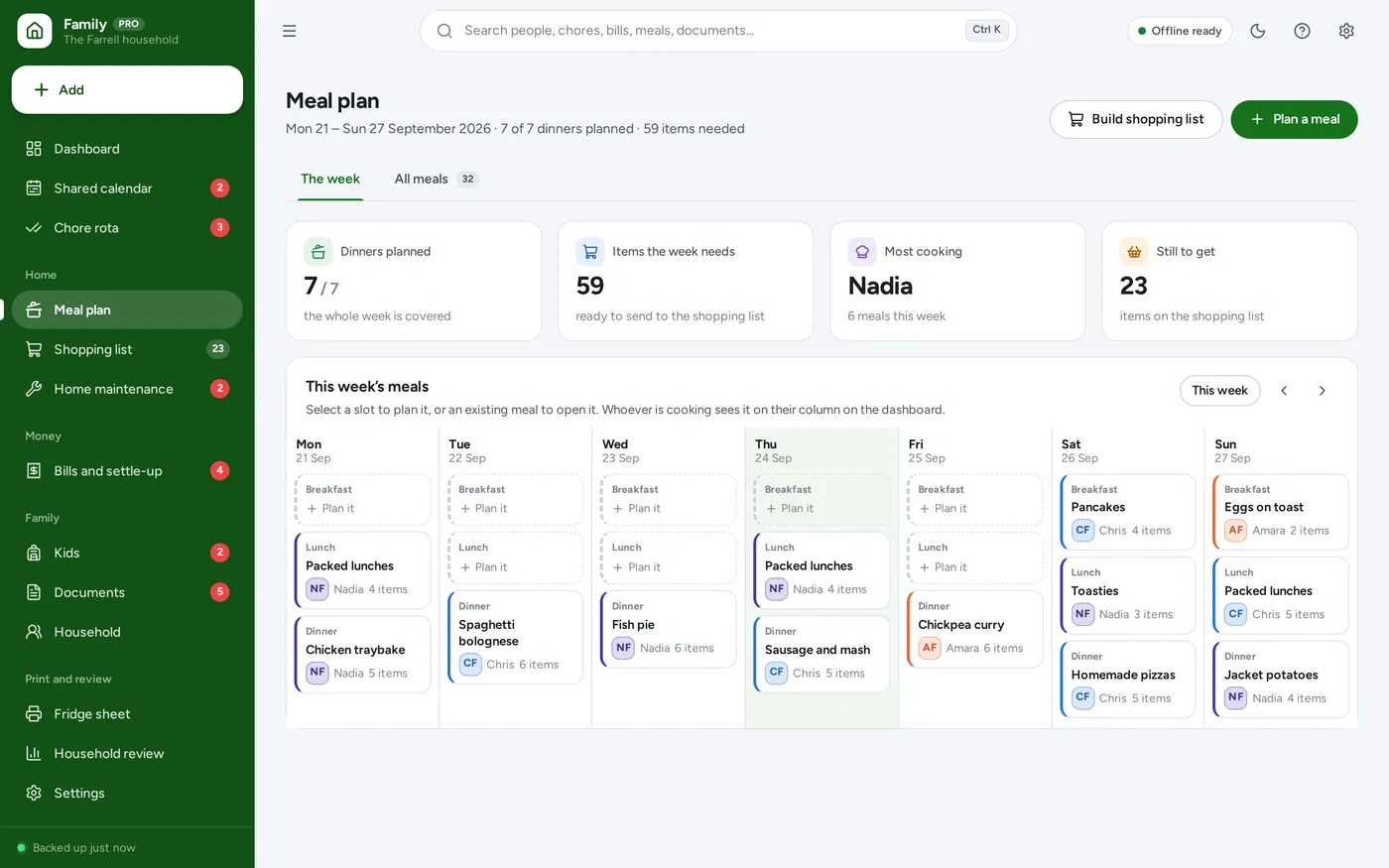
Meals and shopping
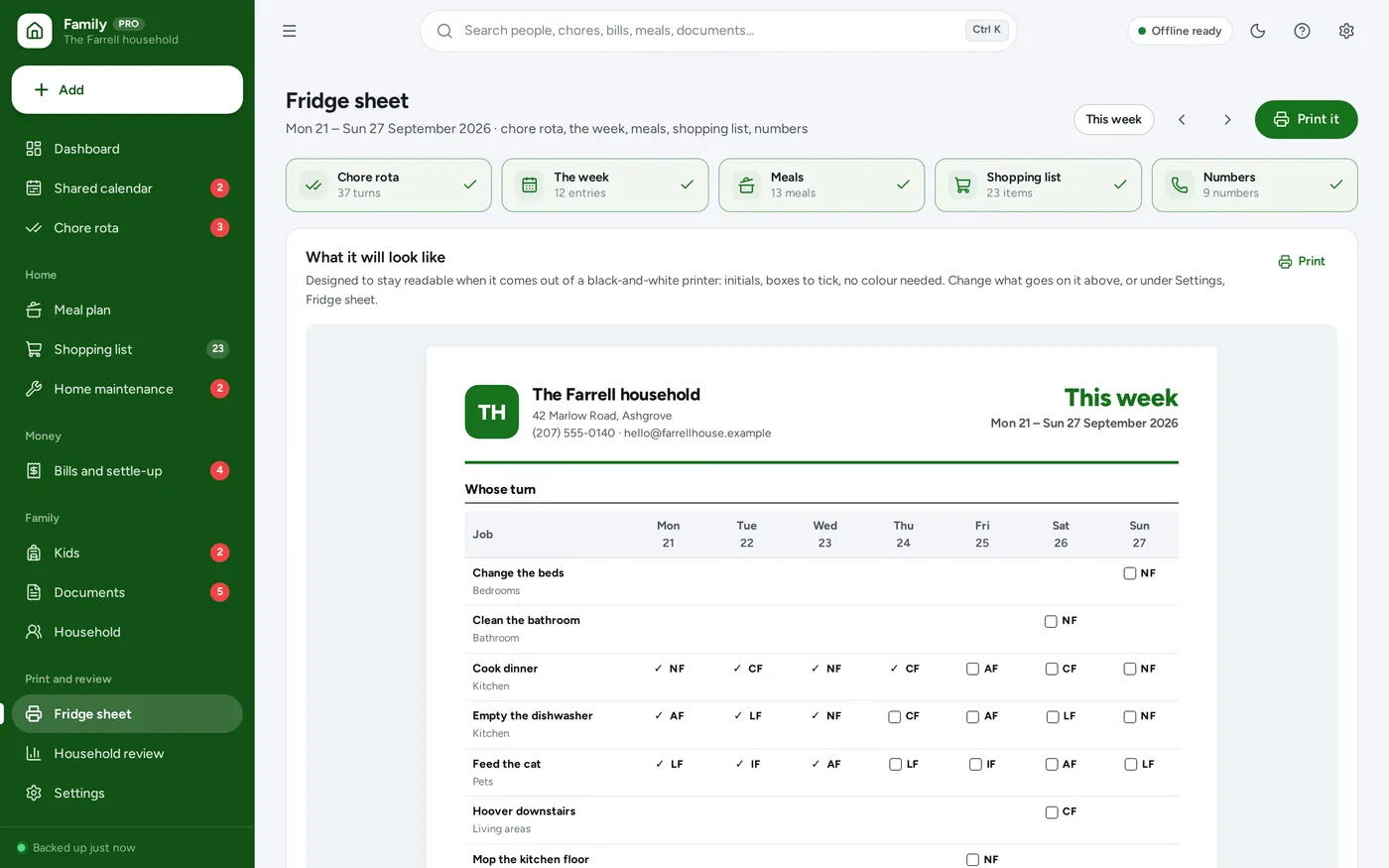
Fridge sheet
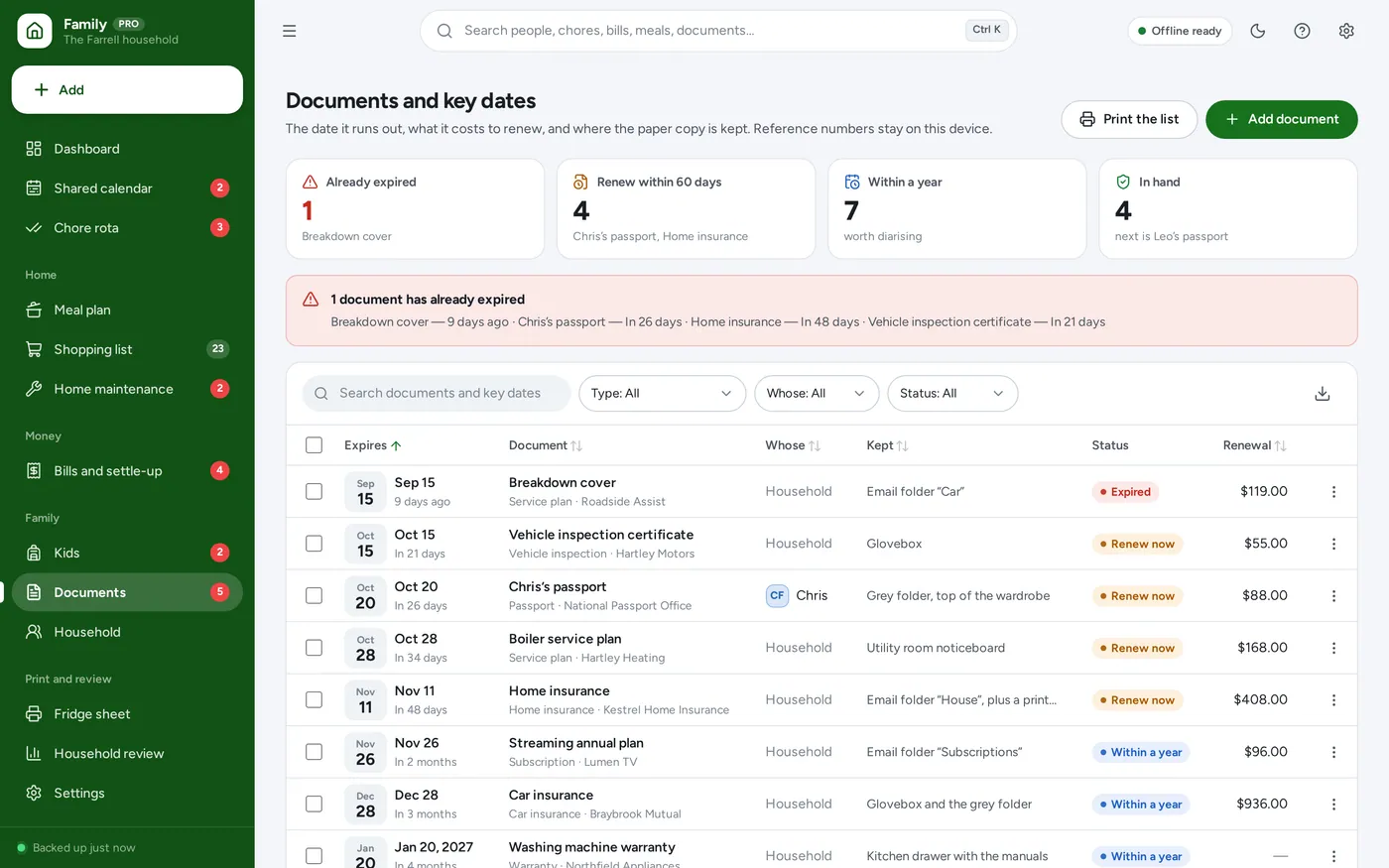
Documents and the house
For any household where more than one person is running the place: couples, co-parents, blended families and house shares.
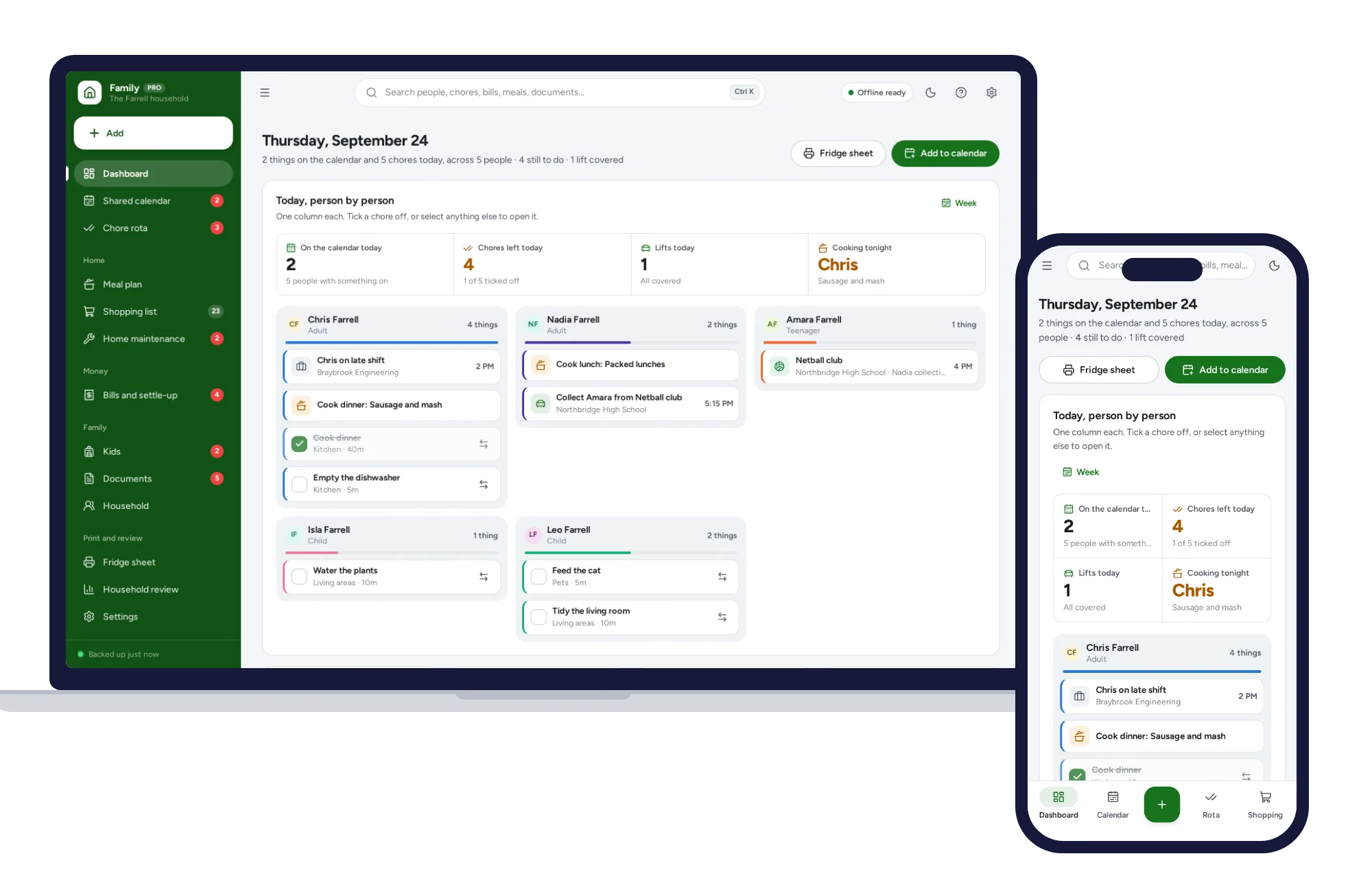
Light and dark mode. Install it like an app. Your household’s records stay in the browser on your own device — no account, no subscription.
What it needs, and what it does not do.
Family Organizer is an offline app from ColadoSystems that runs in your web browser from a folder on your own device. It costs $24.99 once, with no subscription and no account, and includes 12 tools, sample data to explore and a PDF guide. Your records stay on your device and are never uploaded.
Something else? Email us and we'll answer before you buy.
Everything is saved inside your browser on this device. Nothing is uploaded and there is no account, so no company holds a copy of your household records. They are not encrypted, though: anyone who can use this device and browser can open them, so keep the device locked. Download a backup regularly (Settings → Data & backup → Back up now) and keep it somewhere as safe as the records themselves.
Yes. Open index.html and it runs fully offline. You can also host the folder on any website and choose “Install app” in Chrome or Edge to get a desktop or phone icon that works offline.
Yes. The layout adapts to phones and tablets with a bottom navigation bar. Each device keeps its own data, so use Back up / Restore to move records between devices.
Go to Settings → Data & backup → Erase records. Your business profile and settings are kept; all sample records are removed.
Each chore has a rotation — a list of people in order — plus how often it comes round and the date the rotation starts. The app counts how many times the chore has come round since that date and moves one place down the list each time, so nobody has to remember. Nothing is stored for a turn until somebody ticks it off or hands it to someone else.
Each person has a chore share on their own record — 100 for an adult by default, and less for a child if you want. The app adds up everyone’s shares, works out what proportion of the period each person was expected to cover, and compares it with what they actually ticked off. The bar is what they did; the line is their share. You choose whether it counts chores or time spent, under Settings → Household.
No. Only adults appear in a bill split, and there is no way to make a child owe anything. The settle-up is money between the adults.
Give each adult a bill share — say 60 and 40 — on their own record. Shared bills are then split in that proportion and the settle-up follows. If any adult is left blank, shared bills split equally, which is what the form tells you on screen.
Each device keeps its own copy of the records, so there is no live sync between phones. Most households run one copy on a laptop or a tablet in the kitchen and print the fridge sheet for everyone else. Back up and Restore move the records between devices when you want to.
No — they answer different questions. Mom Life Organizer is one parent’s week: her day, her routines, her budget. Family Organizer is the household’s week, with every member on an equal footing: a chore rota that rotates and shows whether the split is fair, one calendar with who is driving and collecting, and bills with a settle-up between the adults. Plenty of households buy both and use them for different things.
No. It is made for one person on one device, and records do not sync between devices. To move to another device, save a backup and restore it there.
Organizing family life? These systems are close cousins. Here is who each one is for.
The whole household: shared calendar, fair chore rota, meals and bills.
A mom's everyday planner: calendar, meals, chores, kids and budget.
Work and home side by side: clashes, childcare cover and the mental load.
The family & parenting bundle has every system in this category for one price.
Calendars, routines and records for busy families and big life events.
$79.99for 5 systems, $124.95 if bought one by one
You save $44
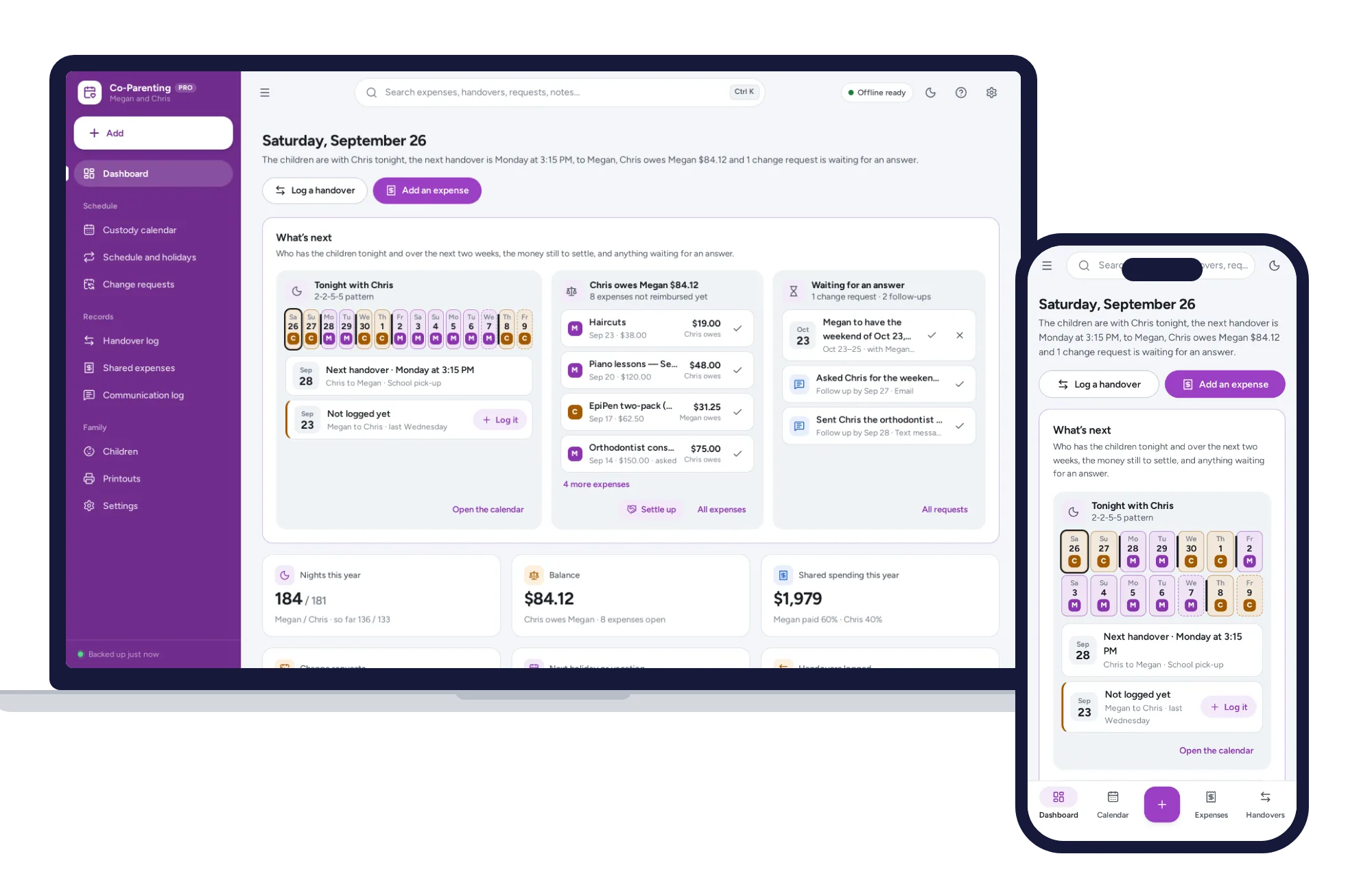
Family & parenting
A custody calendar built from your pattern, overnight counts and a running expense balance on one dashboard. No formulas to break, no subscription.
$24.99one-time
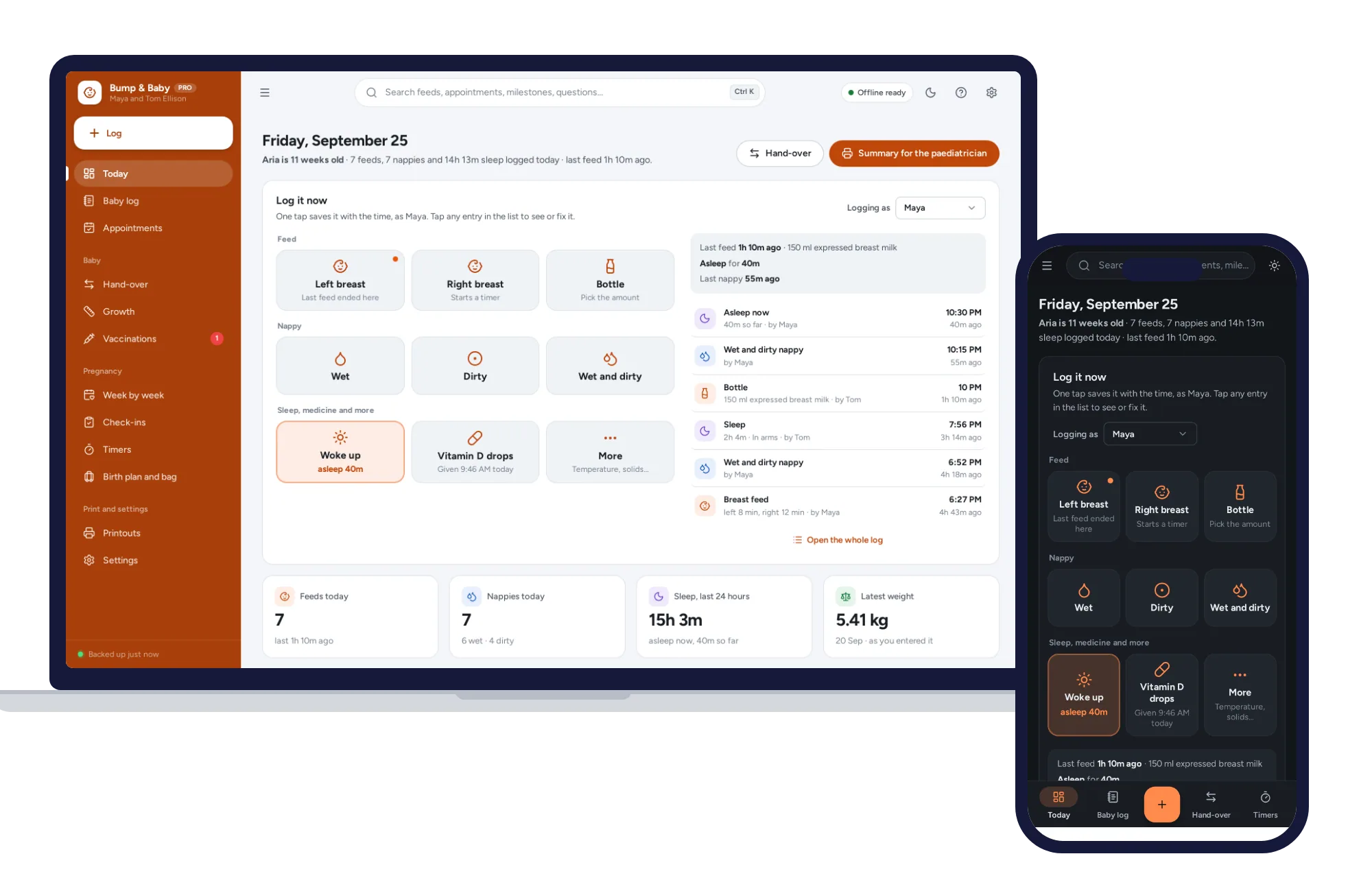
Family & parenting
One-tap feed, sleep and nappy log, a week-by-week journal, kick counter and contraction timer. Offline, no subscription.
$24.99one-time