
How it works
Every system is an app that runs from a folder on your own device. Here is how to open it, where your records live and how to keep them safe.
Getting started
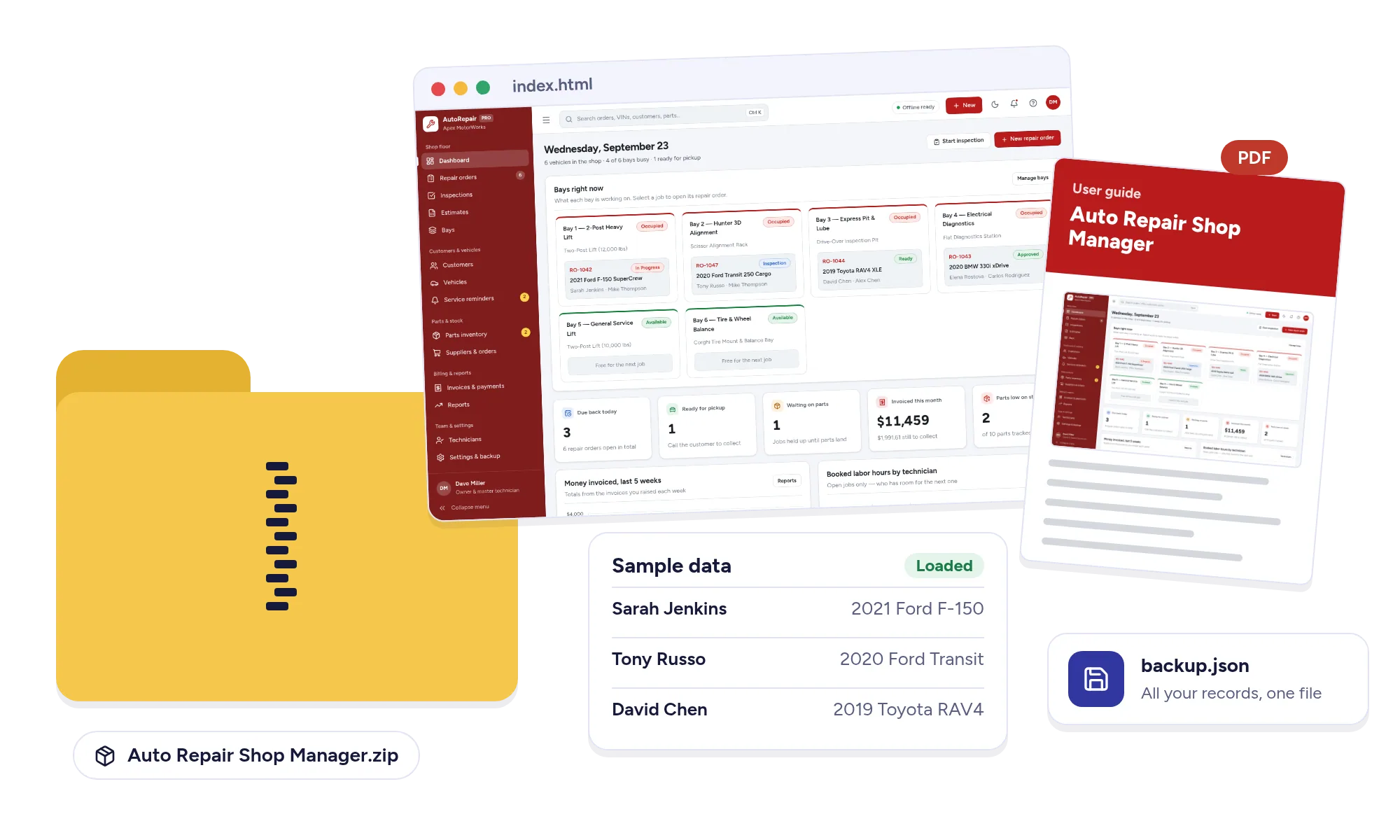
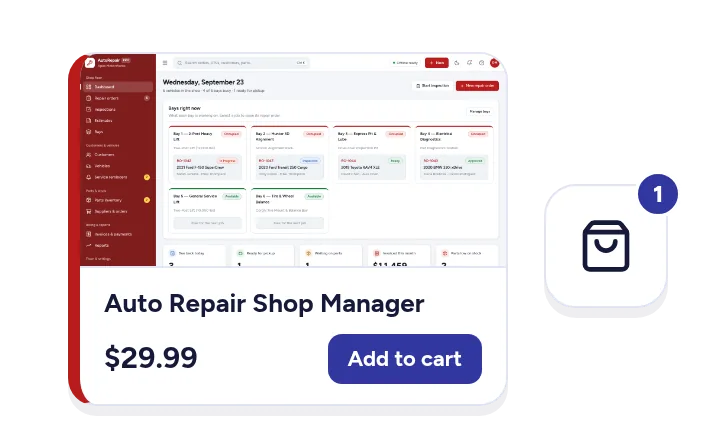
- Download. After checkout you get a link to a zip file of under 3 MB.
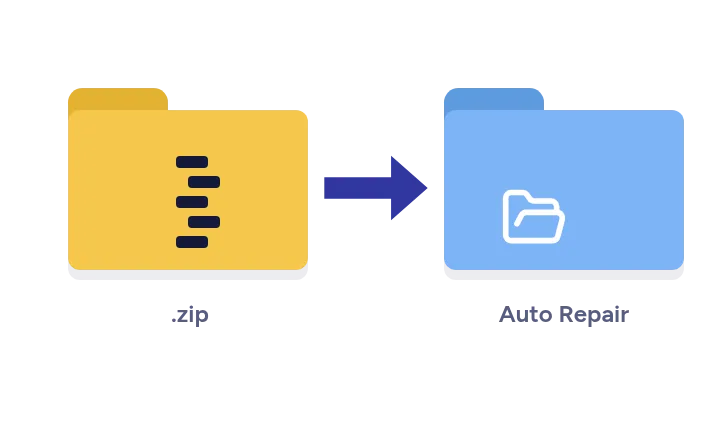
- Unzip it anywhere. Your desktop, a documents folder, a USB drive or a cloud folder all work.
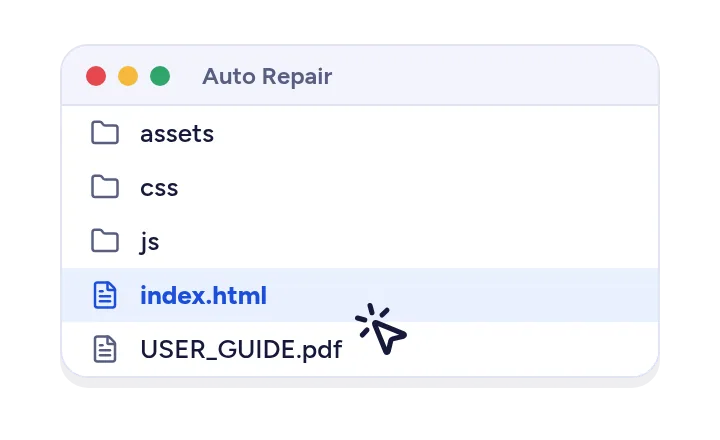
- Open index.html. Double-click it and it opens in Chrome, Edge, Safari or Firefox. There is nothing to install and no account to create.
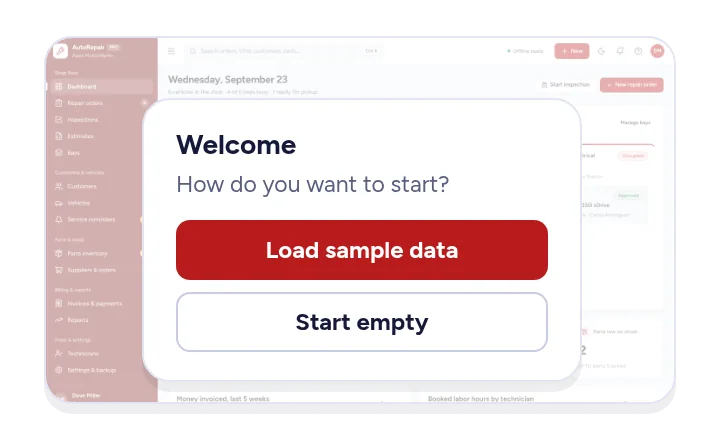
- Explore, then start fresh. The first time it opens you can load sample data to try every screen, or start empty. Clear the samples whenever you are ready and add your own records.
After the download, the app does not need the internet. It works with the Wi-Fi off.
Phones and tablets
The layout adapts to phones and tablets, with the main sections in a bar along the bottom. Each device keeps its own records and there is no live sync between devices, so most people run one main copy on a computer or tablet and print what others need.
Where your records are kept
Everything you type is saved in your browser's storage on the device you are using. Nothing is sent to us or to anyone else, and there is no server that holds a copy.
That also means two honest limits. Your records are not encrypted, so anyone who can use the device and browser can open them. And if you clear your browser's site data, the records saved there are removed. Backups are the answer to both.
Backups and moving to another device
- Use Back up in the app's settings to save all your records to a single file. Keep it somewhere safe, like a cloud folder or a USB drive.
- Use Restore to load that file, either on the same device after a problem or on a new device when you move.
- A weekly backup is a good habit.
Printing
Most systems print documents such as invoices, reports, checklists and schedules. Use your browser's print dialog to print on paper or save as PDF.
Questions and answers
Is there a monthly fee?
No. You pay once and the system is yours to keep. There is no subscription, no account and nothing to renew.
Do I need the internet?
Only to download it. After that it runs from a folder on your computer and works with the Wi-Fi off.
Where are my records kept?
In your browser, on the device you use. They are never sent to us. They are not encrypted, so anyone who can use that device can open them. Save a backup file now and then.
Can I use it on my phone or tablet?
Yes. It opens in the browser on phones and tablets as well as computers. Records stay on the device where you enter them and do not sync, so to move to another device you save a backup and restore it there.
Can my team use it together?
Each system is made for one person on one device. It is not a shared, multi-user system, so it suits a small business where one person keeps the records.
How do I pay and get my download?
Checkout is handled by Paddle, our reseller and merchant of record, which adds any sales tax or VAT that applies. Your download page opens as soon as you have paid, and Paddle emails you a receipt.
Is it a spreadsheet?
No. It is an app with forms, lists, calendars and reports that opens in your browser. There are no formulas to break.
Which browsers does it work in?
A current version of Chrome, Edge, Safari or Firefox, on Windows, Mac, Chromebook, iPad, iPhone or Android.
Can I print or save documents as PDF?
Most systems print documents such as invoices, reports, checklists and schedules, and your browser's print dialog can save them as PDF.
What happens if I clear my browser data?
Clearing site data for the app removes the records saved in it. Keep a recent backup file somewhere safe so you can restore everything in a minute.
Can I try it before I buy?
Each product page has the screens, the full list of tools and a short video of the app in use. Every system also opens with sample data, so on day one you can explore before adding your own records.
What is your refund policy?
Because these are instant digital downloads, refunds are handled case by case. The refund policy page explains exactly when you can get your money back.
Still stuck?
Email hello@coladosystems.com with the name of the system and what you see on screen. A screenshot helps.