
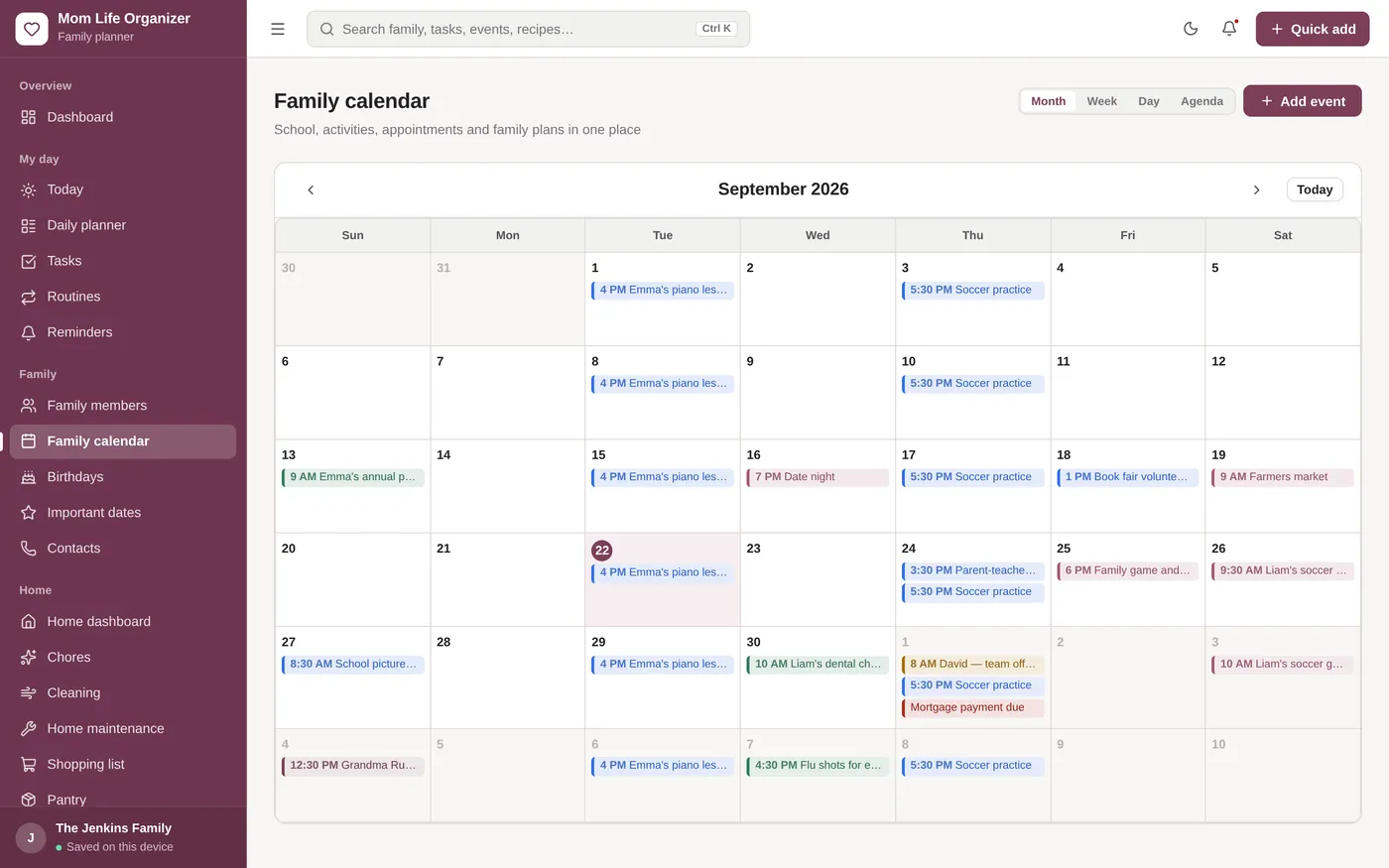
Family calendar
Everyone’s plans in one calendar
- Month, week, day and agenda views
- Colour-coded school, activities and appointments
- Click any day to add an event
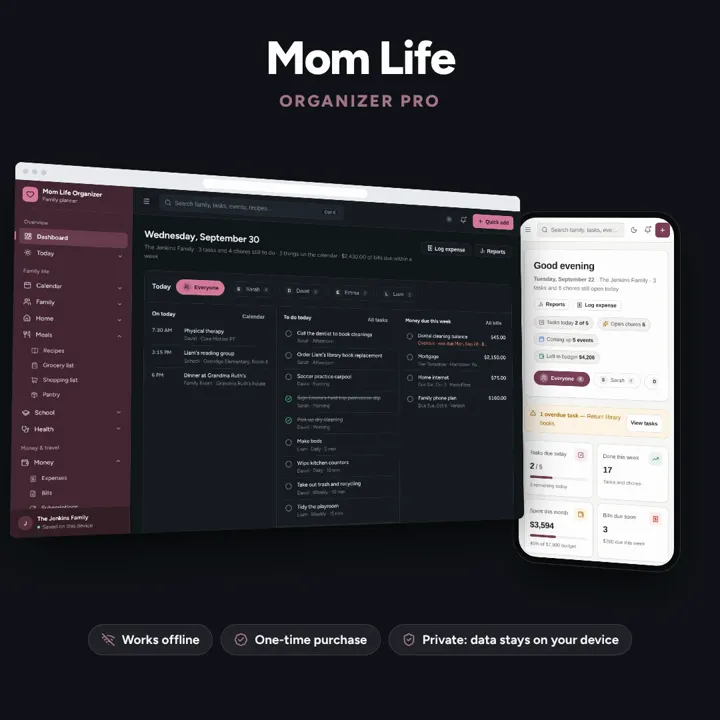
Family calendar, meals, chores, school, health and budget — one offline organizer.
No subscription. Pay once and keep it.
Checkout by Paddle. Tax is added where it applies, and you download straight after paying.
Made for Busy moms, family managers, household organizers, and parents running active households
Family calendar
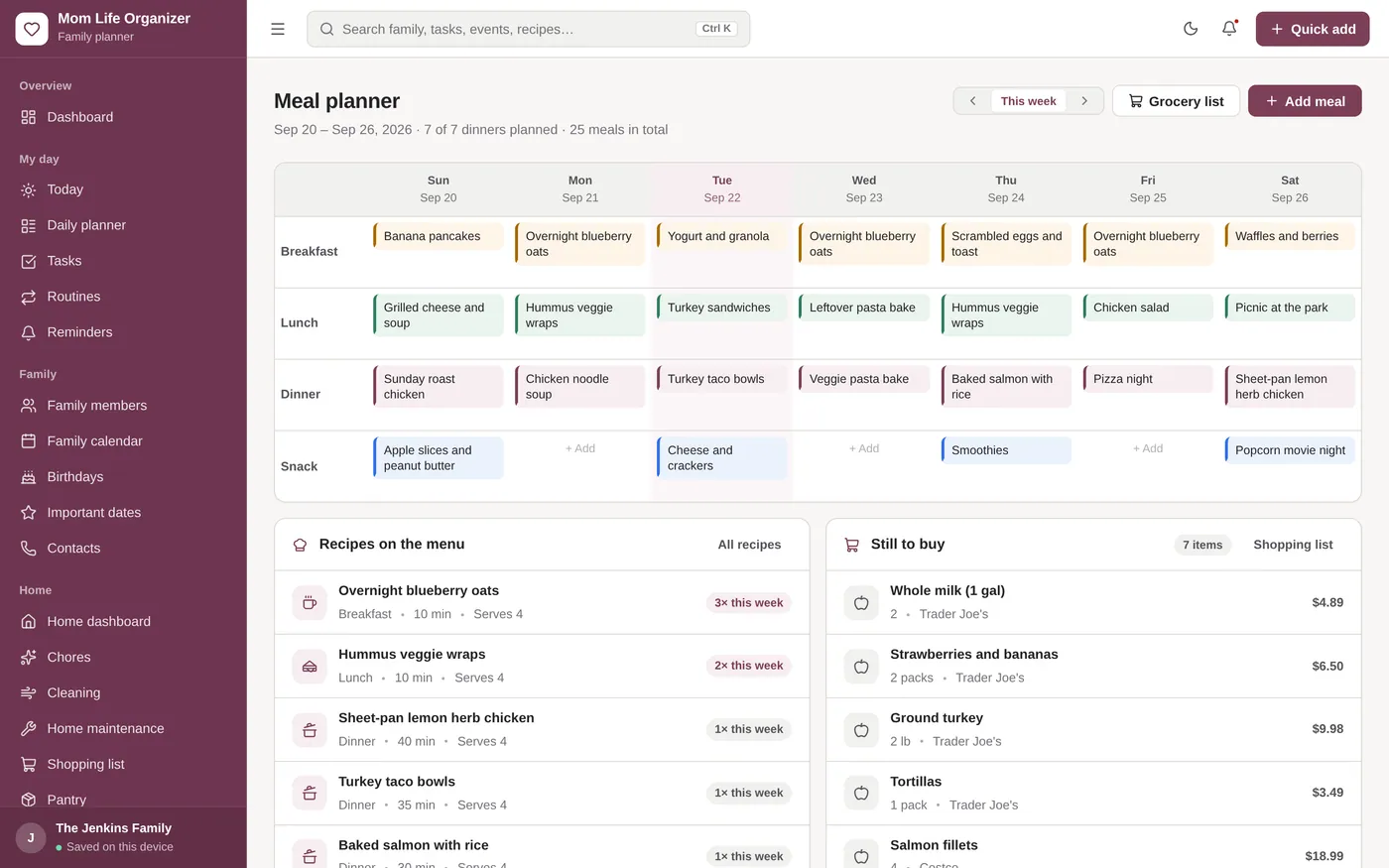
Meal planner
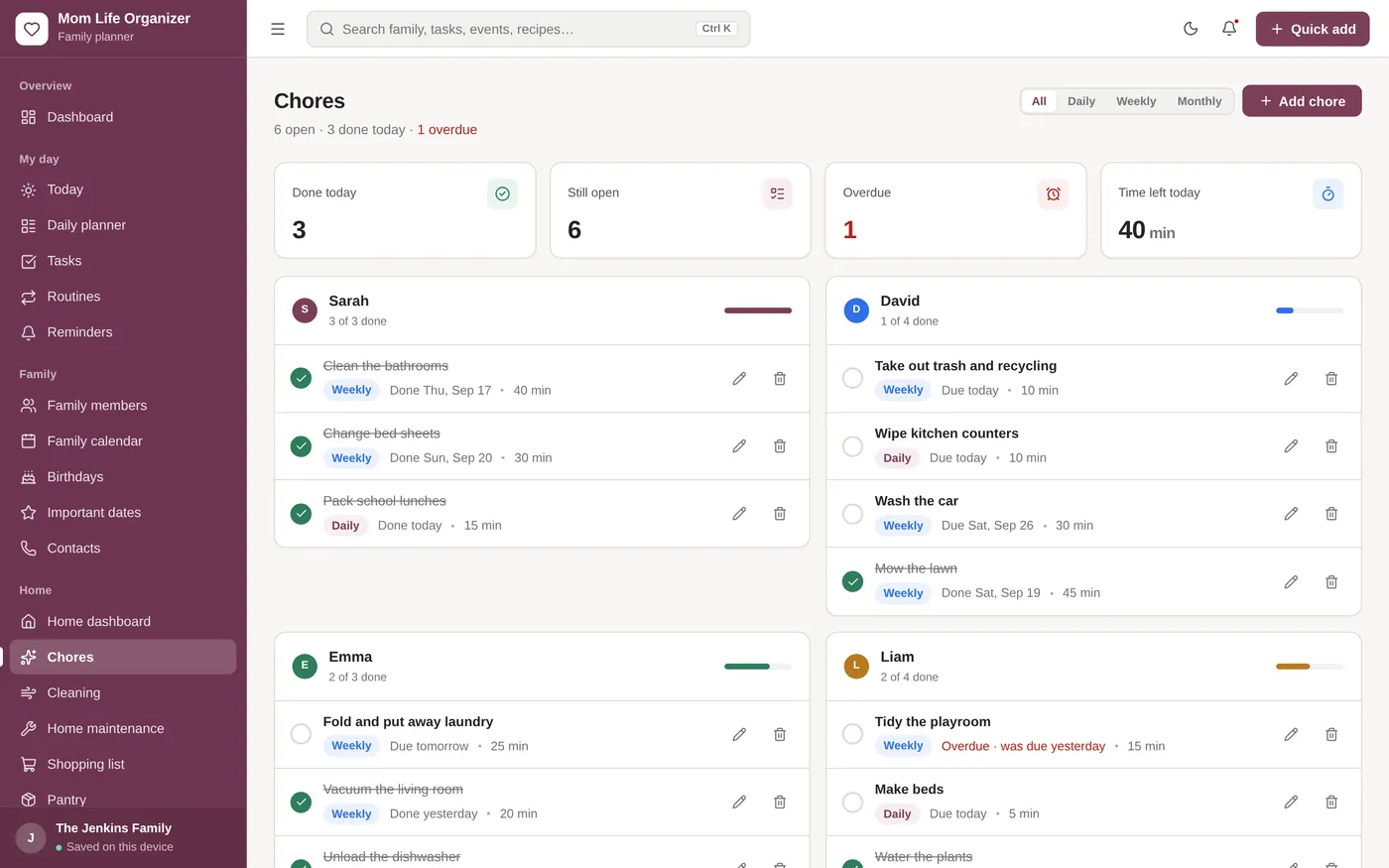
Chores
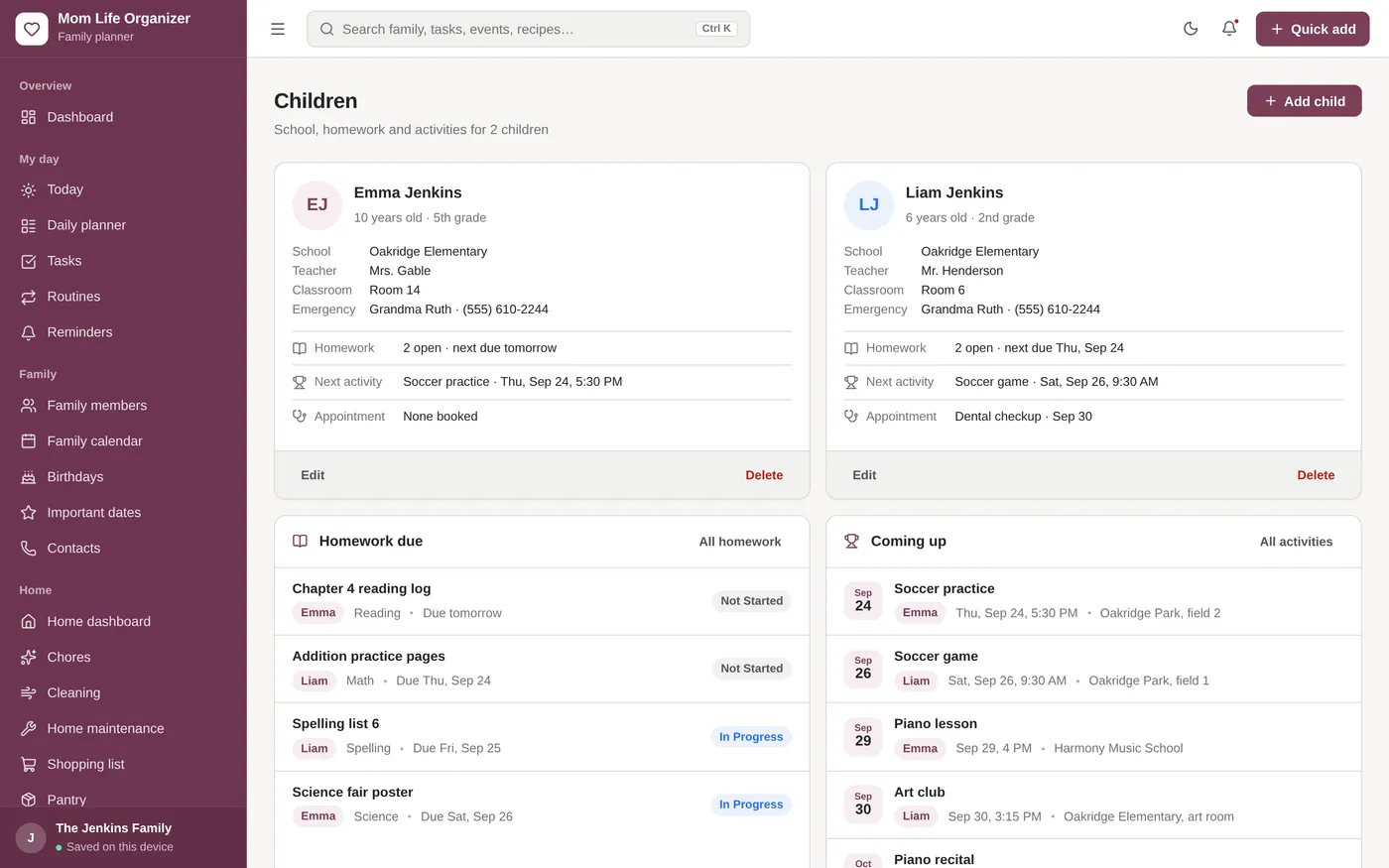
Children & school
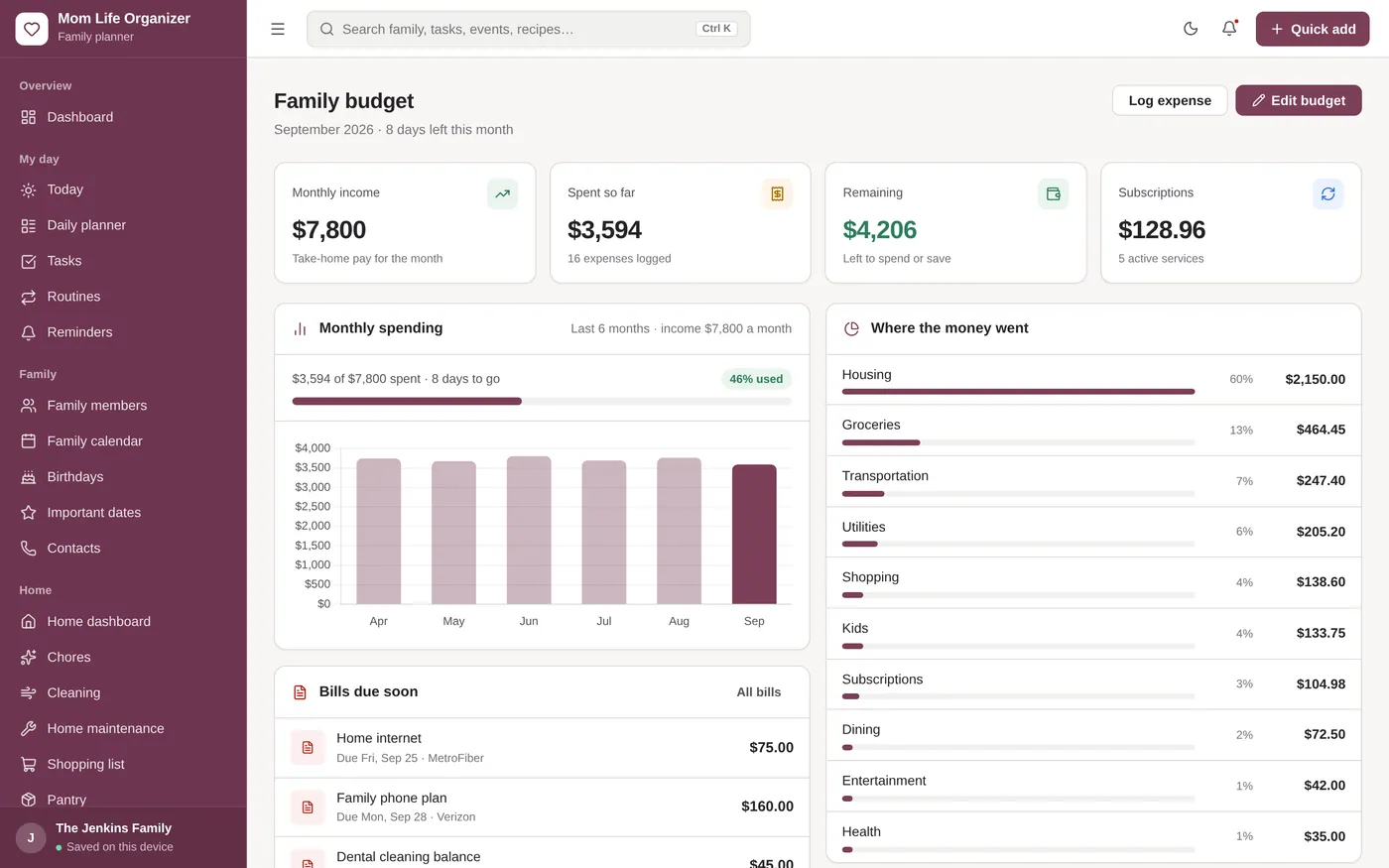
Family budget
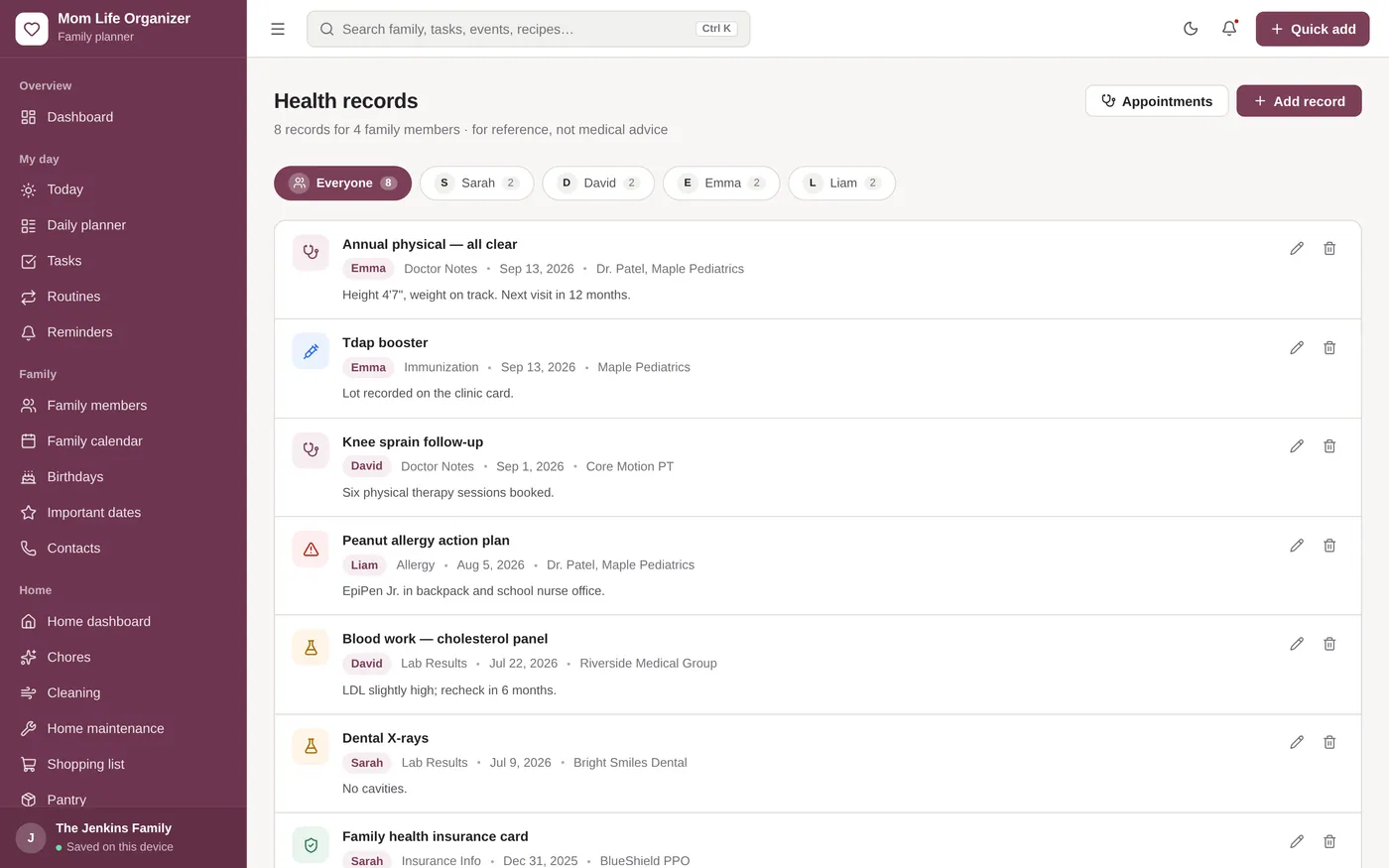
Health records
For busy parents who want the whole household in one place.
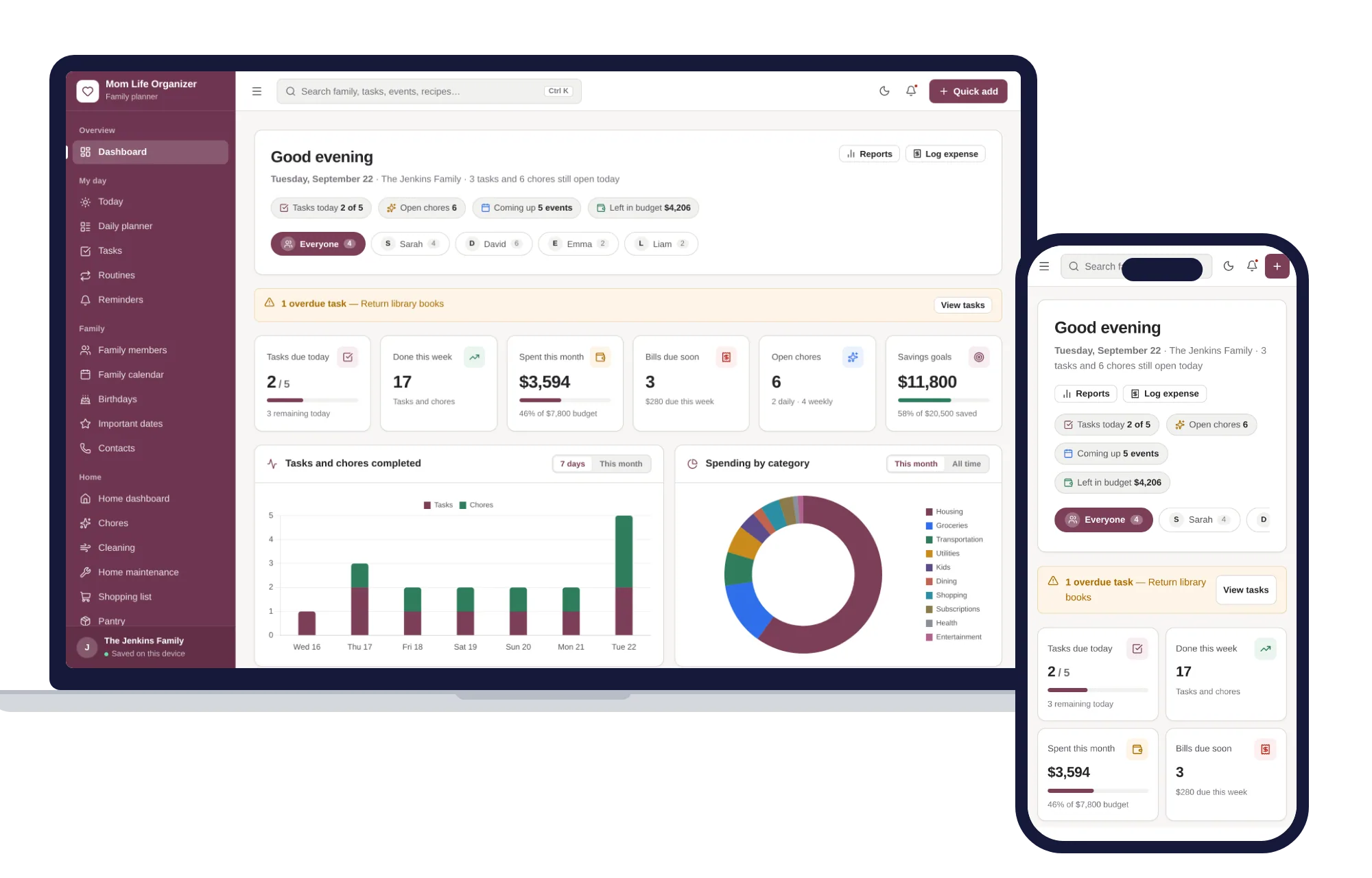
Works in any modern browser, even offline. Your family’s information stays on your device.
What it needs, and what it does not do.
Mom Life Organizer is an offline app from ColadoSystems that runs in your web browser from a folder on your own device. It costs $24.99 once, with no subscription and no account, and includes 12 tools, sample data to explore and a PDF guide. Your records stay on your device and are never uploaded.
Something else? Email us and we'll answer before you buy.
Yes. The layout adapts to tablets, the menu folds into a drawer on smaller screens, and it works offline. Data is saved in that browser on that device, so move it with a backup file.
Your records are saved only in your browser’s local database on this device. There are no accounts or cloud servers, and nothing is sent to us. They are not encrypted, so anyone who can use the device can open them, and clearing browser data erases them, so export a backup regularly. On a shared family computer, set a PIN on the App lock page for a privacy screen each time the organizer opens, and keep the computer itself locked too.
Open "App lock" (under Settings in the sidebar), set a 4–8 digit PIN and turn the lock on. From then on the lock screen appears as soon as the organizer opens on that device, before any of your records are readable, and stays until the PIN is entered. "Lock the app now" on the same page locks it immediately. It is a privacy screen: it hides what is on screen but does not encrypt your records, so lock your computer too when you step away.
Choose "Forgot PIN?" on the lock screen and type RESET. The PIN is cleared, the organizer unlocks and you land on the App lock page to set a new one — none of your records are deleted or changed. Every family member, task, meal plan, bill and document stays exactly as it was.
Thirteen pages sit at the top level — Dashboard, Today, Calendar, Family, Home, Meals, School, Health, Money, Trips, Documents, Reports and Settings — grouped under Overview, Family life, Money & travel and Records. Every other page is folded under the one it belongs to: click the chevron beside a page to reveal them (Chores and Cleaning under Home, Bills and Savings goals under Money, Backup & restore and App lock under Settings, and so on). Clicking the page itself opens it and reveals its list; whichever group holds the page you are on opens automatically, and the app remembers which groups you left open.
Open Settings and click "Remove Demo Data (Start Fresh)" under Demo data controls. This clears every record, so do it before you add your own family.
Yes. Open the Meal planner or Chores page and use your browser’s Print command (Ctrl+P or Cmd+P). The side menu, top bar, tick circles and quick-add boxes are left off, and printouts always come out black on white even if you are using dark mode.
No. It is made for one person on one device, and records do not sync between devices. To move to another device, save a backup and restore it there.
Organizing family life? These systems are close cousins. Here is who each one is for.
The whole household: shared calendar, fair chore rota, meals and bills.
A mom's everyday planner: calendar, meals, chores, kids and budget.
Work and home side by side: clashes, childcare cover and the mental load.
The family & parenting bundle has every system in this category for one price.
Calendars, routines and records for busy families and big life events.
$79.99for 5 systems, $124.95 if bought one by one
You save $44
Family & parenting
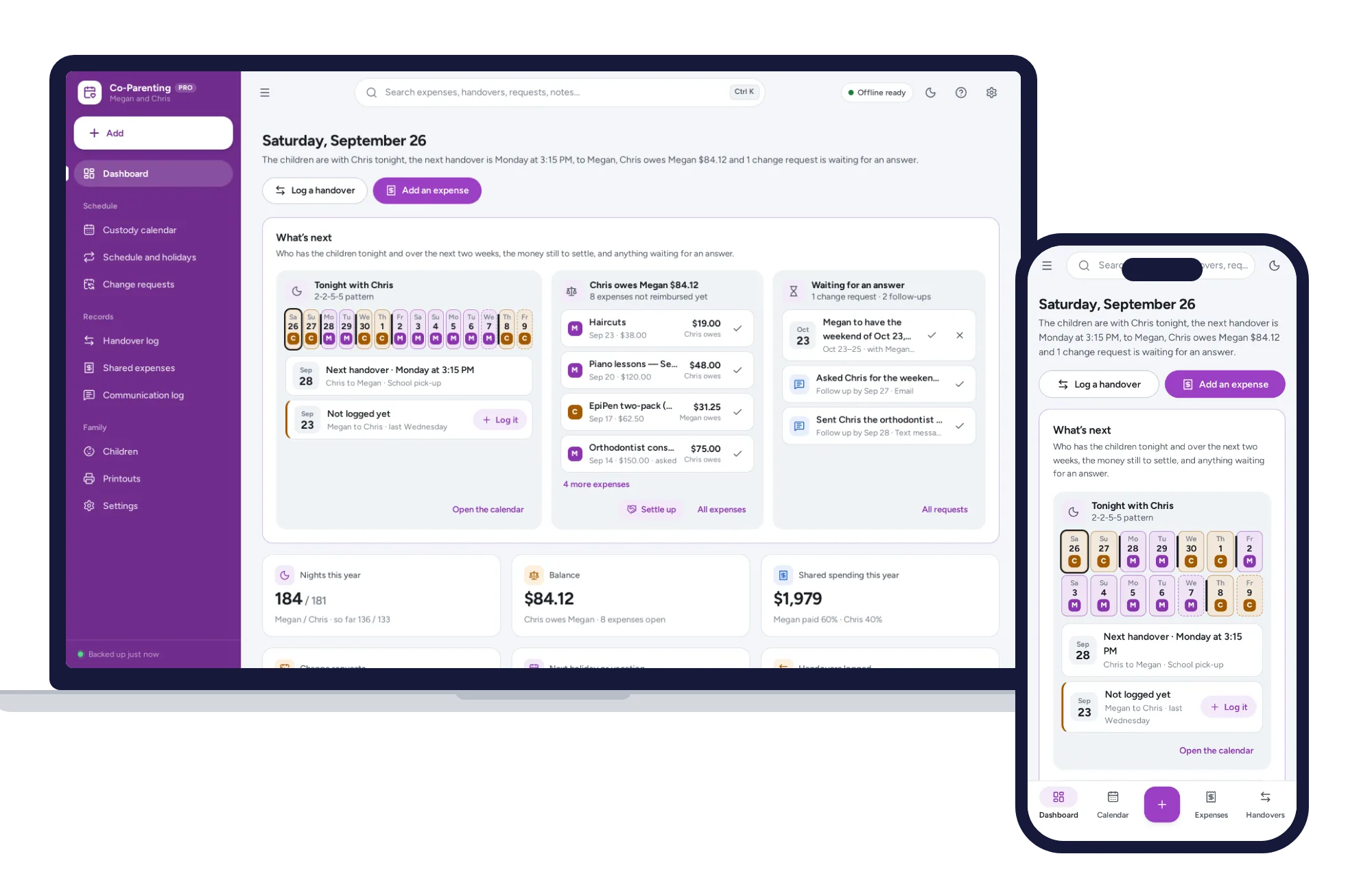
A custody calendar built from your pattern, overnight counts and a running expense balance on one dashboard. No formulas to break, no subscription.
$24.99one-time
Family & parenting
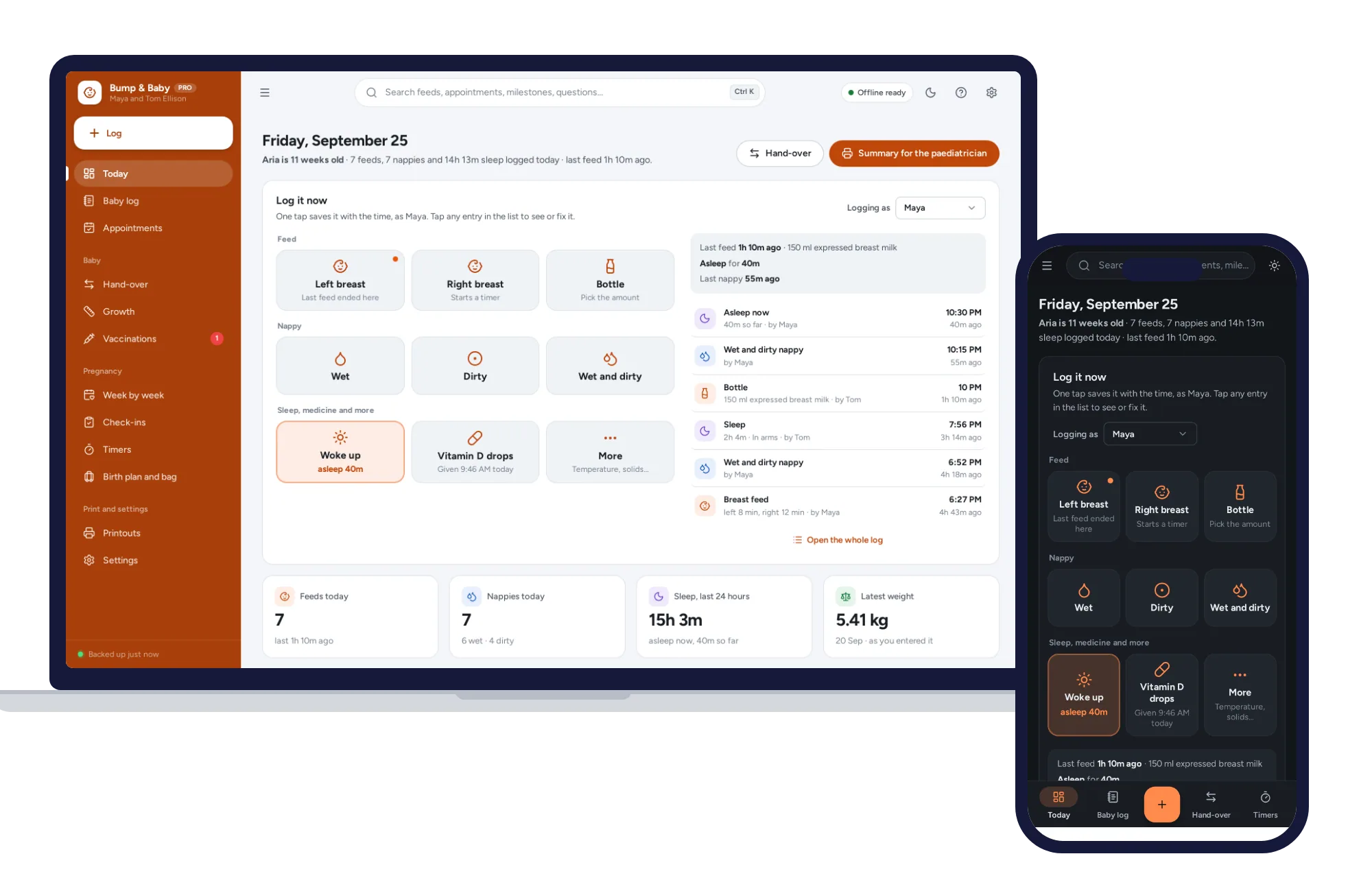
One-tap feed, sleep and nappy log, a week-by-week journal, kick counter and contraction timer. Offline, no subscription.
$24.99one-time