
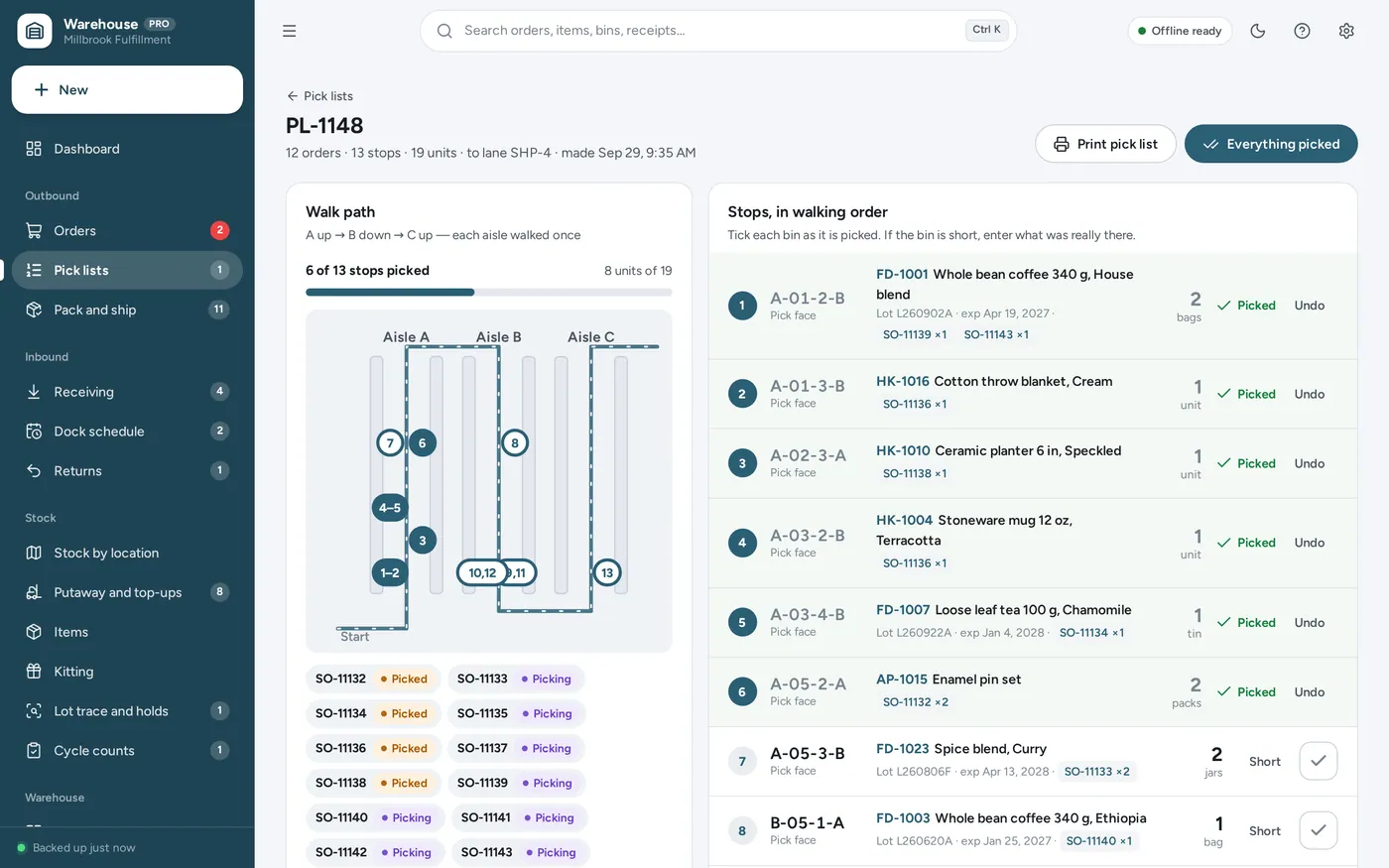
Pick list in walking order
One walk, twelve orders, every aisle once
- Batch picking: several orders on one pick list
- Sorted aisle, rack, shelf, bin — up one aisle, down the next
- Tick each bin, or print it with a barcode per bin
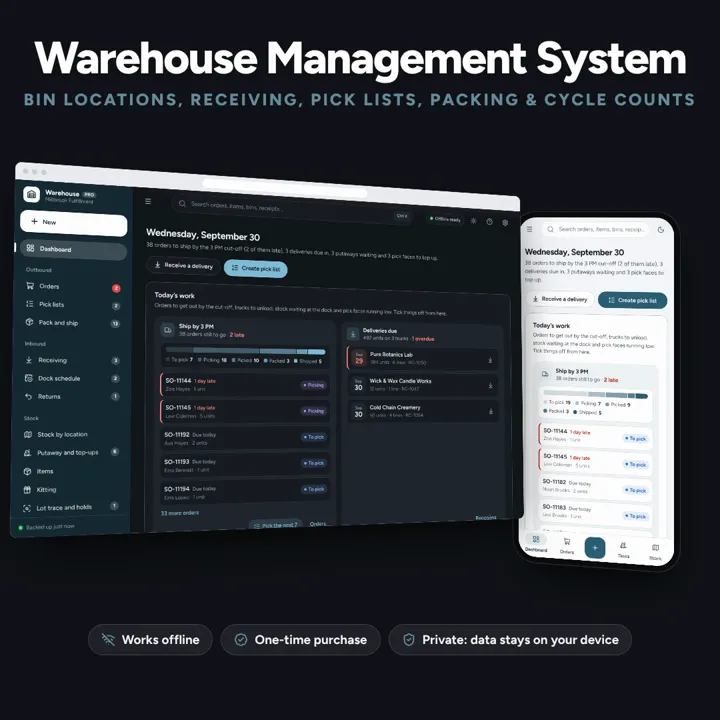
Know which bin every item is in, pick orders in walking order and ship first-expired-first-out, from one dashboard. No formulas to break, no subscription.
No subscription. Pay once and keep it.
Checkout by Paddle. Tax is added where it applies, and you download straight after paying.
Made for A small warehouse, 3PL or e-commerce fulfilment room on one site — a few hundred to a few thousand bins — that runs on spreadsheets, paper pick lists and memory today
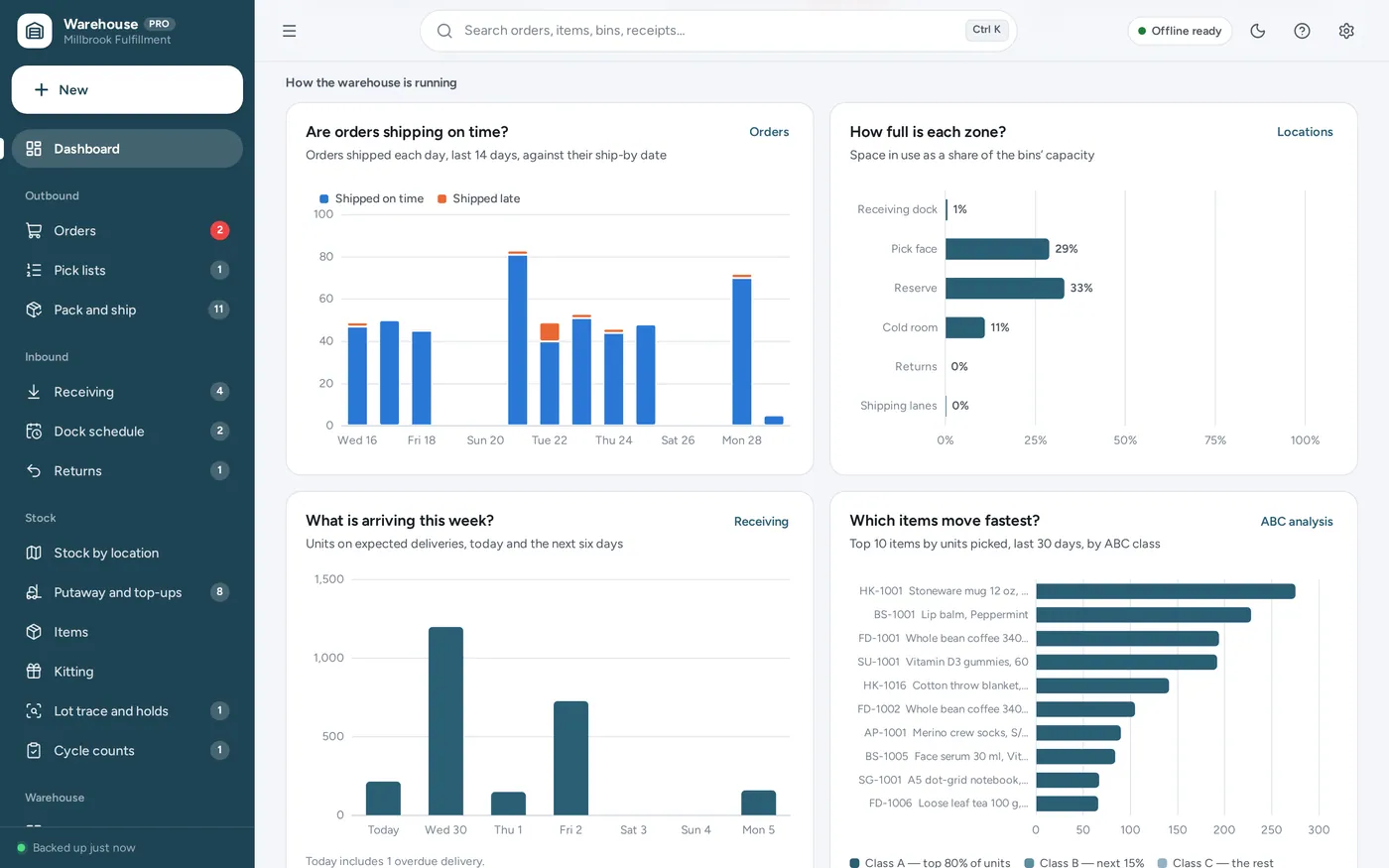
A warehouse management system and warehouse inventory tracker for a small warehouse, 3PL or fulfilment room: bin locations, receiving with putaway suggestions, batch pick lists in walking order, FEFO and FIFO lots, packing and shipping, replenishment, cycle counts, printable bin labels and a dashboard with four charts — offline, no formulas to break.
Pick list in walking order
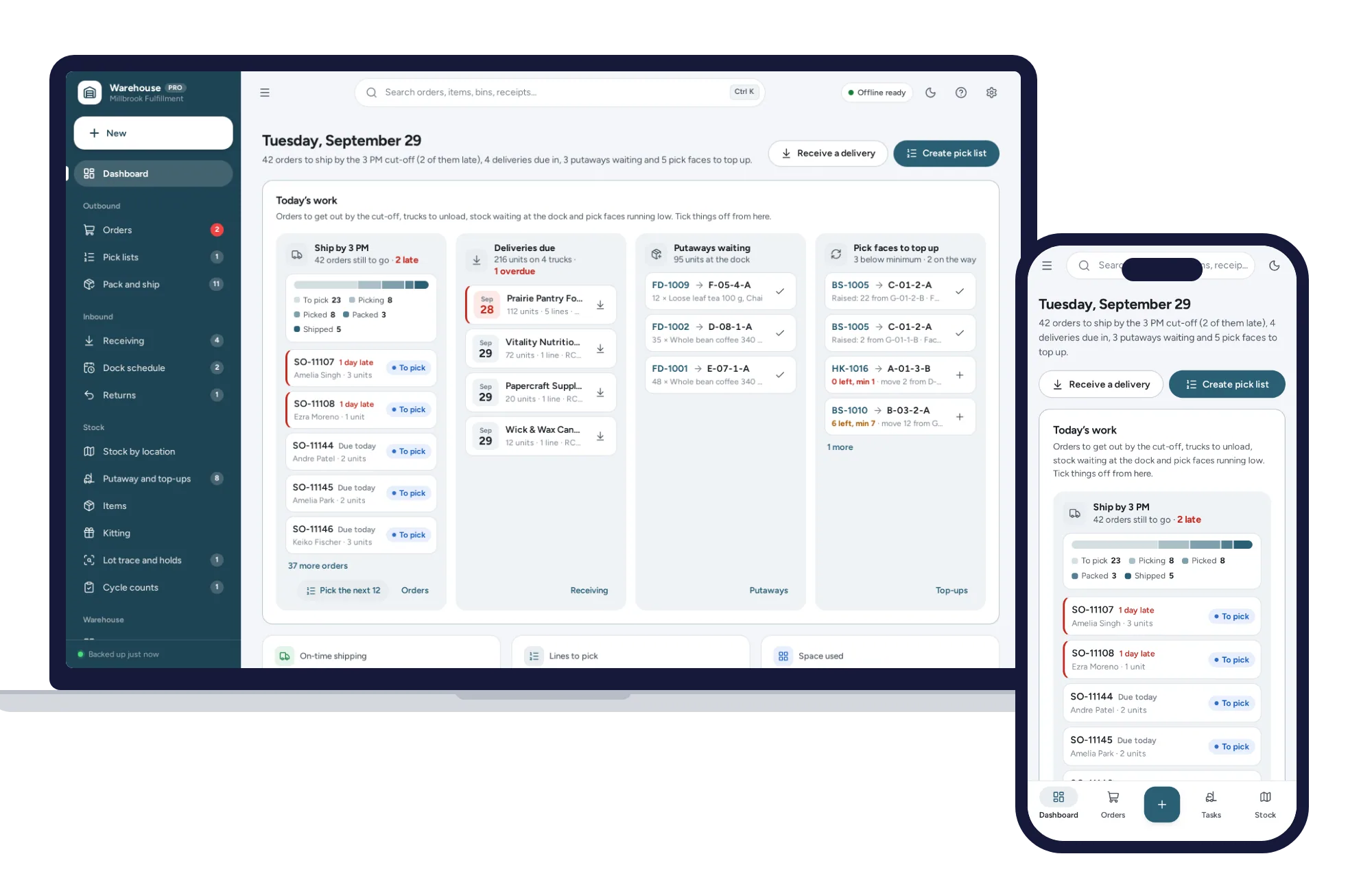
Warehouse dashboard
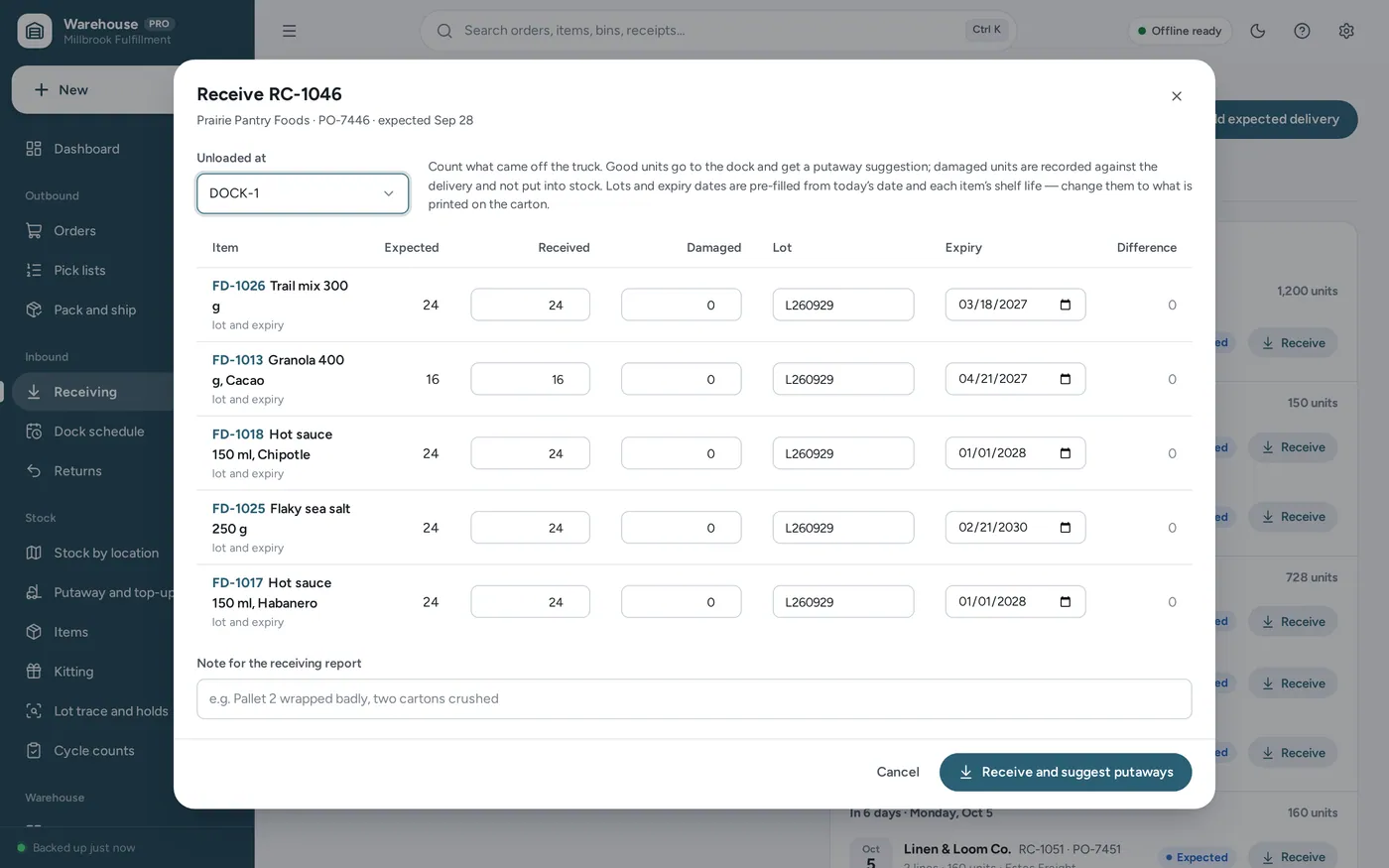
Receiving and putaway
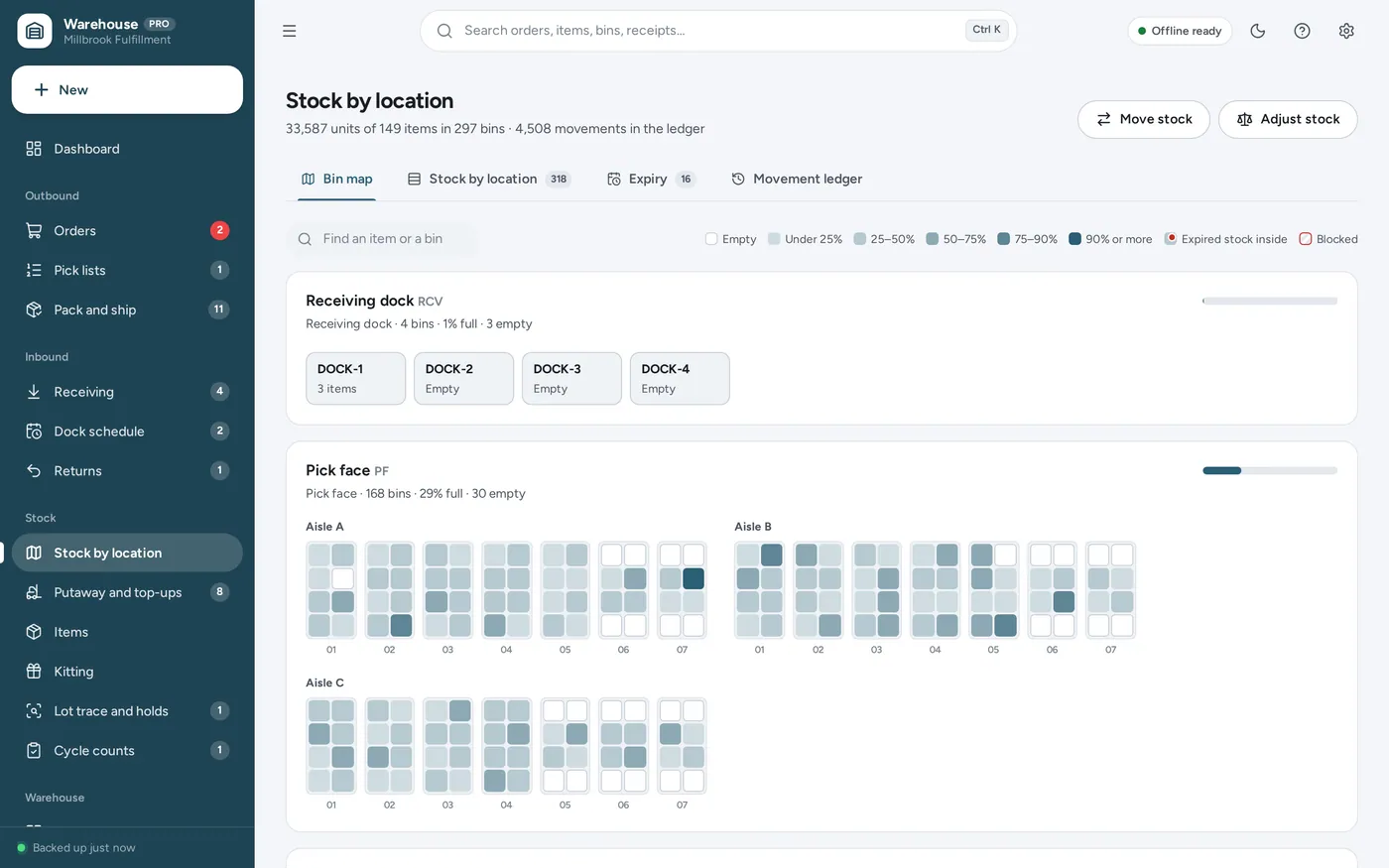
Warehouse inventory by bin
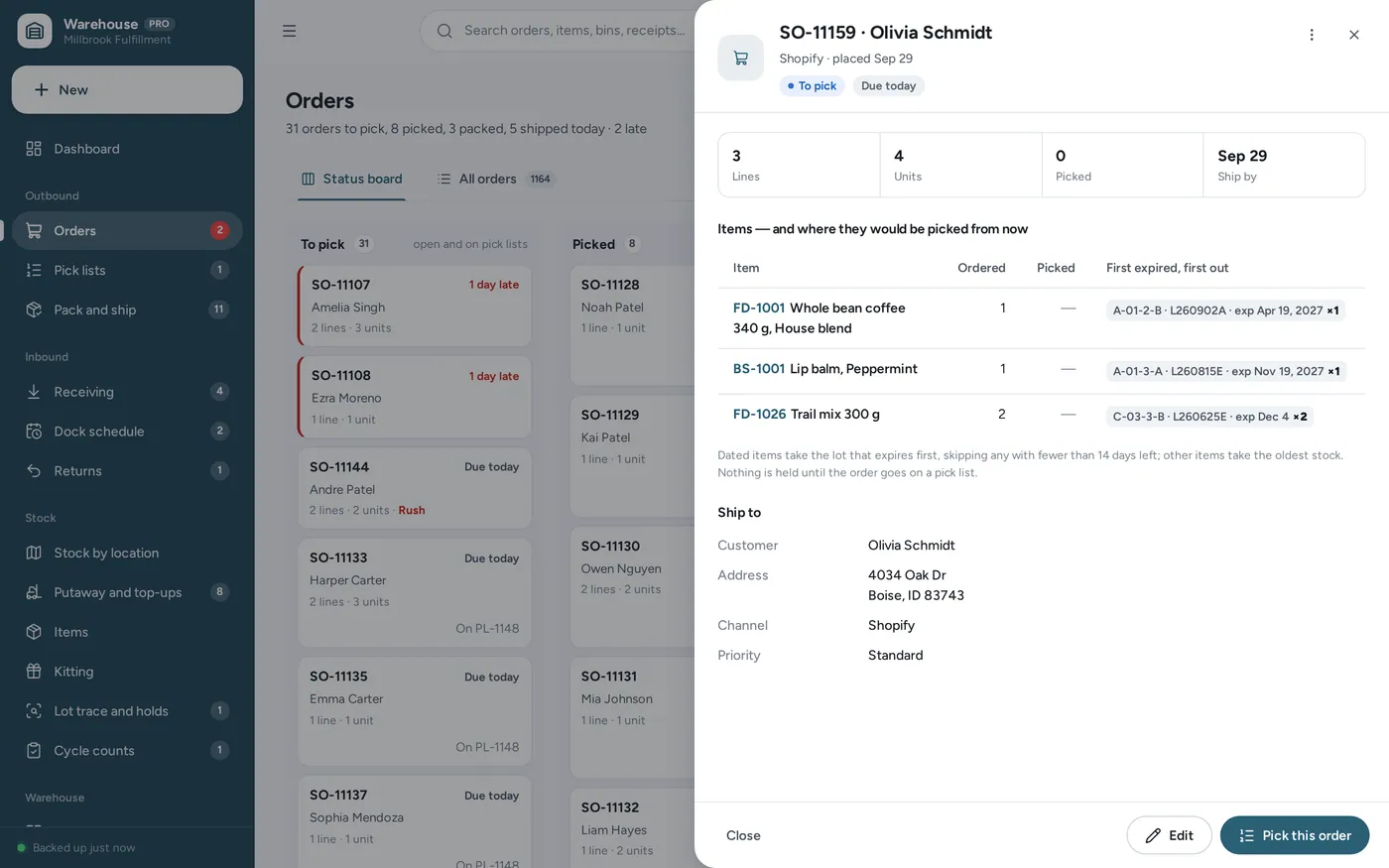
FEFO and FIFO
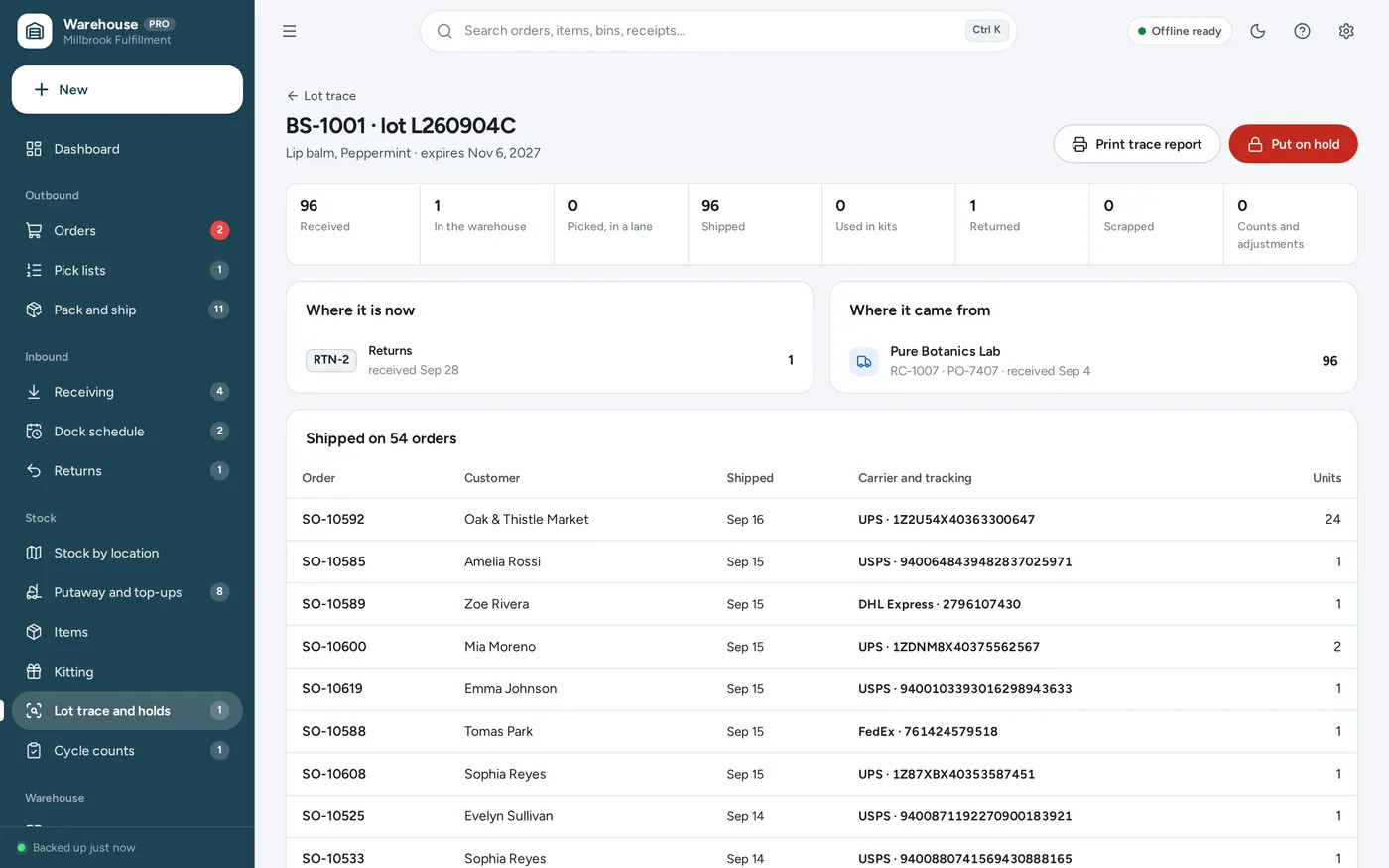
Lot tracking and recalls
For a small warehouse, 3PL or fulfilment room on one site: the warehouse inventory tracker, pick list, dock schedule and cycle count sheets a spreadsheet template promises — plus bin labels, kitting and lot tracing, without the formulas.
Warehouse software usually means a monthly fee for every user, and a spreadsheet cannot tell you which bin a pallet went into or which lot to ship first. This opens from a double-click, works offline and keeps your stock and customers’ addresses on your own computer.
What it needs, and what it does not do.
Warehouse Management System is an offline app from ColadoSystems that runs in your web browser from a folder on your own device. It costs $29.99 once, with no subscription and no account, and includes 16 tools, sample data to explore and a PDF guide. Your records stay on your device and are never uploaded.
Something else? Email us and we'll answer before you buy.
Everything is saved inside your browser on this device. Nothing is uploaded and there is no account, so no company holds a copy of your warehouse records. They are not encrypted, though: anyone who can use this device and browser can open them, so keep the device locked. Download a backup regularly (Settings → Data & backup → Back up now) and keep it somewhere as safe as the records themselves.
Yes. Open index.html and it runs fully offline. You can also host the folder on any website and choose “Install app” in Chrome or Edge to get a desktop or phone icon that works offline.
Yes. The layout adapts to phones and tablets with a bottom navigation bar. Each device keeps its own data, so use Back up / Restore to move records between devices.
Go to Settings → Data & backup → Erase records. Every sample record is removed, and so are the sample business’s name, address and contact details, so nothing of theirs ends up on your paperwork. Your other settings are kept.
In a fixed order. First, a bin that already holds the same item and the same lot (and expiry date) with room for all of it, nearest first. Otherwise, the nearest empty bin of the item’s storage type — shelf, pallet, floor or cold — with room for all of it. If no single bin is big enough, it splits the line across the nearest empty bins of that type. Nearest means the fewest steps from the receiving door. Another item’s pick-face bin is never suggested, and a bin already promised to an open putaway counts as taken.
Items with expiry dates are first expired, first out: the lot that expires soonest goes first, and a lot with fewer than 14 days left is never allocated (change the number in Settings → Warehouse rules). Other items are first in, first out, by the date the stock was received. When two bins tie, the pick face wins, then the bin that comes first on the walk. Stock is reserved as soon as the order goes on a pick list.
From the units picked per item over the last 30 days (or 60 or 90). Items are ranked from most picked to least; an item is class A while the items above it make up less than 80% of all units picked, class B while they make up less than 95%, and class C after that. Items not picked at all are class C. The shares can be changed in Settings → ABC and counting.
Nothing moves, but nothing from that lot is allocated to an order or moved to a pick face until you release it; orders take the next lot instead. Lots already on a pick list are not taken off it. Lot trace and holds lists every hold and how many units it is holding back.
A kit is an item made from other items, such as a gift set. Building kits takes the components first-expired-first-out and puts the finished kits into a bin with a lot of their own, which traces back to every component lot used. A kit made from dated items expires with its earliest component.
No. It works offline and connects to nothing. Orders are added in the app, items and bins can be imported from a spreadsheet, and tracking numbers are typed or scanned in. It does not buy postage or print carrier labels.
No. That one is for selling: prices, a point of sale, sales and margins. This one is for running a warehouse: where every unit sits, receiving and putaway, picking in walking order, packing and shipping, replenishment and counts. It holds no prices and does no invoicing.
No. It is made for one person on one device, and records do not sync between devices. To move to another device, save a backup and restore it there.
No. It runs offline on your own device, so there is no booking page for customers and it does not take card payments. You record bookings and payments in it yourself, including ones taken by phone, card reader or another website.
Keeping track of stock? These systems are close cousins. Here is who each one is for.
Shops that sell what they stock: stock levels, point of sale, purchase orders.
Warehouses and fulfilment: bin locations, receiving, pick lists and cycle counts.
Printing barcodes and product labels, with a product catalog.
The shops, food & stock bundle has every system in this category for one price.
Stock, orders, pricing and labels for shops, kitchens and warehouses.
$114.99for 7 systems, $209.93 if bought one by one
You save $94
Shops, food & stock
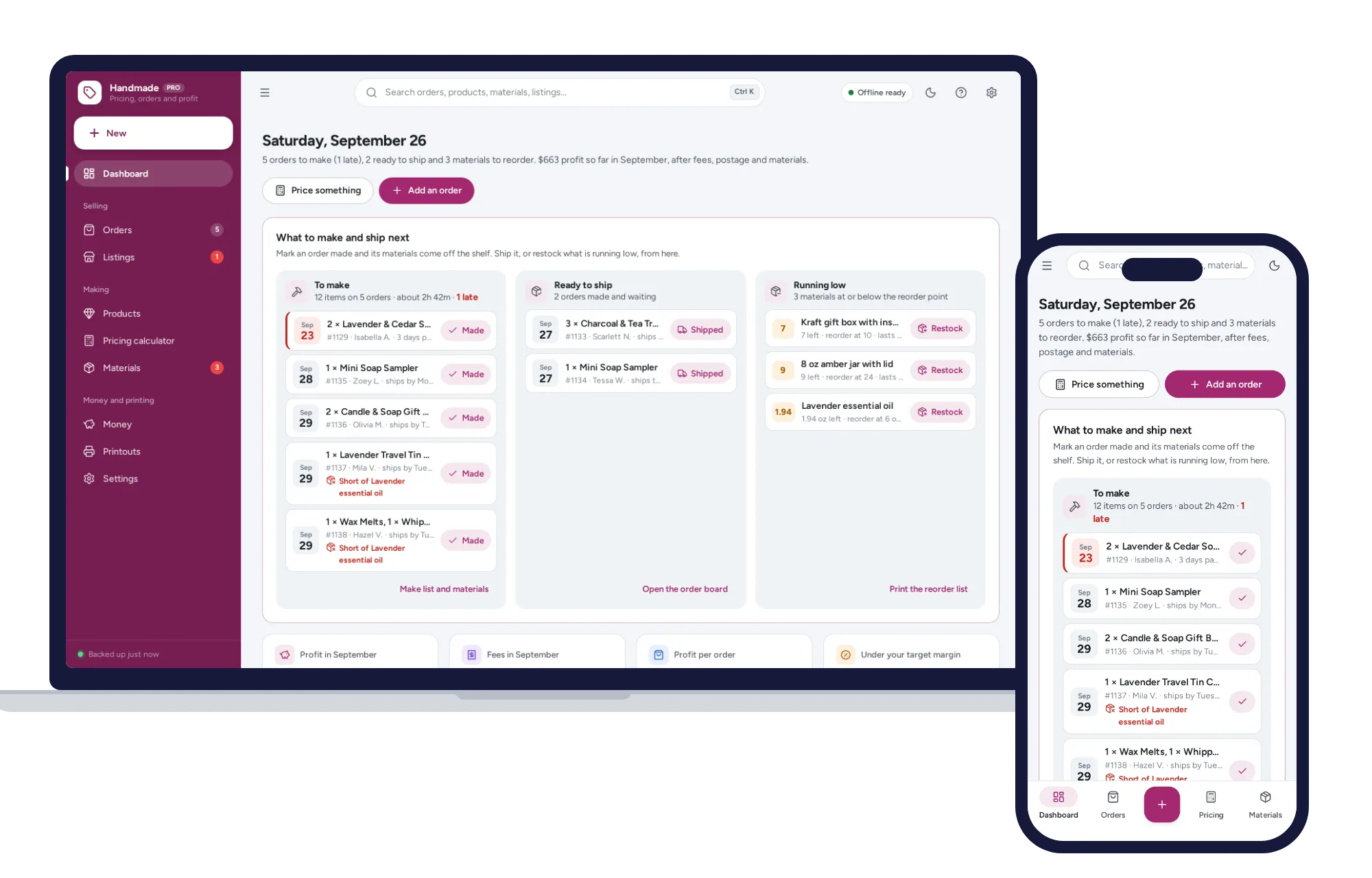
The price that leaves your margin after every listing, transaction and payment fee — and the true profit on every sale. No formulas to break, no subscription.
$29.99one-time
Shops, food & stock
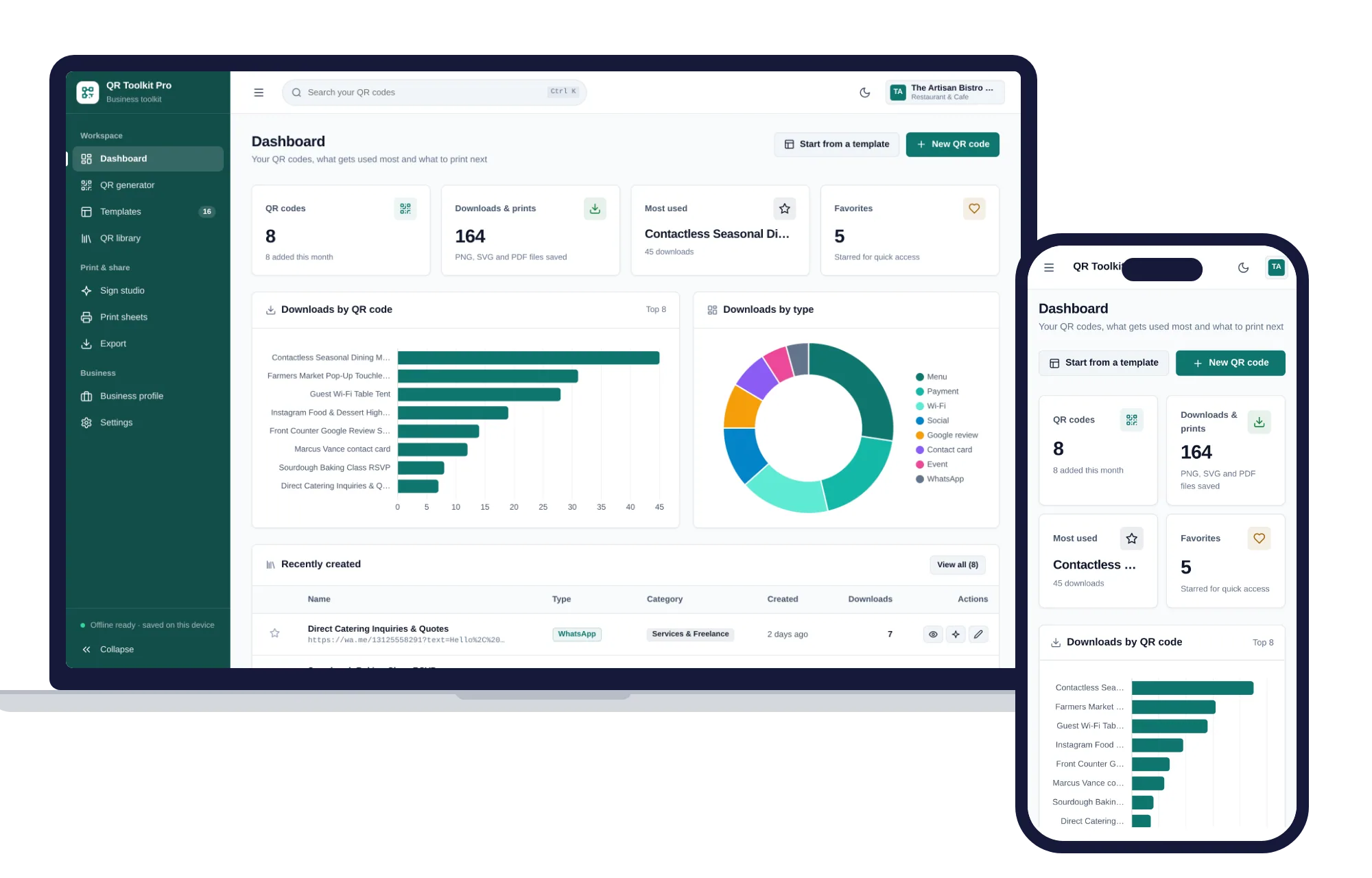
Create, design, print and export QR codes for your business — one offline app.
$29.99one-time
Shops, food & stock
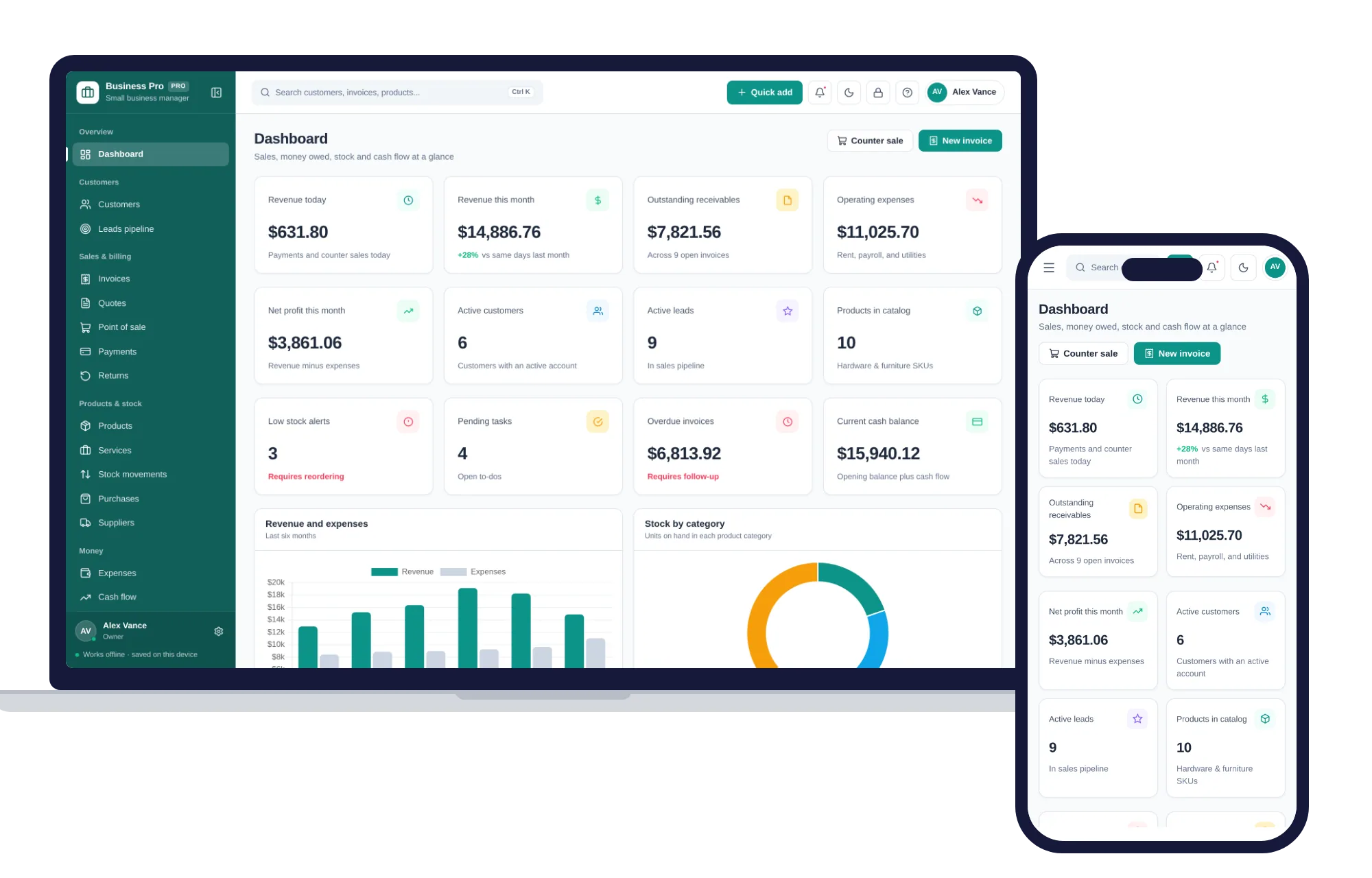
Customers, leads, invoices, point of sale, stock, expenses and profit & loss in one offline app.
$29.99one-time
Shops, food & stock
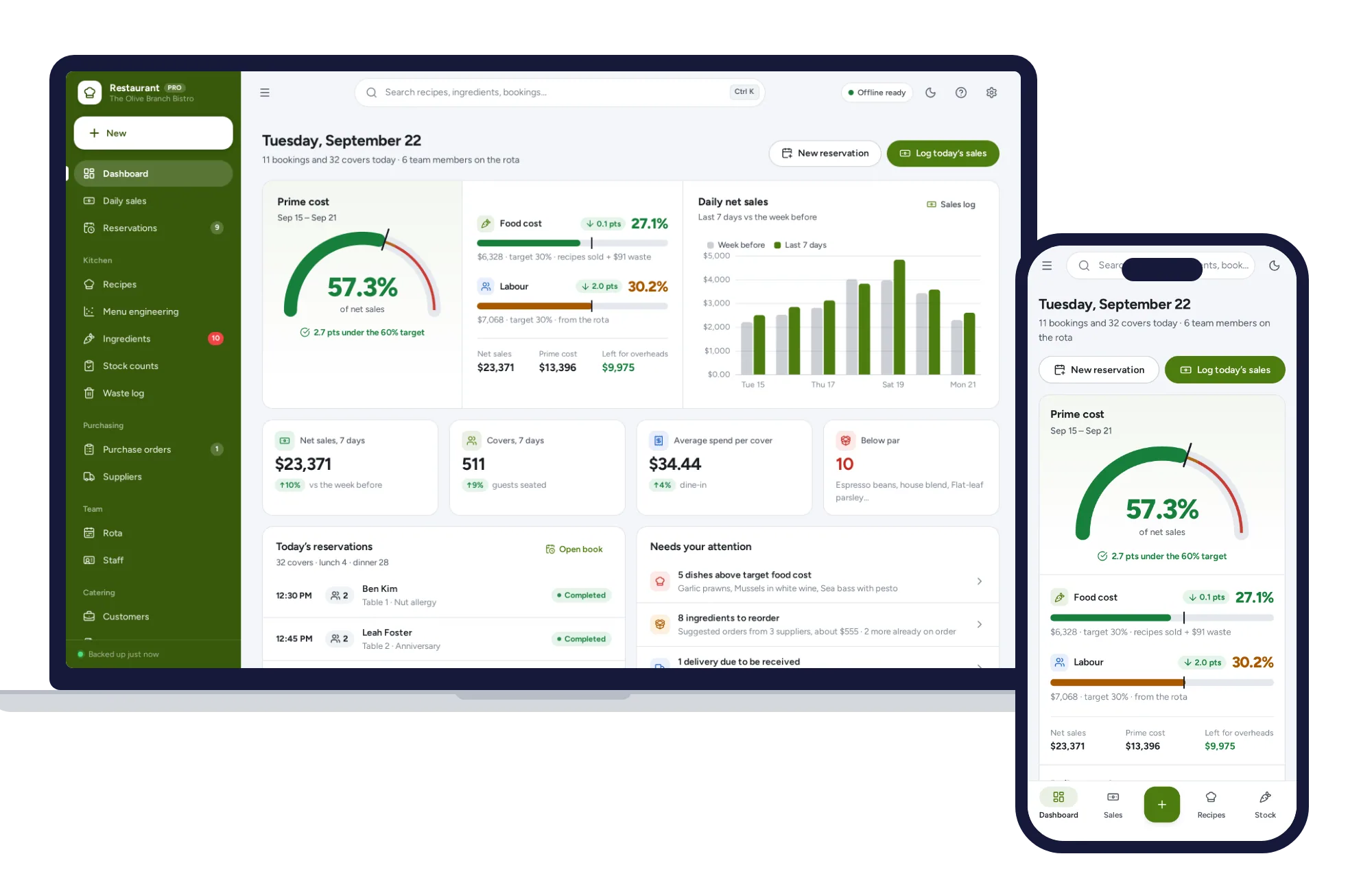
Recipe costing, menu engineering, inventory, ordering, rota and prime cost — one offline app.
$29.99one-time