
Appointment book
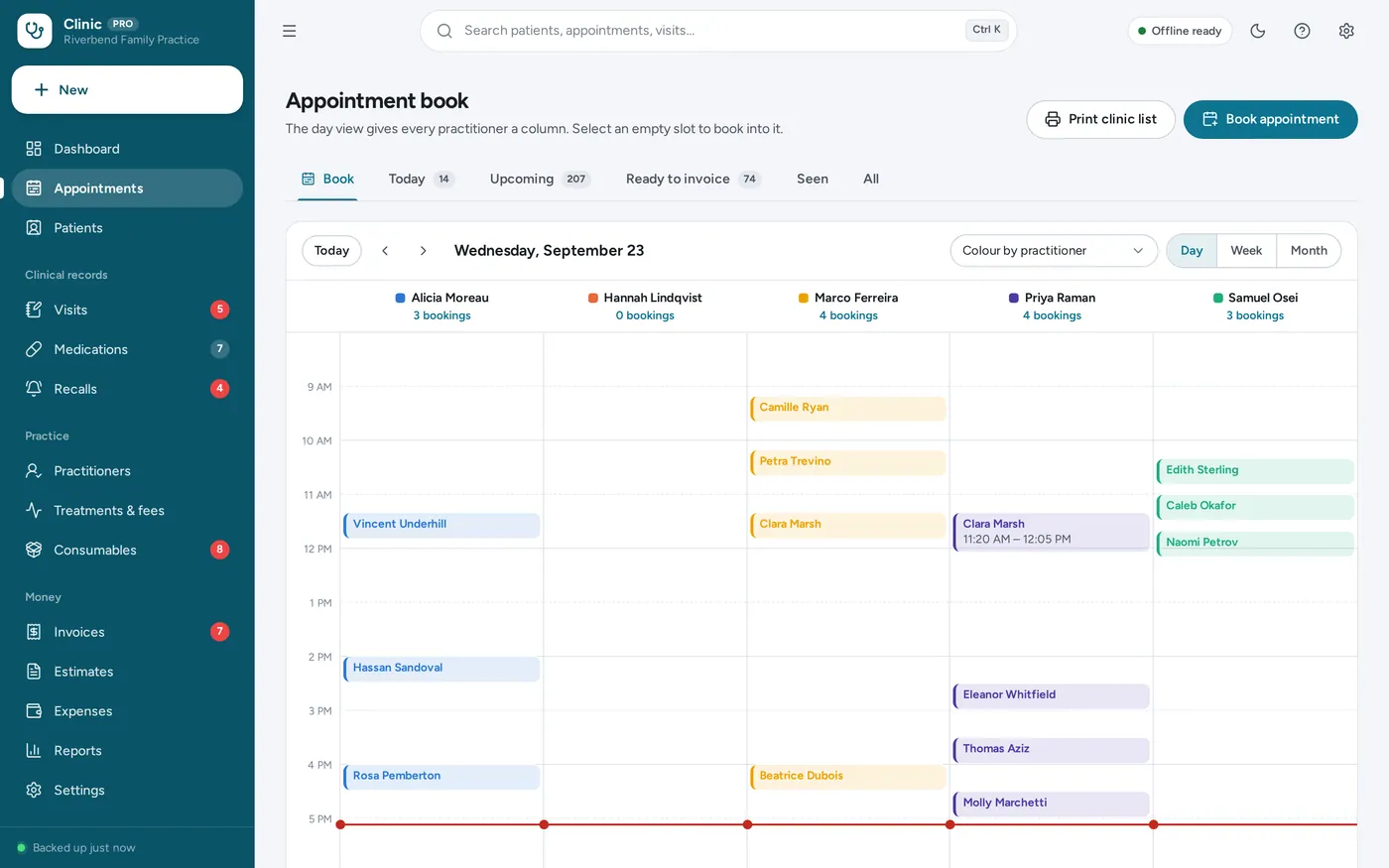
A column for every practitioner
- Day, week and month views between your opening hours
- Select an empty slot to book straight into it
- Colour the book by practitioner, treatment or status
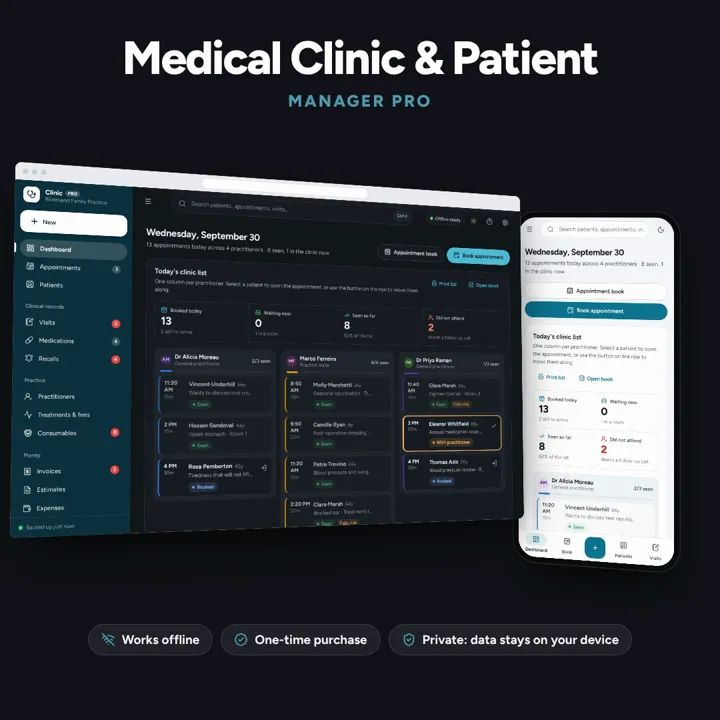
Appointment book, patient records, visit notes, recalls and billing for a small practice — offline, on your own device.
No subscription. Pay once and keep it.
Checkout by Paddle. Tax is added where it applies, and you download straight after paying.
Made for Small private clinics, single-handed and group practices, dental and physiotherapy practices and practice managers
Appointment book
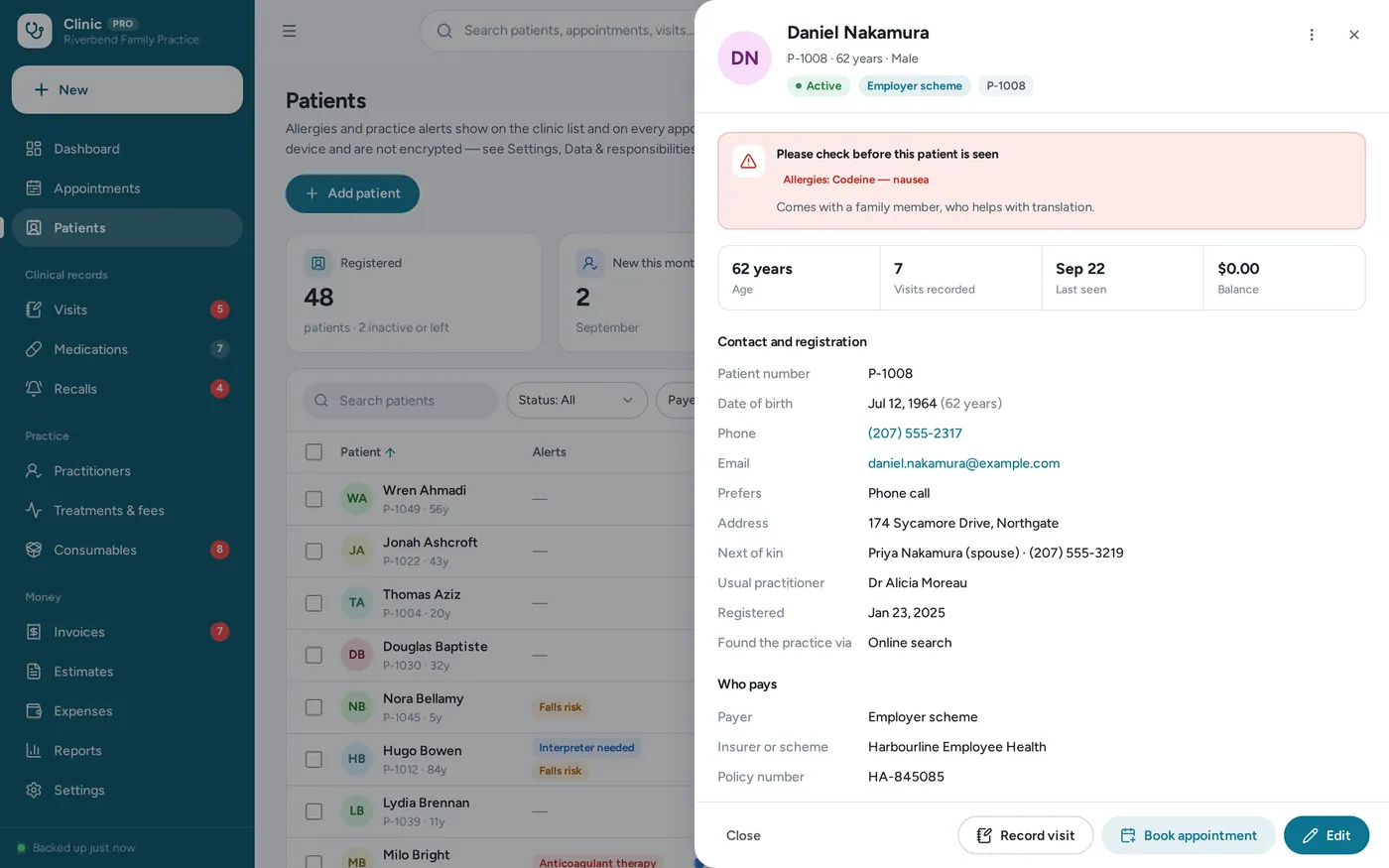
Patient records
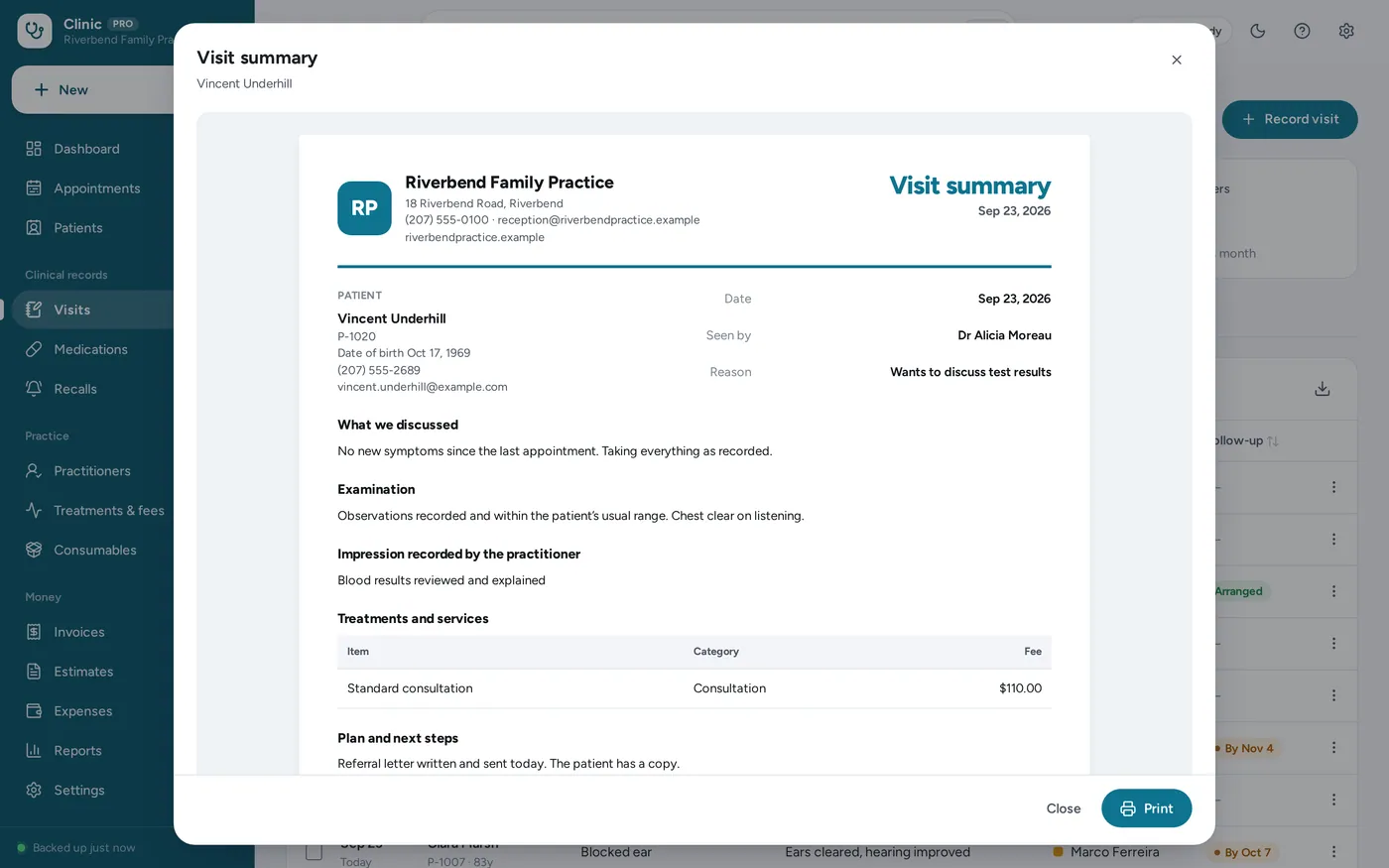
Visit notes
Recalls
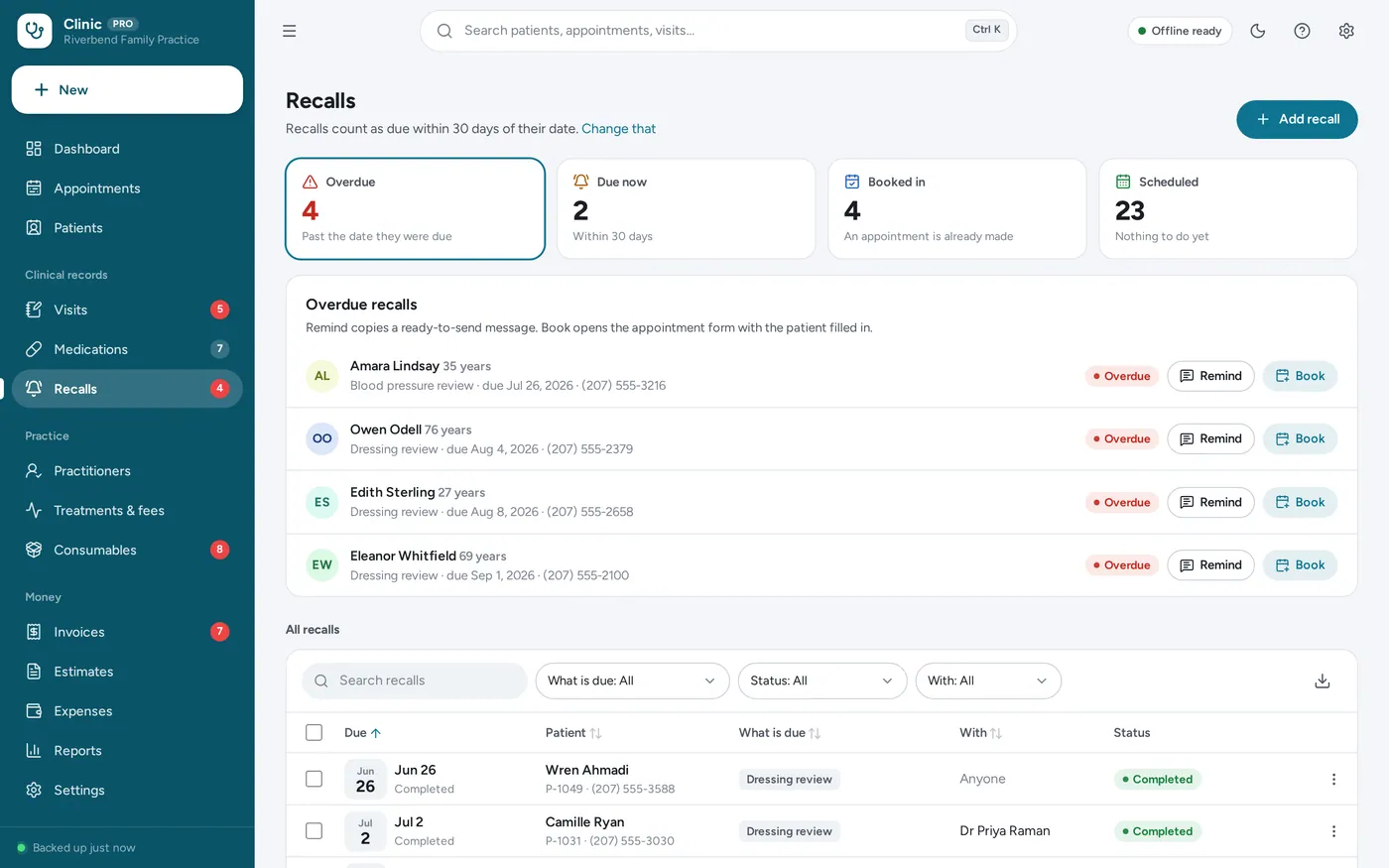
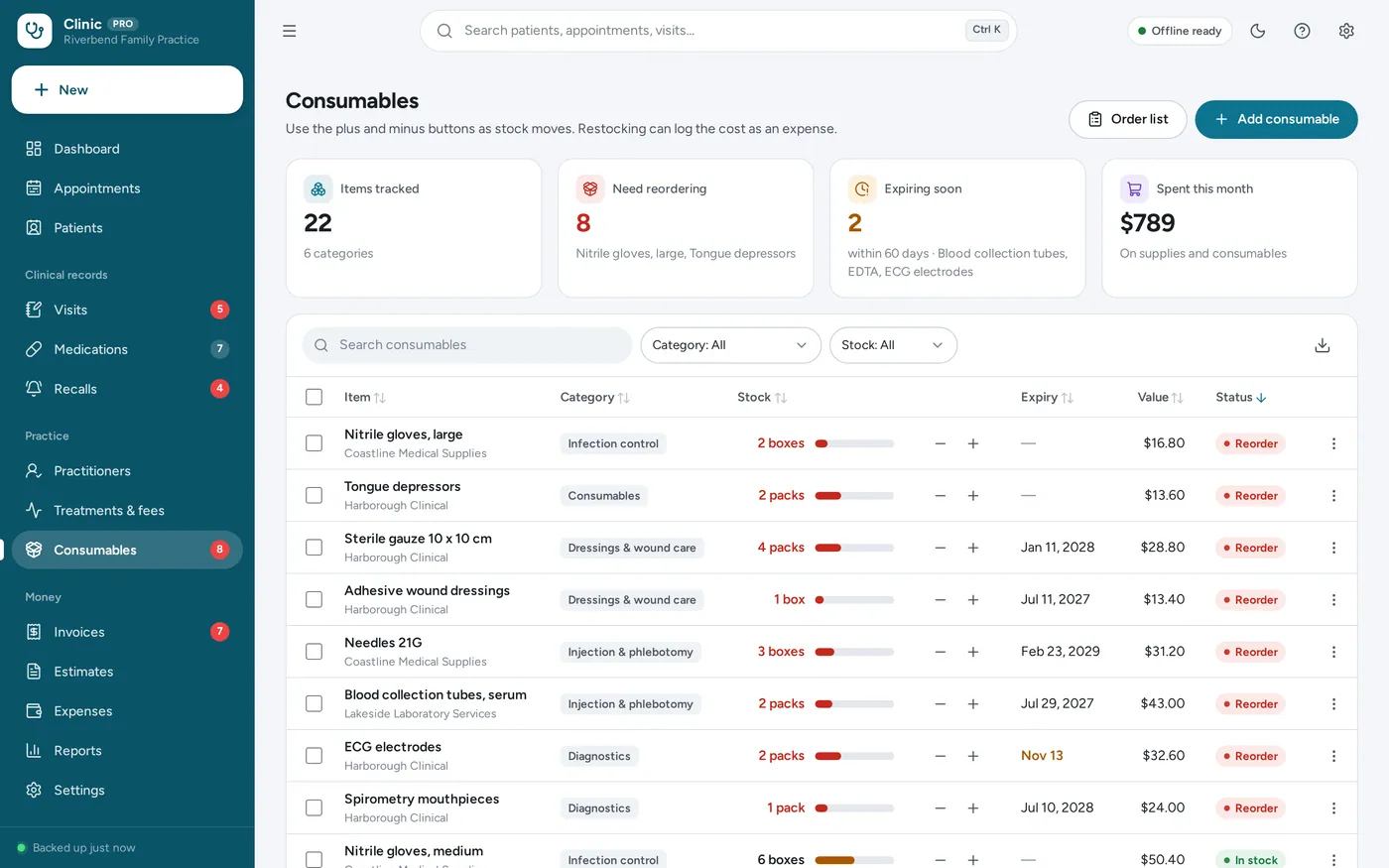
Consumables
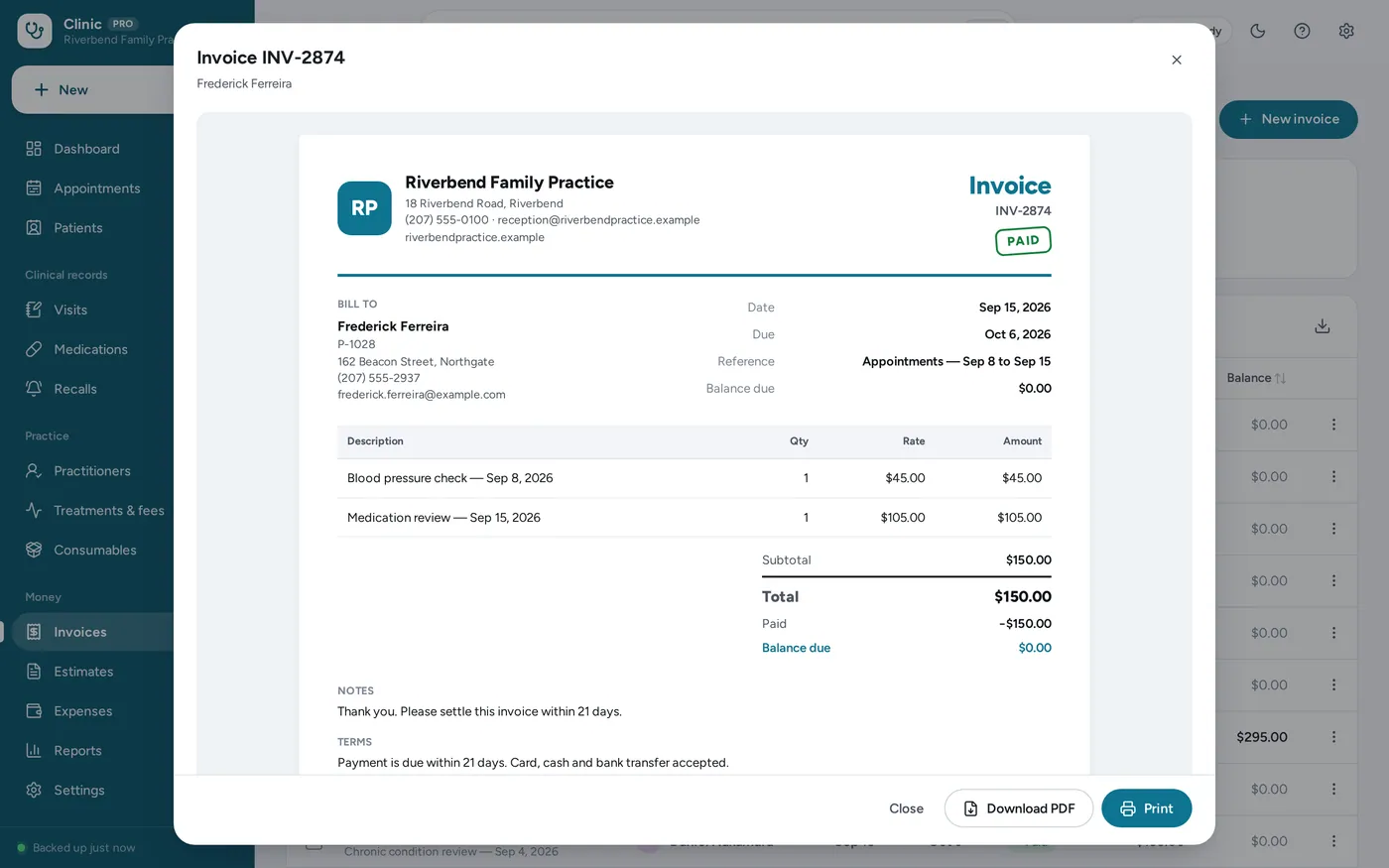
Invoices & payments
For small private clinics, single-handed and group practices, dental and physiotherapy practices.
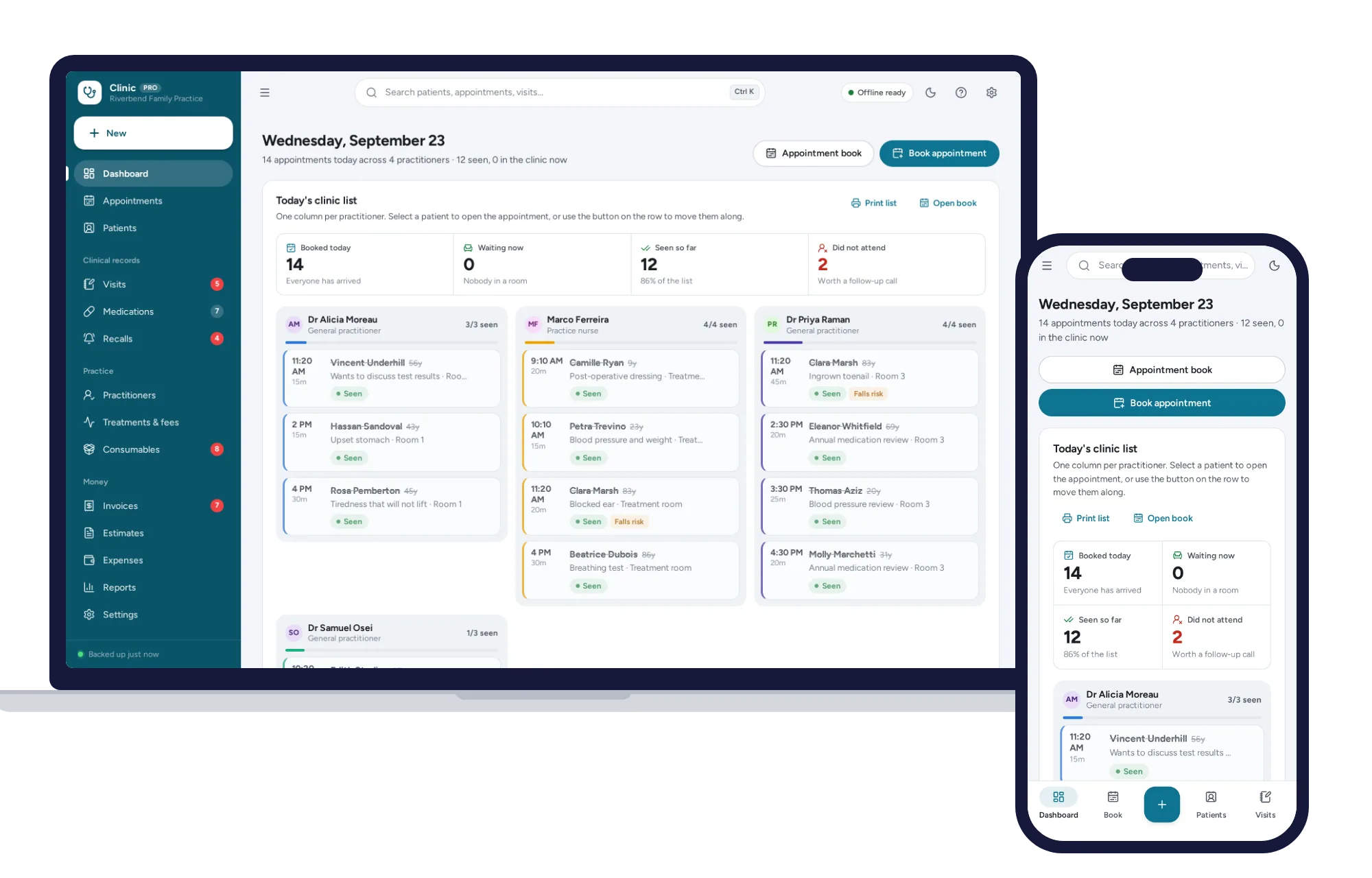
Light and dark mode. Install it like an app. Practice-administration software — not a certified clinical system — with records kept in the browser on your own device.
What it needs, and what it does not do.
Medical Clinic Manager is an offline app from ColadoSystems that runs in your web browser from a folder on your own device. It costs $29.99 once, with no subscription and no account, and includes 12 tools, sample data to explore and a PDF guide. Your records stay on your device and are never uploaded.
Something else? Email us and we'll answer before you buy.
Everything is saved inside your browser on this device. Nothing is uploaded and there is no account, so no company holds a copy of your patient records. They are not encrypted, though: anyone who can use this device and browser can open them, so keep the device locked. Download a backup regularly (Settings → Data & backup → Back up now) and keep it somewhere as safe as the records themselves.
Yes. Open index.html and it runs fully offline. You can also host the folder on any website and choose “Install app” in Chrome or Edge to get a desktop or phone icon that works offline.
Yes. The layout adapts to phones and tablets with a bottom navigation bar. Each device keeps its own data, so use Back up / Restore to move records between devices.
Go to Settings → Data & backup → Erase records. Your business profile and settings are kept; all sample records are removed.
No. It is practice-administration software: an appointment book, patient records, visit notes, recalls, invoicing and stock. It is not a medical device, it offers no clinical decision support, dosing advice or drug interaction checking, and a medication entry is only a record of what a practitioner typed in.
No. Records are saved in this browser on this device only. They are not uploaded anywhere, and nobody else can read them over a network — but anyone who can use this device and browser profile can read them. Keep the device access-controlled with a user account and password, a screen lock, and device encryption if your hardware offers it, and keep backup files just as secure.
Your practice. The app stores what you enter on the device you enter it on. How that data is stored, backed up, shared and protected under the rules that apply where you work stays your responsibility.
Each device keeps its own copy of the records, so there is no live sync between the front desk and the consulting rooms. Most small practices run one copy on the reception computer and print the clinic list. Use Back up and Restore to move records between devices.
No. It runs offline on your own device, so there is no booking page for customers and it does not take card payments. You record bookings and payments in it yourself, including ones taken by phone, card reader or another website.
The health & care bundle has every system in this category for one price.
Records and routines for clinics, caregivers and your own health.
$139.99for 10 systems, $227.90 if bought one by one
You save $87
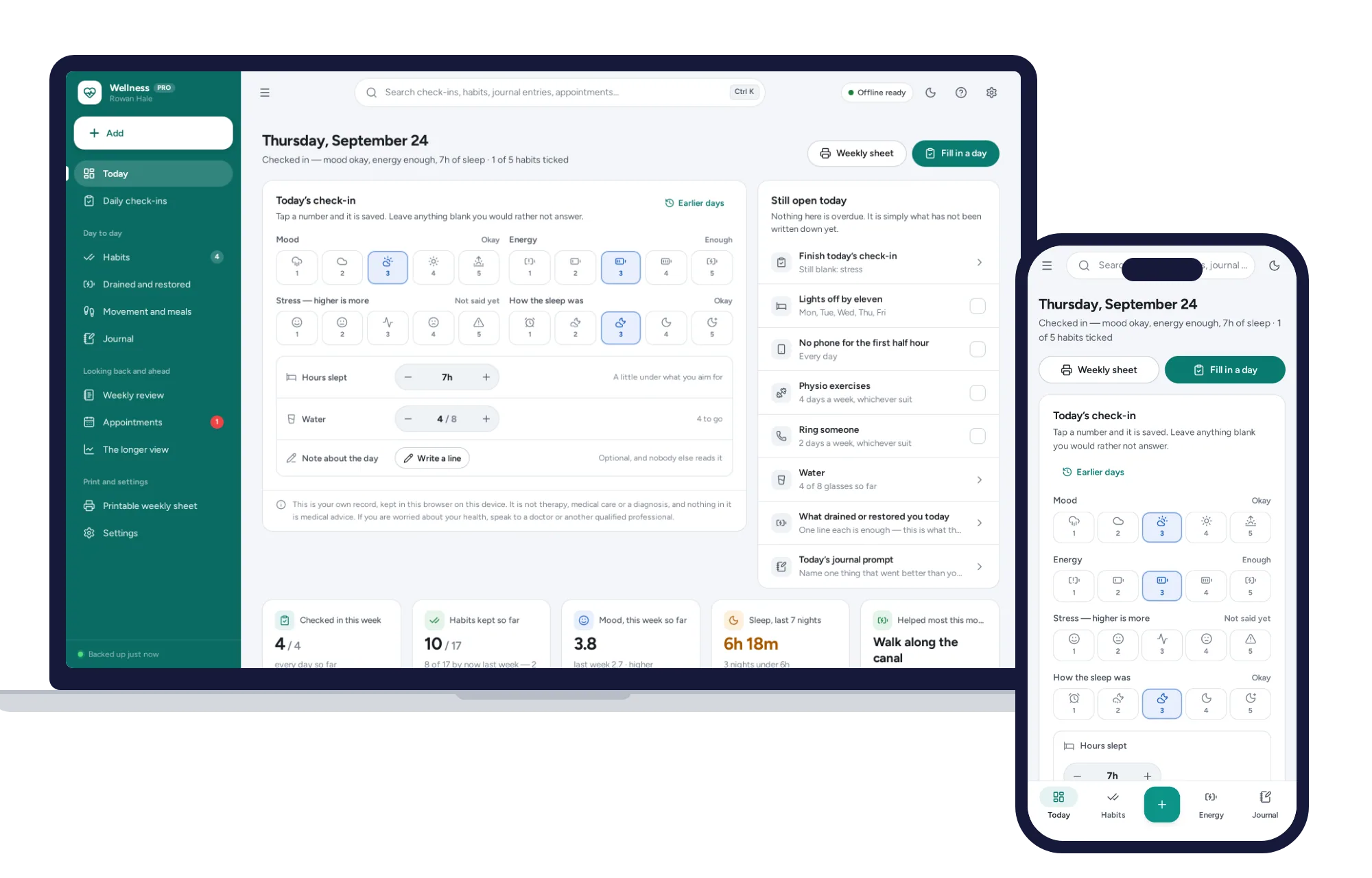
Health & care
A daily check-in that takes seconds, habits counted honestly instead of by streaks.
$24.99one-time
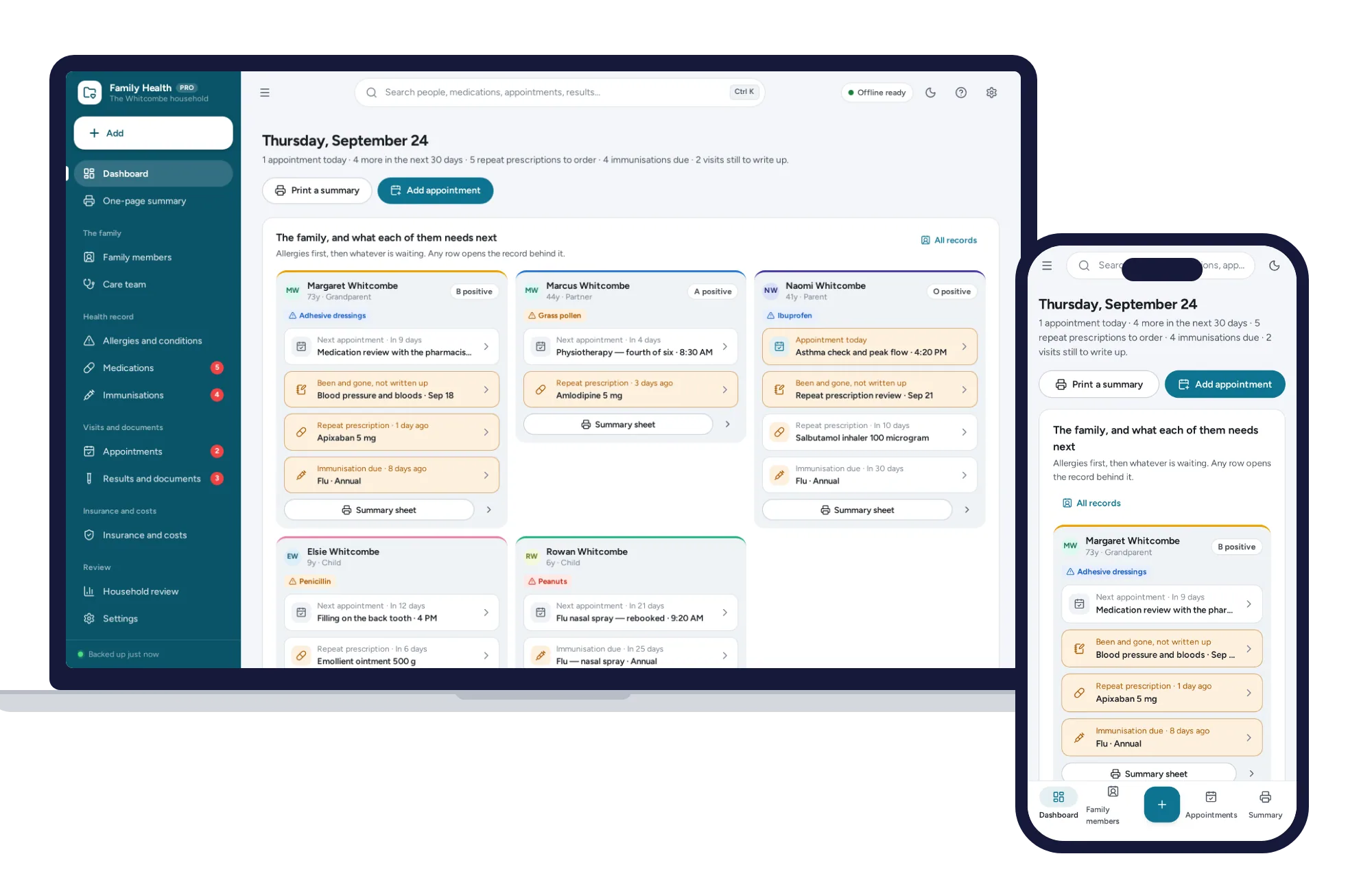
Health & care
Your family’s allergies, medications, immunisations and appointments in one place.
$24.99one-time
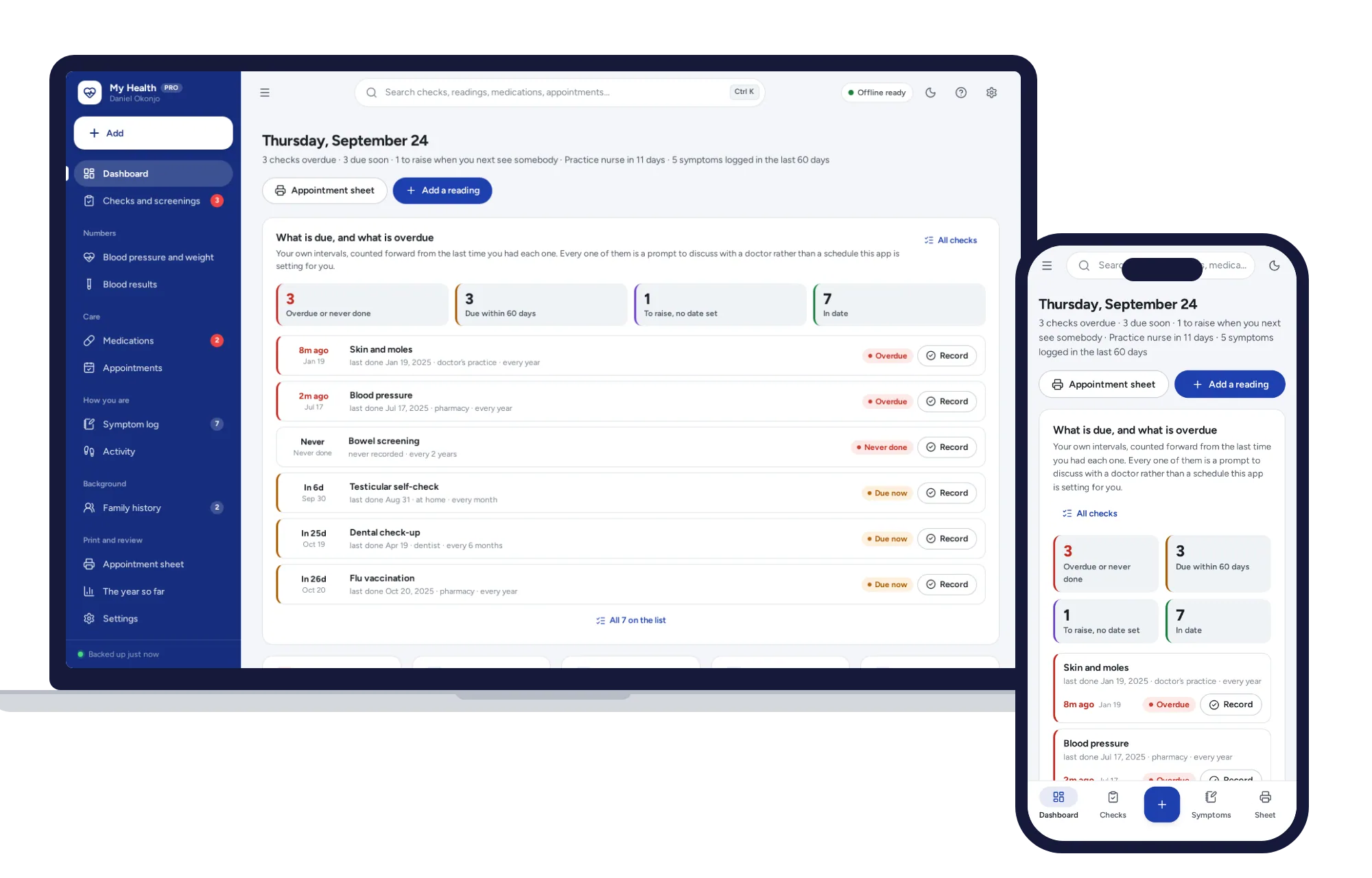
Health & care
Every check with a date on it, your numbers over time, and one printed page you can actually take in.
$24.99one-time
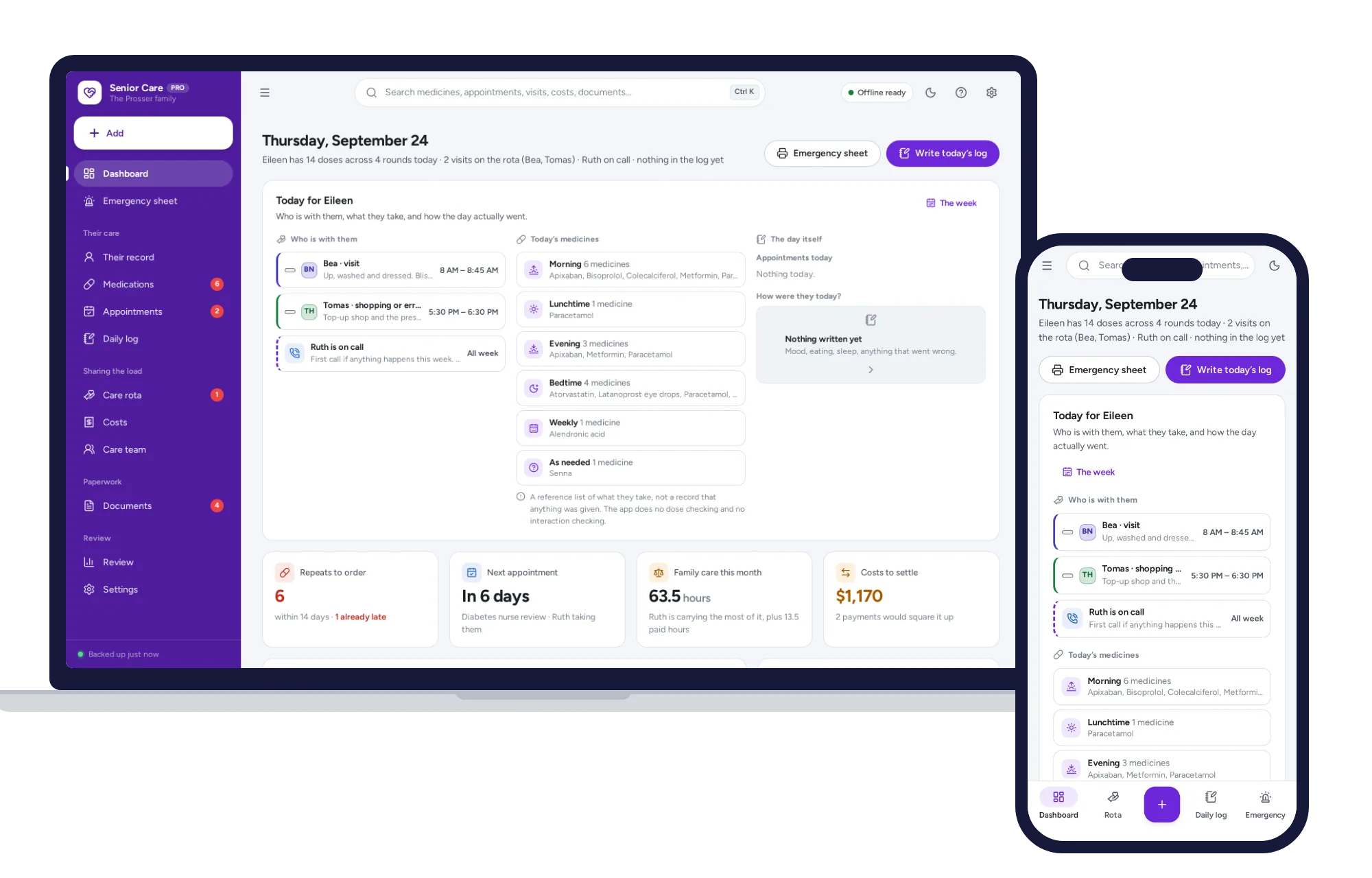
Health & care
Her medicines, her appointments, who is visiting when and who has paid for what.
$24.99one-time