
Check-in & out
Know who is here at a glance
- Check children in and out in one tap
- Record who picked each child up
- See who is absent or not in yet
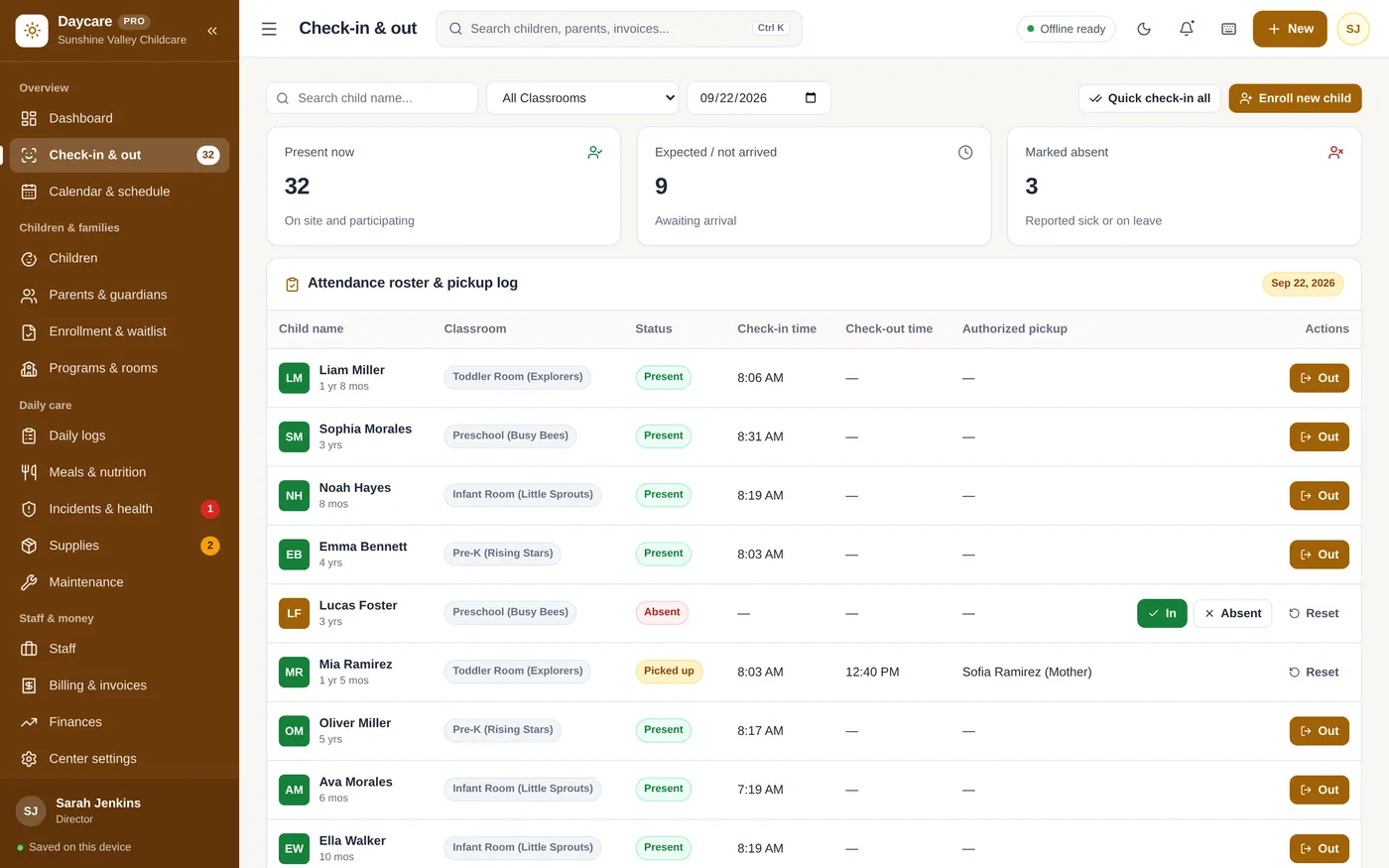
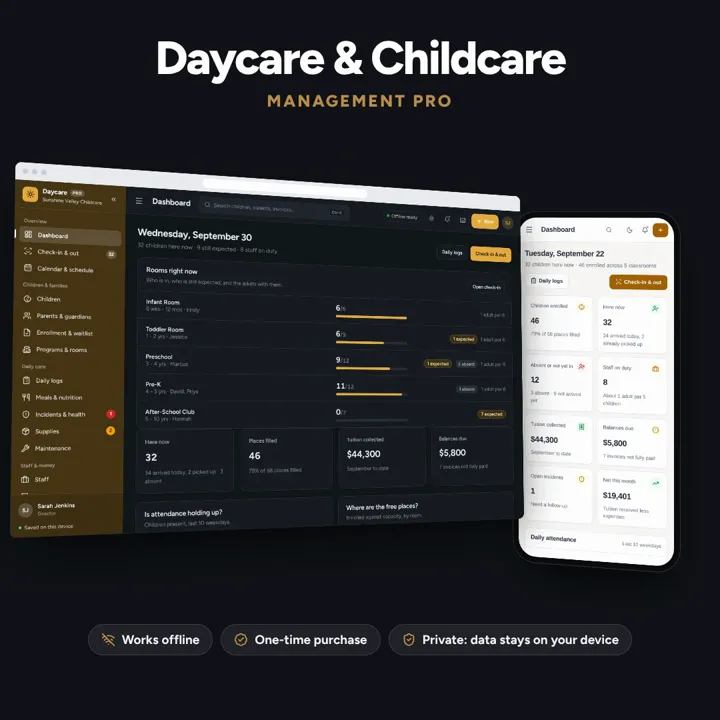
Check-in and out, children and families, daily logs, meals, staff and tuition billing — one offline app.
No subscription. Pay once and keep it.
Checkout by Paddle. Tax is added where it applies, and you download straight after paying.
Made for Daycare centers, preschools, home childcare providers, and early learning centers
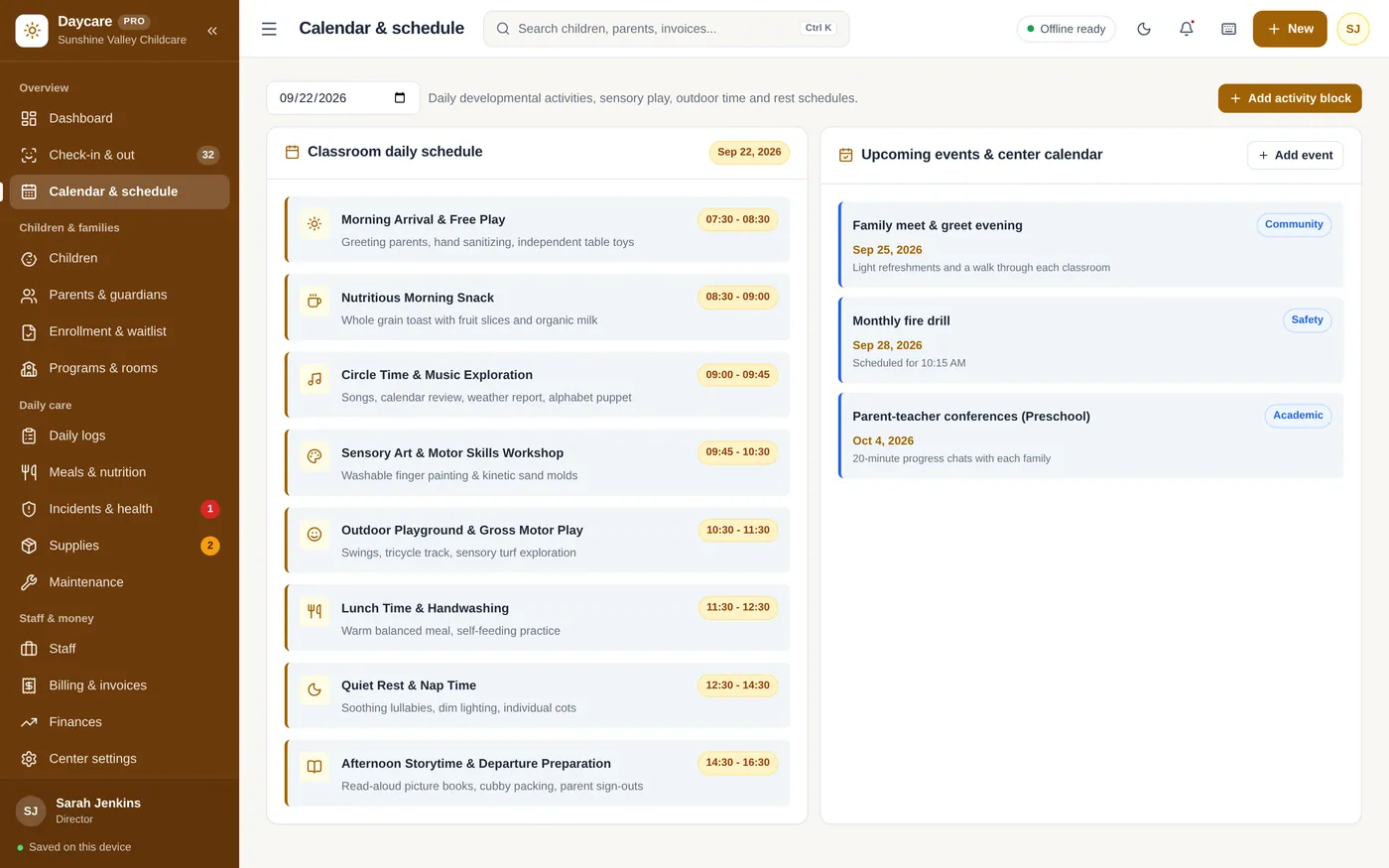
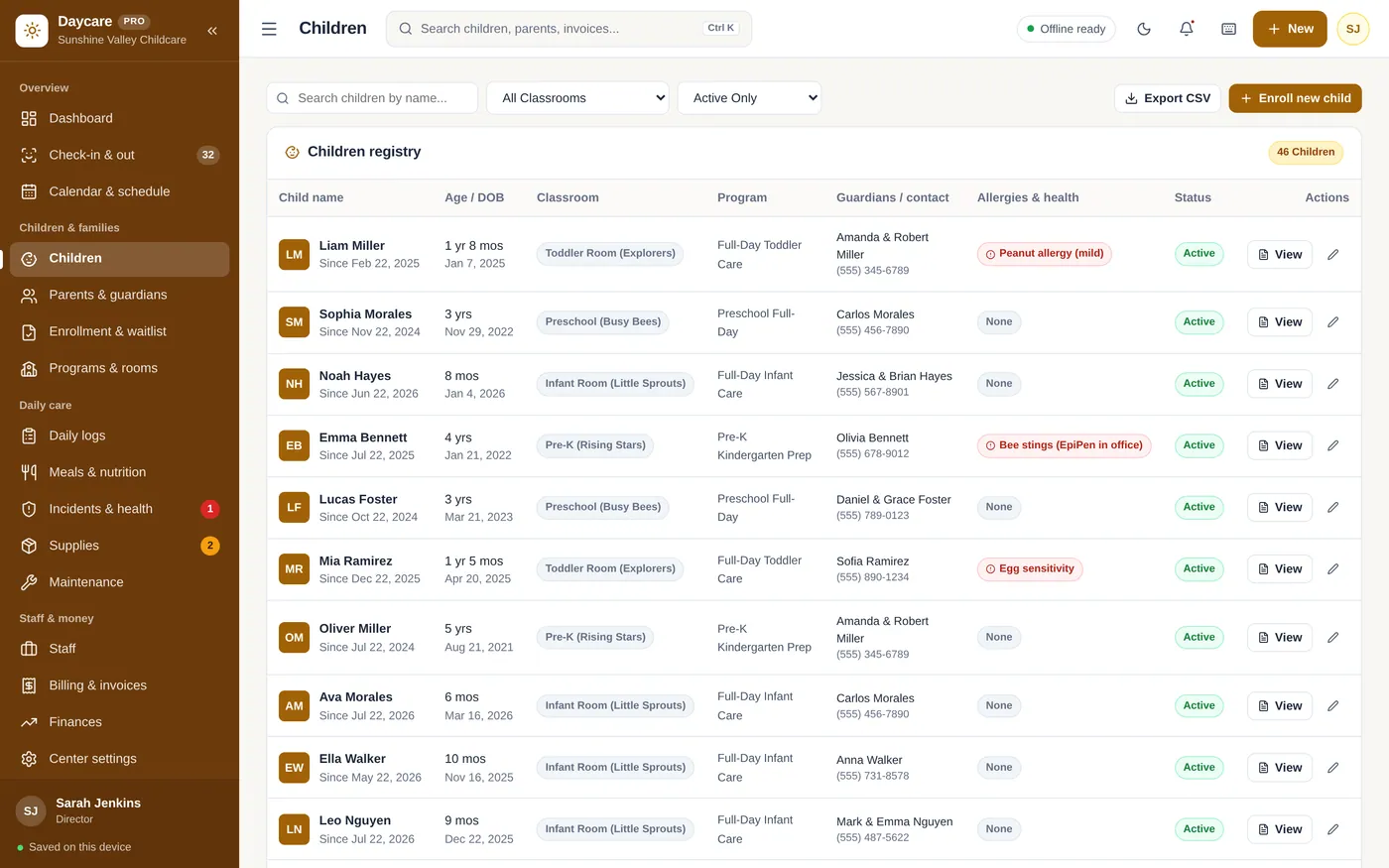
Daycare & Childcare Manager is an offline app for daycare centers, preschools, home childcare providers and early learning centers. It checks children in and out and records who picked them up, keeps child profiles with allergies and guardian contacts, logs moods, naps and meals, records incidents, manages enrollment and waitlists, and bills monthly tuition. It runs offline on one front-desk computer or tablet, with records kept on that device.
Check-in & out
Calendar & schedule
Children
Parents & guardians
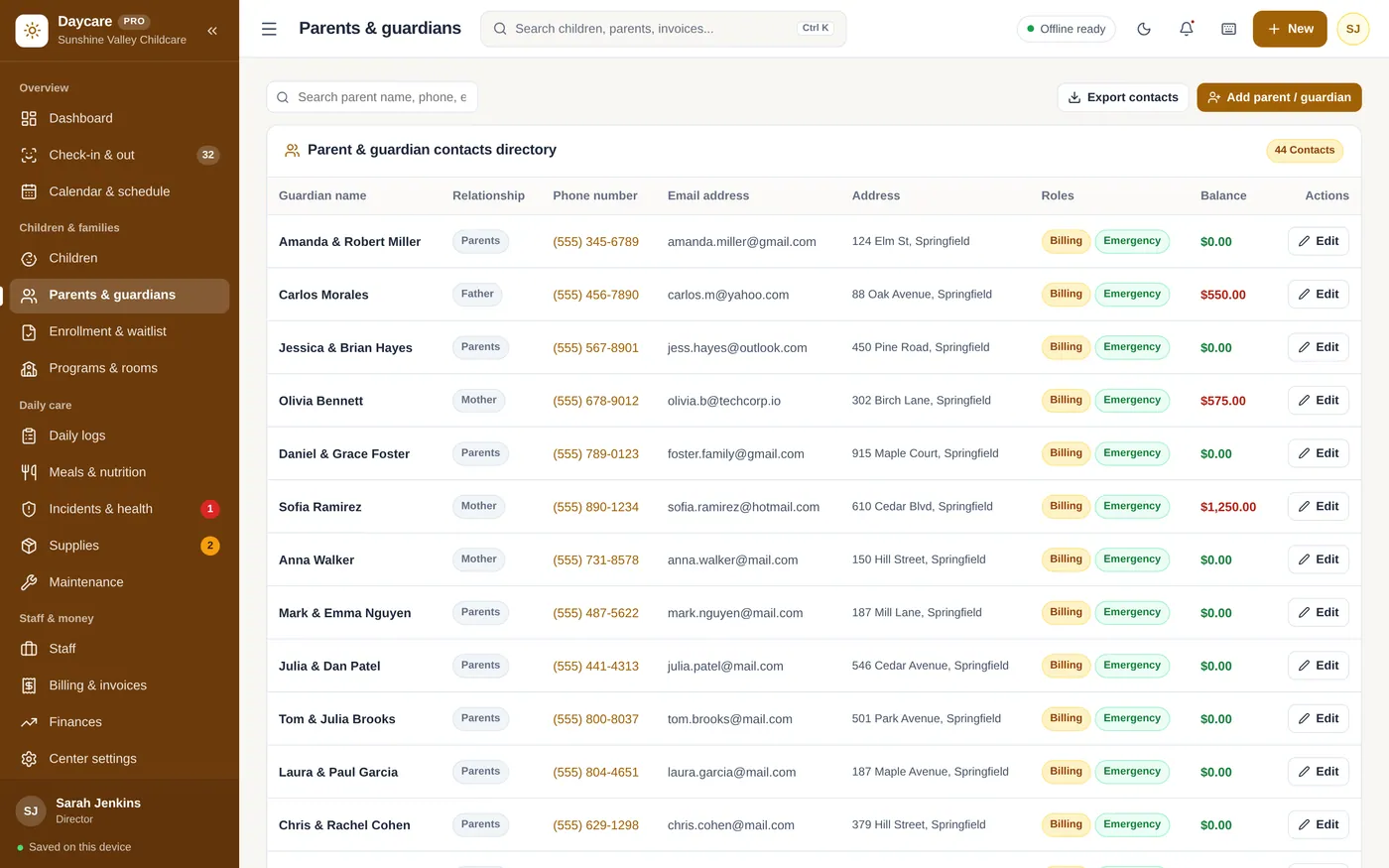
Daily logs
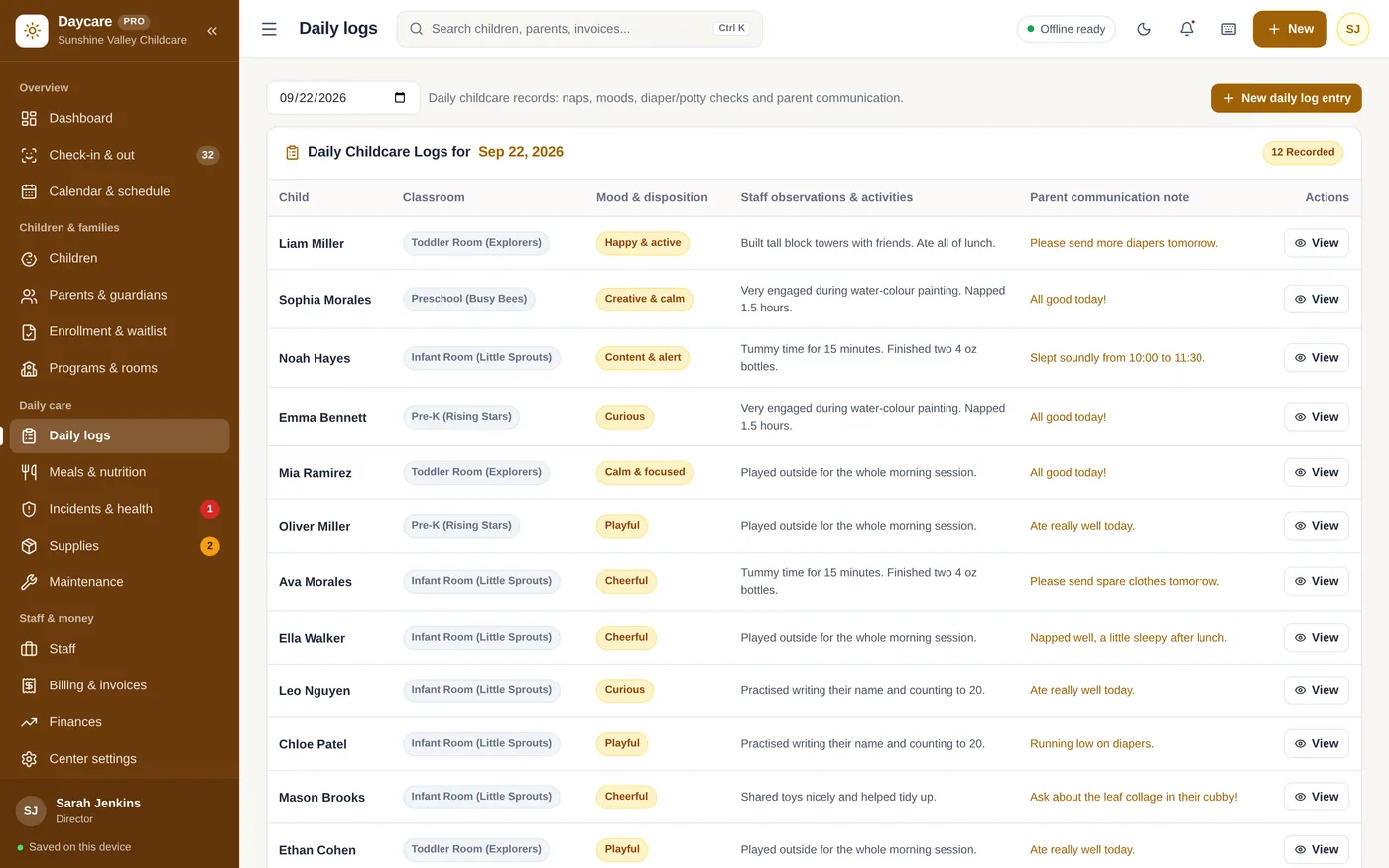
Billing & invoices
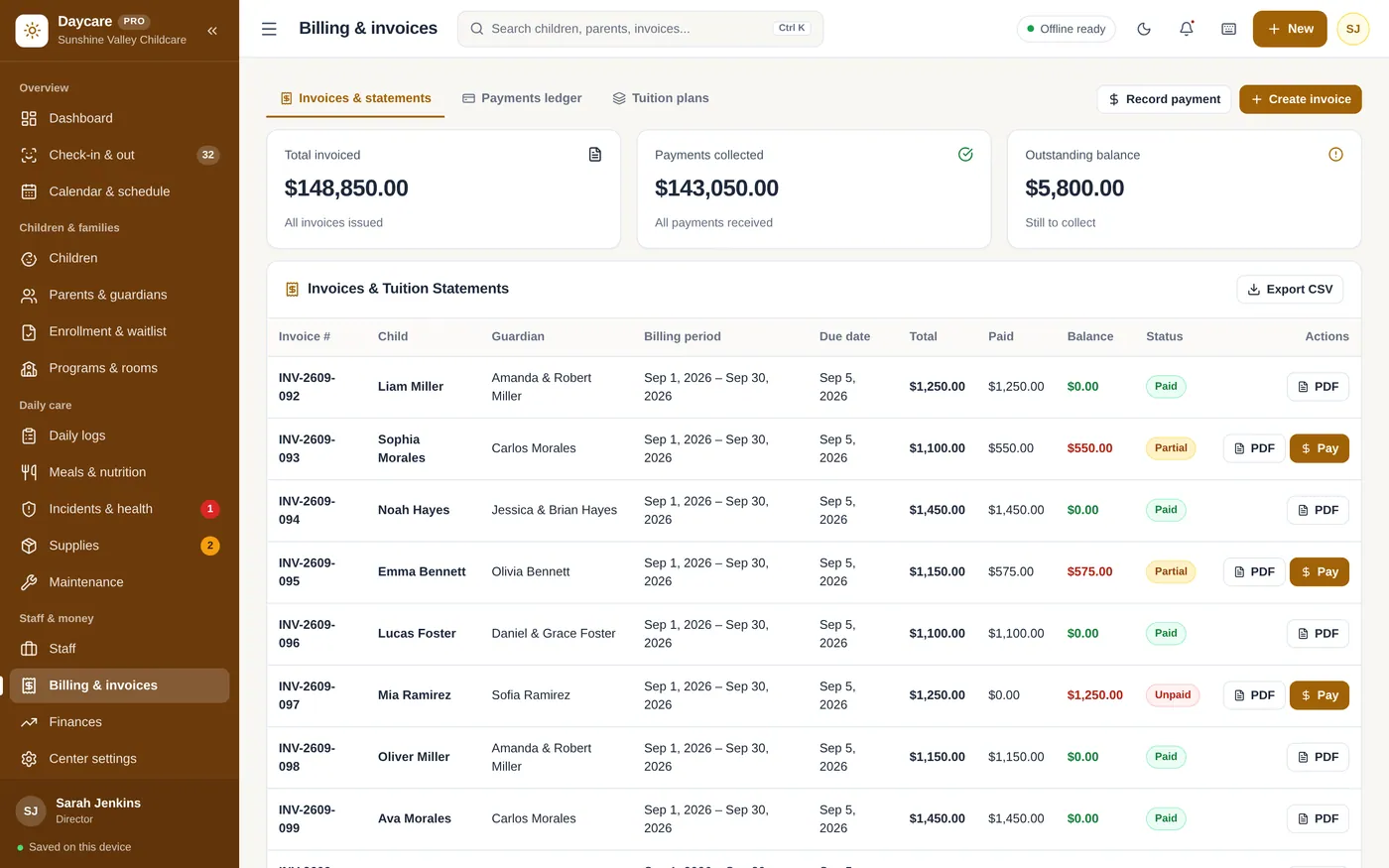
For daycare centers, preschools, home childcare and after-school clubs.
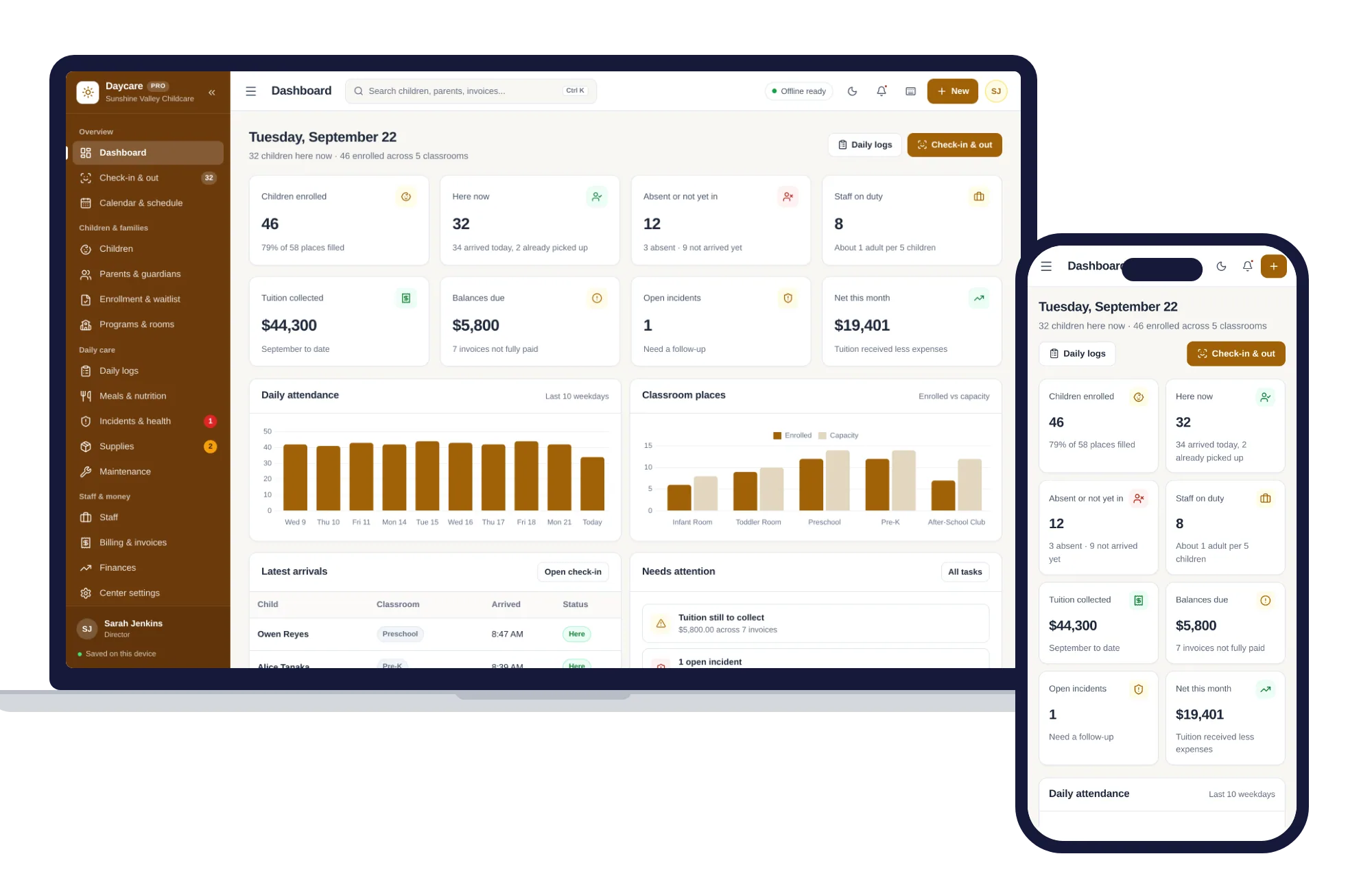
Install it like an app. Children’s records never leave your device.
What it needs, and what it does not do.
Daycare & Childcare Manager is an offline app from ColadoSystems that runs in your web browser from a folder on your own device. It costs $29.99 once, with no subscription and no account, and includes 12 tools, sample data to explore and a PDF guide. Your records stay on your device and are never uploaded.
Something else? Email us and we'll answer before you buy.
Only on your device. Child profiles, allergies, guardian phone numbers and tuition records are saved in your browser's local database and are not uploaded to any server. Set a 4-digit PIN in Center settings and a lock screen covers the app when you open it and after five minutes without activity, so parents at the desk cannot read another family's details.
Choose "Forgot PIN?" on the lock screen and type RESET. The PIN is cleared, the app unlocks and you land on the field to set a new one — none of your records are deleted or changed. The lock is a privacy screen: it hides what is on screen but does not encrypt your records, so lock your computer too when you step away.
Yes. The layout adapts to tablets, so staff can keep Check-in & out open at the front desk. Records stay on the device you use, so pick one device for attendance.
Yes. The PDF button on each invoice downloads a statement with the period, amount paid and balance. For yearly totals, export the Payments ledger to CSV.
Export a backup in Center settings, Backup & restore on the old computer. On the new one, open the same tab and click "Select backup file (.json)". Restoring replaces the current records.
No. It is made for one person on one device, and records do not sync between devices. To move to another device, save a backup and restore it there.
No. It runs offline on your own device, so there is no booking page for customers and it does not take card payments. You record bookings and payments in it yourself, including ones taken by phone, card reader or another website.
The schools & learning bundle has every system in this category for one price.
From running a school office to planning a homeschool week.
$119.99for 8 systems, $219.92 if bought one by one
You save $99
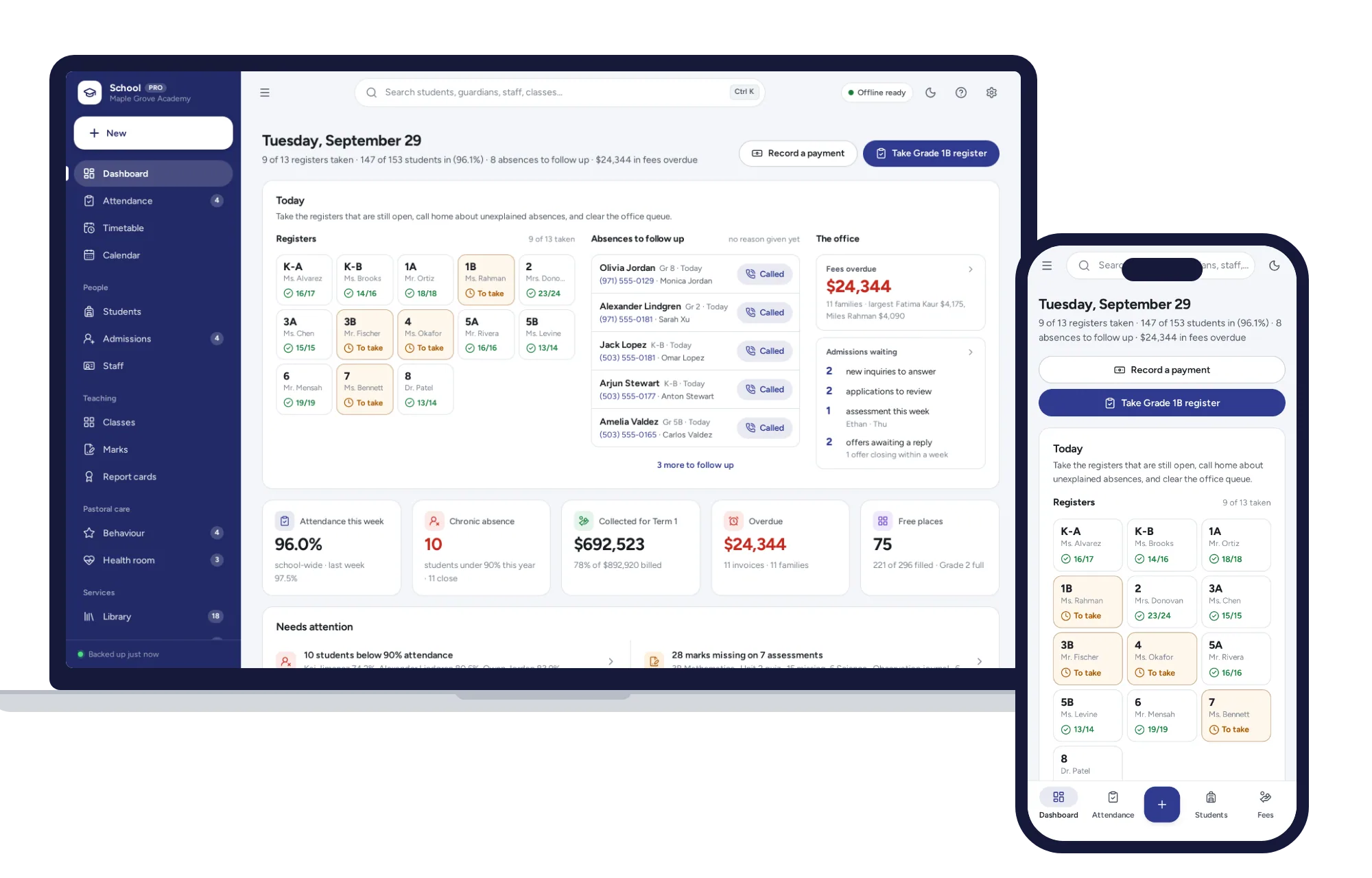
Schools & learning
Daily registers in a few taps, a clash-checked timetable, report cards and term fees billed a whole grade at once.
$29.99one-time
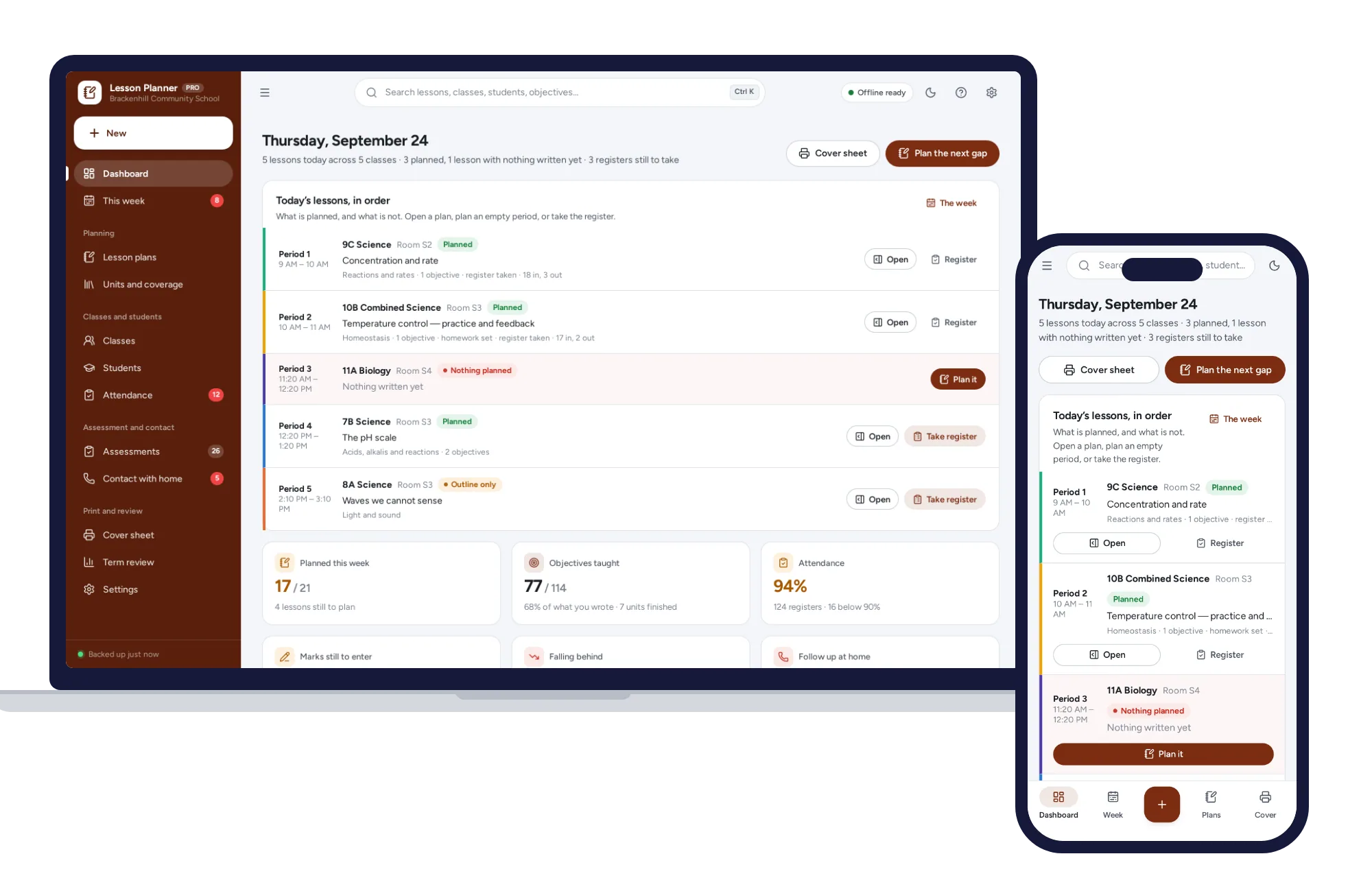
Schools & learning
Plan the week, evidence what you taught, keep the register and the marks.
$29.99one-time
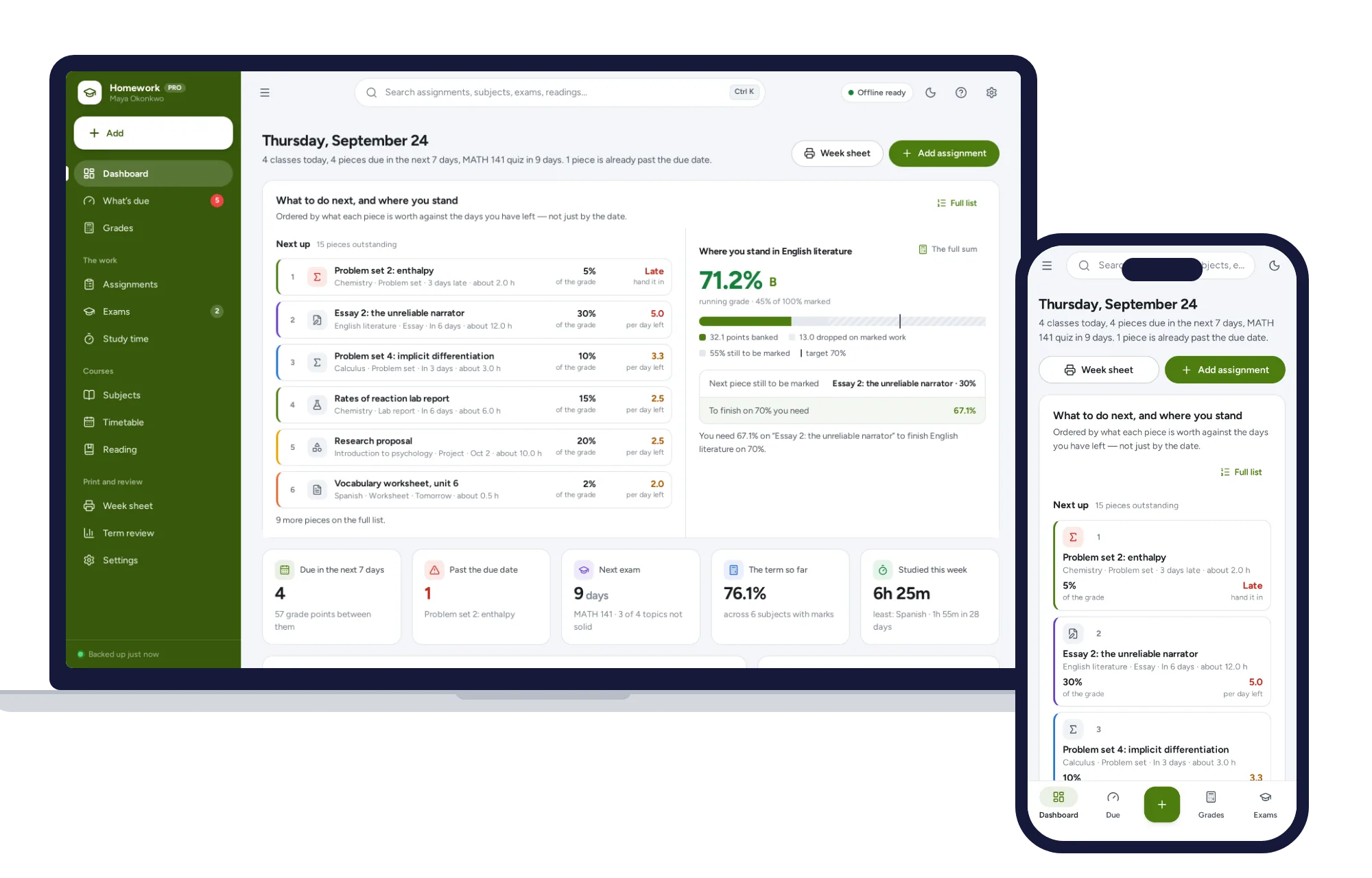
Schools & learning
What’s due by what it is worth, the running grade in every subject, and the mark you need on the final — offline.
$24.99one-time
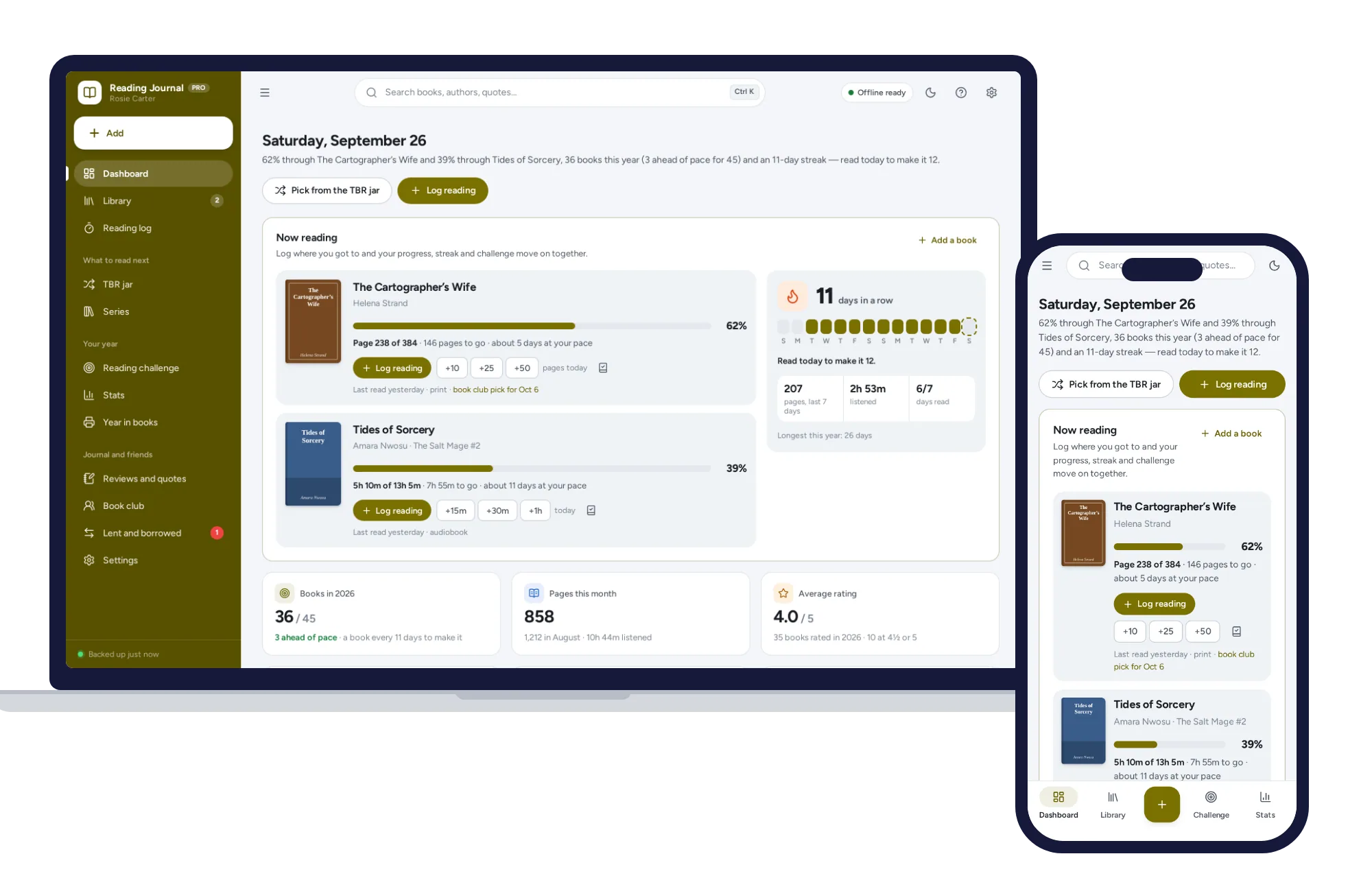
Schools & learning
Log the page you reached and your progress, streak and reading challenge update. No formulas to break, no subscription.
$24.99one-time