
Bible reading plan
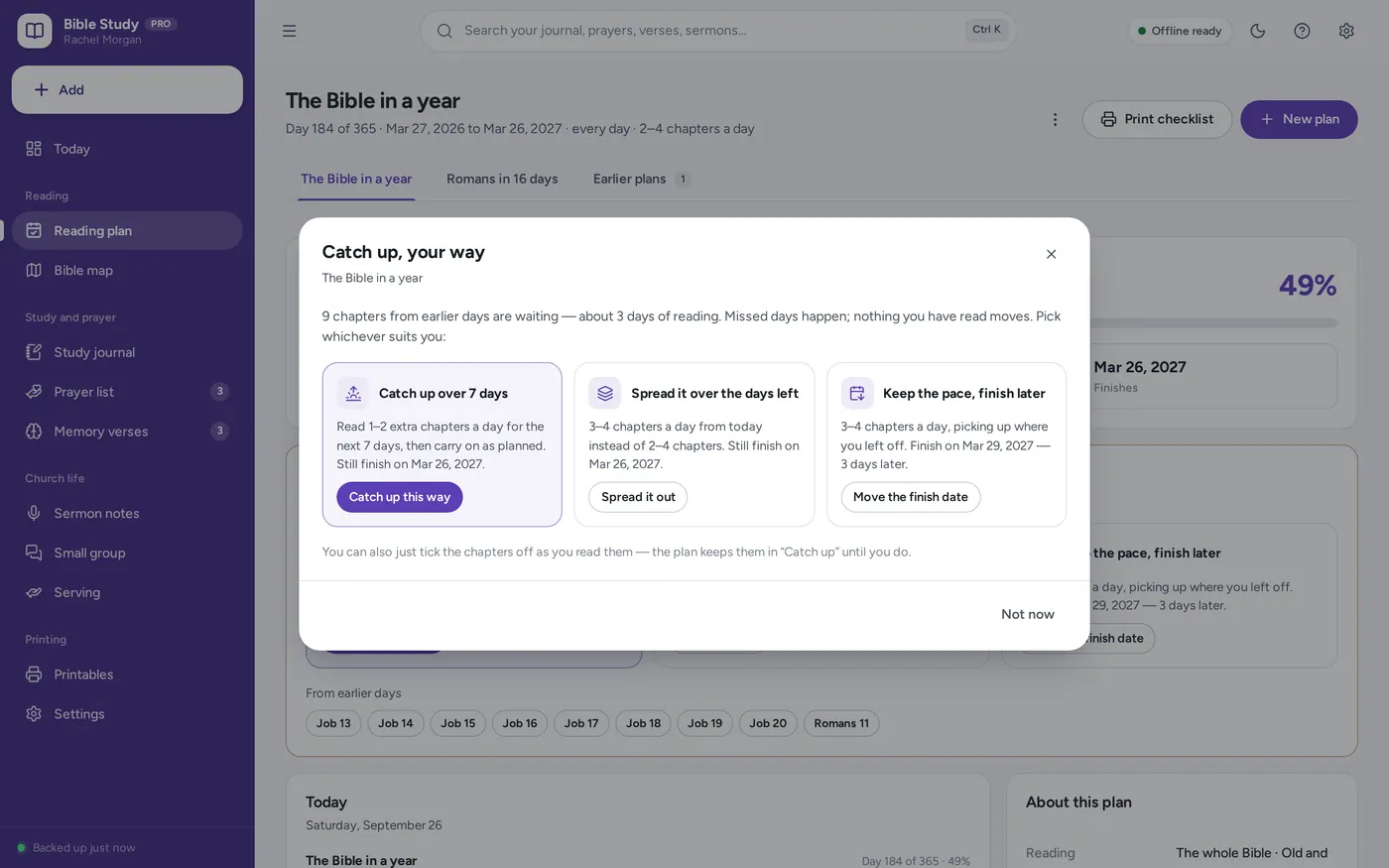
Missed a few days? It catches you up.
- Bible in a year, New Testament in 90 days, or your own books
- A little extra each day, spread it out, or finish later
- No wall of unticked boxes — and no starting over
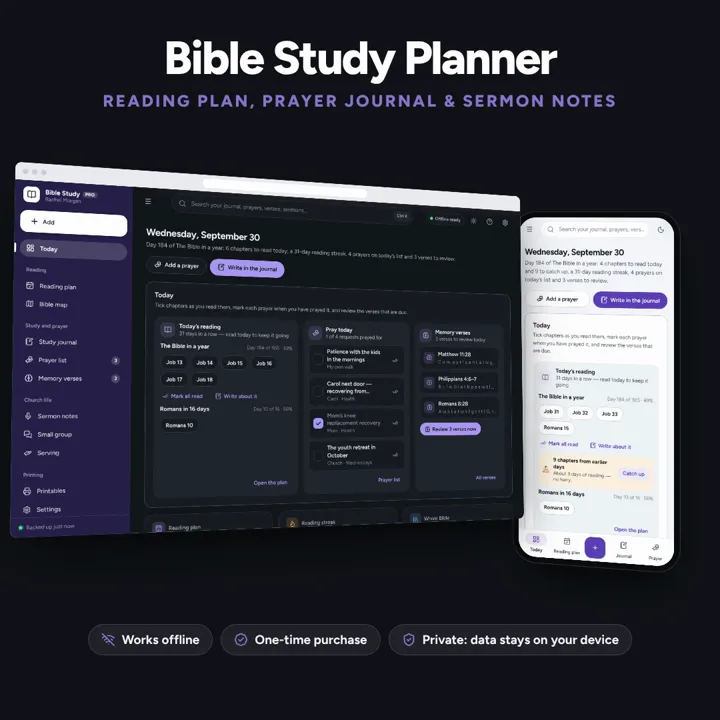
A Bible reading plan that catches you up when you miss a day, a SOAP journal and a prayer list on one dashboard. No subscription.
No subscription. Pay once and keep it.
Checkout by Paddle. Tax is added where it applies, and you download straight after paying.
Made for Christians who want a Bible reading plan, a study journal and a prayer list in one place — on their own, with a small group, or following the Sunday sermon — using the Protestant list of 66 books or the Catholic list of 73
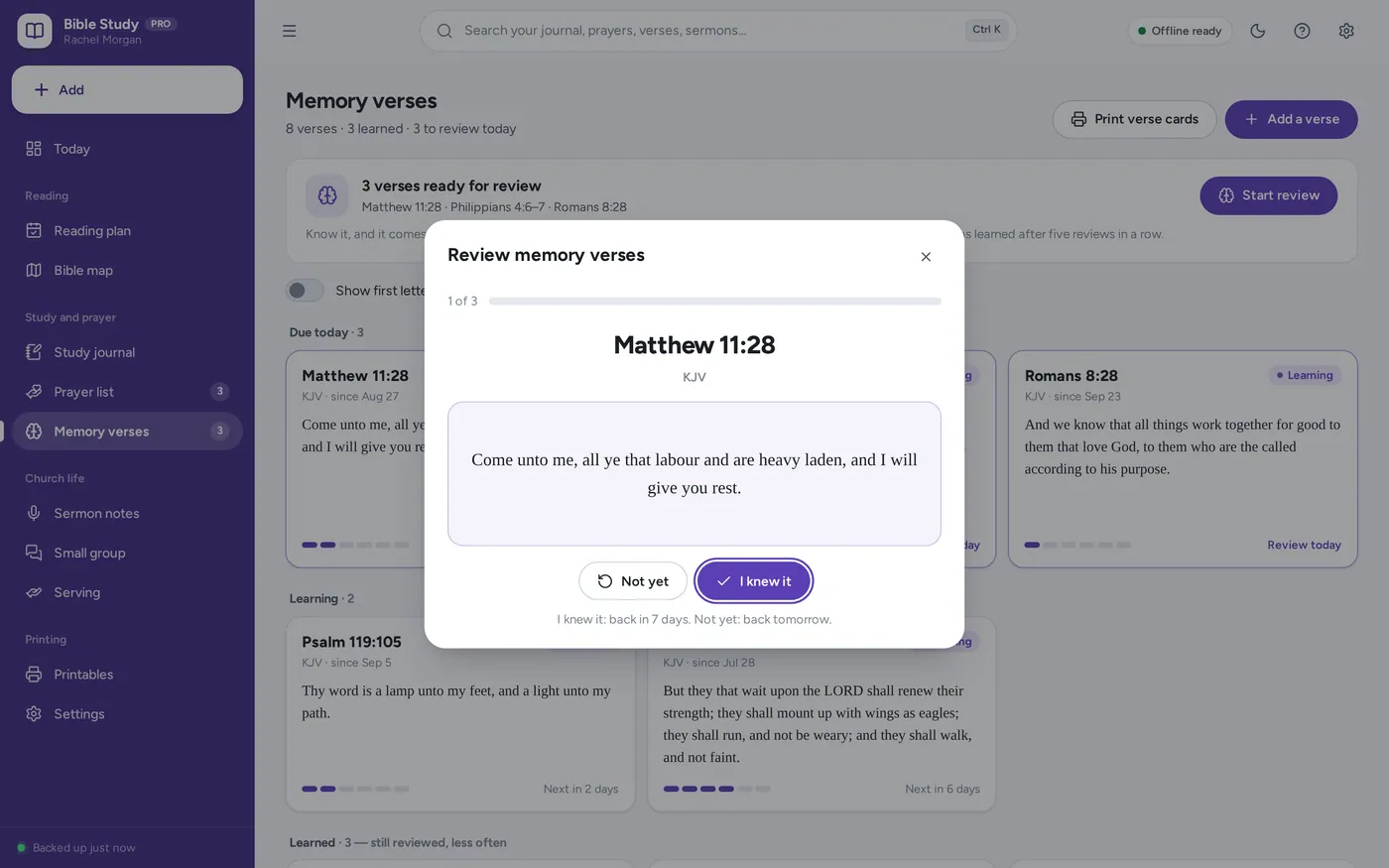
A Bible study planner in one offline app: a reading plan that catches you up when you miss a day, every chapter you have read on a map of the whole Bible, a SOAP study journal, a prayer list that keeps the answers, memory verses on a review schedule, sermon and small group notes, and printable pages — no Bible text bundled, so it fits any translation.
Bible reading plan
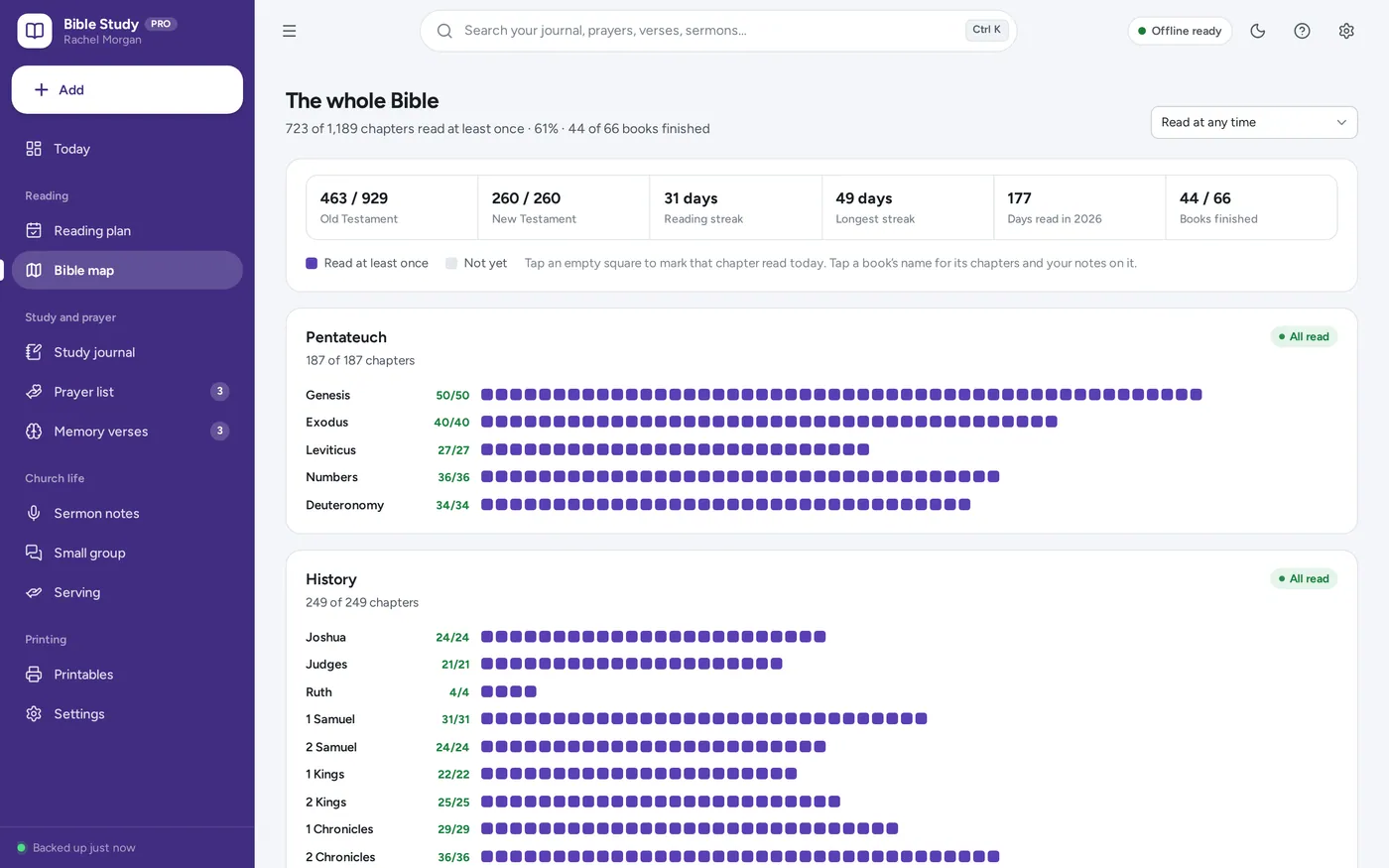
Bible reading tracker
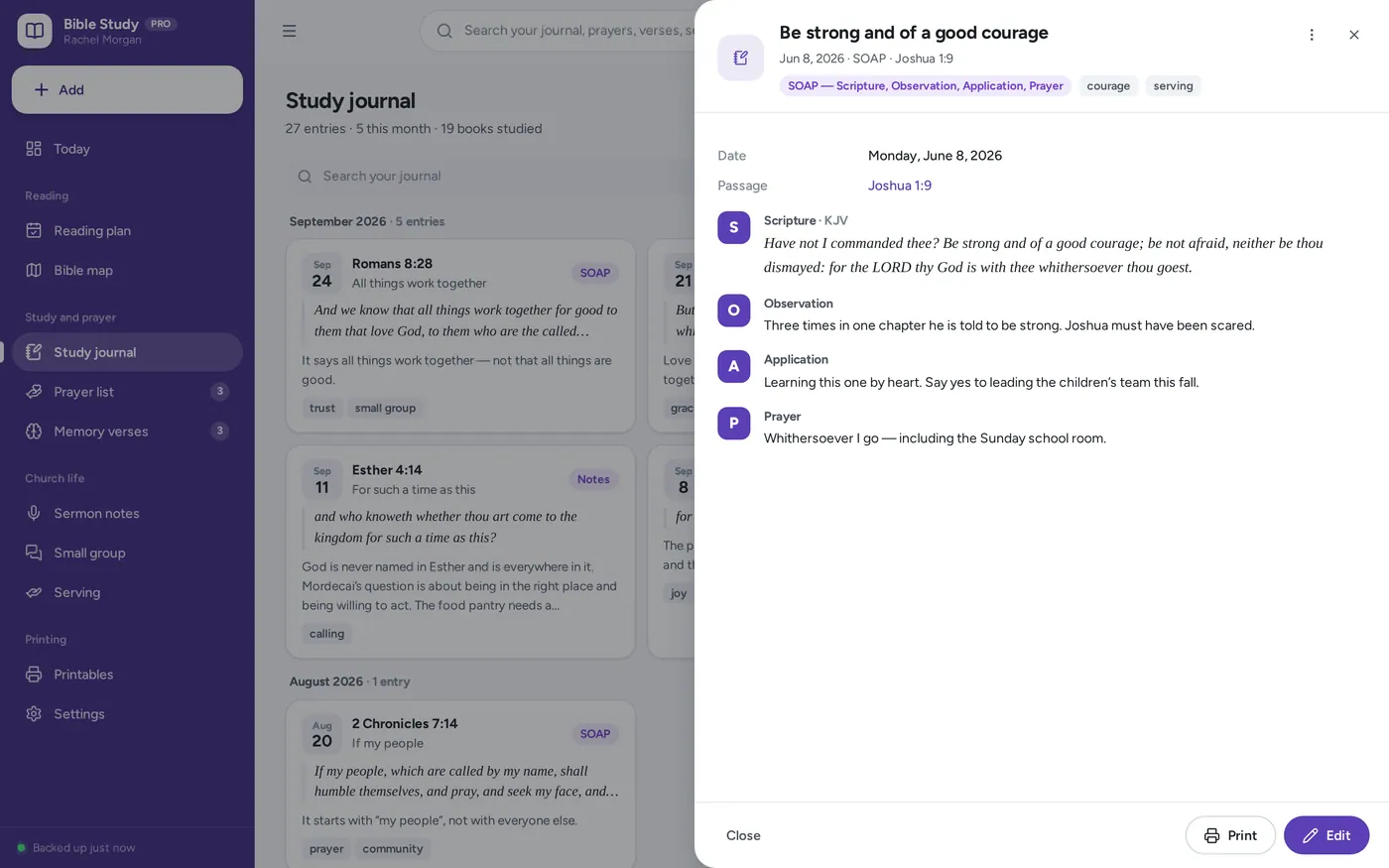
SOAP Bible study journal
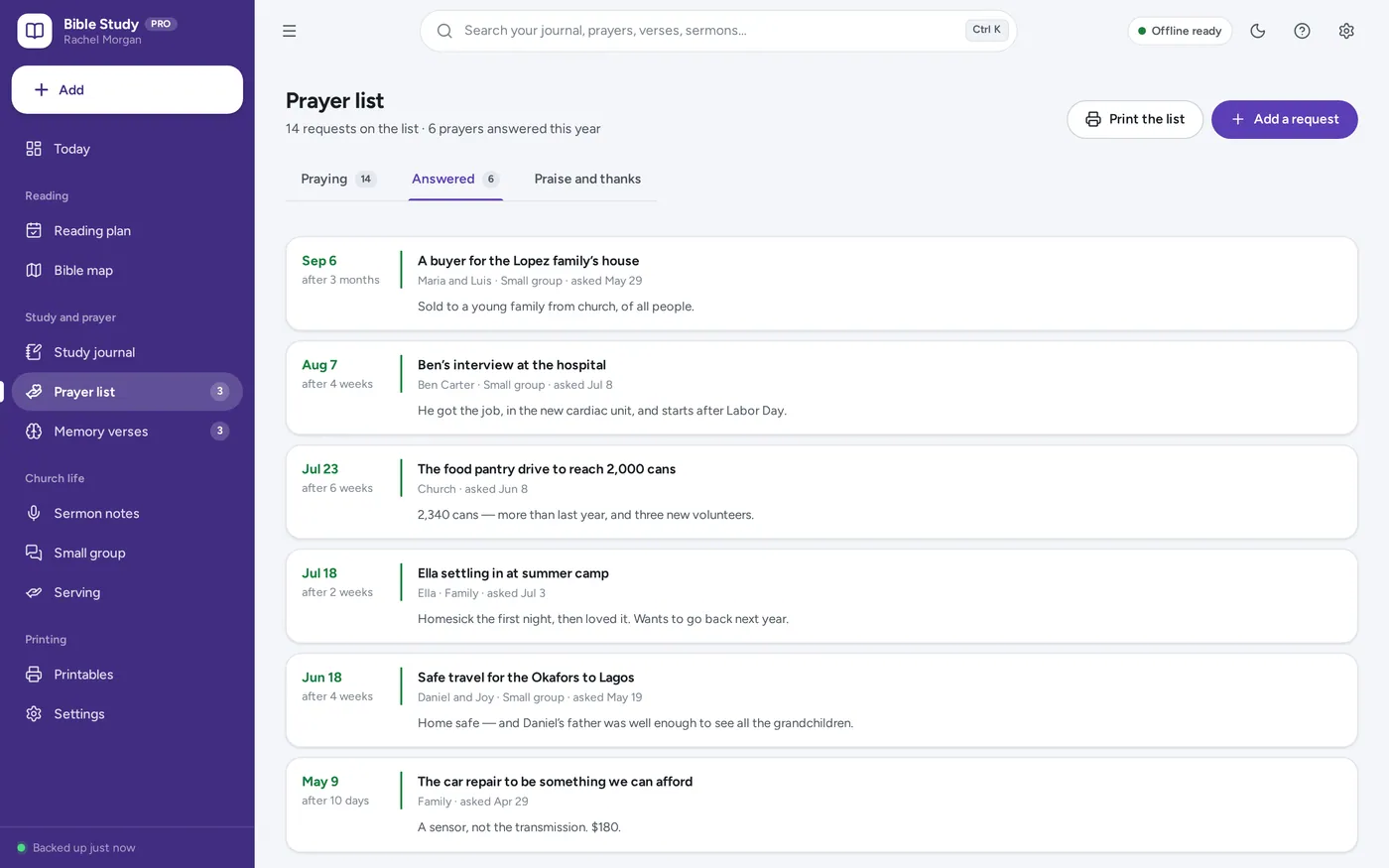
Prayer journal & prayer list
Scripture memory tracker
Printable faith planner pages
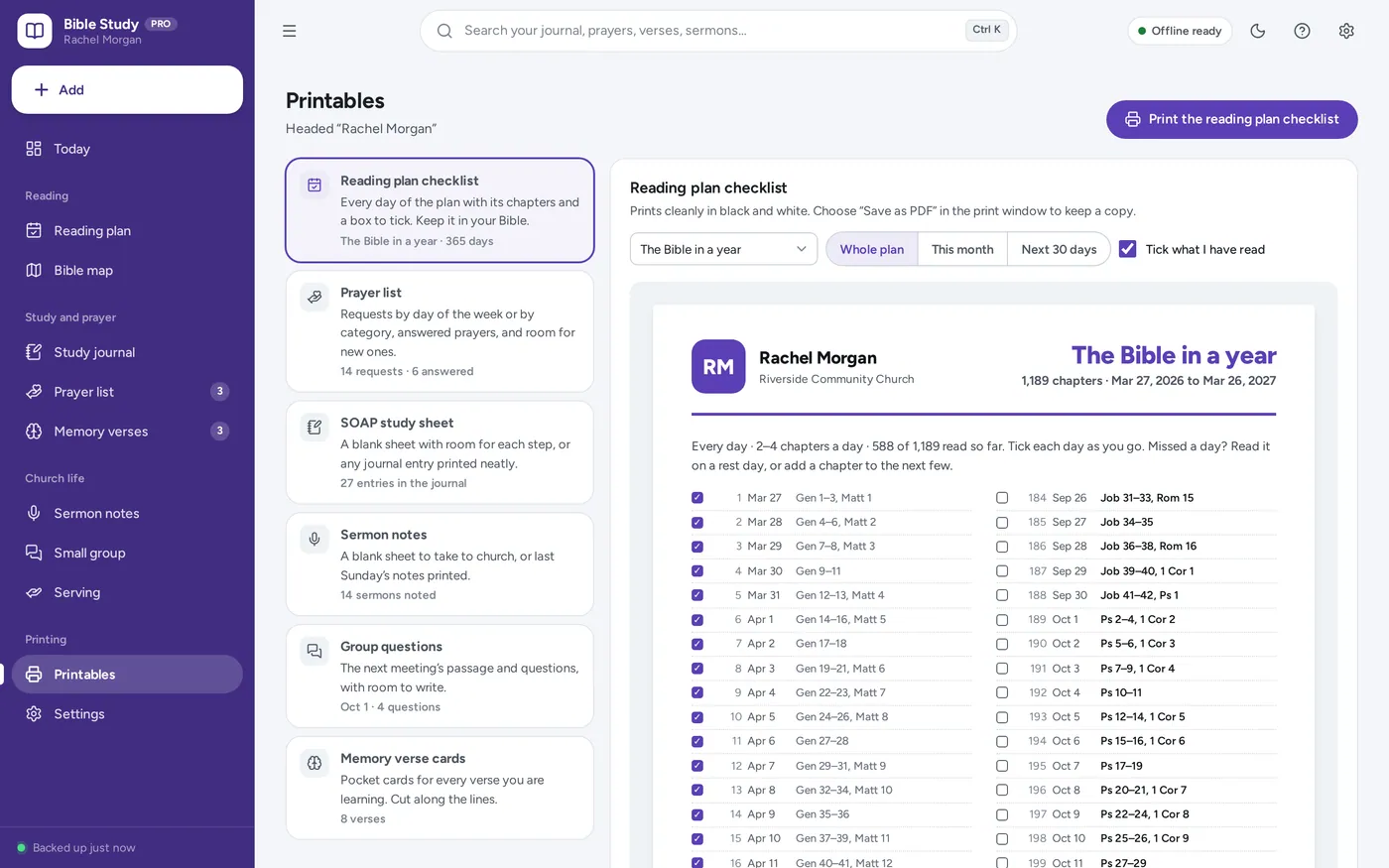
The reading plan tracker, SOAP journal and prayer journal a printable faith planner promises — plus catch-up, a map of the whole Bible, memory verses, sermon and small group notes.
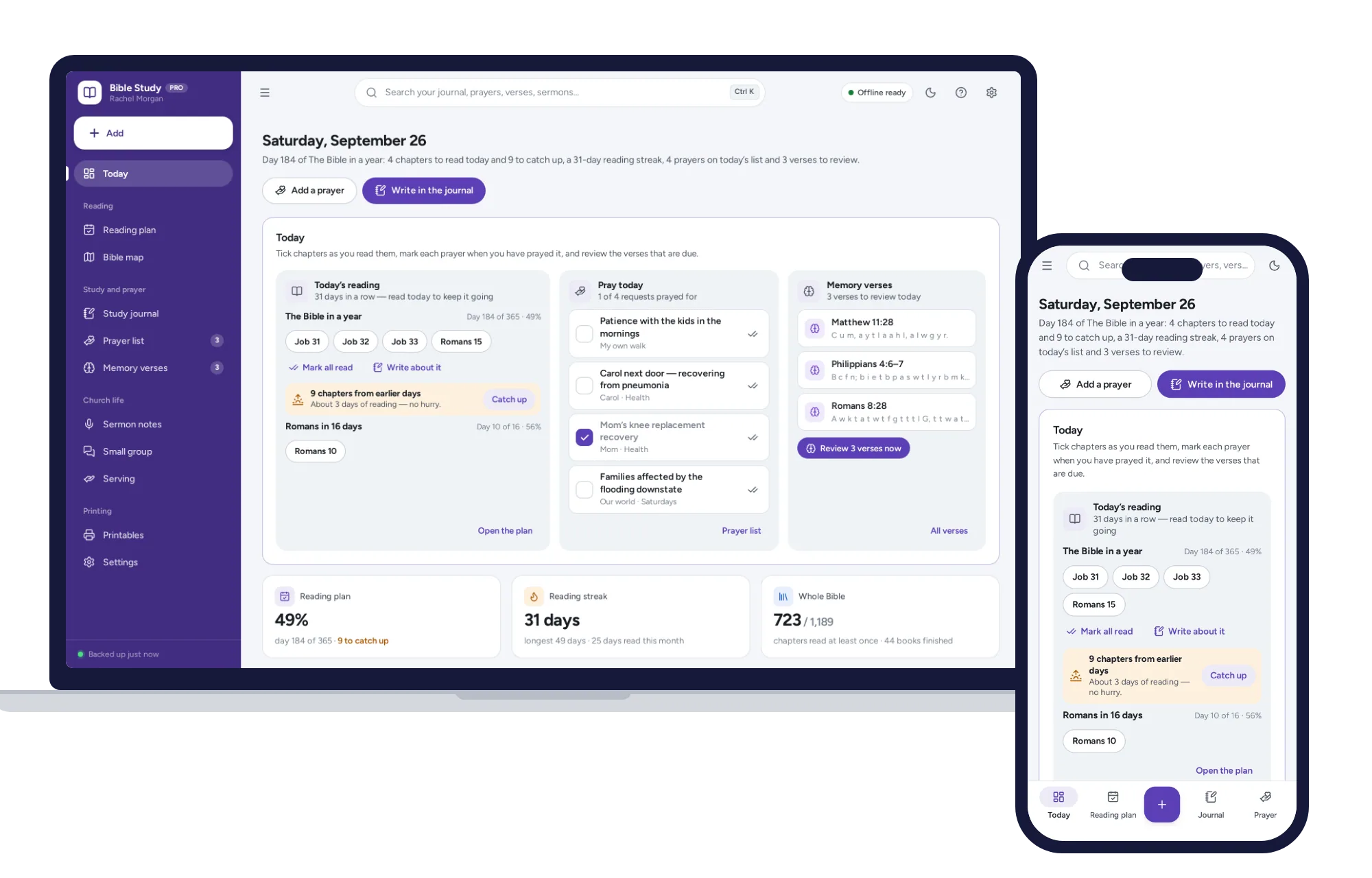
Paper plans turn into a wall of missed boxes, and spreadsheets break the day a formula gets typed over. This opens from a double-click, works offline and keeps your prayer list on your own device. No Bible text is bundled, so it fits any translation.
What it needs, and what it does not do.
Bible Study Planner is an offline app from ColadoSystems that runs in your web browser from a folder on your own device. It costs $24.99 once, with no subscription and no account, and includes 12 tools, sample data to explore and a PDF guide. Your records stay on your device and are never uploaded.
Something else? Email us and we'll answer before you buy.
Everything is saved inside your browser on this device. Nothing is uploaded and there is no account, so no company holds a copy of your journal and prayer list. They are not encrypted, though: anyone who can use this device and browser can open them, so keep the device locked. Download a backup regularly (Settings → Data & backup → Back up now) and keep it somewhere as safe as the records themselves.
Yes. Open index.html and it runs fully offline. You can also host the folder on any website and choose “Install app” in Chrome or Edge to get a desktop or phone icon that works offline.
Yes. The layout adapts to phones and tablets with a bottom navigation bar. Each device keeps its own data, so use Back up / Restore to move records between devices.
Go to Settings → Data & backup → Erase records. Every sample record is removed, and so are the sample person’s name, church and small group, so nothing of theirs ends up on your printouts. Your other settings are kept.
No. The app works with books, chapters and verse numbers — reading plans, the Bible map and every reference are built from the structure of the Bible, not its words. Where you want the words of a verse, in the journal or on a memory verse, you type or paste them from your own Bible, in whichever translation you read.
Either. Choose the Protestant list of 66 books or the Catholic list of 73 (with Tobit, Judith, 1 and 2 Maccabees, Wisdom, Sirach and Baruch, and Daniel in 14 chapters) under Settings → Bible and reading. With the 66 books you can also use the Hebrew Bible order for the Old Testament. The app’s own words make no theological claims; it keeps your plans, notes and prayers.
Nothing turns red. The chapters you missed wait under “From earlier days”, and the plan offers three ways to catch up: a little extra each day for the next week, spreading everything left over the days remaining, or keeping the same pace and finishing a few days later. Each one tells you exactly what it will do before you choose, nothing you have read ever moves, and you can undo it straight after.
Yes. Each plan keeps its own ticks, so a chapter read for your small group’s plan does not count towards your year plan unless you tick it there too. The Bible map and your reading streak count every chapter you have read, from any plan.
The app uses the usual English chapter numbering. A few books — Esther, Joel and Malachi — are divided differently in some Bibles; if yours differs, tick the chapter you read.
Each device keeps its own copy, so there is no live sharing between phones. Print the meeting questions to hand round, and add the group’s prayer requests to your own list.
The schools & learning bundle has every system in this category for one price.
From running a school office to planning a homeschool week.
$119.99for 8 systems, $219.92 if bought one by one
You save $99
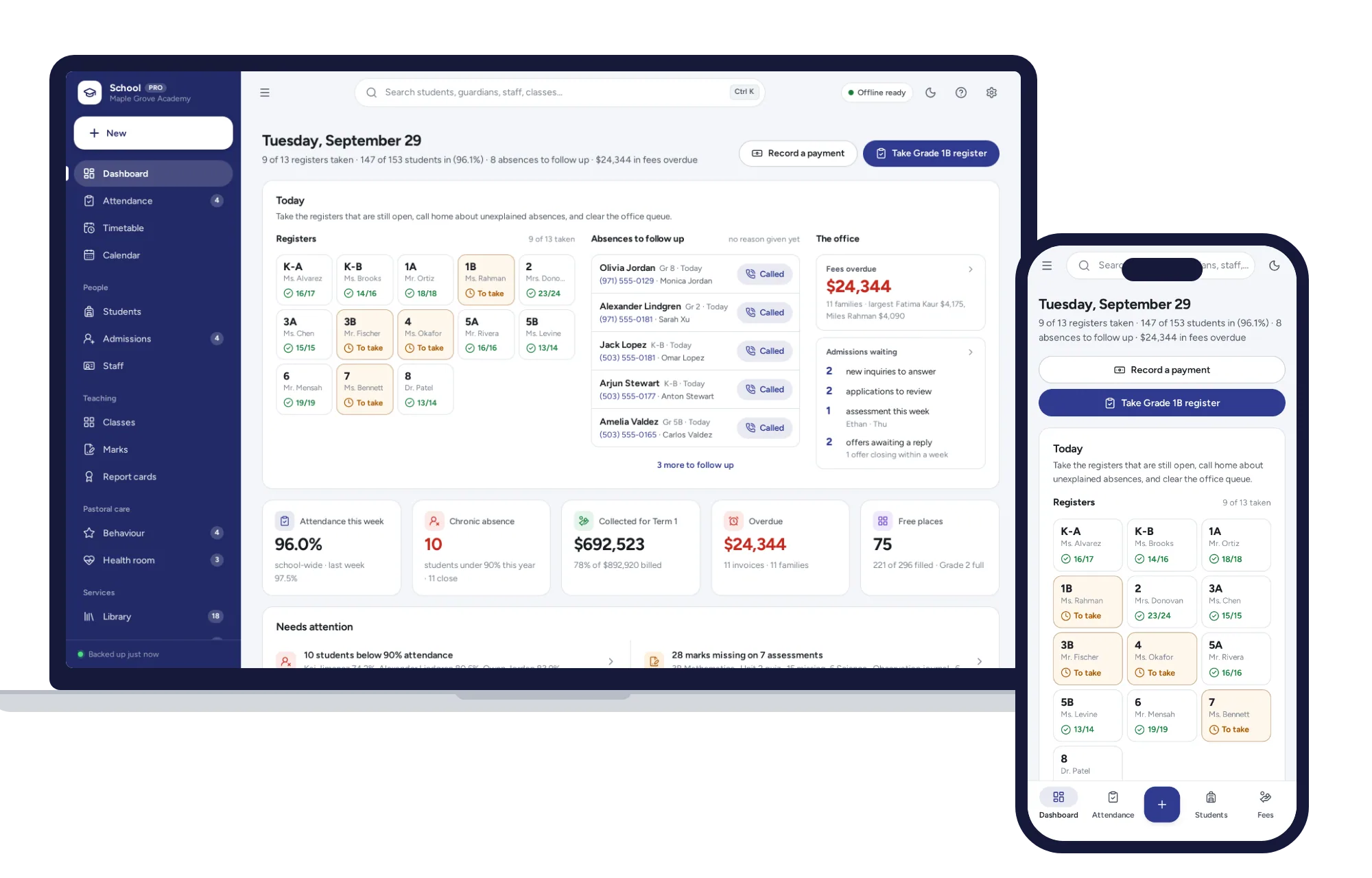
Schools & learning
Daily registers in a few taps, a clash-checked timetable, report cards and term fees billed a whole grade at once.
$29.99one-time
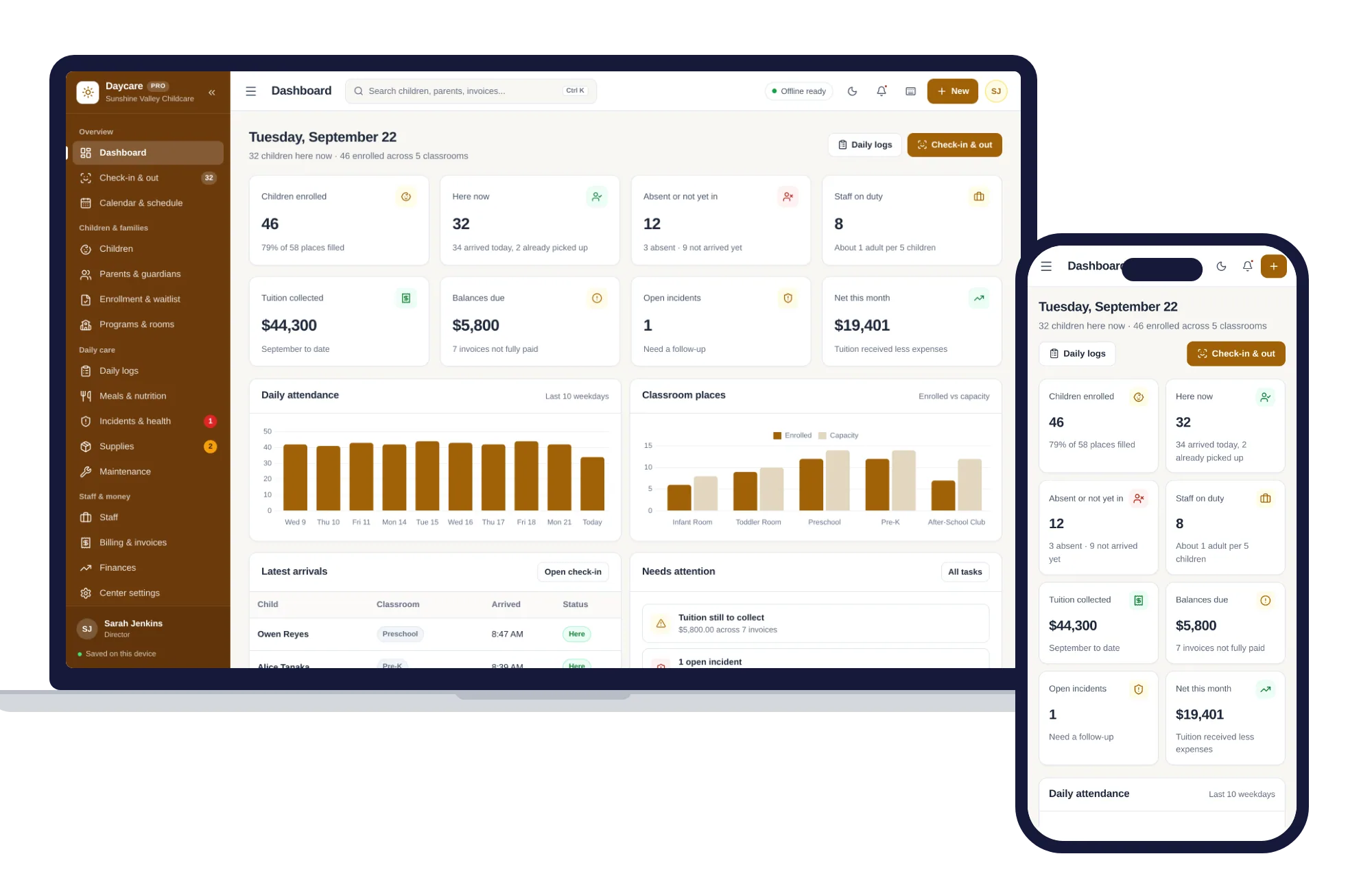
Schools & learning
Check-in and out, children and families, daily logs, meals, staff and tuition billing — one offline app.
$29.99one-time
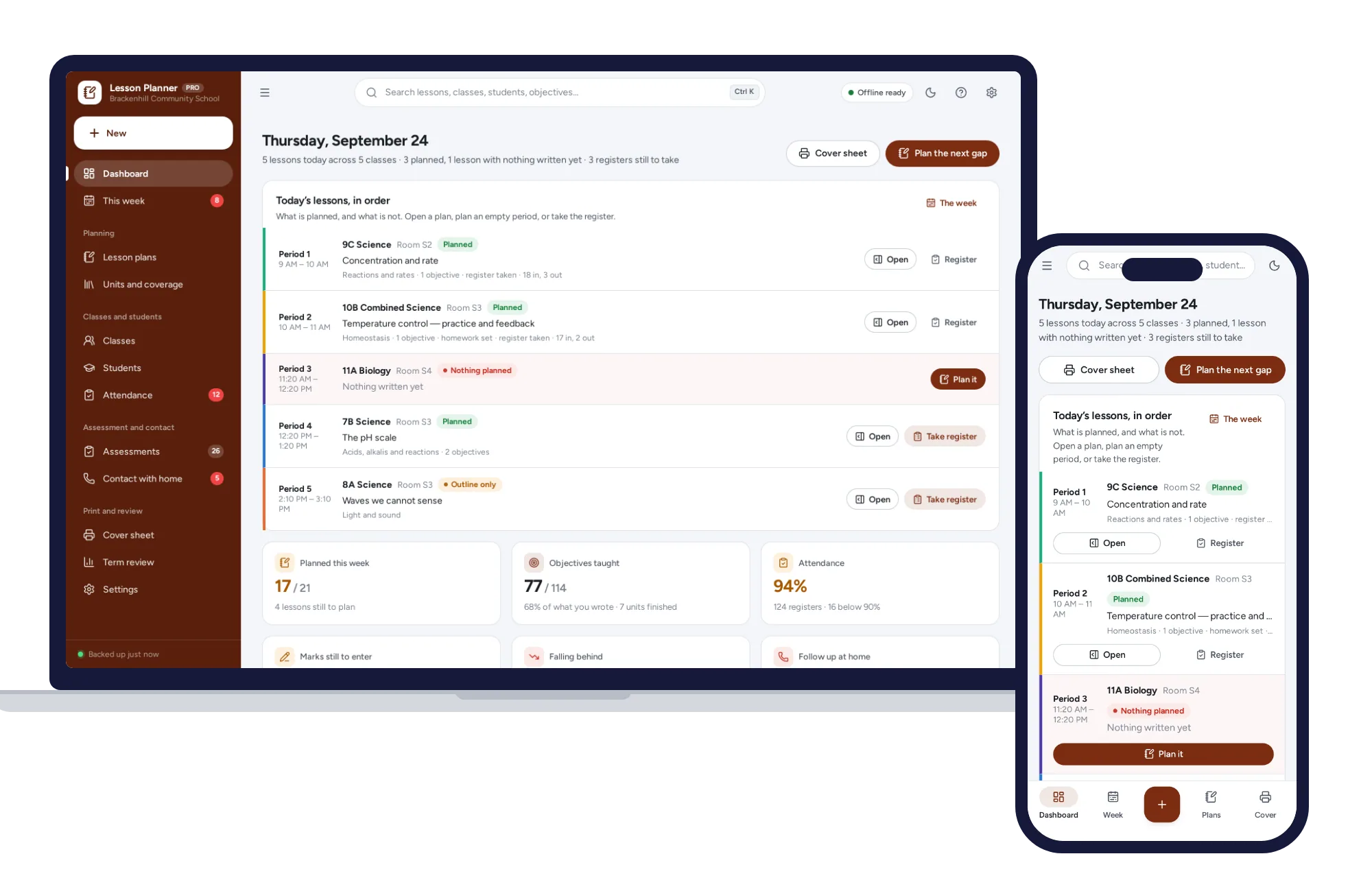
Schools & learning
Plan the week, evidence what you taught, keep the register and the marks.
$29.99one-time
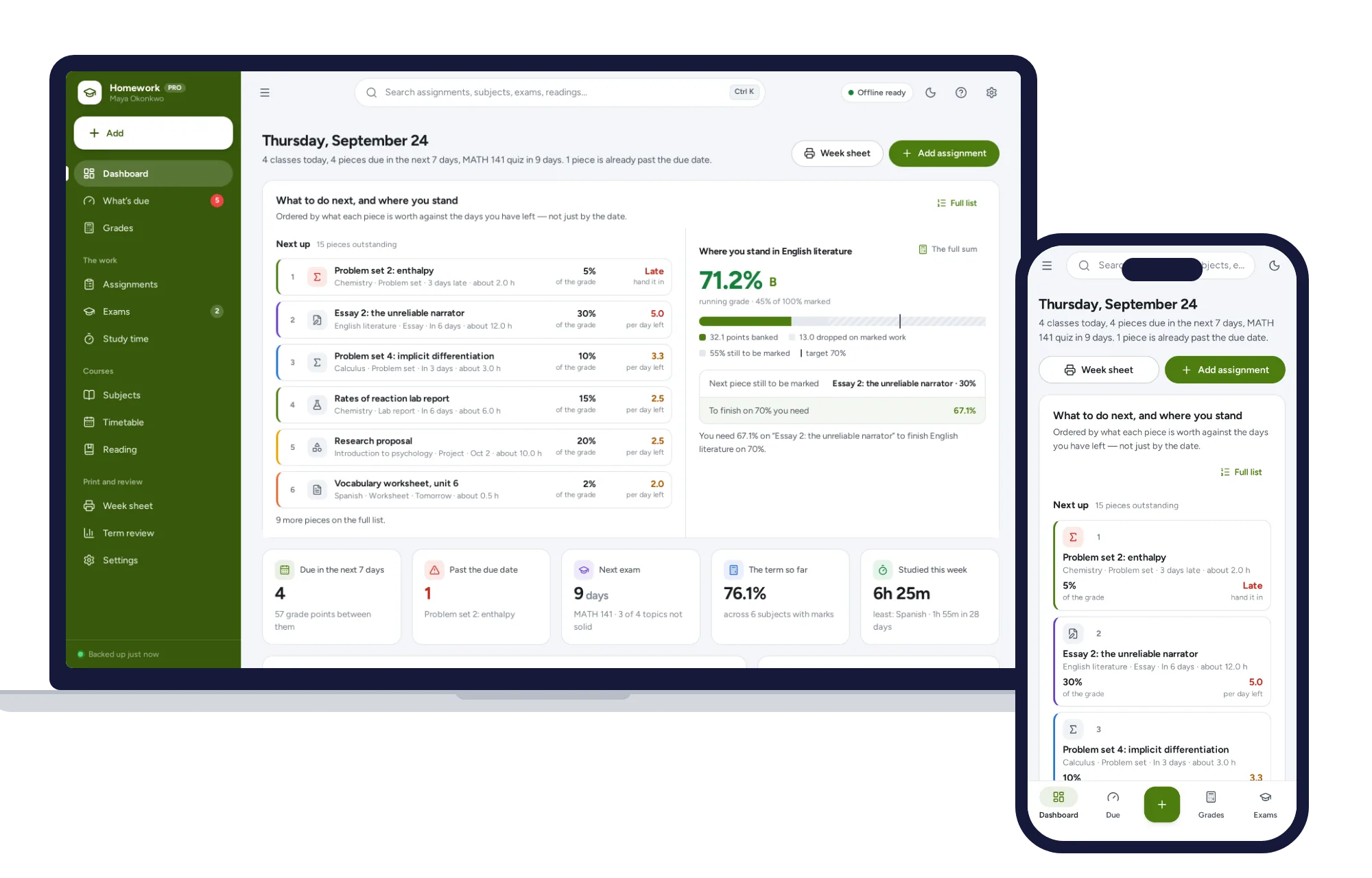
Schools & learning
What’s due by what it is worth, the running grade in every subject, and the mark you need on the final — offline.
$24.99one-time