
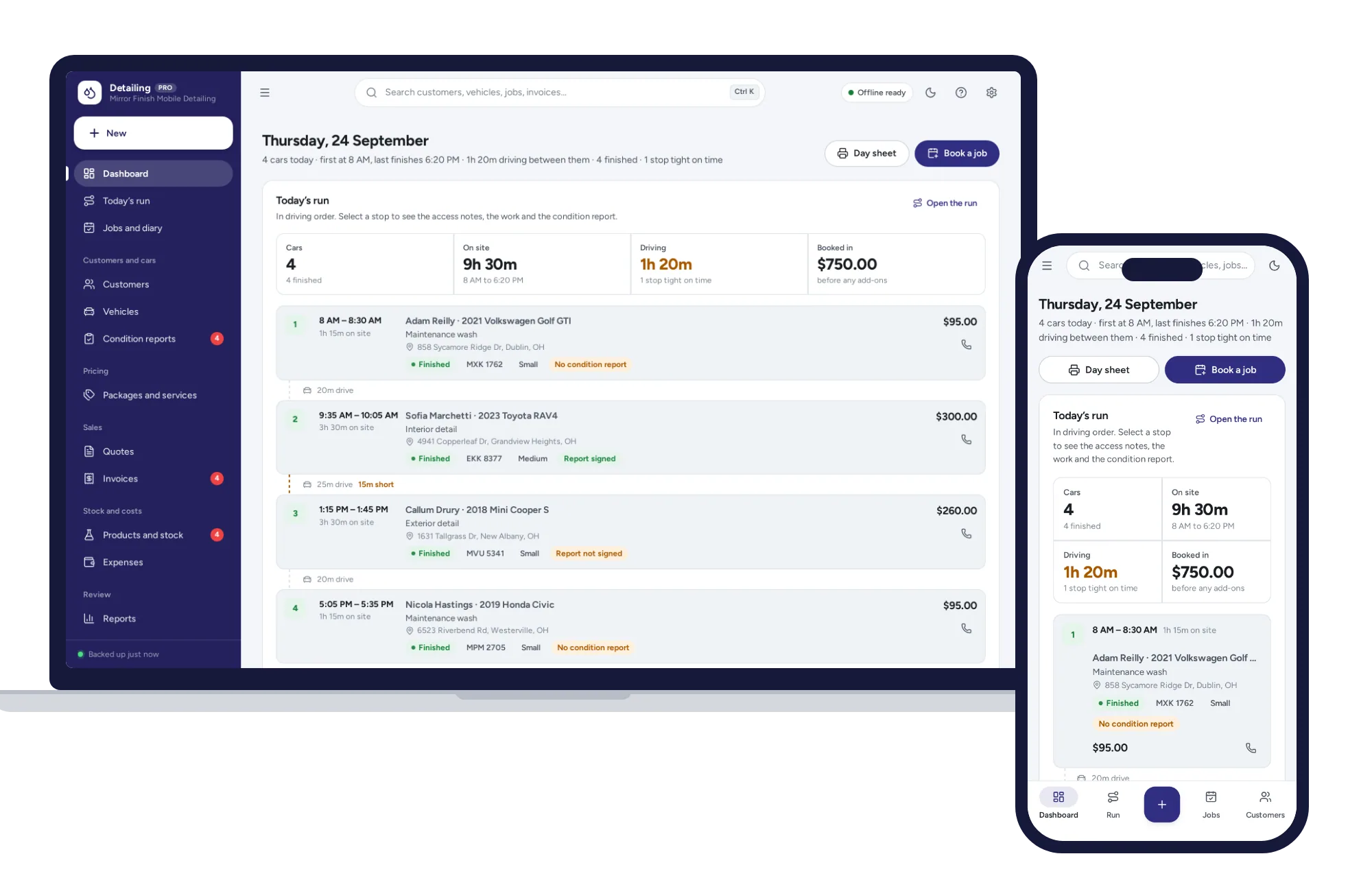
Today’s run
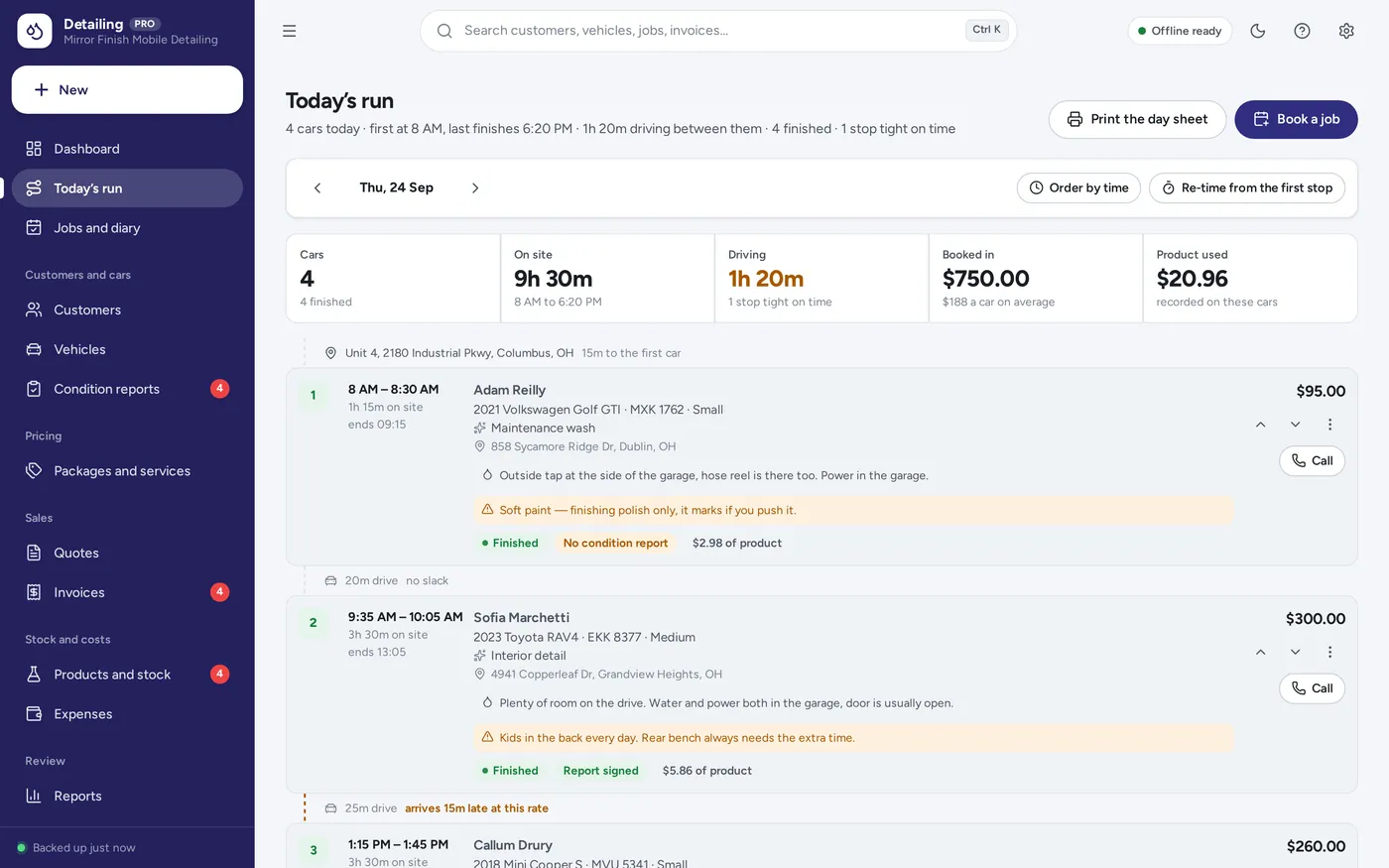
Your day is a drive, not a diary
- Every car in the order you drive to it, with its arrival window
- The driving time between stops, and a warning when one will not be made
- Access notes and warnings about the car, on the stop itself
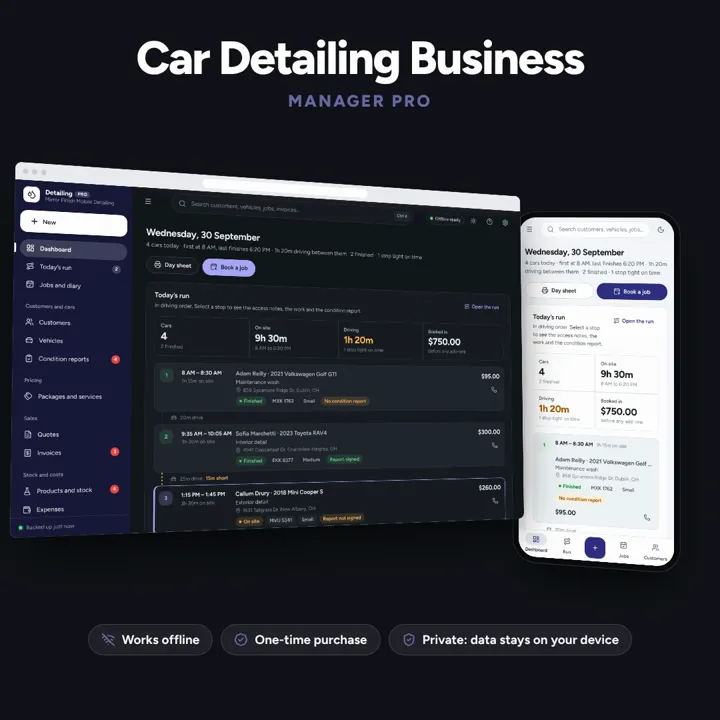
The day as a route, prices by vehicle size, and a condition report the customer signs.
No subscription. Pay once and keep it.
Checkout by Paddle. Tax is added where it applies, and you download straight after paying.
Made for Mobile detailers and small detailing studios — one van or one unit, on your own or with one pair of hands
Today’s cars in the order you drive to them, priced by vehicle size, with the condition report signed before you touch the paint — offline, on your own device.
Today’s run
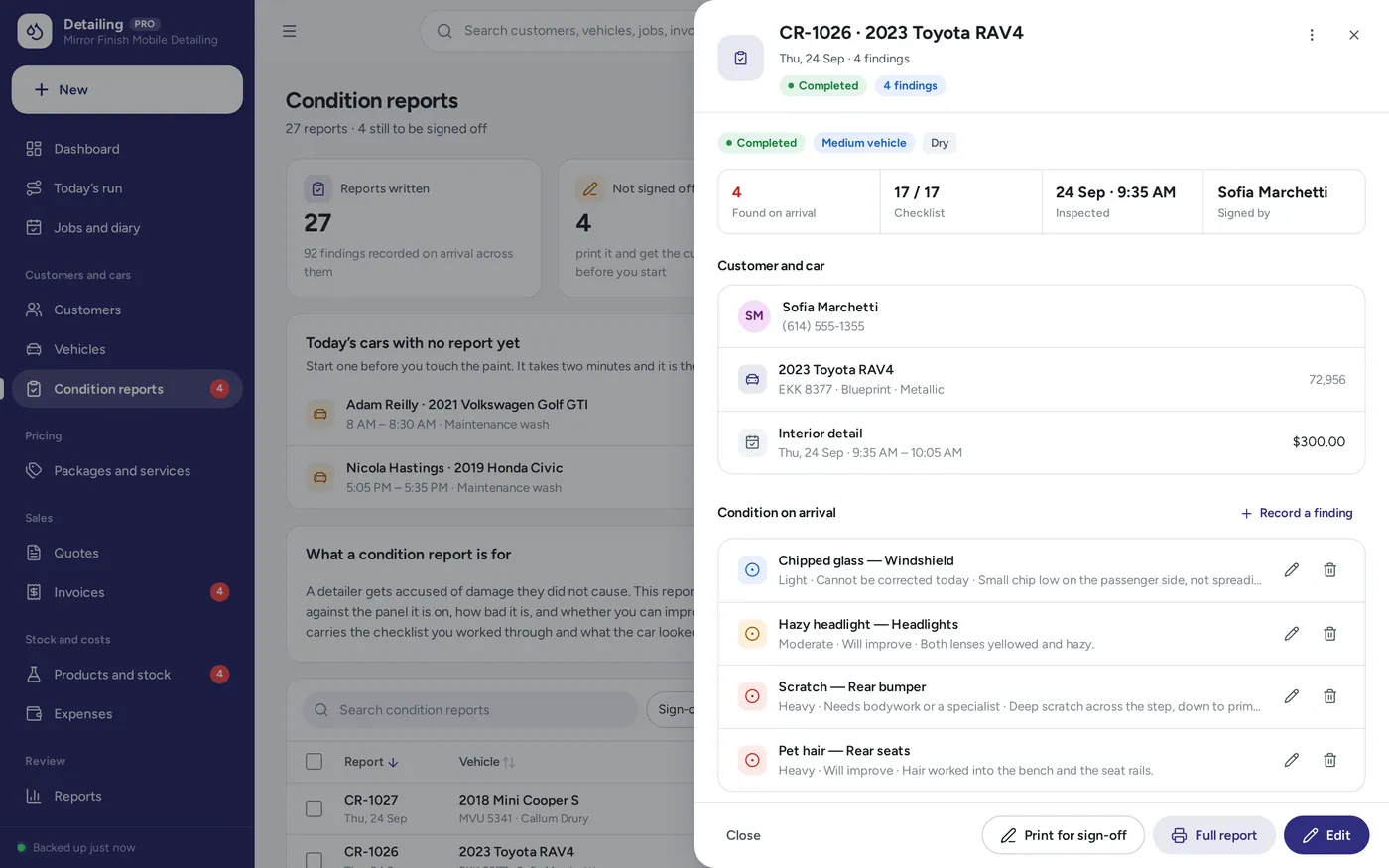
Condition report
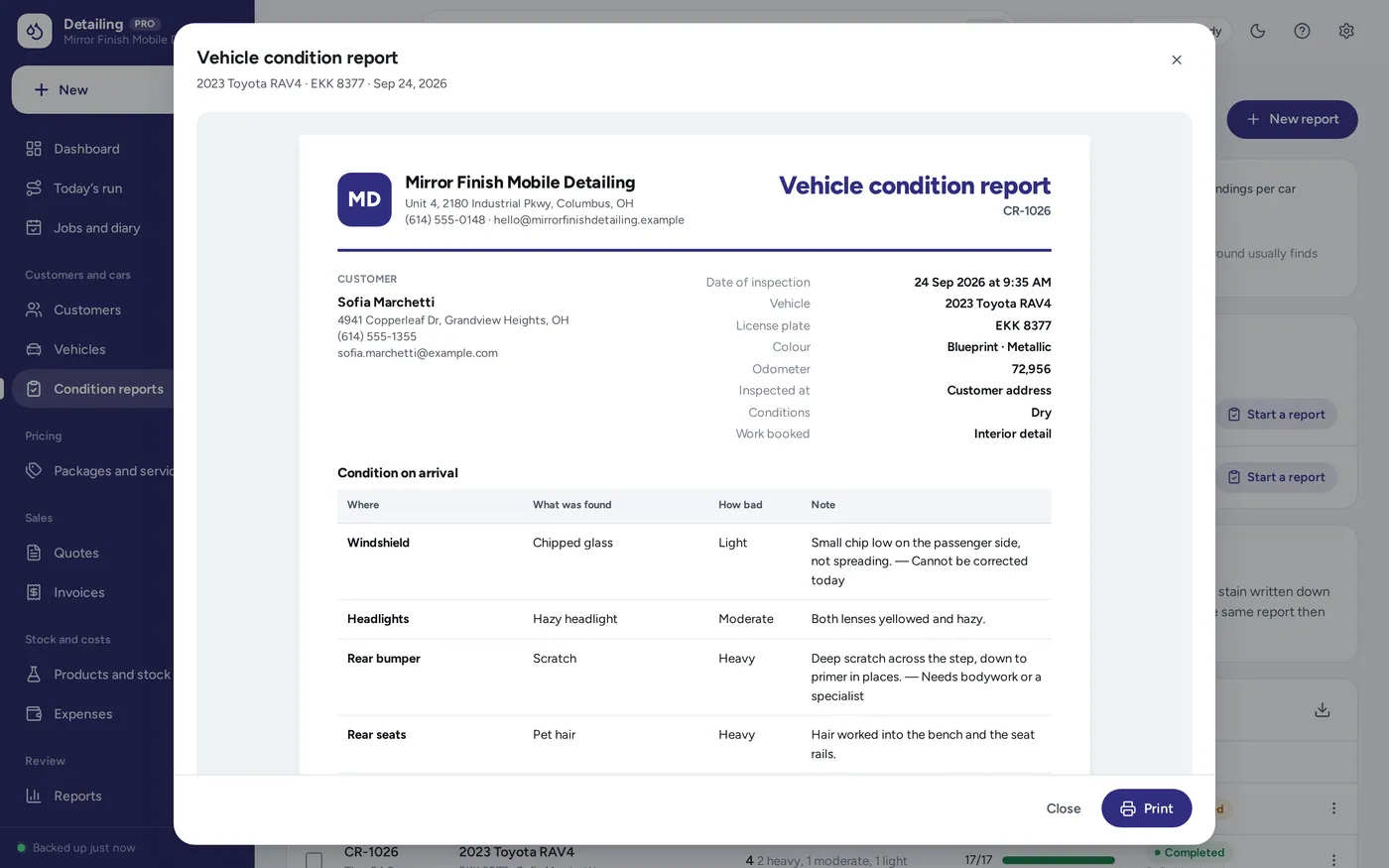
On paper
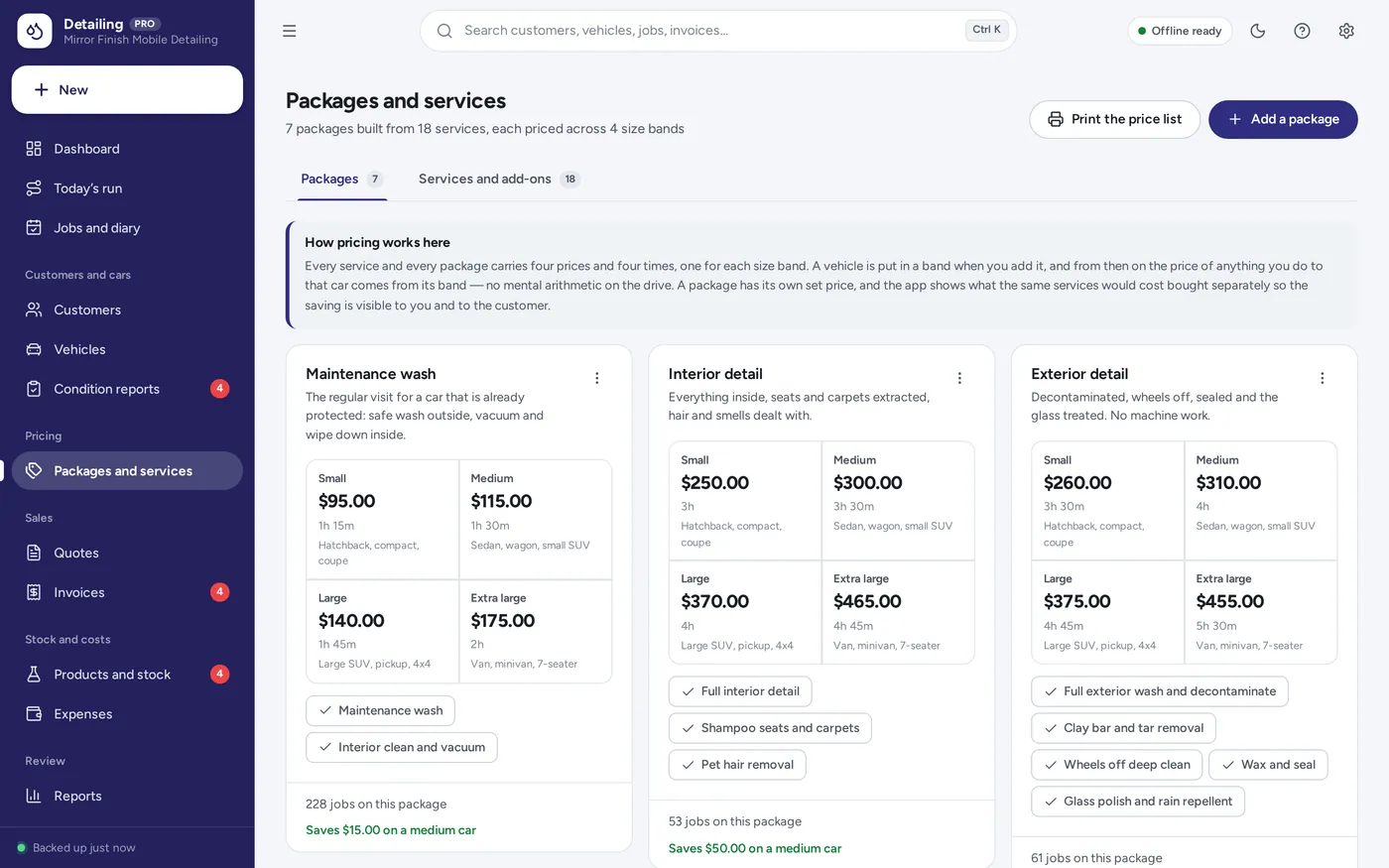
Pricing
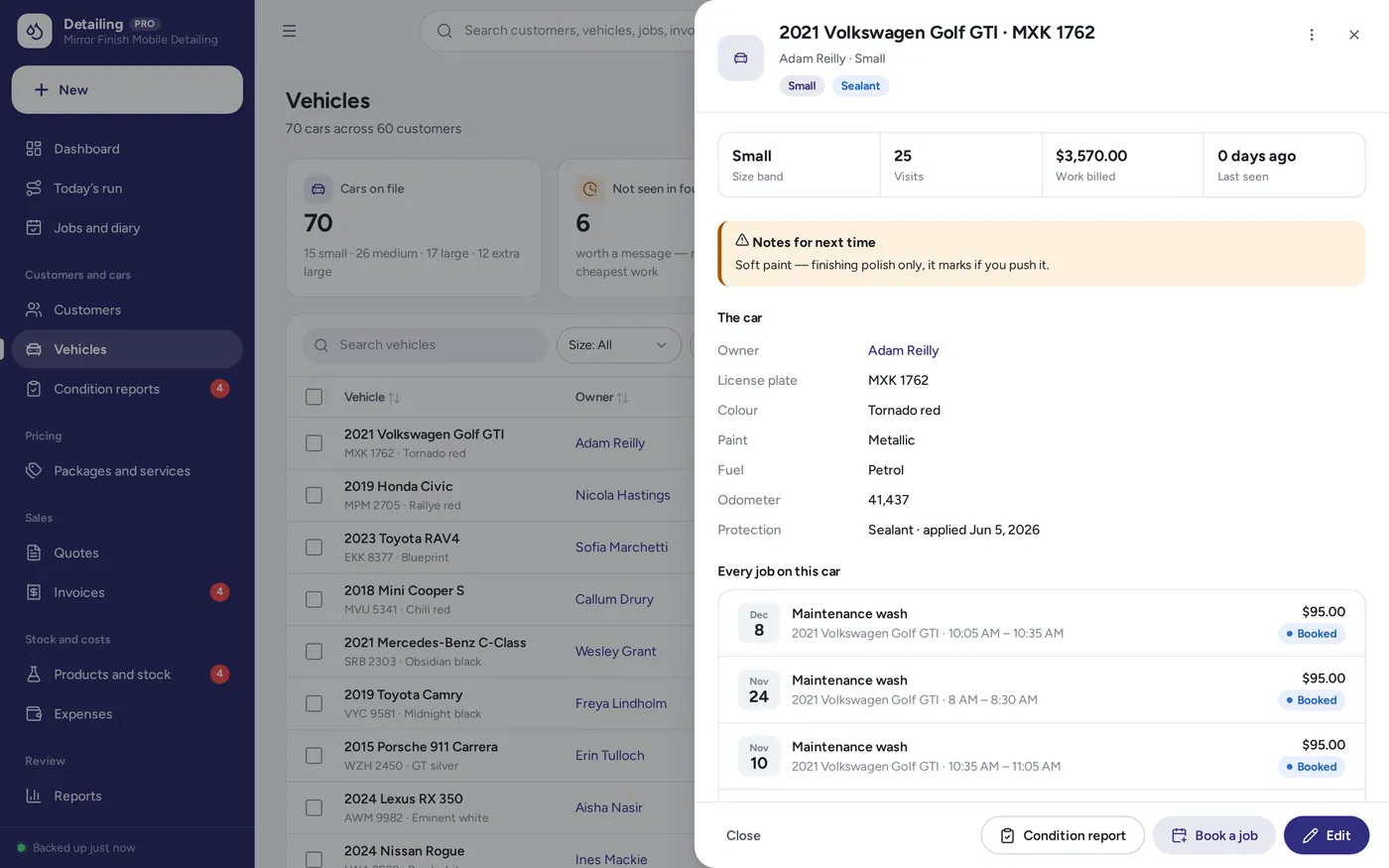
Cars and customers
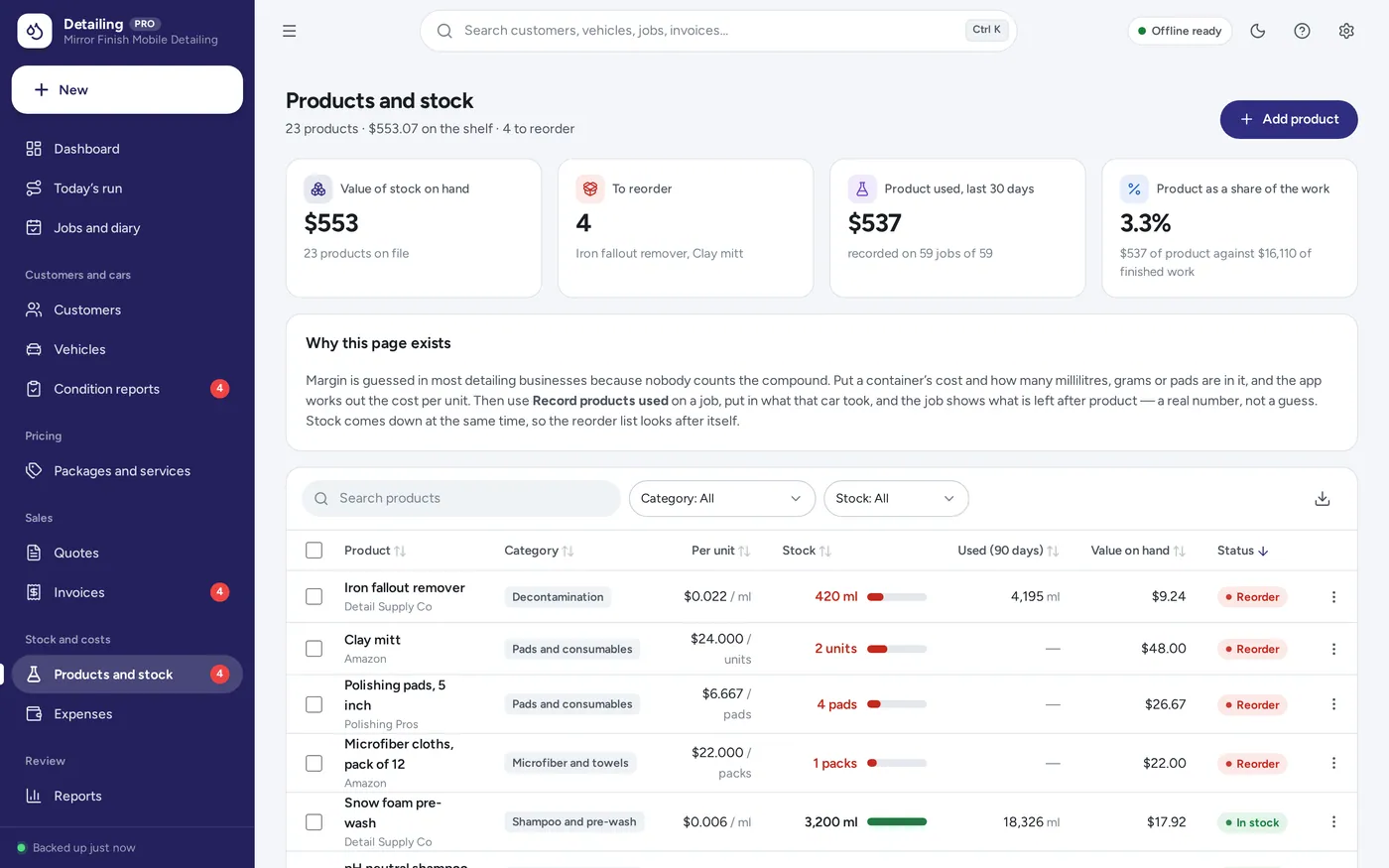
Products and cost
Built for mobile detailers and small studios — one van or one unit, on your own or with one pair of hands.
Light and dark mode. Install it like an app. Your records stay in the browser on your own device — no account, no subscription.
What it needs, and what it does not do.
Car Detailing Manager is an offline app from ColadoSystems that runs in your web browser from a folder on your own device. It costs $29.99 once, with no subscription and no account, and includes 12 tools, sample data to explore and a PDF guide. Your records stay on your device and are never uploaded.
Something else? Email us and we'll answer before you buy.
Everything is saved inside your browser on this device. Nothing is uploaded and there is no account, so no company holds a copy of your customer and vehicle records. They are not encrypted, though: anyone who can use this device and browser can open them, so keep the device locked. Download a backup regularly (Settings → Data & backup → Back up now) and keep it somewhere as safe as the records themselves.
Yes. Open index.html and it runs fully offline. You can also host the folder on any website and choose “Install app” in Chrome or Edge to get a desktop or phone icon that works offline.
Yes. The layout adapts to phones and tablets with a bottom navigation bar. Each device keeps its own data, so use Back up / Restore to move records between devices.
Go to Settings → Data & backup → Erase records. Your business profile and settings are kept; all sample records are removed.
Every service and every package carries four prices and four times, one for each size band — small, medium, large and extra large. A vehicle is put in a band when you add it. When you book that car in, the app takes the price and the time on site for its band, adds any add-ons, and fills them into the job. You can still type over either figure on any individual job.
It is the only record of what was already wrong with the car. You walk round before any work starts, note each swirl, scratch, chip, dent and stain against the panel it is on with how bad it is, print it and have the customer agree it. If a complaint comes later, the answer is one page with their name on it. The same report then carries the checklist you worked through and what the car looked like on handover.
No, and the app says so on the form. Typing a name records that the condition was agreed and by whom. If you want the signature itself, print the report — there is a signature line on it — and keep the paper copy or a photograph of it.
Only what you put in Settings → Business profile: your business name, address, phone, email, website and tax number if you have entered one. Nothing is invented. Leave the profile blank and documents simply say “Your Business Name” with no other details, and no licence or registration number appears anywhere.
It does not look anything up online — the app has no internet connection and no map. You set the order of the stops and the driving time you allow between them, and the app does the arithmetic: when each car finishes, whether the next arrival window is reachable, and how much of the day is spent driving. “Re-time from the first stop” rewrites the arrival times from your own figures.
They are different businesses. Auto Repair is a workshop: bays, repair orders, parts, labour hours and mechanical work coming to you. This is a detailer: the day is a drive between addresses, work is priced by vehicle size rather than by labour hour, and the centre of it is the condition report and the finish on the paint. If you run a workshop that also details, the two are sold separately for that reason.
Yes. Set “Where” on a job to “At the unit” and it uses your own address instead of the customer’s. The run still lays the day out in order with the time each car takes, which is what a single-bay unit needs; you can set the driving time between stops to zero.
There is no limit built in. The run page lays out as many stops as you put on a day, in the order you choose, and the day sheet prints all of them. The sample business is a one-van operation doing one to four cars a day, which is what the layout is designed around.
No. It is made for one person on one device, and records do not sync between devices. To move to another device, save a backup and restore it there.
No. It runs offline on your own device, so there is no booking page for customers and it does not take card payments. You record bookings and payments in it yourself, including ones taken by phone, card reader or another website.
The trades & field service bundle has every system in this category for one price.
Job cards, estimates, crews and invoices for workshops and field service.
$114.99for 7 systems, $209.93 if bought one by one
You save $94
Trades & field service
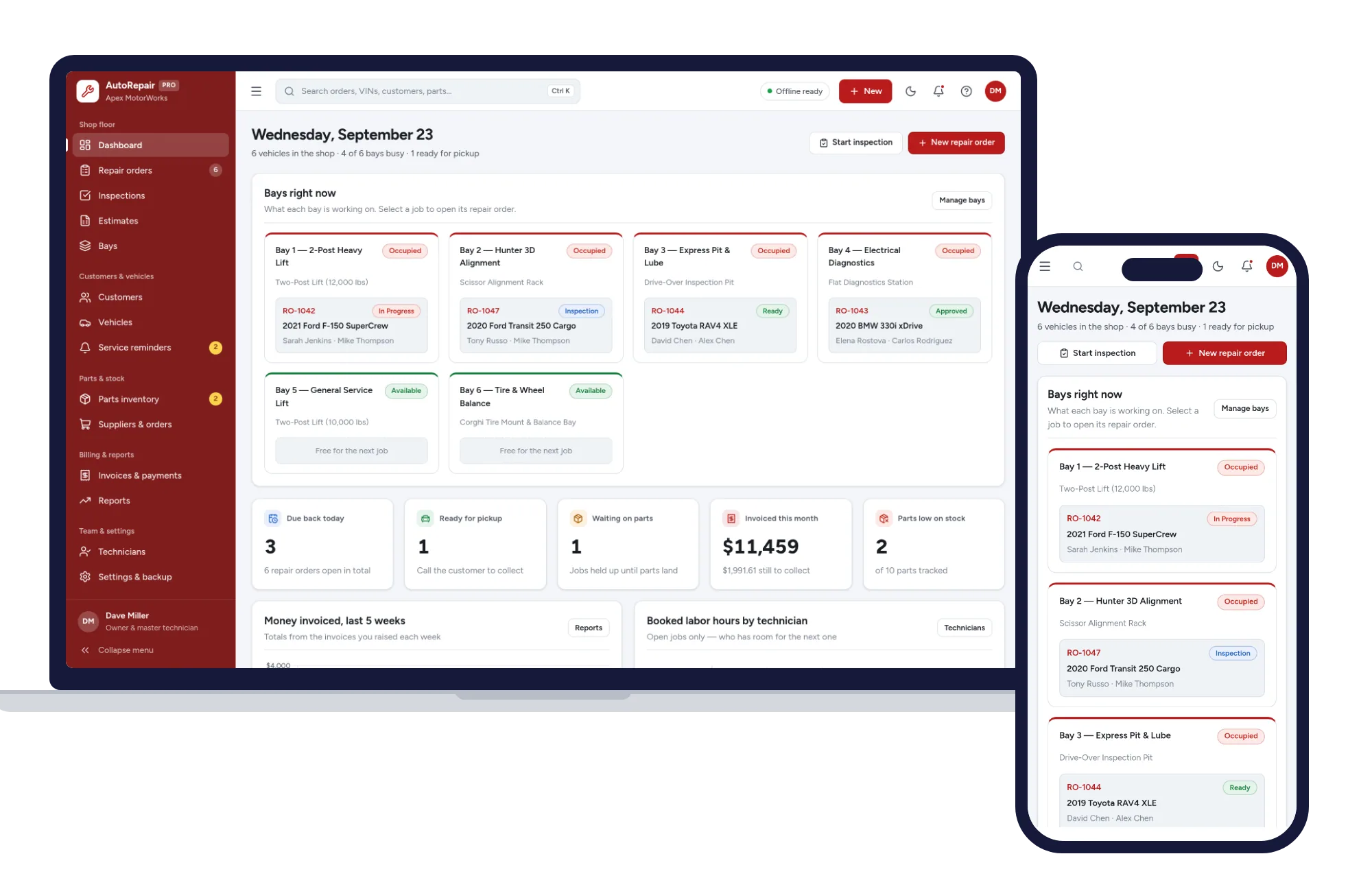
Repair orders, inspections, estimates, bays, parts and invoices — one offline app.
$29.99one-time
Trades & field service
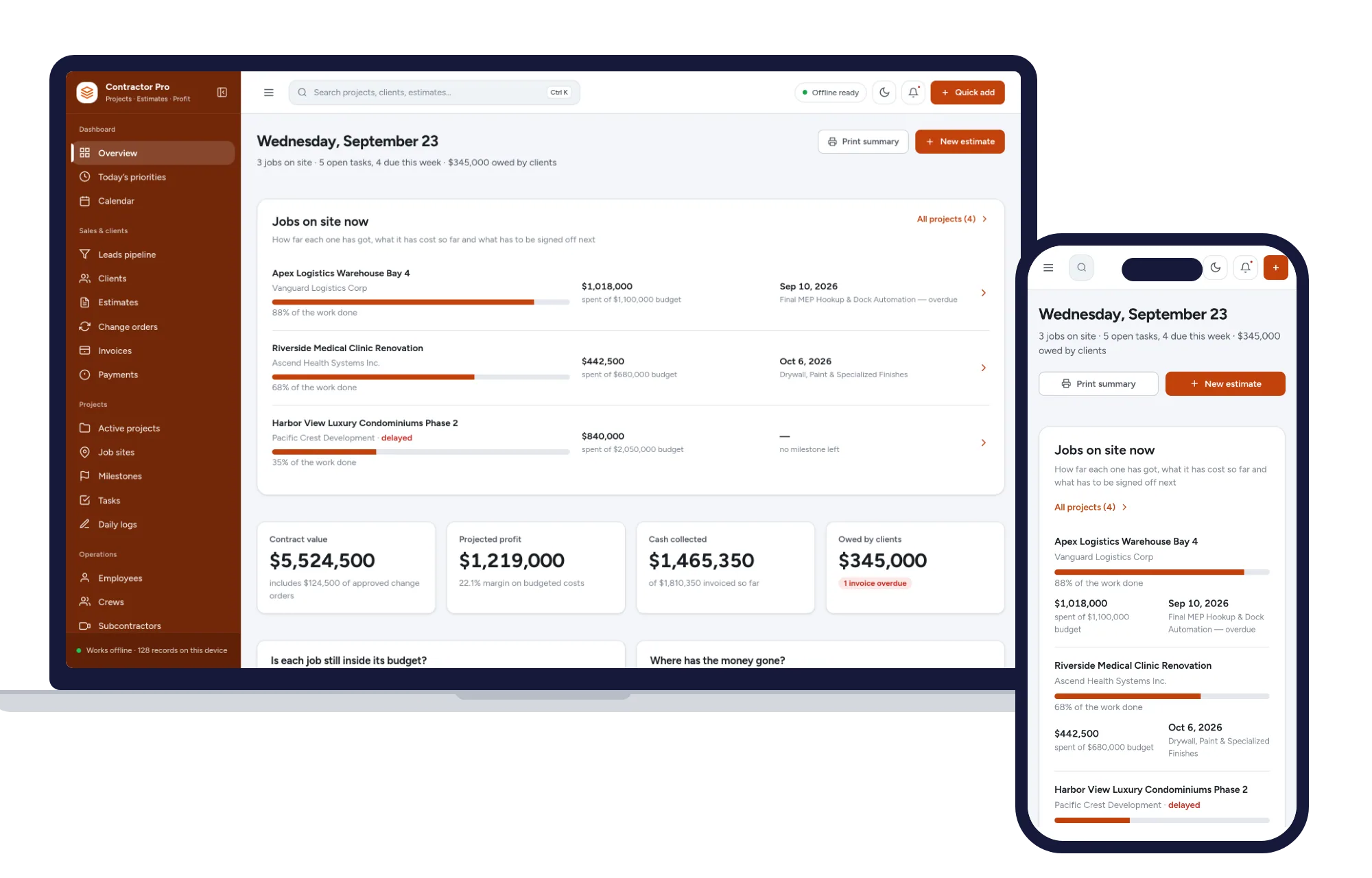
Leads, estimates, invoices, projects, crews and job costing in one offline app.
$29.99one-time
Trades & field service
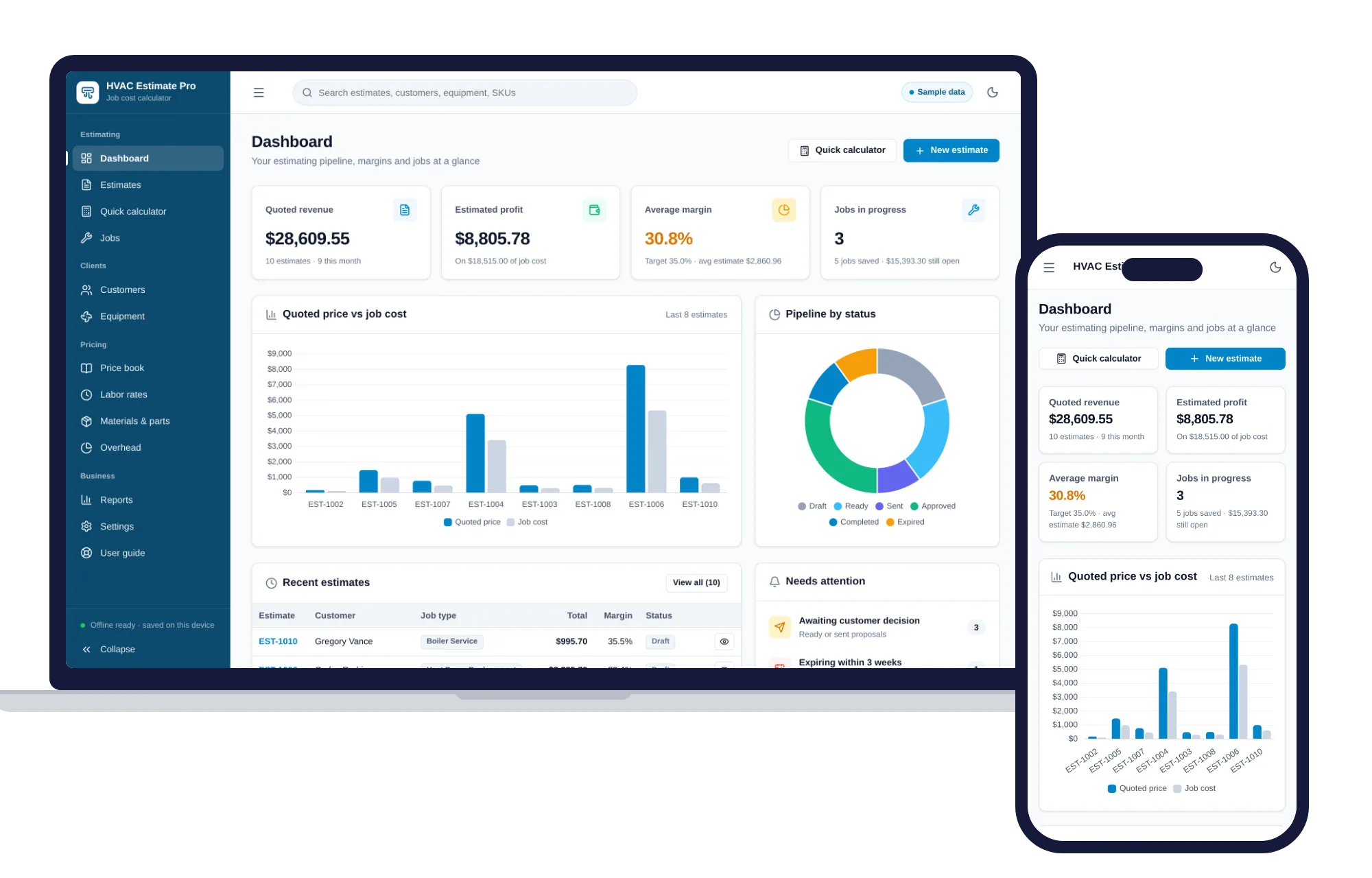
Estimates, job costing, overhead and margins for HVAC contractors — one offline app.
$29.99one-time
Trades & field service
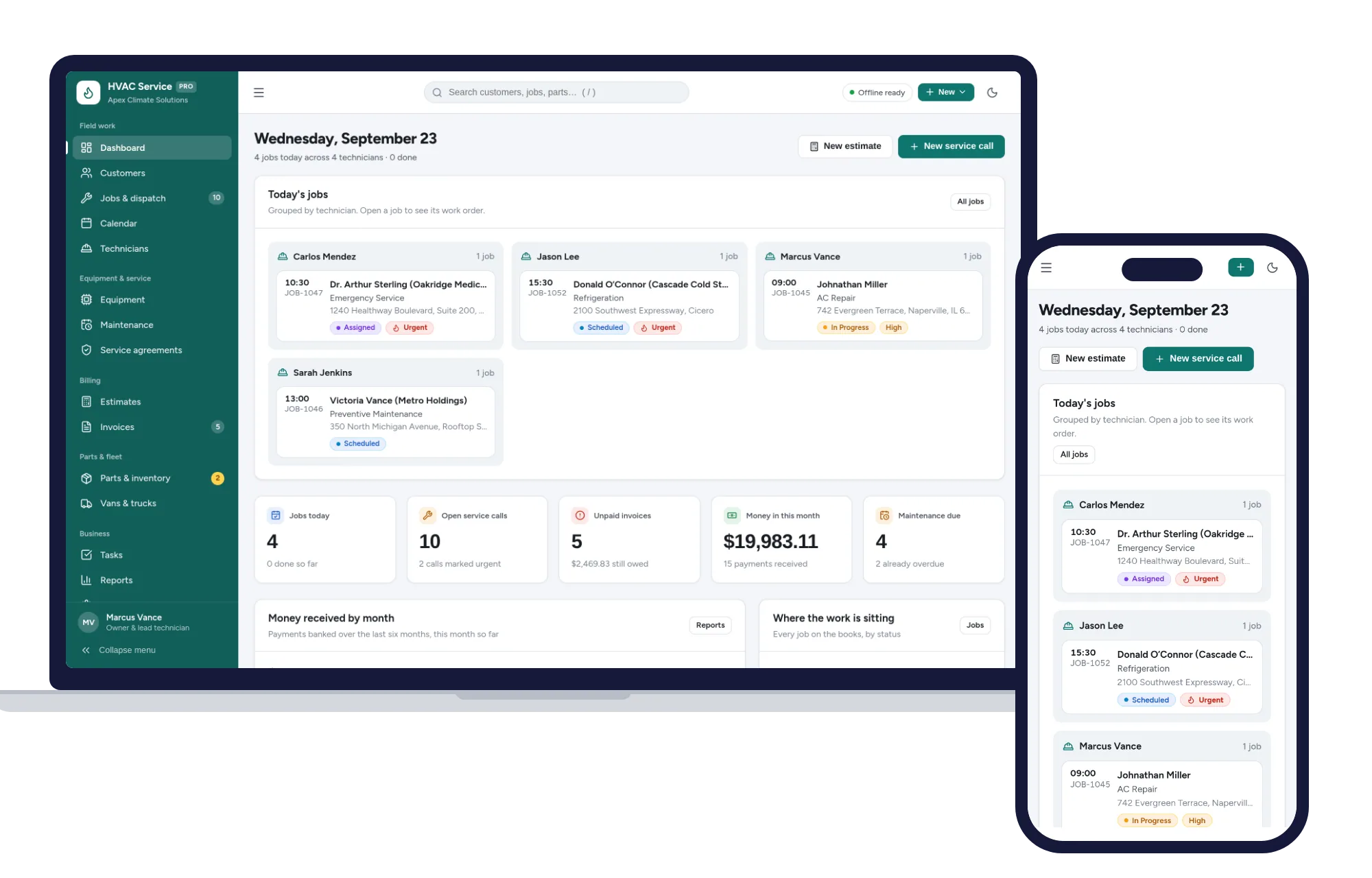
Dispatch jobs, print work orders, track equipment and get paid — one offline app.
$29.99one-time