
Jobs & dispatch
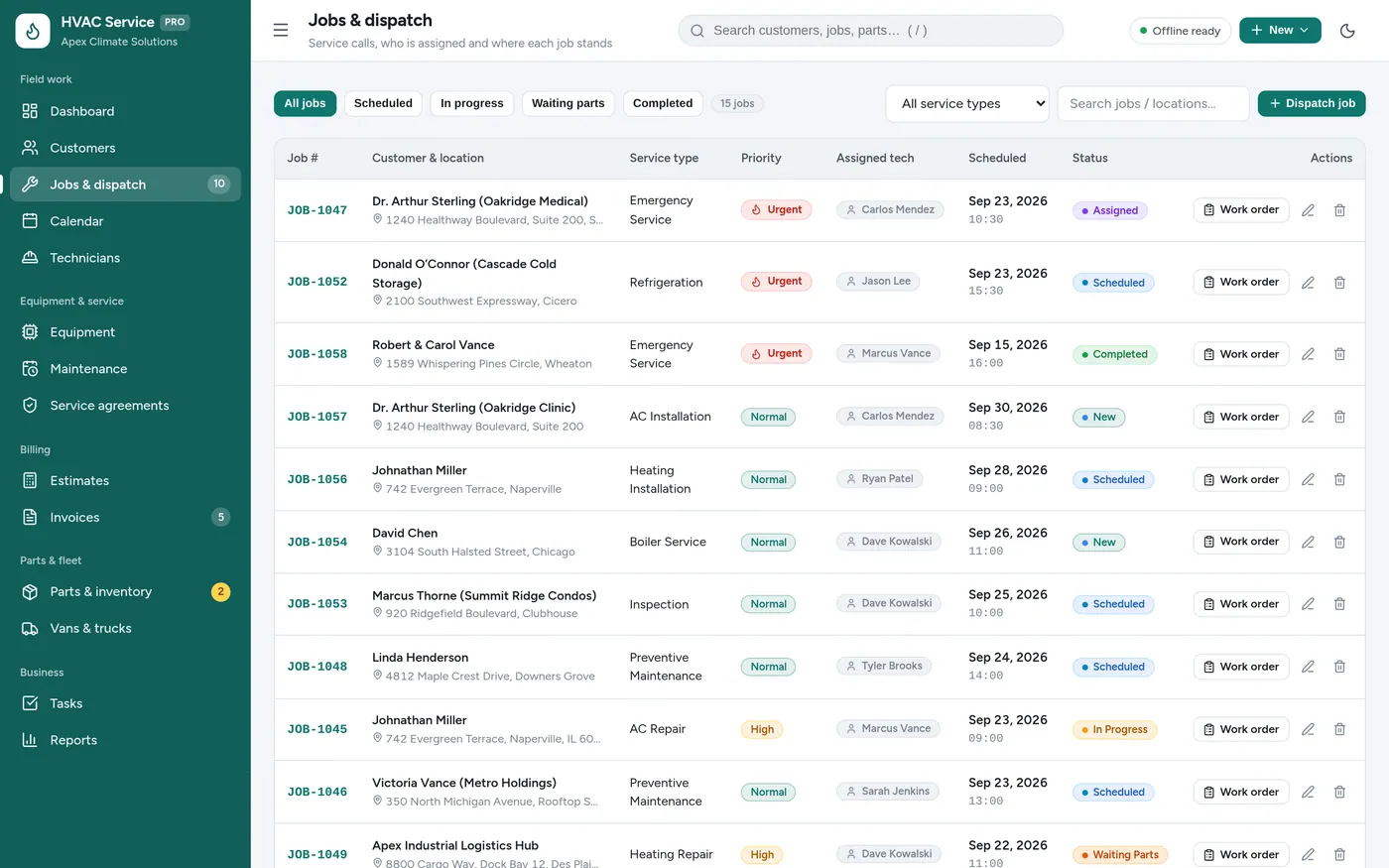
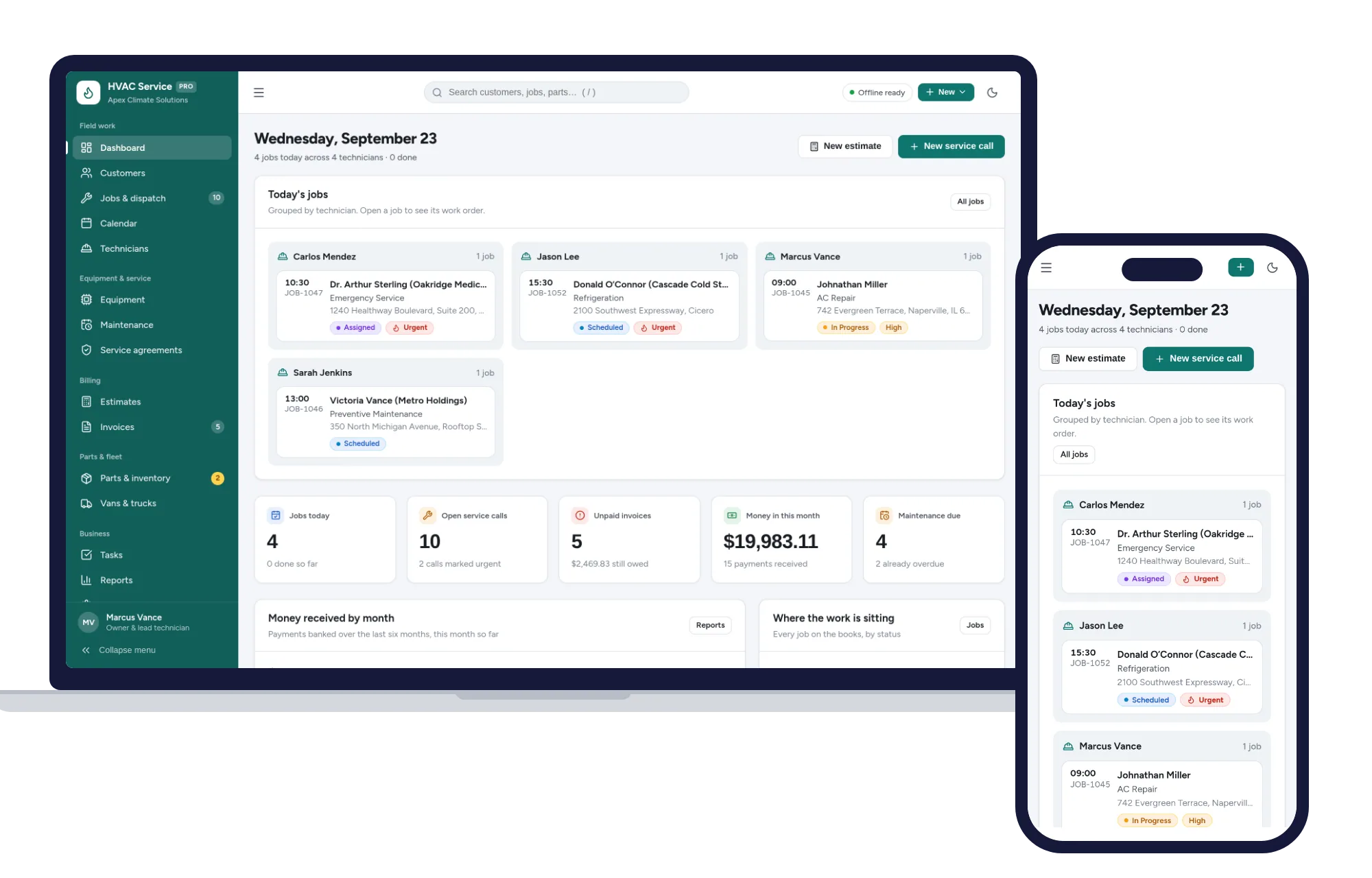
Know where every technician is
- Urgent calls flagged at the top
- Technician, time and status per job
- Filter by status or type of work
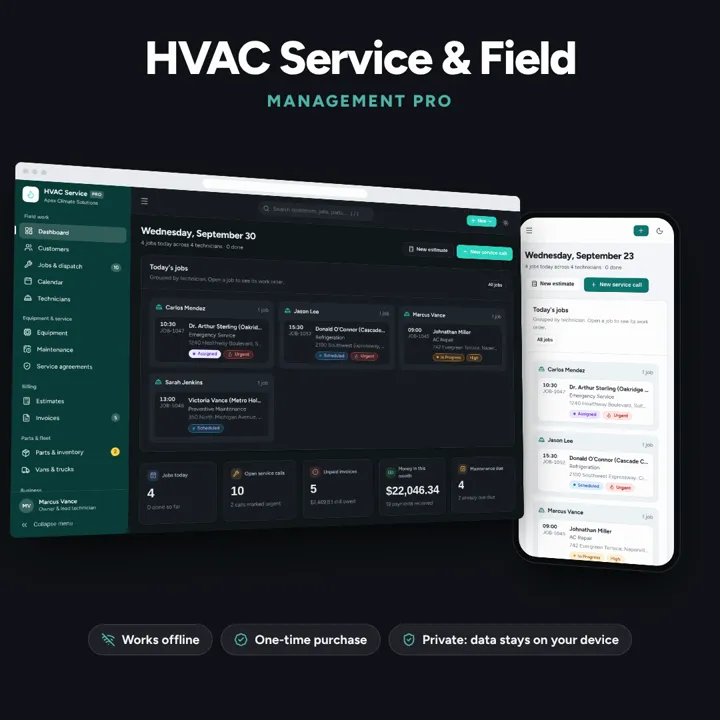
Dispatch jobs, print work orders, track equipment and get paid — one offline app.
No subscription. Pay once and keep it.
Checkout by Paddle. Tax is added where it applies, and you download straight after paying.
Made for HVAC service contractors, heating & cooling technicians, refrigeration specialists, and installers
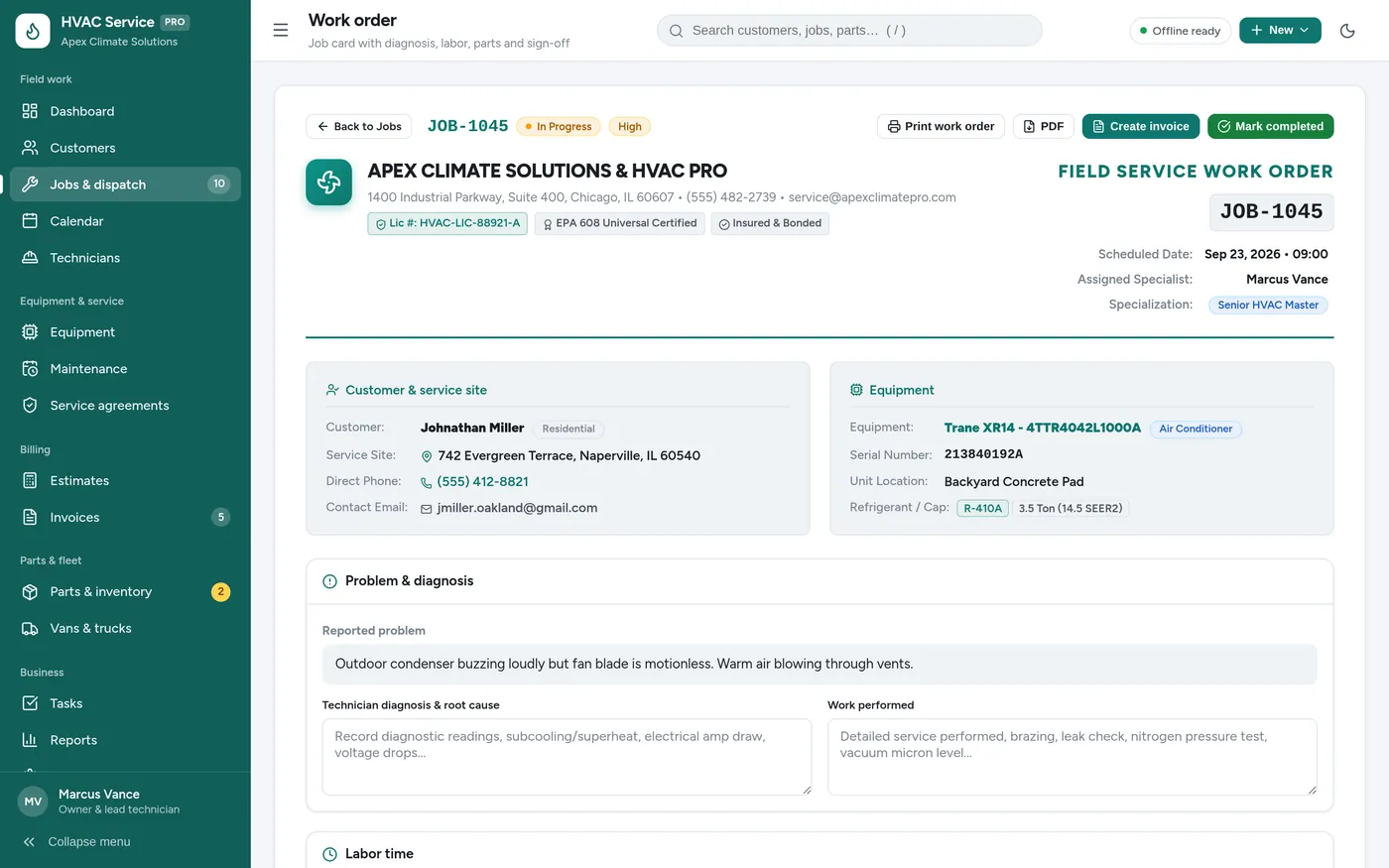
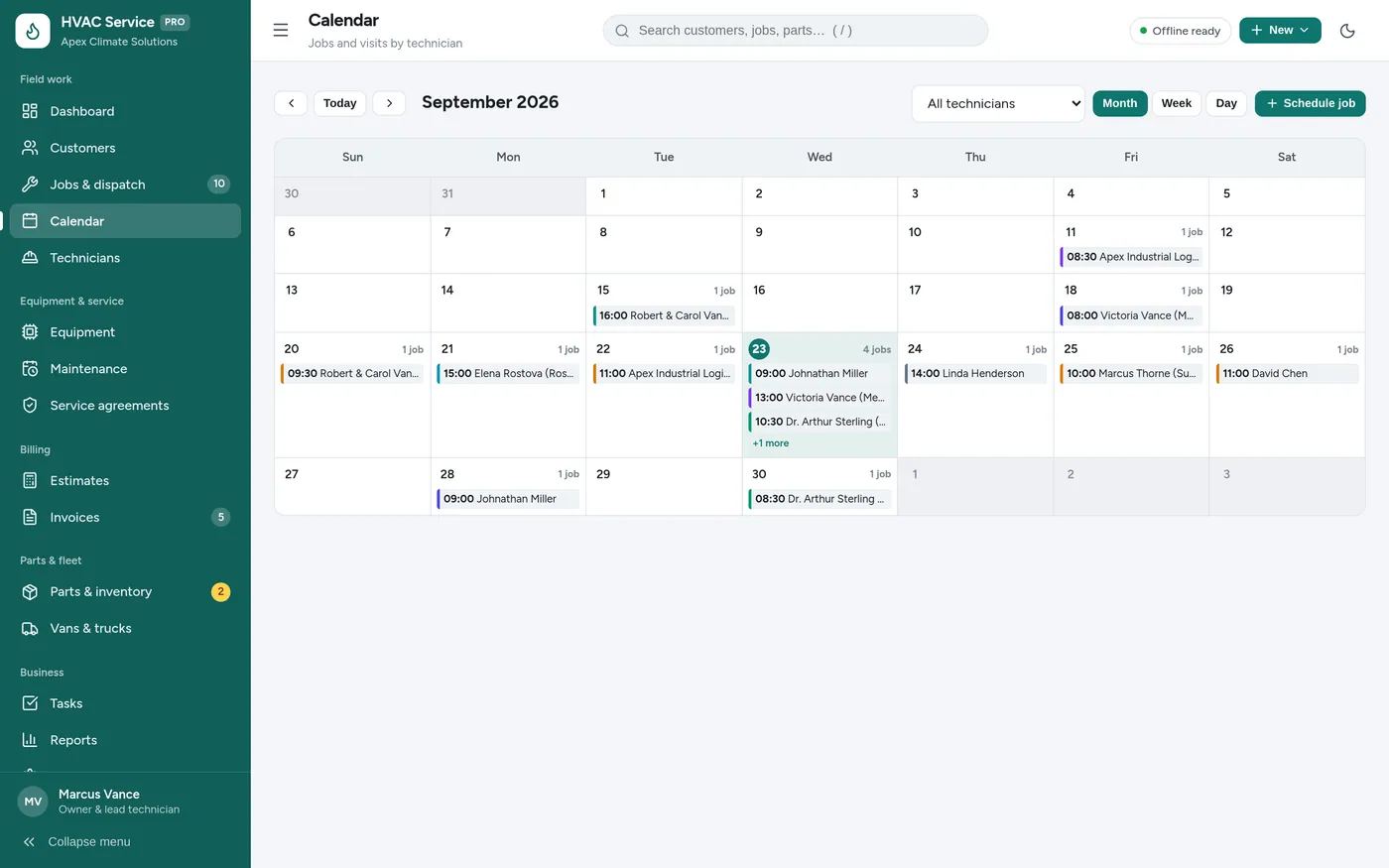
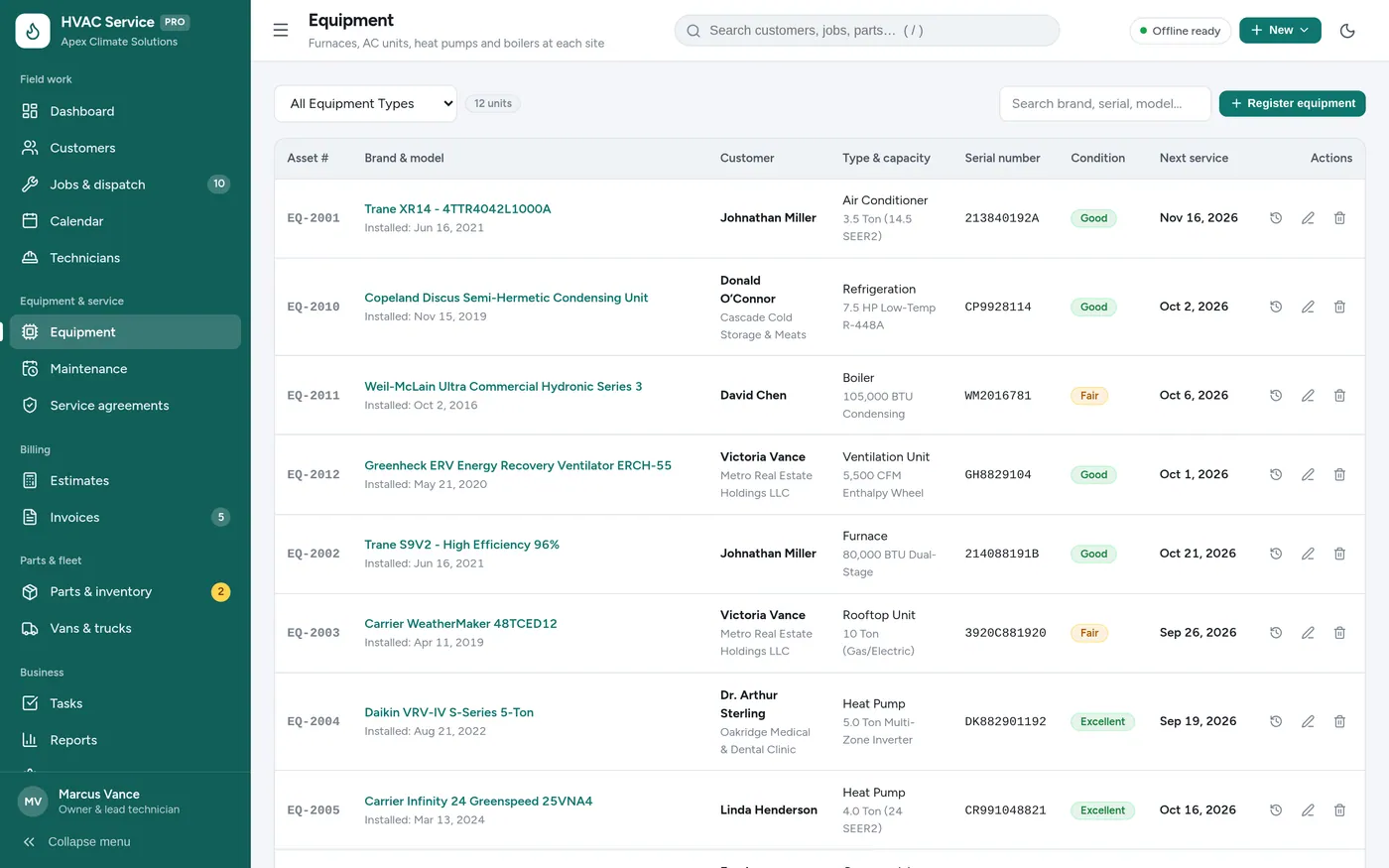
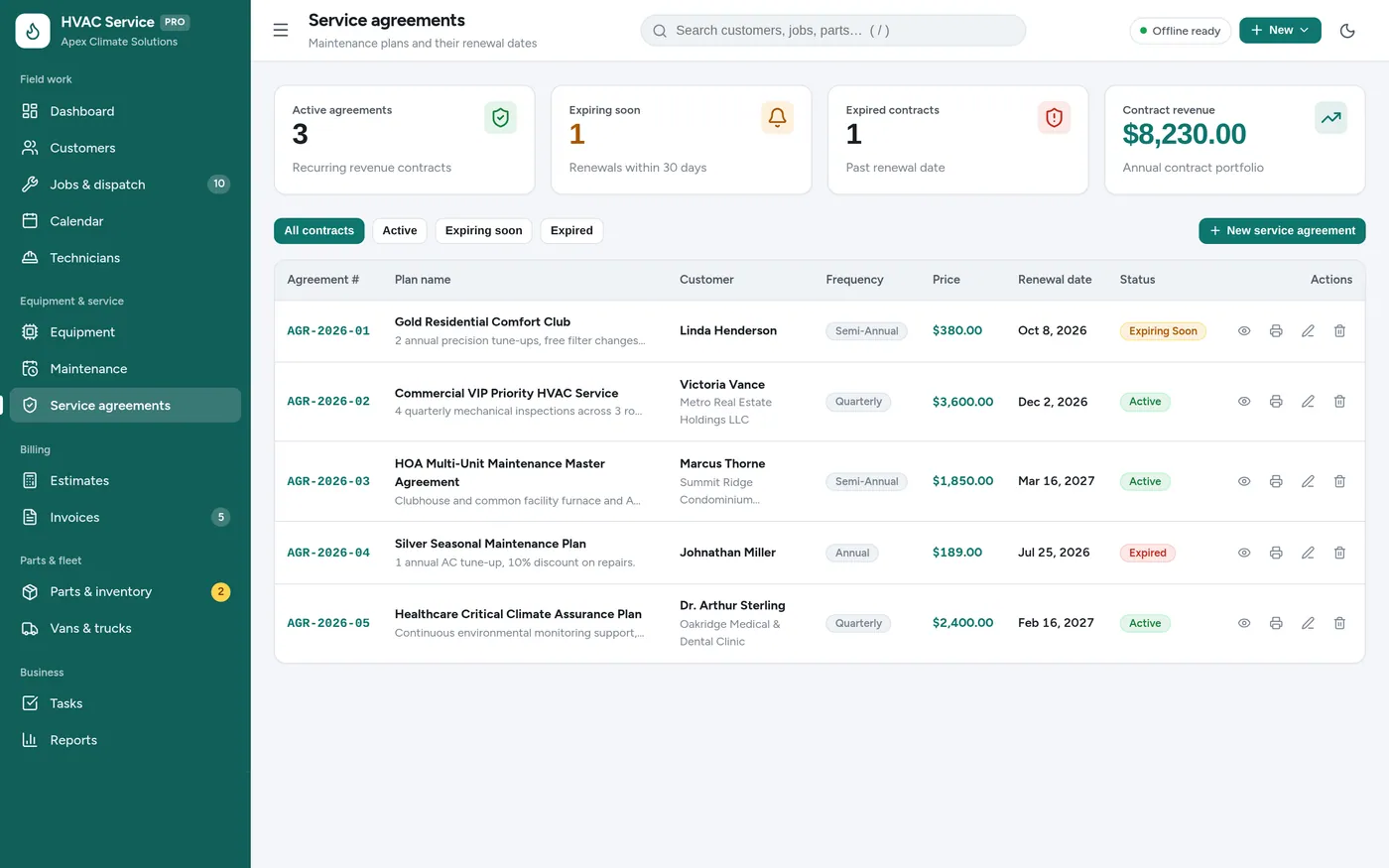
HVAC Service Manager is an offline field service app for HVAC contractors, heating and cooling technicians and installers. It assigns a technician to each job, prints work orders with labor and parts, keeps each unit's serial number and warranty on file, flags maintenance agreement renewals, tracks van stock, and turns estimates into jobs and invoices. It runs offline on one computer, laptop or tablet, with records kept on that device.
Jobs & dispatch
Work orders
Calendar
Equipment
Service agreements
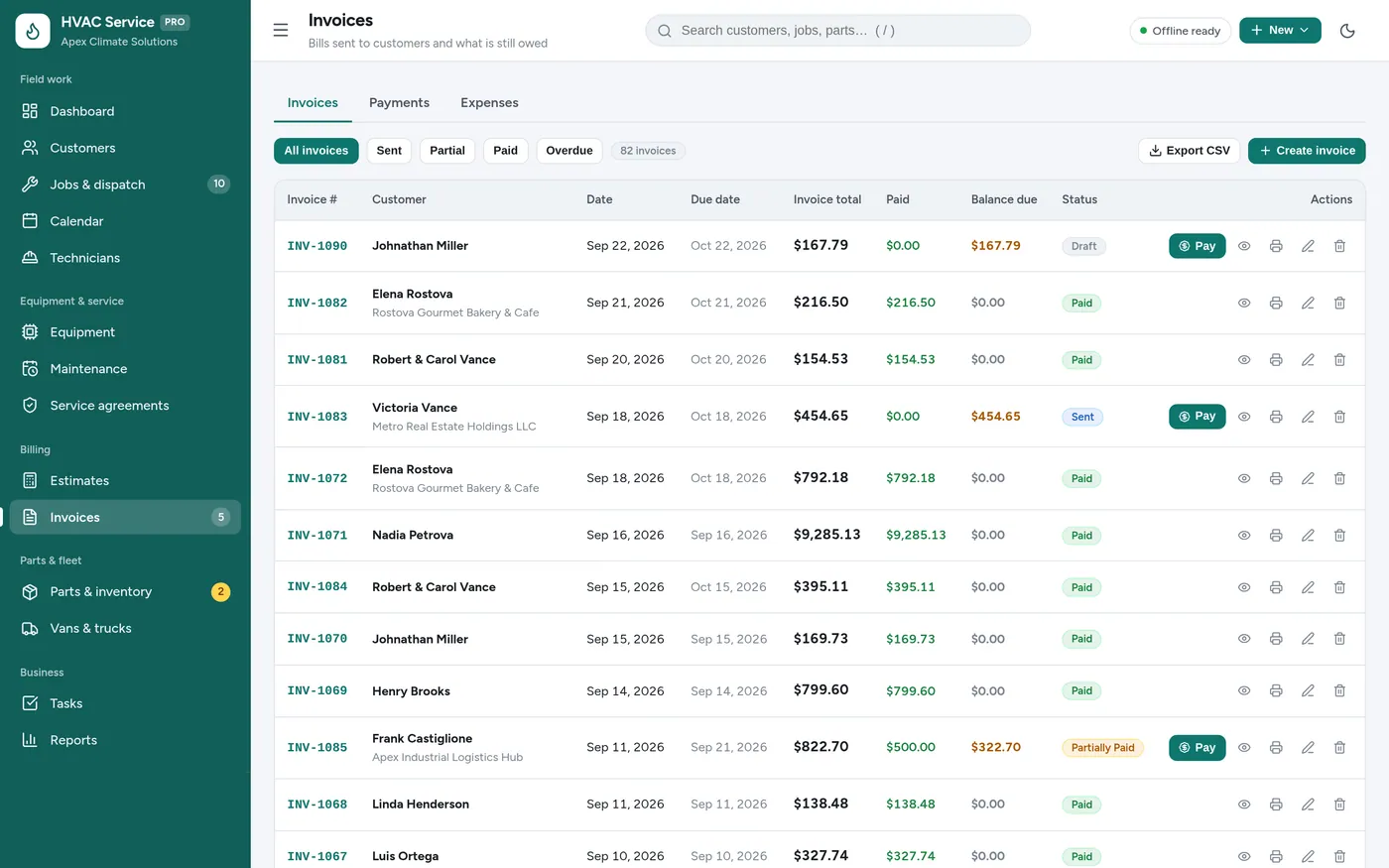
Invoices
For heating and cooling contractors, refrigeration techs and install crews.
Install it like an app. Your customer records never leave your device.
What it needs, and what it does not do.
HVAC Service Manager is an offline app from ColadoSystems that runs in your web browser from a folder on your own device. It costs $29.99 once, with no subscription and no account, and includes 12 tools, sample data to explore and a PDF guide. Your records stay on your device and are never uploaded.
Something else? Email us and we'll answer before you buy.
Yes. It runs with no internet, so a technician can look up a customer’s equipment and fill in a work order with no signal. Each device keeps its own records, so use a backup file to move them between machines.
Not as a separate log. The equipment record holds the refrigerant type and capacity, and the work order has free-text fields for the diagnosis and the work performed, which is where technicians usually note charge and recovery figures.
Yes. Open Settings and fill in your business name, phone, email, address, tax number and contractor license. They appear on work orders, estimates and invoices, along with your invoice, estimate and job number prefixes.
On the old machine open Settings → Your data & backups and click "Download a backup (.json)". On the new one, open the app and click "Restore from a backup", then pick the file.
Yes. Parts & inventory holds cost, selling price, where each part is stored and the minimum stock level, and flags anything at or below it so you know what to reorder.
No. It is made for one person on one device, and records do not sync between devices. To move to another device, save a backup and restore it there.
No. It runs offline on your own device, so there is no booking page for customers and it does not take card payments. You record bookings and payments in it yourself, including ones taken by phone, card reader or another website.
Running an HVAC business? These systems are close cousins. Here is who each one is for.
Dispatch, work orders, equipment history, agreements and invoices.
Pricing jobs: estimates with real margins, price book, labor and overhead.
The trades & field service bundle has every system in this category for one price.
Job cards, estimates, crews and invoices for workshops and field service.
$114.99for 7 systems, $209.93 if bought one by one
You save $94
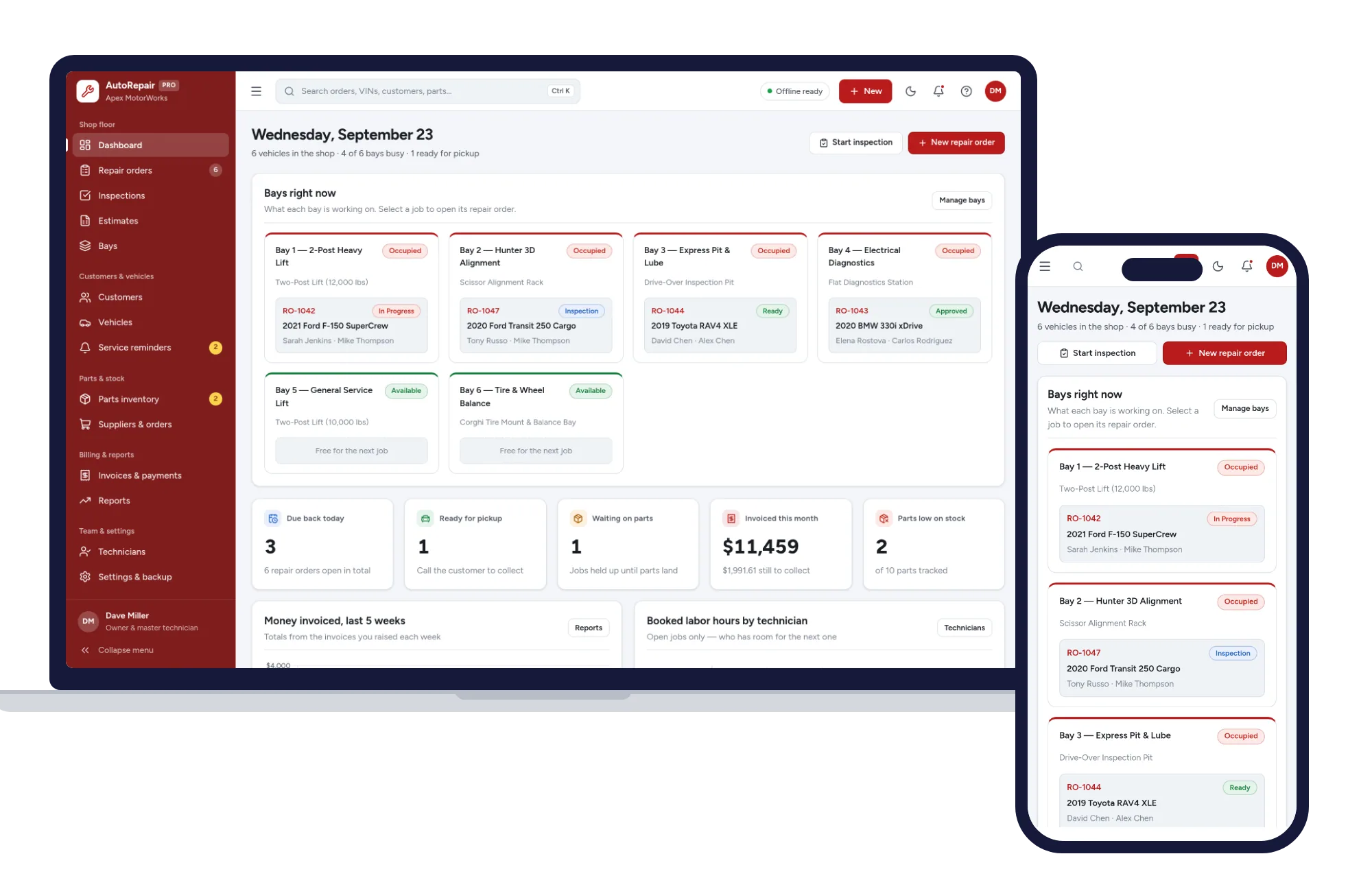
Trades & field service
Repair orders, inspections, estimates, bays, parts and invoices — one offline app.
$29.99one-time
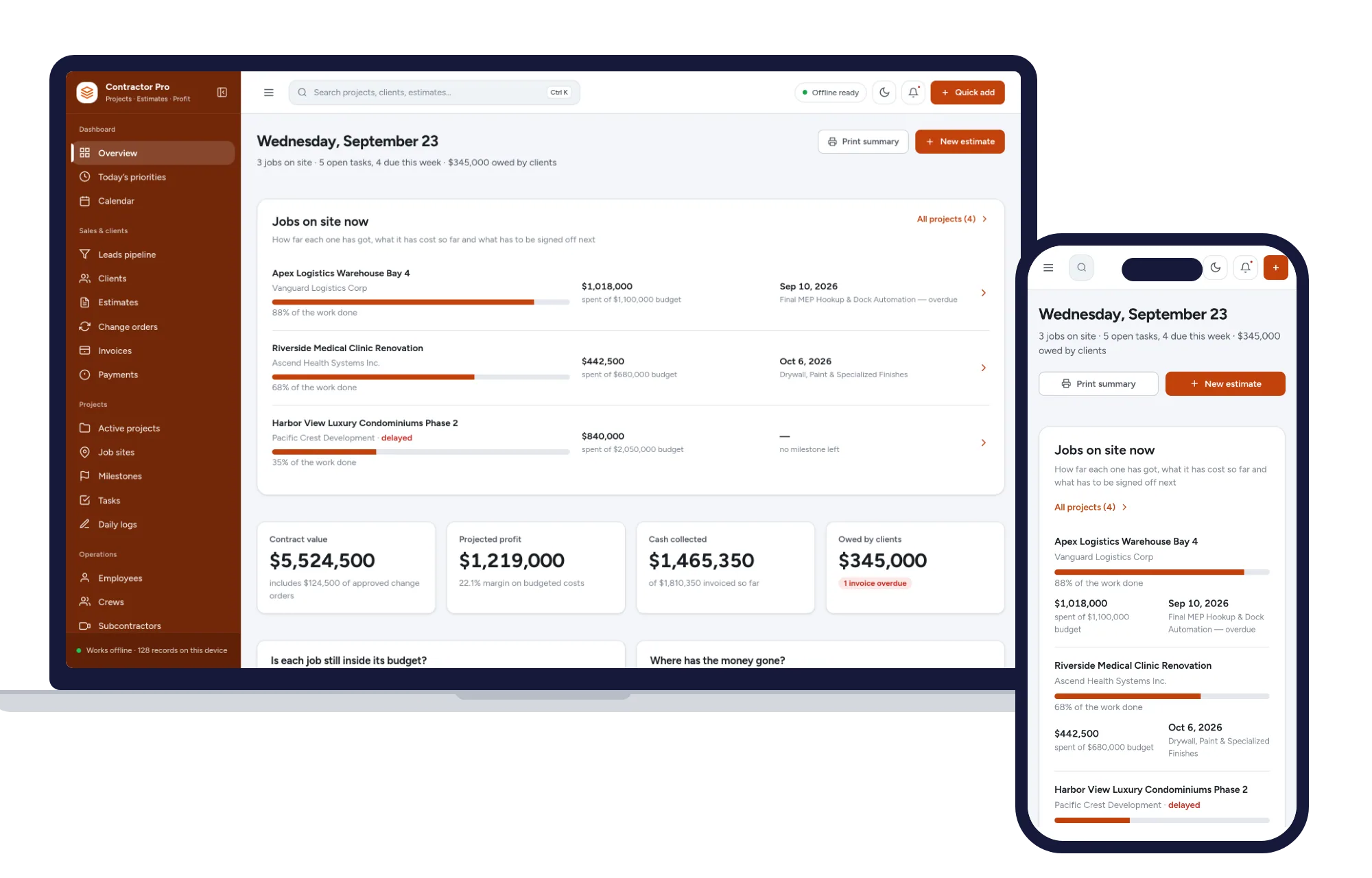
Trades & field service
Leads, estimates, invoices, projects, crews and job costing in one offline app.
$29.99one-time
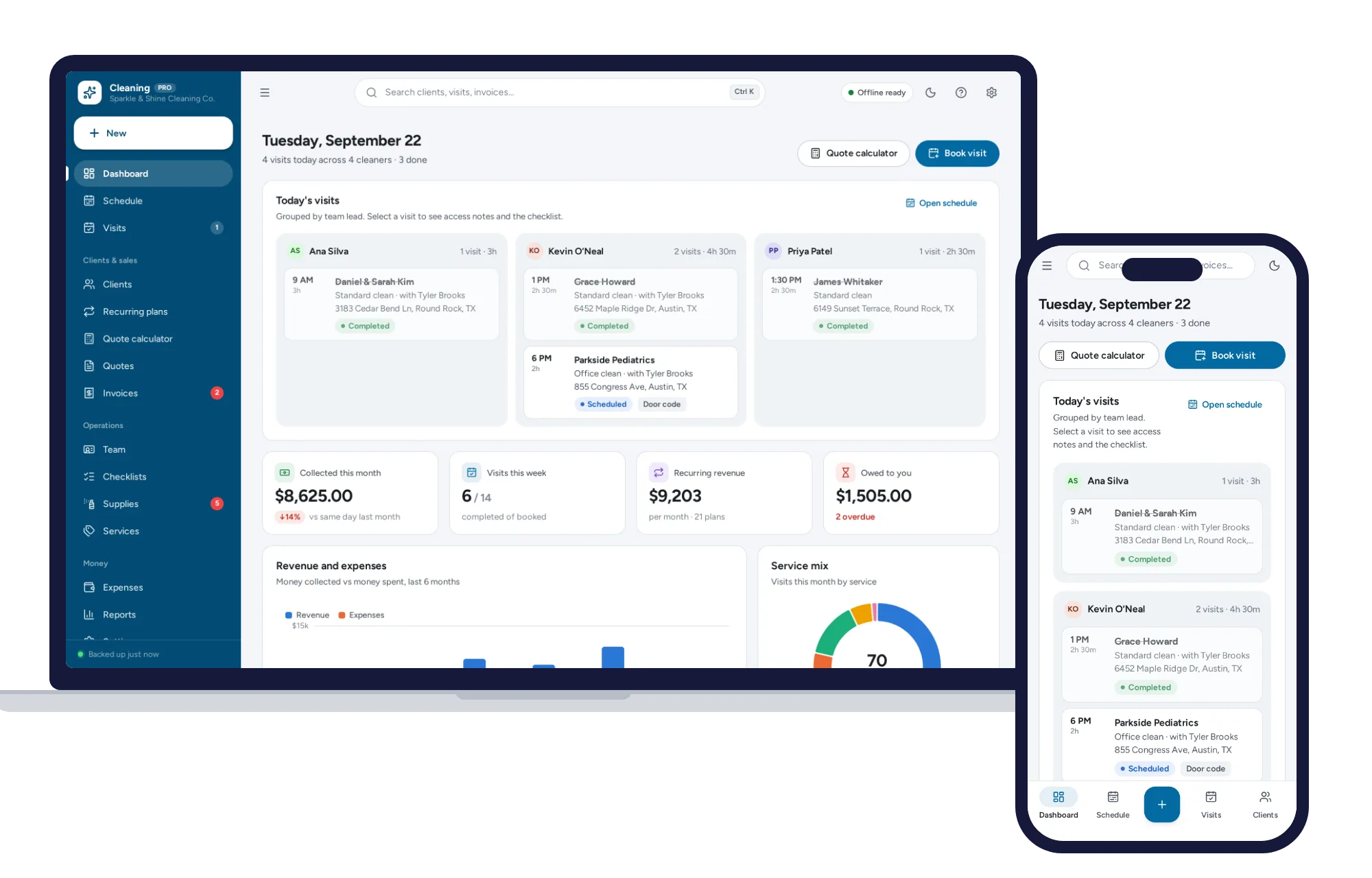
Trades & field service
Schedule crews, price quotes in seconds, run recurring clients and get paid — all in one offline app.
$29.99one-time
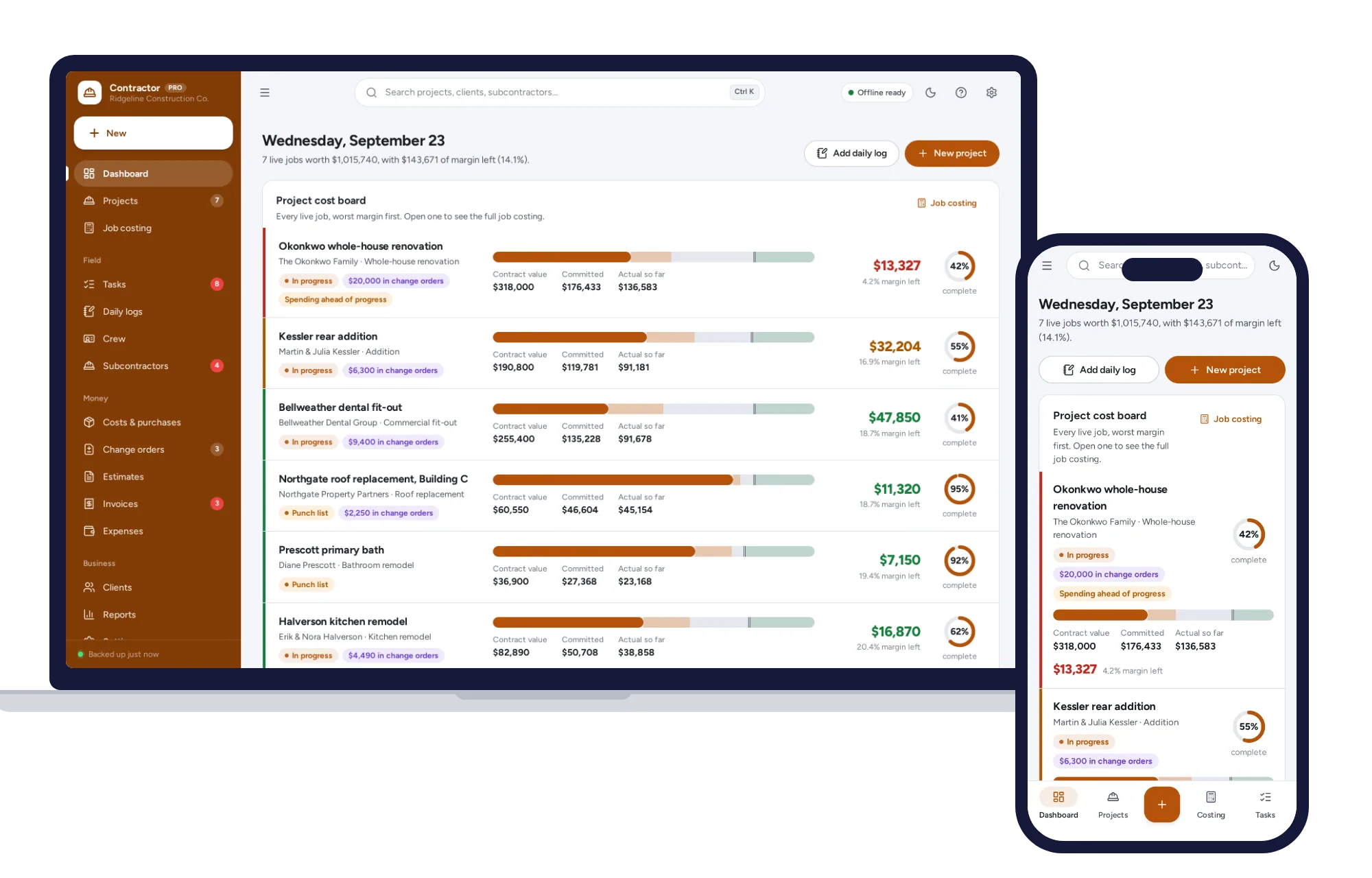
Trades & field service
See what every job is really costing you, with estimates, change orders, daily logs and progress invoices.
$29.99one-time