
Lash map tracker
Draw the lash map once, reuse it every fill
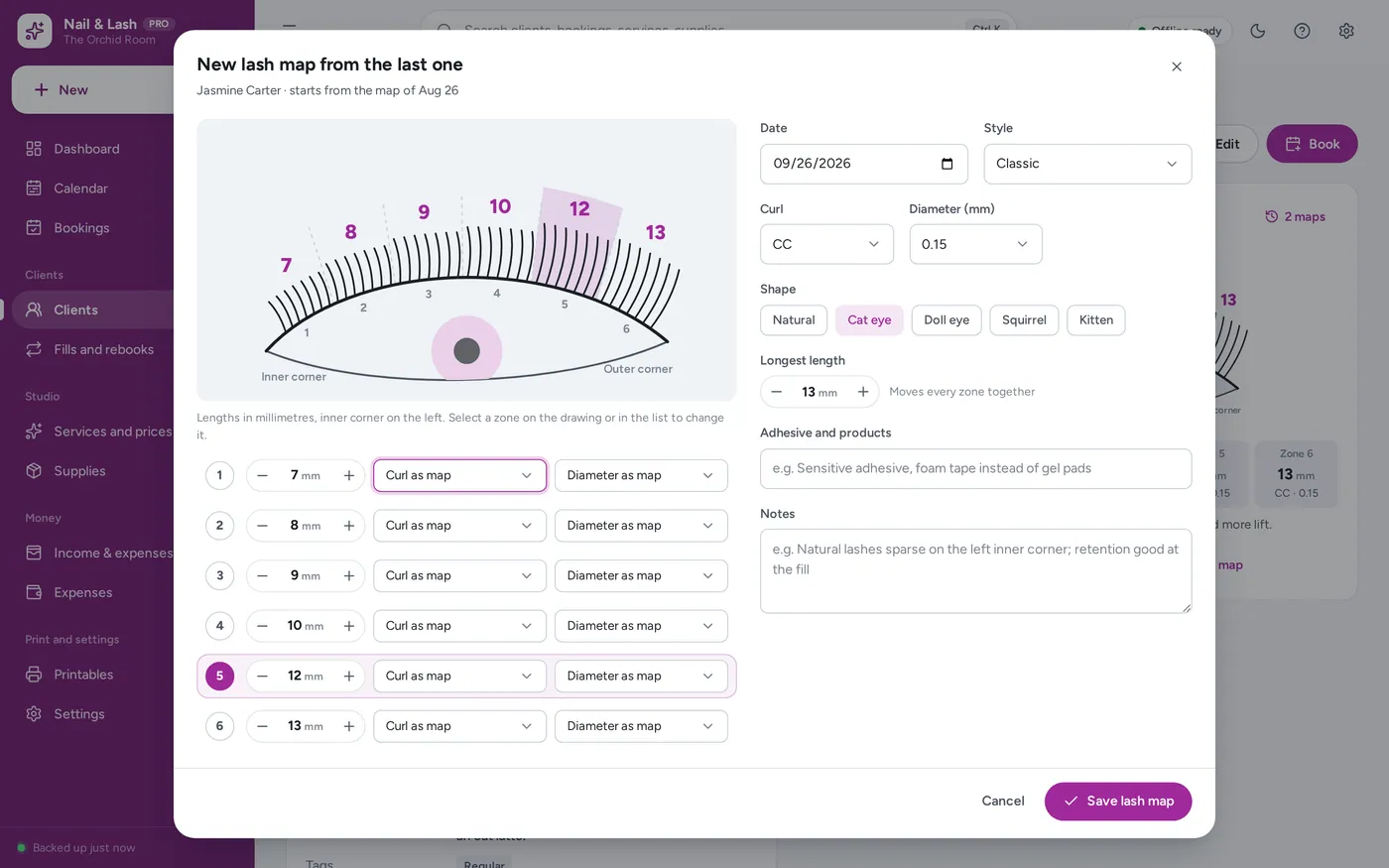
- Six zones, each with its own length, curl and diameter
- Natural, cat eye, doll, squirrel and kitten in one tap
- Her map is carried to the next fill booking
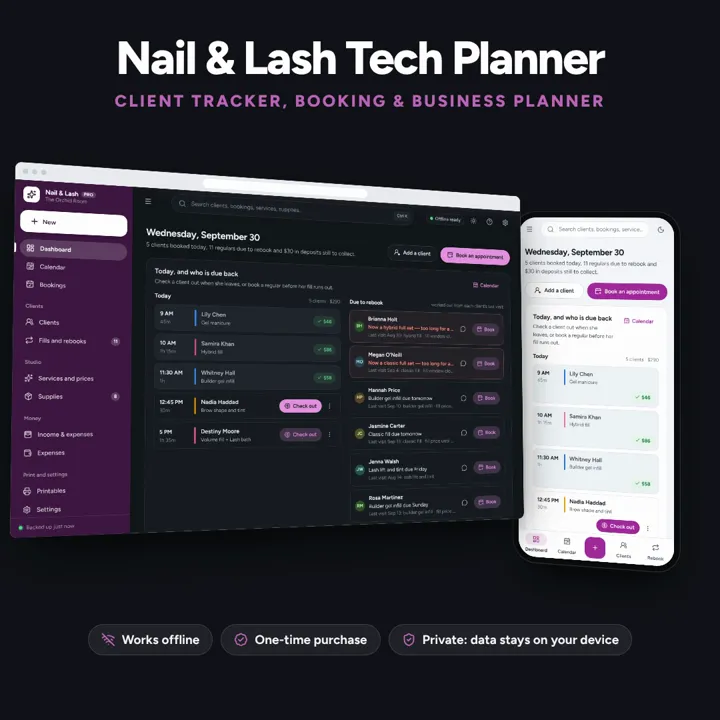
Client tracker with lash maps and nail sets, fill reminders, deposits and no-shows on one dashboard. No formulas to break, no subscription.
No subscription. Pay once and keep it.
Checkout by Paddle. Tax is added where it applies, and you download straight after paying.
Made for Solo nail techs, lash and brow artists and estheticians who want their client records, bookings and books in one place — one professional and her own clients, not a multi-staff salon
A client tracker, booking planner and business planner for nail techs, lash artists and estheticians: lash maps by zone, nail sets, patch tests and allergies, fill and rebook reminders, deposits and no-shows, supplies and income — one offline app, no formulas to break.
Lash map tracker
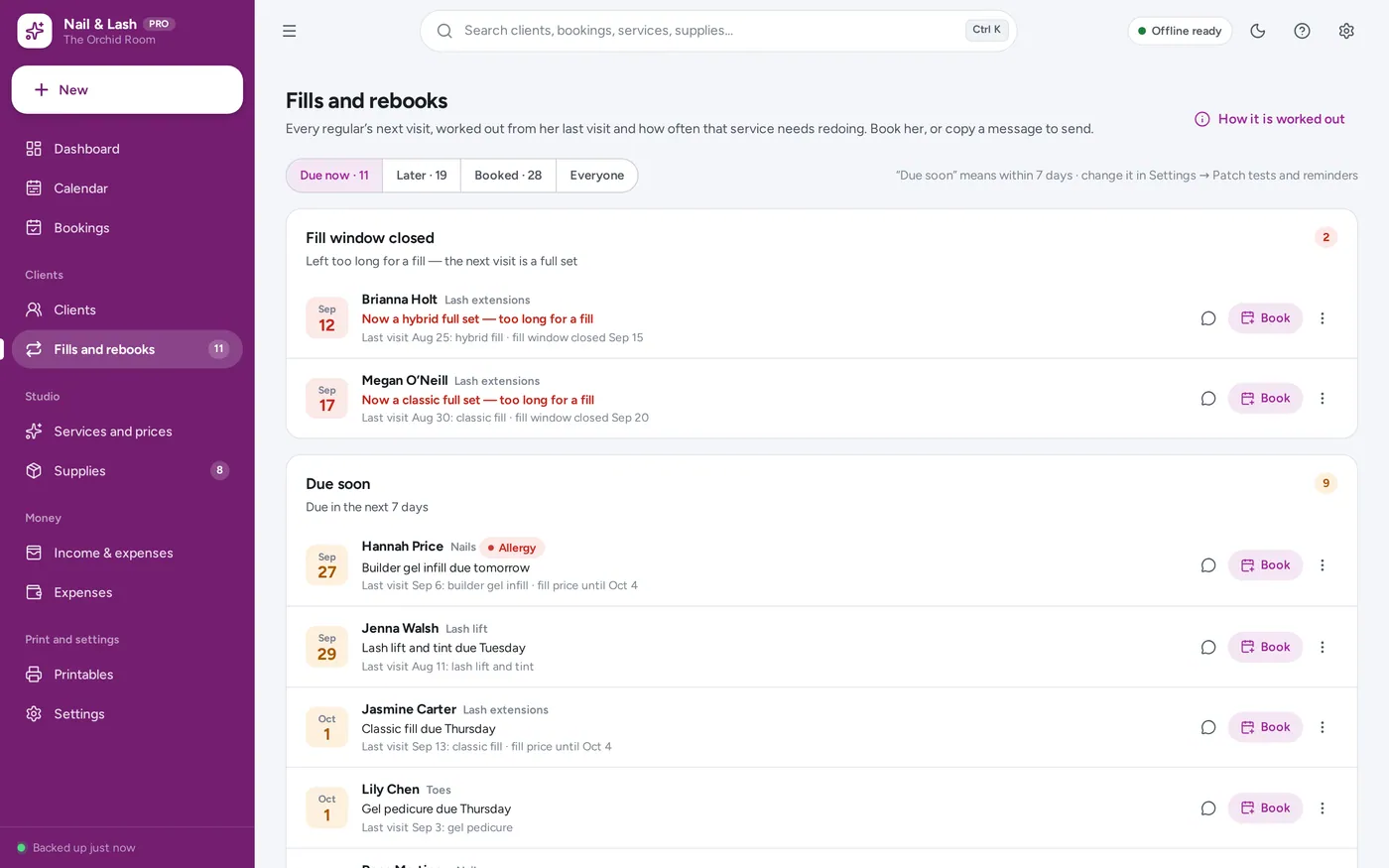
Fill and rebook reminders
Nail tech client tracker
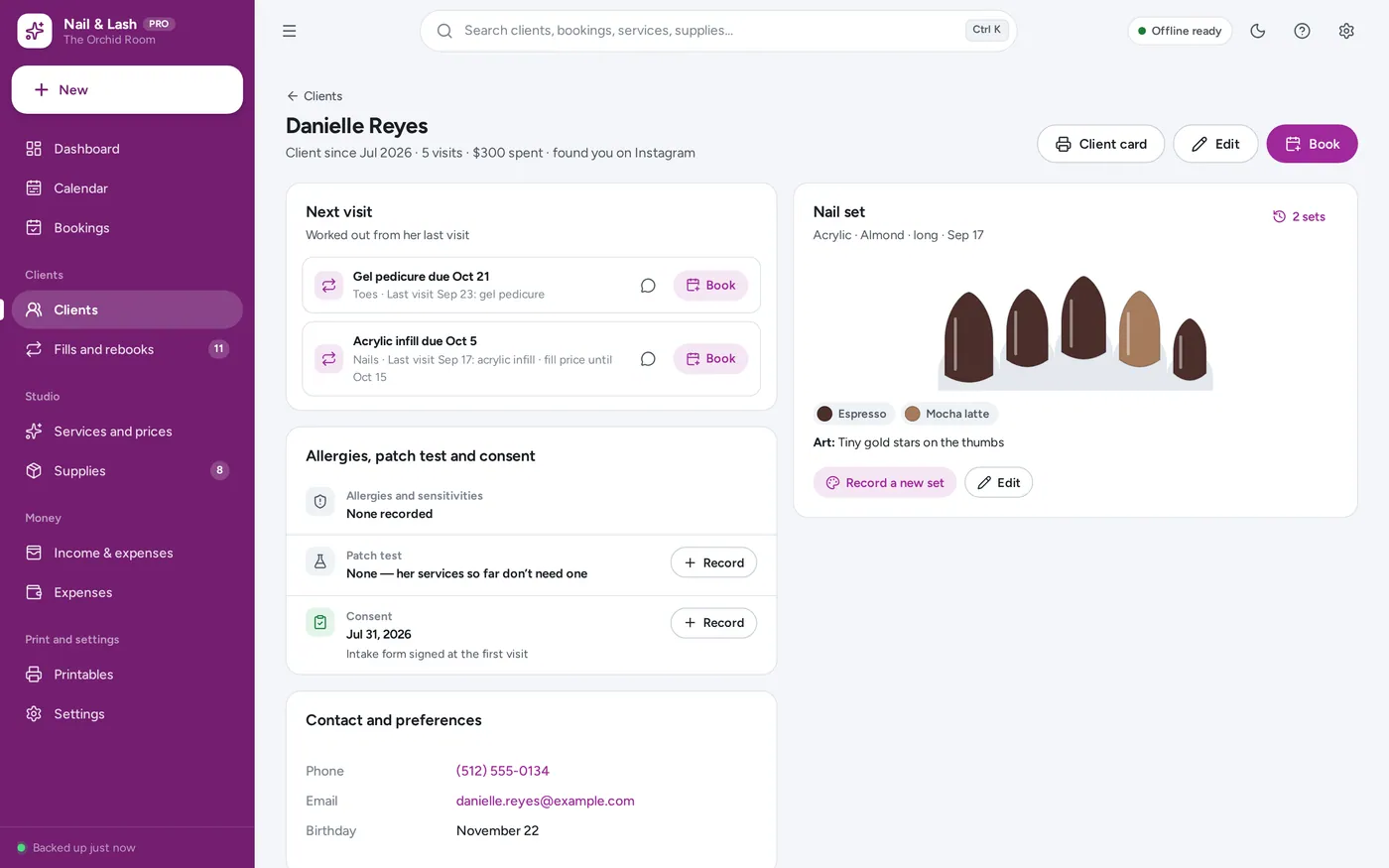
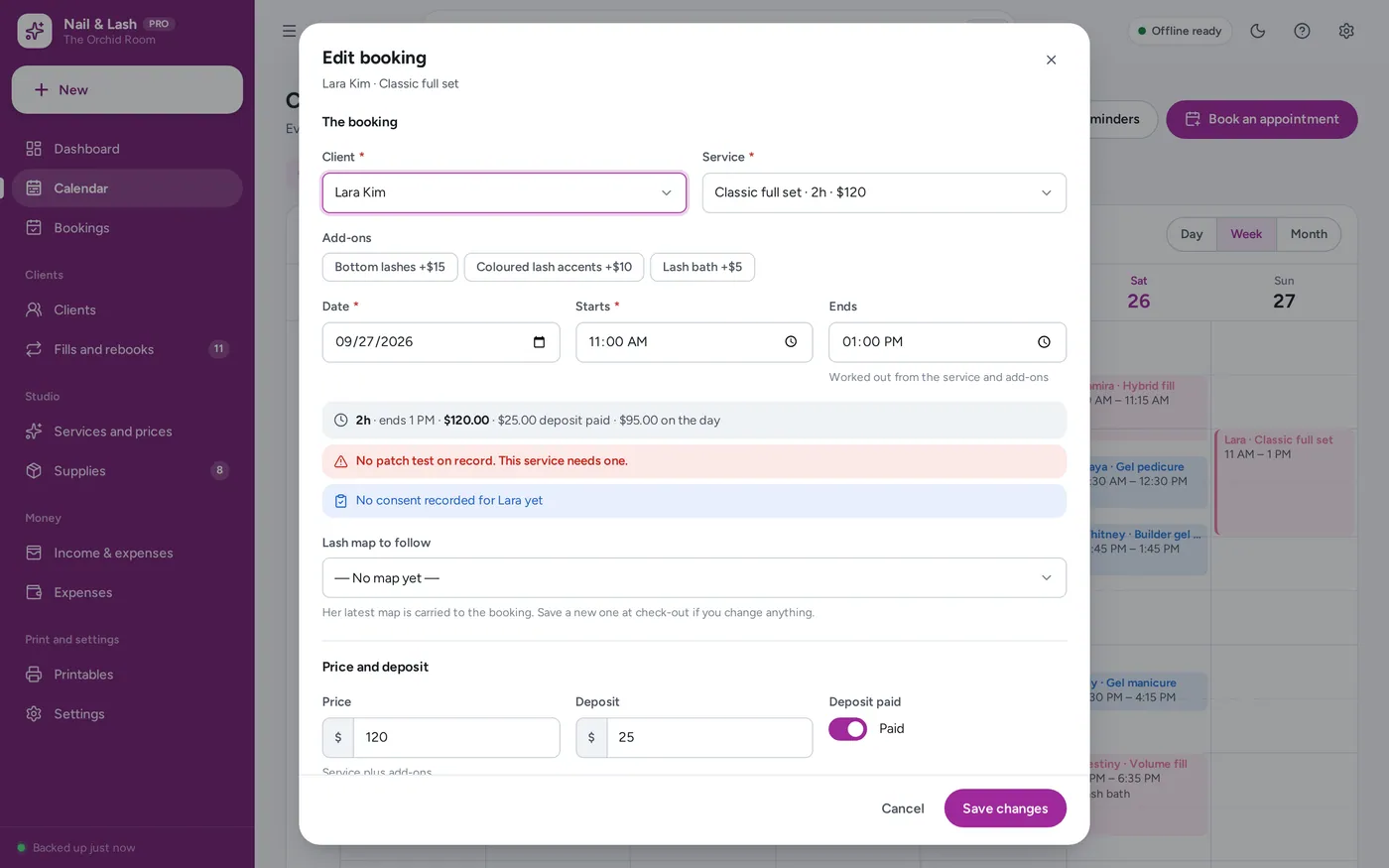
Patch tests and consent
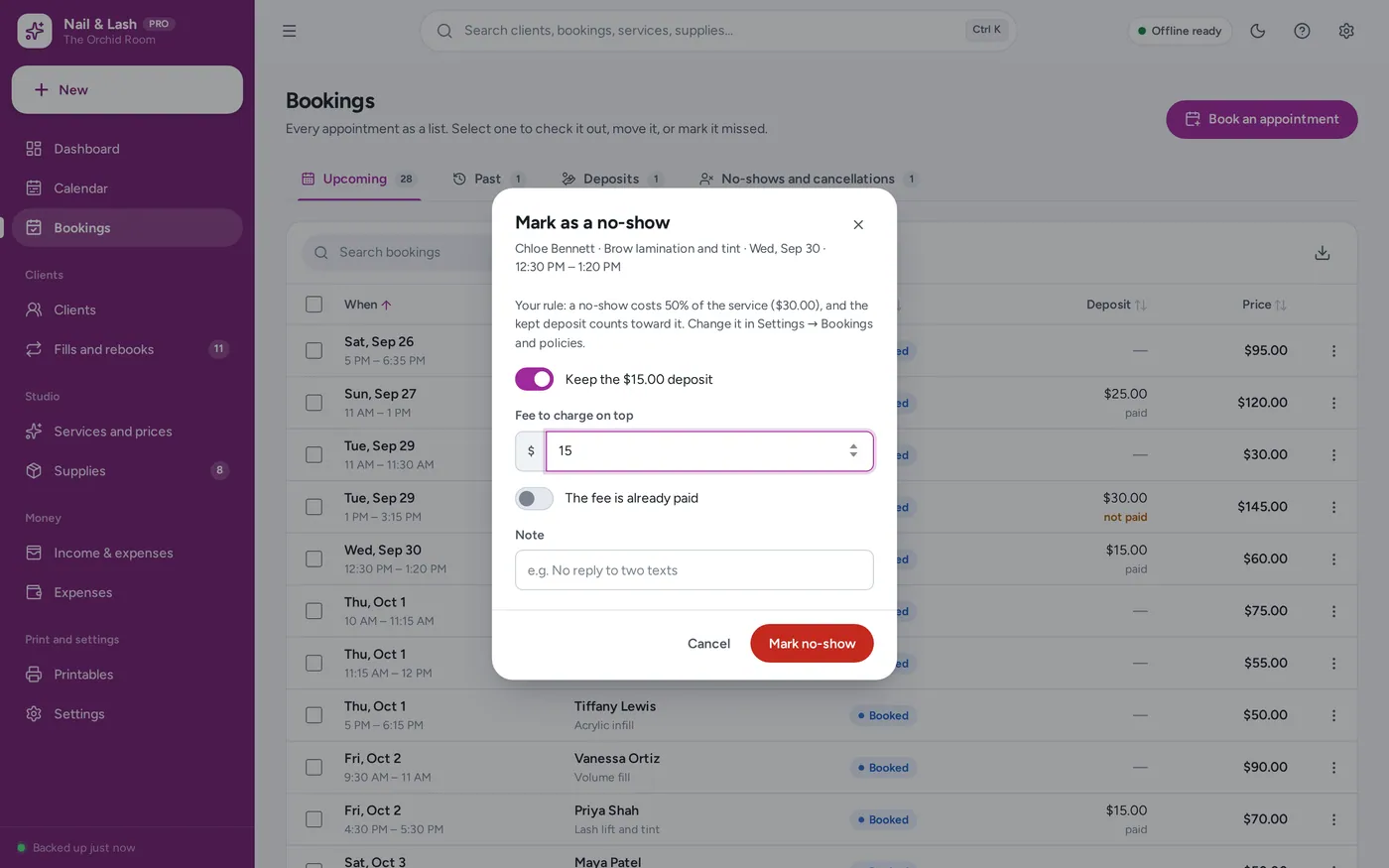
Deposits and no-shows
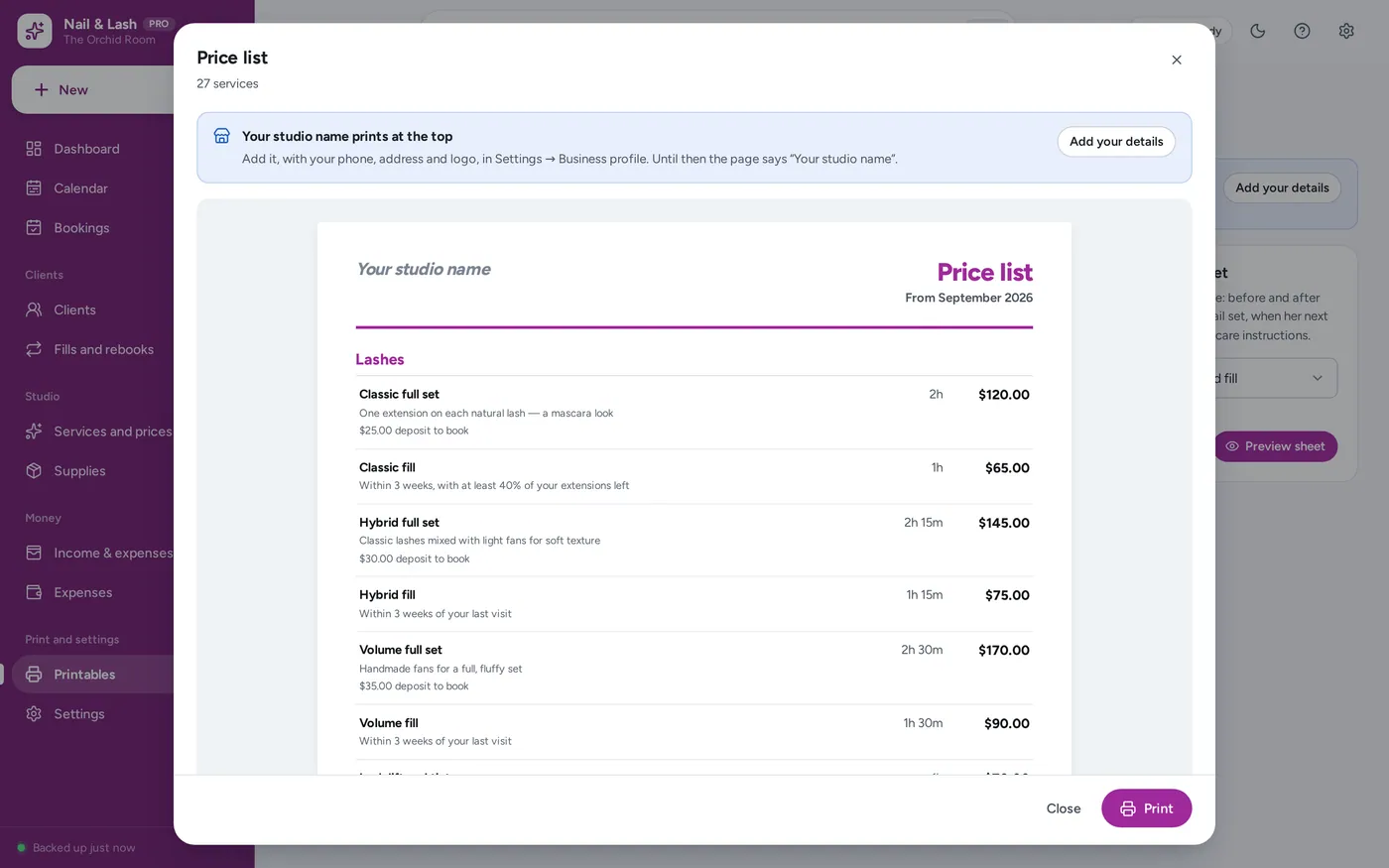
Printable price list and client cards
For one nail tech, lash and brow artist or esthetician: the client tracker, booking planner and business planner a spreadsheet template promises — without the formulas.
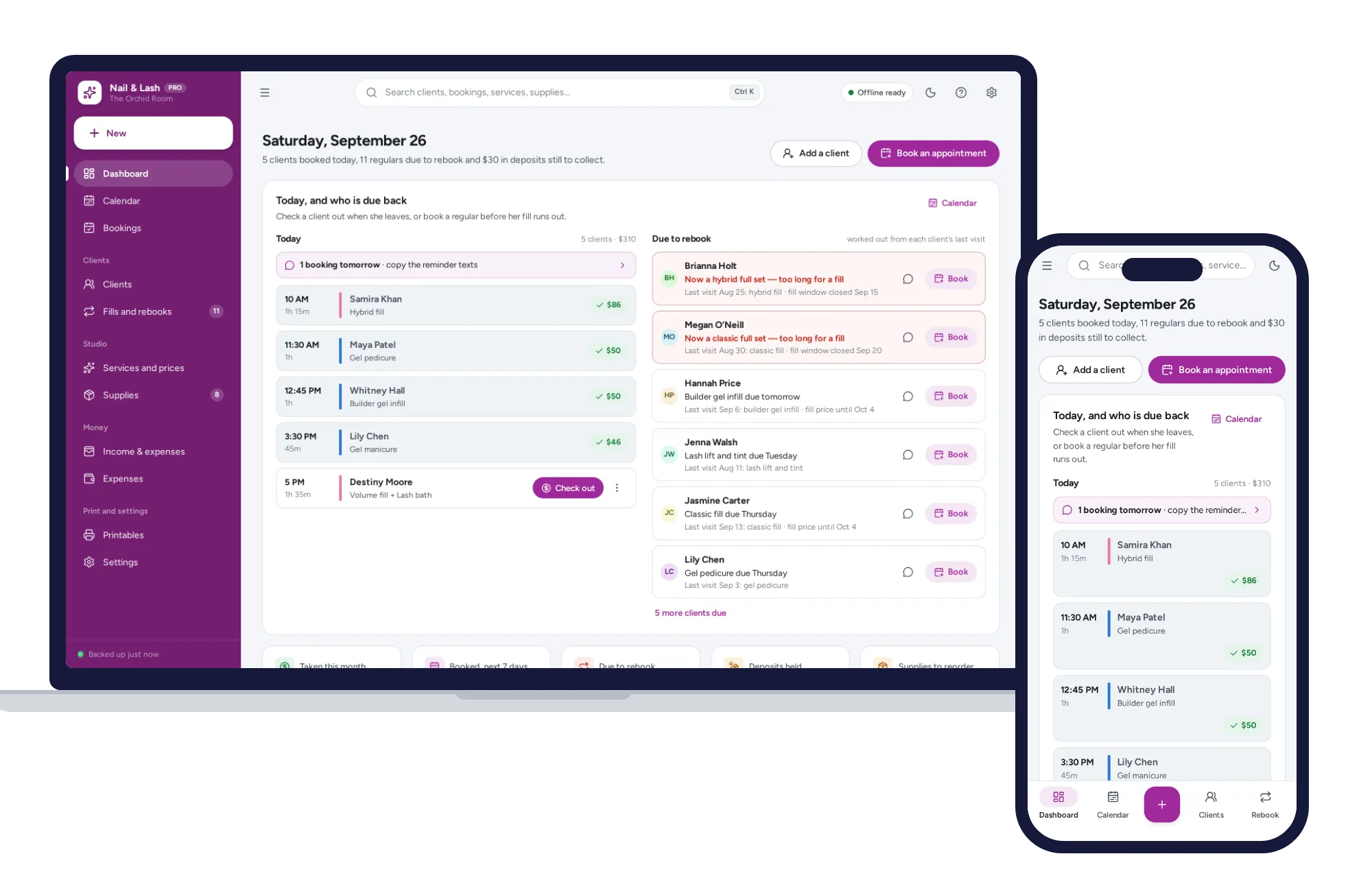
Booking apps charge every month and spreadsheet trackers break the day a formula gets typed over. This opens from a double-click, works offline and keeps your client list on your own device.
What it needs, and what it does not do.
Nail & Lash Tech Planner is an offline app from ColadoSystems that runs in your web browser from a folder on your own device. It costs $29.99 once, with no subscription and no account, and includes 12 tools, sample data to explore and a PDF guide. Your records stay on your device and are never uploaded.
Something else? Email us and we'll answer before you buy.
Everything is saved inside your browser on this device. Nothing is uploaded and there is no account, so no company holds a copy of your client records. They are not encrypted, though: anyone who can use this device and browser can open them, so keep the device locked. Download a backup regularly (Settings → Data & backup → Back up now) and keep it somewhere as safe as the records themselves.
Yes. Open index.html and it runs fully offline. You can also host the folder on any website and choose “Install app” in Chrome or Edge to get a desktop or phone icon that works offline.
Yes. The layout adapts to phones and tablets with a bottom navigation bar. Each device keeps its own data, so use Back up / Restore to move records between devices.
Go to Settings → Data & backup → Erase records. Every sample client, booking, service and supply is removed, and so is the sample studio’s name, so nothing of theirs reaches your printouts. Your other settings are kept. If you want a head start on services, “Add a starter menu” on the empty Services and prices page adds typical services with their times and rebook rules, ready for your prices.
No. It is for one professional — a nail tech, a lash and brow artist or an esthetician — with her own clients, bookings and books. There are no staff rotas, stations, commissions or a till. If you run a salon with a team, our salon management system is built for that.
Each service has a “rebook after” number of days, and a full set says which fill comes next. The app takes the client’s last visit marked done and adds those days. A fill can also have a fill window — say 21 days — and once that has passed the reminder changes to a full set. A booking in the same routine clears the reminder; a no-show does not count as a visit.
No. It works offline and connects to nothing, so it cannot send messages or take bookings or payments online. It writes the rebook and reminder messages for you to copy and paste into your own messages, and you keep using whatever booking link you already have.
No. It is your own note of the date and how consent was given. Keep the signed form itself the way your insurer and the rules where you work ask. The same goes for patch tests: the app checks the date against your own rule and reminds you, and gives no medical advice.
In this browser on this device, with the client’s record, resized so they do not fill your storage. They are included in your backup file, so a backup holds your clients’ photos too — keep it somewhere safe.
Every map has six zones from the inner to the outer corner. Each zone has its own length, and can have its own curl and diameter; the shape buttons (natural, cat eye, doll eye, squirrel, kitten) fill in the lengths from your longest length, and you can adjust any zone after that.
The salons, studios & events bundle has every system in this category for one price.
Bookings, client records and payments for appointment-based businesses.
$99.99for 6 systems, $179.94 if bought one by one
You save $79
Salons, studios & events
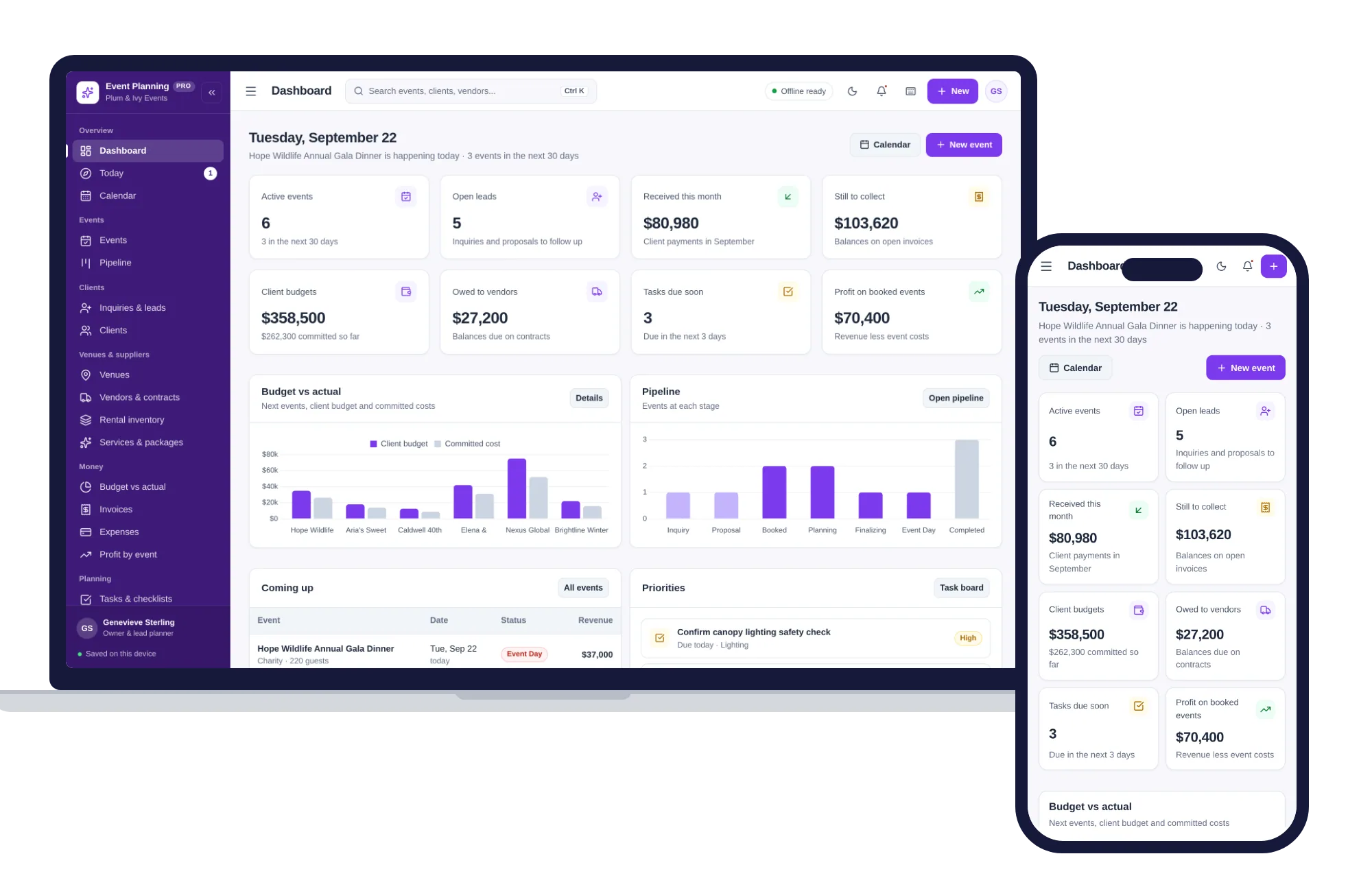
Events, pipeline, clients, venues, vendors, budgets and run-of-show timelines — one offline app.
$29.99one-time
Salons, studios & events
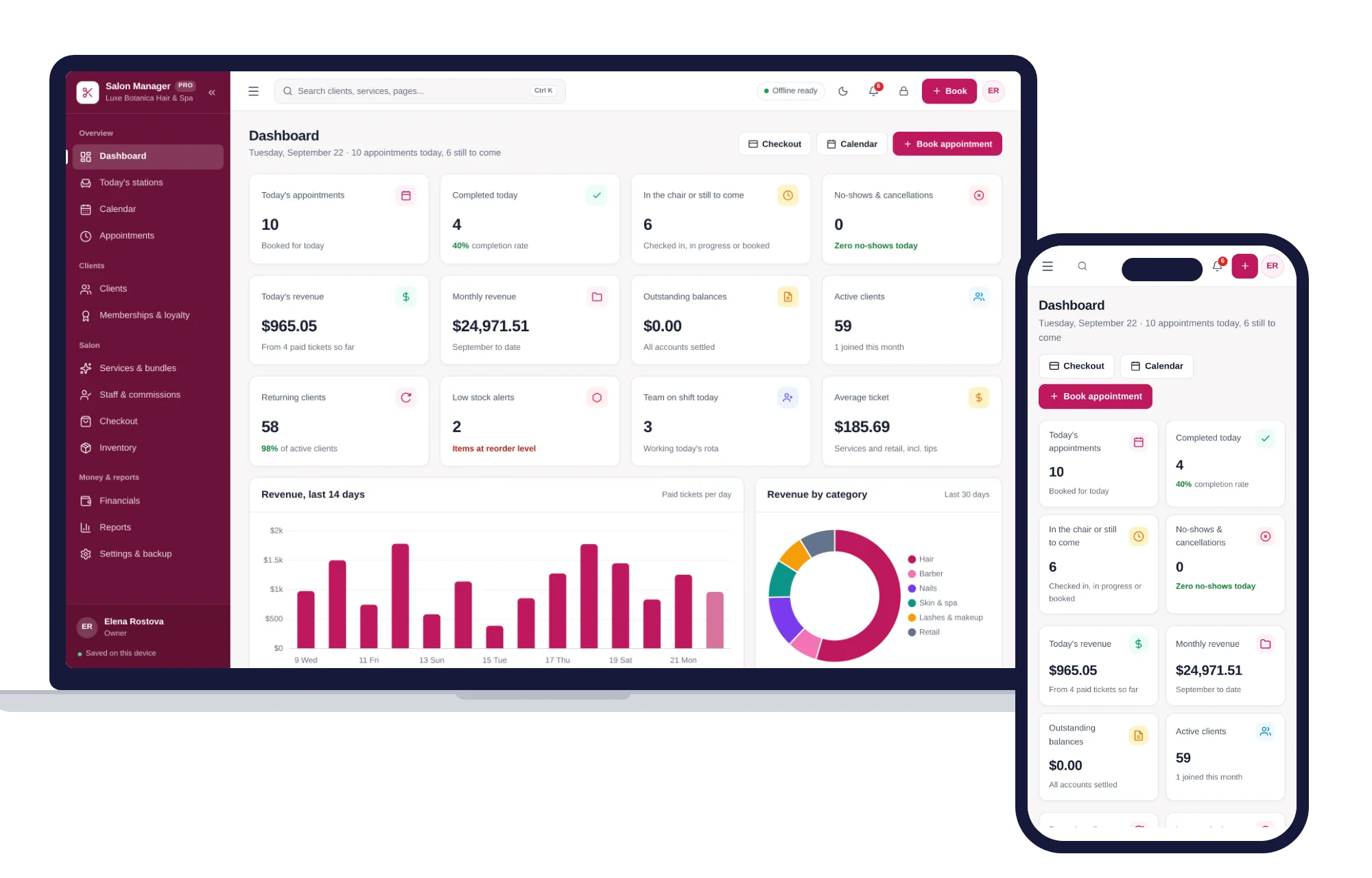
Appointments, stations, clients, memberships, staff commissions and checkout — one offline app.
$29.99one-time
Salons, studios & events
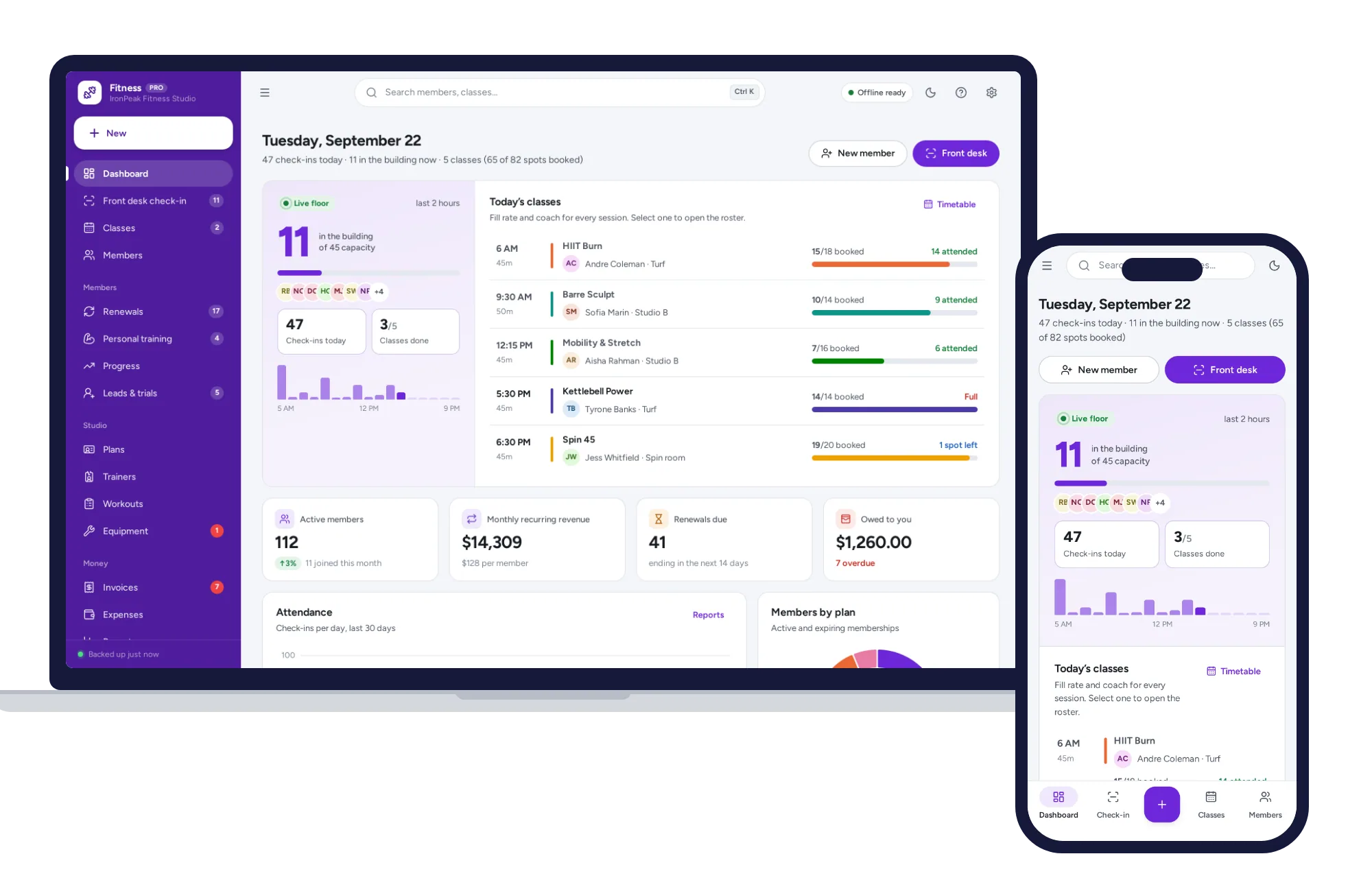
Front-desk check-in, memberships and renewals, classes, personal training and progress — one offline app.
$29.99one-time
Salons, studios & events
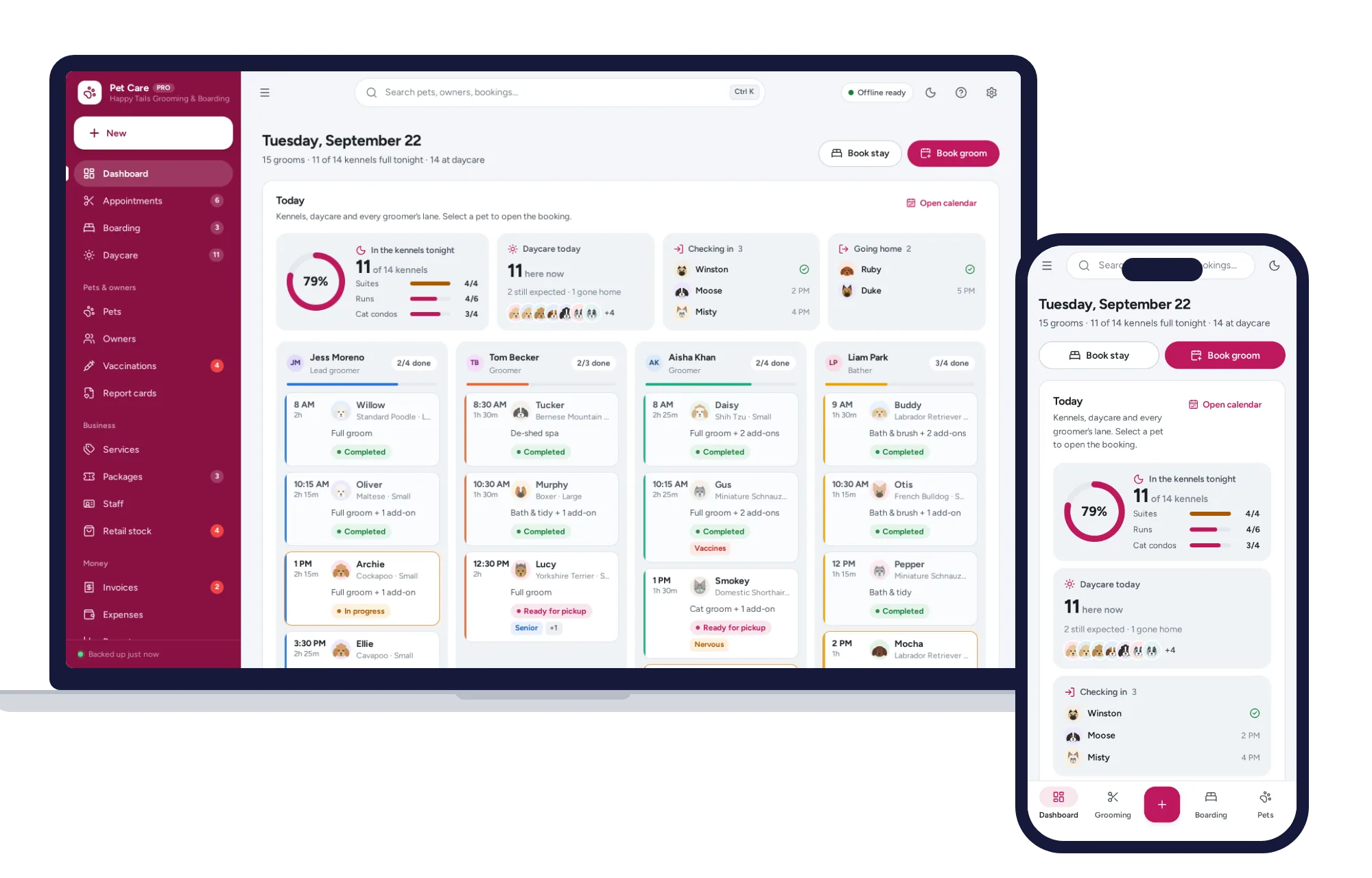
Grooming calendar, boarding board, daycare check-in, vaccines and report cards — one offline app.
$29.99one-time