The one-time purchase vs subscription question has a simpler answer than most software pricing pages suggest. Buy once when one person, or one front desk, uses the software on one computer for a steady job, and you plan to keep those records for years. Pay monthly when several people need to work in the same records at the same time from different places, or when you need the software to connect to your bank on its own.
Most small businesses and households land in the first group more often than they think. Pull up last month’s bank statement and circle every software charge: an invoicing tool, a budgeting app, cloud storage you set up once and forgot. None of them felt expensive the day you signed up. That is how they work.
Here is how to tell which group each tool belongs in.
Do the five-year math, not the monthly math
Monthly prices are designed to look small. So stretch them out.
Say your shop pays $25 a month for an invoicing tool. That is $300 a year and $1,500 over five years, and that assumes the price never goes up. Now say a buy-once program that does the same job costs $50. Even if you replace it twice in those five years, you have spent $150.
The household version looks similar. Three small apps at $6, $9 and $12 a month come to $27 a month, or $324 a year. Over five years that is $1,620 for a budget, a recipe box and a habit tracker.
When you compare, be fair to the subscription:
- Count your setup time. Moving years of records into a new tool takes an afternoon or two, whichever way you go.
- Count backup costs. A USB drive or a second storage spot is a real, if small, expense.
- Count what you would actually use. A subscription with features you need every week may be worth more than a cheaper tool you work around.
If the five-year number for the subscription is ten times the buy-once price and you use only the basics, that is your answer.
Who owns your data with a software subscription?
This is the question people skip, and it matters more than price.
With most subscription software, your customer list, invoices or budget history live on the company’s servers. Stop paying and you may lose access, get a read-only view, or have a short window to download what you can. If the company is bought or shuts down, the decision is not yours.
Before you sign up for anything, check three things:
- Can you export everything, not just a summary?
- Is the export in a format other programs can open, such as CSV or Excel?
- What happens to your data the day you cancel?
With software that runs on your own device, the records sit on your computer. Nothing is uploaded, there is no account to close, and nobody can switch it off. An offline small business management system, for example, keeps customers, invoices and stock in the browser on your own machine. You still want an export option, because one day you may move to something else, and a CSV file makes that easy.
Working offline is a feature, not a fallback
Think about where you actually work. A garage with one weak router behind the parts shelf. A market stall. A basement office. A kitchen table during a storm.
Cloud tools stall when the connection does. An app that runs in the browser on your own machine opens whether the Wi-Fi is up or not, and it does not slow down because a server somewhere is busy. If you have ever stood at a counter waiting for a page to load while a customer waited too, you know what this is worth.
In a garage, it means an auto repair shop system that works with the Wi-Fi off keeps check-in, estimates and invoices moving whatever the router is doing.
The honest trade-offs
Buy-once offline software is not the right fit for everyone. Here is what you give up.
No shared cloud sync
Each device keeps its own copy of the records. If you and a partner both need to enter data at the same time from different places, a cloud tool handles that and an offline app does not. Most owners and families work around it by keeping one main computer for the records and moving a backup file to another device when needed. If live sharing between several people is central to how you work, pay for the subscription.
You are in charge of backups
Nobody else is keeping a copy. If the laptop dies and you never made a backup, the records go with it. A simple routine covers it:
- Download a backup file every Friday, or after any big day of entries.
- Keep one copy on a USB drive and one somewhere else, such as a second computer or a drive you keep at home.
- Once, restore that backup on another device so you know it works before you need it.
That is ten minutes a week. If you know you will not do it, a cloud tool that backs up for you may be the safer choice.
No automatic bank feeds or connections
Many subscription tools pull in bank transactions or link to other services. An offline app that never goes online cannot. With an offline personal finance manager, for example, there is no bank connection at all, so you type in what you spend. Some people find this a chore. Others find it is the first time they have really looked at every number.
You buy what exists today
A subscription often pays for ongoing development. With a one-time purchase, judge the tool on what it does the day you buy it, not on a promise of what it might do later.
One-time purchase vs subscription: a quick way to decide
Run any tool through these questions:
- Does more than one person need to edit records at the same time, from different places?
- Do you need it to connect to your bank or other services automatically?
- Will you keep these records for years?
- Is your internet reliable where you actually work?
- Will you make a backup every week?
If you answered no to the first two and yes to the last three, buy once. If the first two are yes, the subscription is probably earning its price.
Keeping it all in one place
If you land on the buy-once side, the systems in this store are built for that. Each one is an HTML app that runs in the browser on your own device, is paid for once, and comes with sample data and a PDF guide. You can browse other offline systems for work and side businesses, or start with one of these.
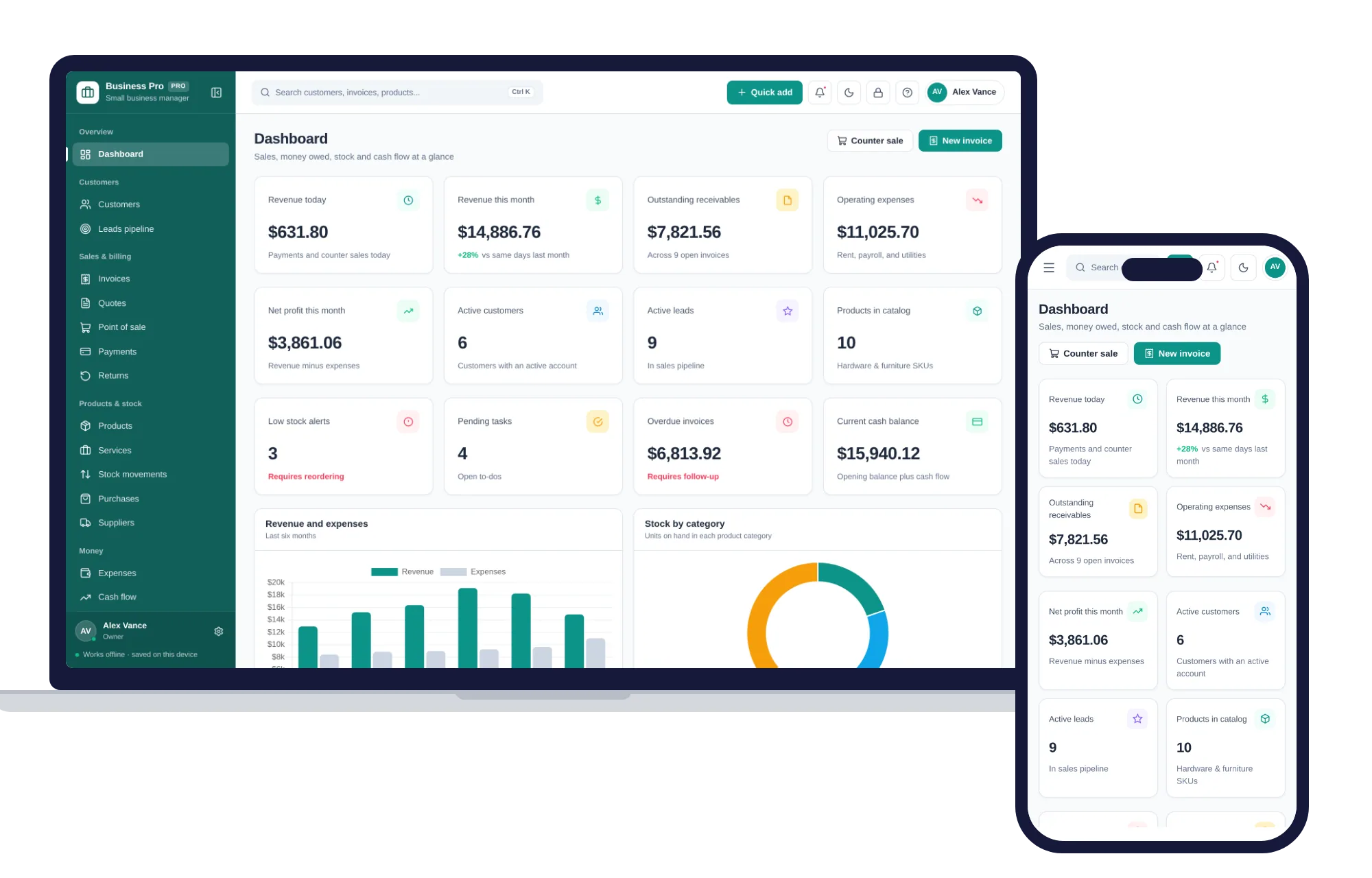
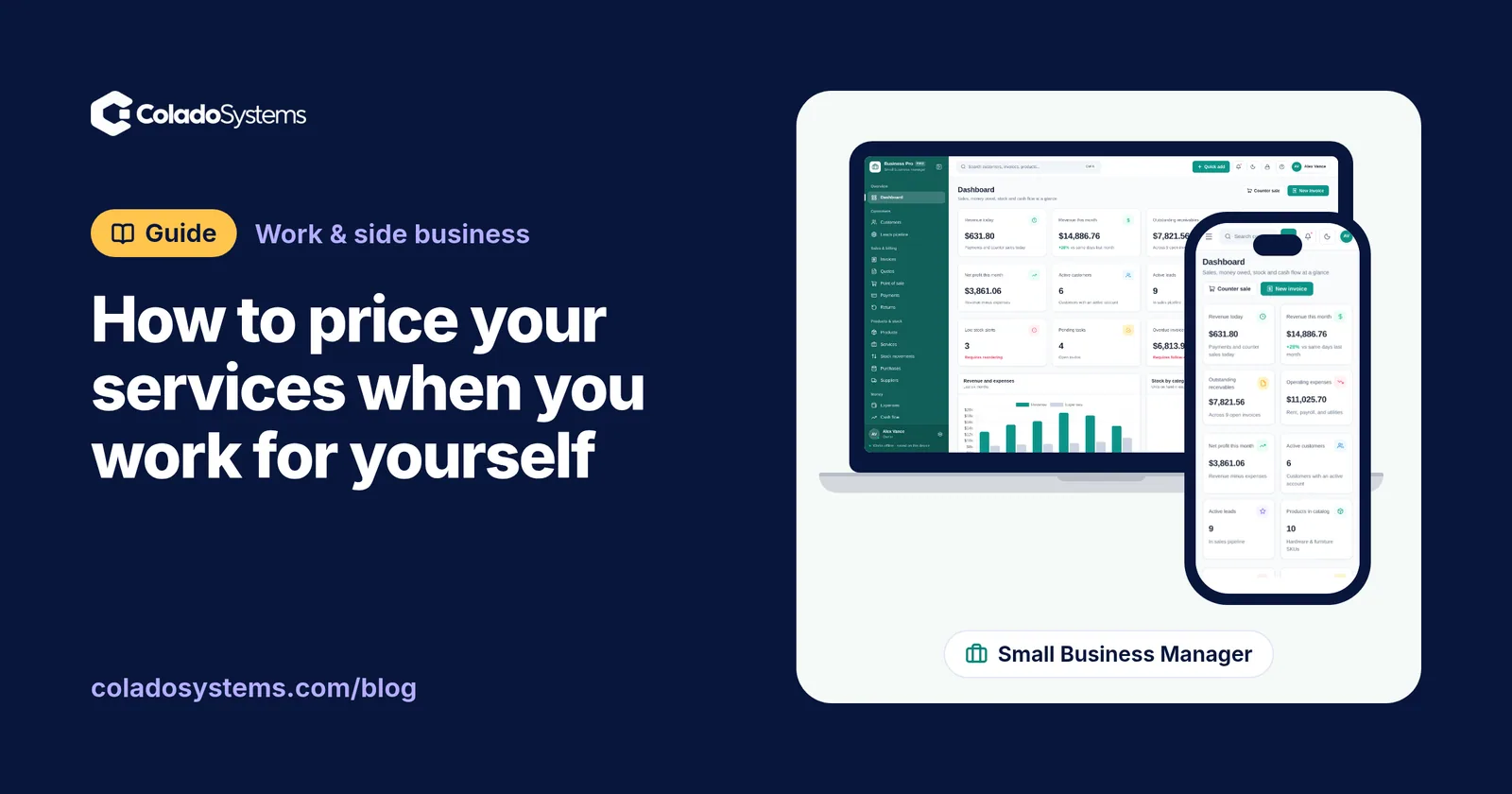
For a shop or service business, the Small Business Management System puts customers, leads, quotes, invoices, point of sale, stock, expenses and profit and loss in one offline app. You can raise an invoice with the Wi-Fi down, and its reports export to CSV or Excel to hand your accountant.
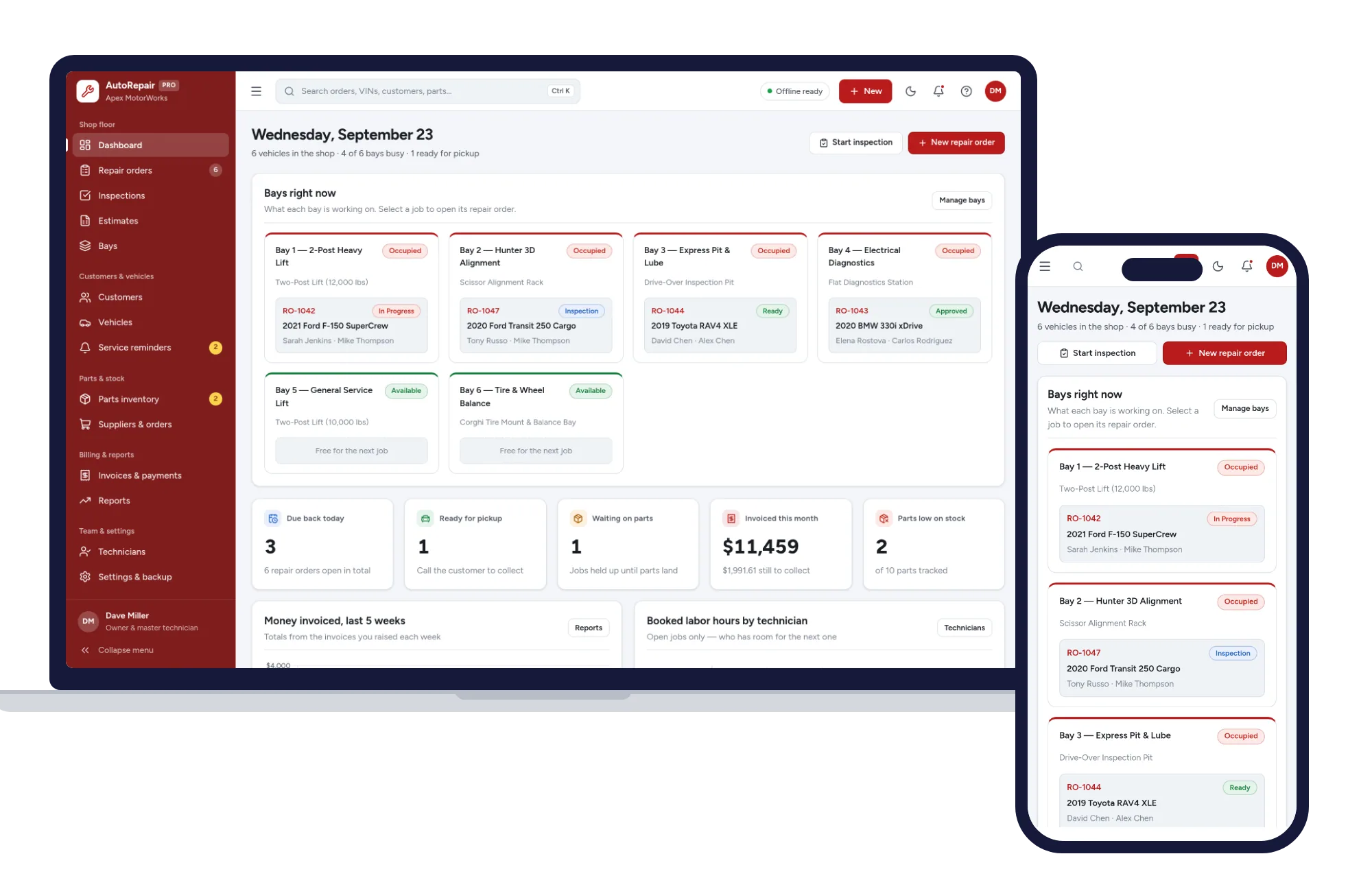
For a garage, the Auto Repair & Workshop Management System follows each repair order from check-in to pickup, with inspections, estimates, bays, parts inventory and invoices. A technician can open it on a tablet in the bay. Each device keeps its own records, so you use a backup file to bring the tablet and the front desk into line, which is the sync trade-off in practice. For the shop habits that go with it, read how to run a small auto repair shop without monthly software.
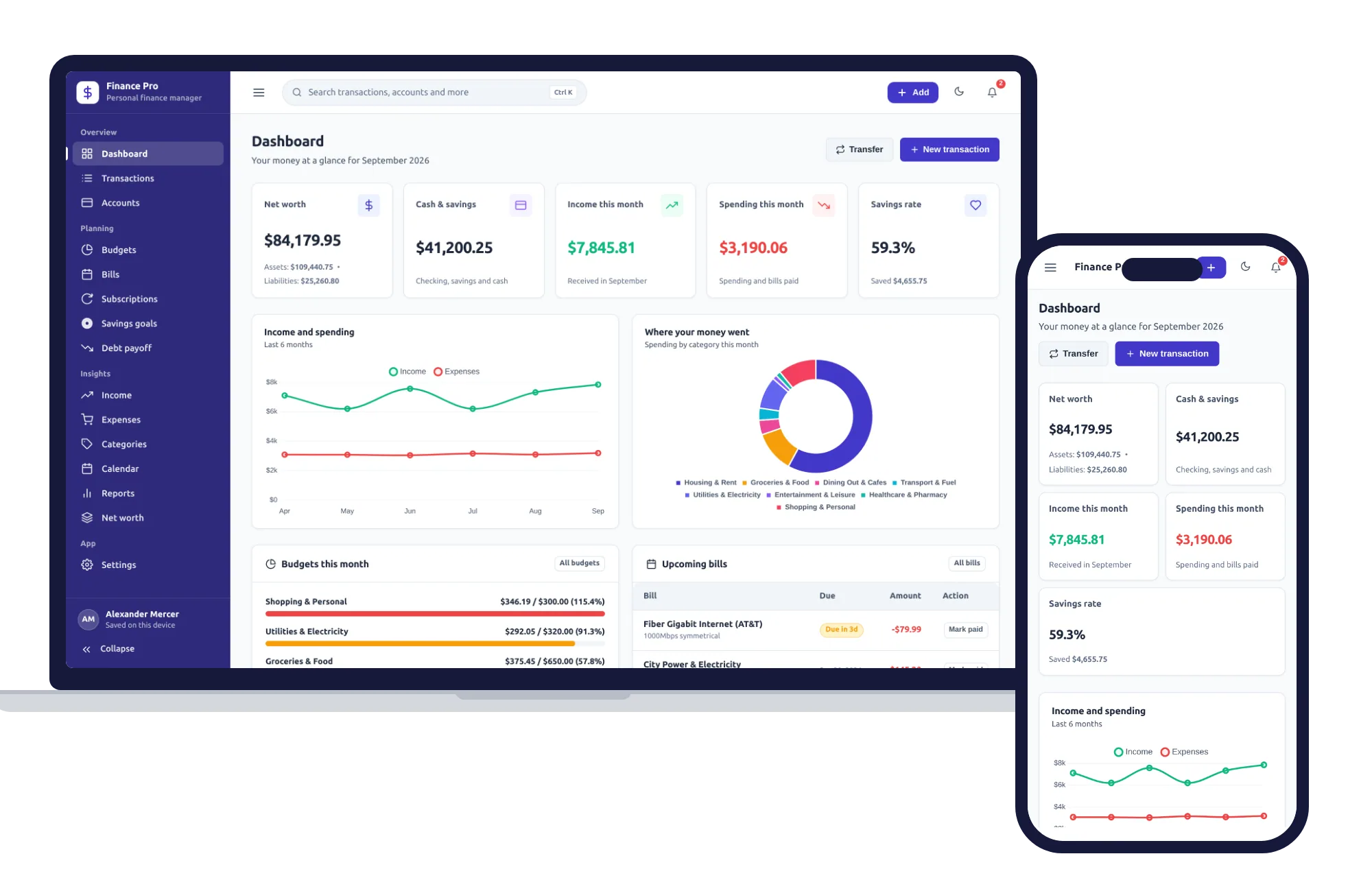
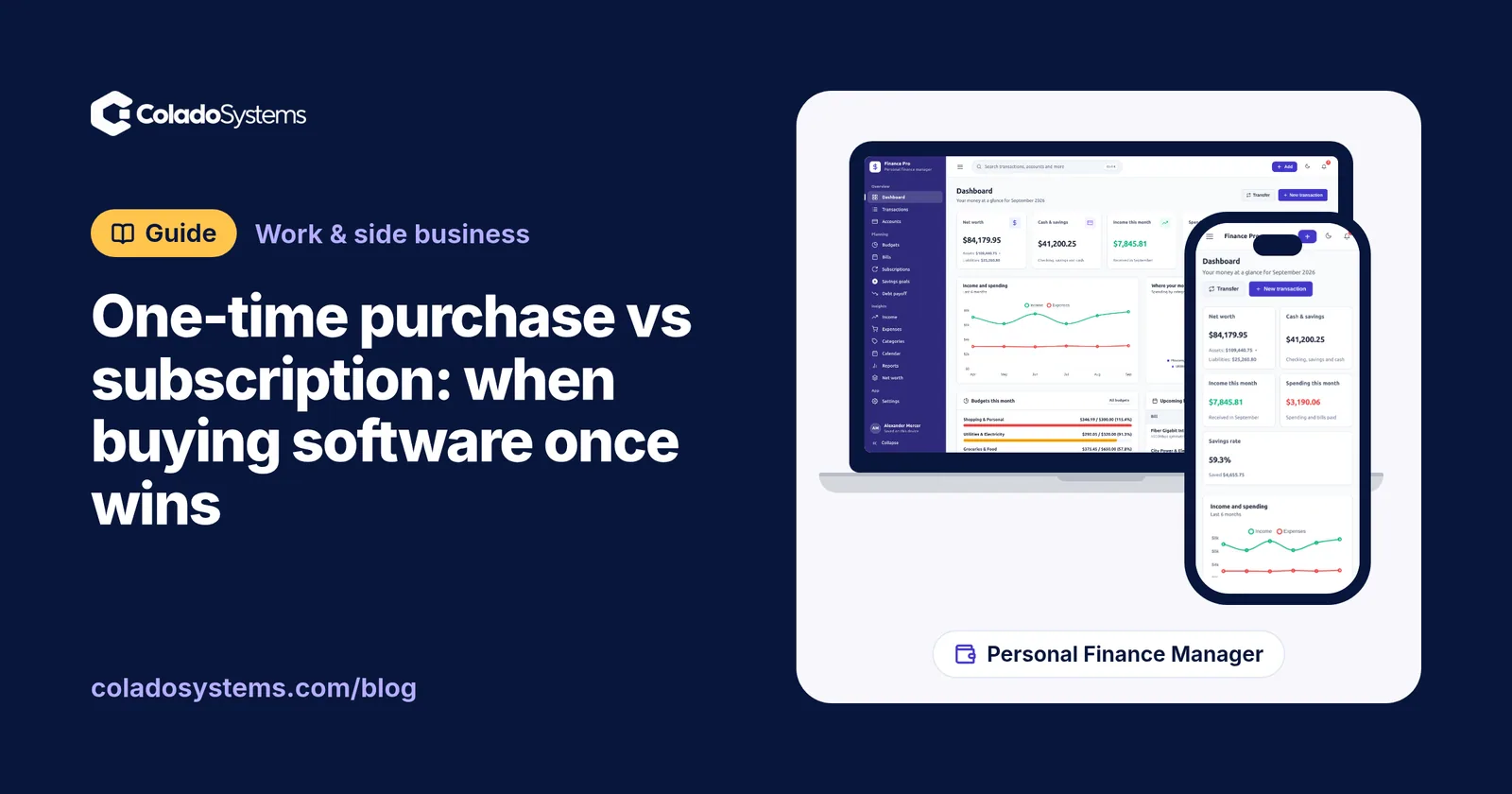
At home, the Personal Finance Manager covers budgets, bills, savings goals, debt payoff and net worth. It has a Subscriptions page that shows each one’s monthly and yearly cost, which is a good place to start that statement exercise. Nothing you enter is sent anywhere, and moving to a new computer is a matter of downloading a backup in Settings and restoring it on the other machine.
One last note. How a software purchase is treated for your business taxes depends on where you are and how your business is set up, so ask your accountant before you count it as an expense. If you work for yourself, a simple monthly habit for setting aside tax and keeping clean records makes that conversation easier.
Skip the setup
The Personal Finance Manager has the records this guide describes already set up. Budgets, bills, savings goals and net worth — one private app that works offline.
$24.99 one-time
- Sample data to try it the same day
- Works offline, records stay on your device
- A PDF guide in the download
See everything inside the Personal Finance Manager. Or take the whole Home & money shelf: 7 systems for $89.99, $84 less than one by one.
Common questions
Is it cheaper to buy software outright or pay for a subscription?
Over several years, buying outright is usually cheaper for simple jobs done by one person on one computer. Multiply the monthly fee by 60 to see five years of cost, then compare it with the one-time price plus your setup time and backup costs. A subscription can still be worth it if you use its sharing or connected features every week.
What happens to my data if I cancel a software subscription?
It depends on the company. Some keep your account readable for a while, some lock it, and some delete it after a set period. Read the cancellation and data export terms before you sign up, and download a full export in CSV or Excel format regularly so your records never depend on a payment going through.
Can I use offline software without an internet connection?
Yes, that is the point of it. Software that runs in the browser on your own computer or tablet keeps working with the Wi-Fi off, because nothing has to load from a server. The catch is that each device holds its own copy of the records, so you move a backup file between devices when you need them to match.
How should I back up software that runs on my own computer?
Make a backup file once a week, or after any busy day of entries. Keep one copy on a USB drive and another somewhere separate, such as a second computer. Every few months, restore a backup on a different device to confirm it works, so you are not finding out for the first time after a laptop fails.